Create and Verify a JWT in Code
In What Is a JWT? you built a token by hand: a header, a payload, base64url, an HMAC signature, and eight terminal steps to check it. Real programs hand all of that to a JWT library, where one call creates a signed token and one call verifies it. This tutorial writes the same small program in eight languages, each with its language's most-used JWT library, and watches every one of them turn down a token signed with the wrong secret.
What a JWT Library Does
A JWT library does two jobs, and every library in this tutorial gives each job its own call.
Creating a token. You give it the claims, a key and an algorithm. It writes the header, turns the header and the claims into base64url, signs both parts and joins the three pieces with dots. Those are the steps you typed one by one in the first tutorial.
Verifying a token. You give it the token, the same key and the algorithms you accept. It splits the token, refuses any algorithm you didn't list, works out the signature again from the first two parts and compares it with the one in the token. Then it checks the time claims, such as exp. You only get the claims back when every check passes. Otherwise you get an error, and your code must stop there.
Reading a token isn't verifying it. Anyone can decode a payload with a few terminal commands, as the first tutorial showed. Only verifying proves that someone who holds the key signed the token and that nobody has changed it since.
How a Token Travels Between Two Services
With HS256, the key that signs a token is also the key that verifies it, so both services hold the same secret. The app in the middle never needs it. It only carries the token.
The Eight Libraries
Each language uses its most-used JWT library that's still maintained. These are the numbers each package registry showed on 26 November 2026:
| Language | Library | Version | Why this one |
|---|---|---|---|
| JavaScript (Node.js 26) | jose | 6.2.18 | About 242 million npm downloads a week, against 84 million for jsonwebtoken, and no dependencies of its own |
| Python 3.15 | PyJWT | 2.15.1 | About 776 million downloads last month, five times more than the next Python JWT library |
| C# (.NET 10) | Microsoft.IdentityModel.JsonWebTokens | 8.23.0 | Microsoft's JsonWebTokenHandler, which ASP.NET Core's JWT bearer authentication has used by default since ASP.NET Core 8 |
| Java 25 | jjwt | 0.13.0 | 206 projects depend directly on its newest version, against 182 for Nimbus JOSE + JWT's newest |
| Go 1.27 | golang-jwt/jwt/v5 | 5.3.1 | Imported by 19,155 Go packages, against 889 for go-jose/v4 |
| PHP 8.6 | firebase/php-jwt | 7.2.2 | About 25 million installs a month, against 17 million for lcobucci/jwt |
| Ruby 4.0 | jwt | 3.3.1 | The Ruby JWT gem, downloaded 849 million times |
| Rust 1.100 | jsonwebtoken | 12.0.0 | About 80 million downloads in the last 90 days, against 1.6 million for jwt-simple |
The Example
A small online shop runs two services. When Zara signs in, the sign-in service gives her app a token that says she's user-42 and lasts 15 minutes. Each time the app asks the orders API for her orders, it sends that token, and the API verifies it before it answers.
The program you'll write plays both parts. Its createToken function does the sign-in service's job, and its verifyToken function does the API's. Then it does what every API has to survive: it receives a token from somewhere else, with the same claims but signed with another app's key, and turns it down. It prints three lines:
Token:    <the token it made for Zara>
Verified: Zara (user-42), expires at <the exp claim>
Rejected: a token signed with another secret (<the library's reason>)
Every language uses the same folder name, jwt-demo, the same claims and the same three lines, so you can switch tabs and compare them.
Prerequisites
- The tools for your language. Pick its tab and check them. These are the versions this tutorial was run with:
- Node.js
- Python
- C#
- Java
- Go
- PHP
- Ruby
- Rust
uv, which also installs Python 3.15 for the project when your computer doesn't have it:
uv --version
uv 0.13.10 (e3e7c1eac 2026-11-24 aarch64-apple-darwin)
A Java 25 JDK and Maven:
java --version
mvn --version
openjdk 25.0.5.1 2026-11-17
OpenJDK Runtime Environment Homebrew (build 25.0.5.1)
OpenJDK 64-Bit Server VM Homebrew (build 25.0.5.1, mixed mode, sharing)
Apache Maven 3.10.2 (61b8bc355f4c4325463c22aa9afe4e7811a290f8)
…
php --version
composer --version
PHP 8.6.0 (cli) (built: Nov 17 2026 14:21:54) (NTS)
Copyright © The PHP Group and Contributors
Built by Homebrew
Zend Engine v4.6.0, Copyright © Zend by Perforce
    with Zend OPcache v8.6.0, Copyright ©, by Zend by Perforce
Composer version 2.11.3 2026-11-24 10:14:18
PHP version 8.6.0 (/opt/homebrew/Cellar/php/8.6.0/bin/php)
Run the "diagnose" command to get more detailed diagnostics output.
Ruby 4.0, which comes with Bundler:
ruby --version
bundle --version
ruby 4.0.10 (2026-11-19 revision a704b7cd95) +PRISM [arm64-darwin25]
4.1.0
Rust, installed with rustup, which comes with Cargo:
cargo --version
cargo 1.100.0 (3acc79c0c 2026-11-05)
Step 1: Create a Project and Add the JWT Library
Each project lives in its own folder. Where a tab starts with mkdir jwt-demo and cd jwt-demo, those two commands create the folder and move into it. The other tools create the folder themselves. The commands are the same in every terminal, including PowerShell.
- Node.js
- Python
- C#
- Java
- Go
- PHP
- Ruby
- Rust
mkdir jwt-demo
cd jwt-demo
npm init -y
npm pkg set type=module
npm install jose
npm init -ycreates apackage.json, the file that describes a Node.js project, without asking any questions.npm pkg set type=modulemakes the project use ES modules, so the code can load jose withimport. npm 12 writes"type": "commonjs"into a newpackage.json, as the output shows.npm install josedownloads jose into anode_modulesfolder and adds it topackage.json.
Wrote to /Users/Shared/you/jwt-demo/package.json:
{
  "name": "jwt-demo",
  "version": "1.0.0",
  "description": "",
  "main": "index.js",
  "scripts": {
    "test": "echo \"Error: no test specified\" && exit 1"
  },
  "keywords": [],
  "type": "commonjs"
}
added 1 package, and audited 2 packages in 993ms
1 package is looking for funding
  run `npm fund` for details
found 0 vulnerabilities
package.json now says the project is a module and depends on jose:
{
  "name": "jwt-demo",
  "version": "1.0.0",
  "description": "",
  "main": "index.js",
  "scripts": {
    "test": "echo \"Error: no test specified\" && exit 1"
  },
  "keywords": [],
  "type": "module",
  "dependencies": {
    "jose": "^6.2.18"
  }
}
uv init --no-package jwt-demo
cd jwt-demo
uv add pyjwt
uv init --no-package jwt-democreates the project in a newjwt-demofolder.--no-packagemakes it a plain folder with amain.py, the simplest layout for a one-file program.uv add pyjwtinstalls PyJWT into the project's.venvand records it inpyproject.toml. The package is called PyJWT, but your code imports it asjwt.
Initialized project `jwt-demo` at `/Users/Shared/you/jwt-demo`
Using CPython 3.15.2 interpreter at: /Library/Frameworks/Python.framework/Versions/3.15/bin/python3.15
Creating virtual environment at: .venv
Resolved 2 packages in 606ms
Prepared 1 package in 503ms
Installed 1 package in 1ms
 + pyjwt==2.15.1
dotnet new console -o jwt-demo
cd jwt-demo
dotnet package add Microsoft.IdentityModel.JsonWebTokens
dotnet new console -o jwt-democreates a console app in a newjwt-demofolder.dotnet package addadds the NuGet package that holdsJsonWebTokenHandler, along with the packages it needs.
An issue was encountered verifying workloads. For more information, run "dotnet workload update".
The template "Console App" was created successfully.
Processing post-creation actions...
Restoring /Users/Shared/you/jwt-demo/jwt-demo.csproj:
Restore succeeded.
info : X.509 certificate chain validation will use the fallback certificate bundle at '/usr/local/share/dotnet/sdk/10.0.404/trustedroots/codesignctl.pem'.
info : X.509 certificate chain validation will use the fallback certificate bundle at '/usr/local/share/dotnet/sdk/10.0.404/trustedroots/timestampctl.pem'.
…
info : Package 'Microsoft.IdentityModel.JsonWebTokens' is compatible with all the specified frameworks in project '/Users/Shared/you/jwt-demo/jwt-demo.csproj'.
info : PackageReference for package 'Microsoft.IdentityModel.JsonWebTokens' version '8.23.0' added to file '/Users/Shared/you/jwt-demo/jwt-demo.csproj'.
info : Generating MSBuild file /Users/Shared/you/jwt-demo/obj/jwt-demo.csproj.nuget.g.targets.
info : Writing assets file to disk. Path: /Users/Shared/you/jwt-demo/obj/project.assets.json
log  : Restored /Users/Shared/you/jwt-demo/jwt-demo.csproj (in 2.54 sec).
The first line appears only when this is the first dotnet command under your user account. It's harmless, and Fixed: An issue was encountered verifying workloads explains why it appears and how to turn it off. The … stands for about 50 lines in which NuGet downloads each package.
mkdir jwt-demo
cd jwt-demo
Maven, Java's build tool, reads a project from a file named pom.xml. Create it in the jwt-demo folder with this content (how to write one from scratch):
<?xml version="1.0" encoding="UTF-8"?>
<project xmlns="http://maven.apache.org/POM/4.0.0"
         xmlns:xsi="http://www.w3.org/2001/XMLSchema-instance"
         xsi:schemaLocation="http://maven.apache.org/POM/4.0.0 https://maven.apache.org/xsd/maven-4.0.0.xsd">
  <modelVersion>4.0.0</modelVersion>

  <groupId>com.example</groupId>
  <artifactId>jwt-demo</artifactId>
  <version>1.0.0</version>

  <properties>
    <maven.compiler.release>25</maven.compiler.release>
    <project.build.sourceEncoding>UTF-8</project.build.sourceEncoding>
    <jjwt.version>0.13.0</jjwt.version>
  </properties>

  <dependencyManagement>
    <dependencies>
      <!-- jjwt-jackson asks for Jackson 2.12.7.1. This makes Maven use the newest Jackson 2 instead. -->
      <dependency>
        <groupId>com.fasterxml.jackson</groupId>
        <artifactId>jackson-bom</artifactId>
        <version>2.23.0</version>
        <type>pom</type>
        <scope>import</scope>
      </dependency>
    </dependencies>
  </dependencyManagement>

  <dependencies>
    <dependency>
      <groupId>io.jsonwebtoken</groupId>
      <artifactId>jjwt-api</artifactId>
      <version>${jjwt.version}</version>
    </dependency>
    <dependency>
      <groupId>io.jsonwebtoken</groupId>
      <artifactId>jjwt-impl</artifactId>
      <version>${jjwt.version}</version>
      <scope>runtime</scope>
    </dependency>
    <dependency>
      <groupId>io.jsonwebtoken</groupId>
      <artifactId>jjwt-jackson</artifactId>
      <version>${jjwt.version}</version>
      <scope>runtime</scope>
    </dependency>
  </dependencies>

  <build>
    <plugins>
      <plugin>
        <groupId>org.codehaus.mojo</groupId>
        <artifactId>exec-maven-plugin</artifactId>
        <version>3.7.0</version>
        <configuration>
          <mainClass>com.example.Main</mainClass>
        </configuration>
      </plugin>
    </plugins>
  </build>
</project>
maven.compiler.releasecompiles for Java 25.- jjwt comes in three parts:
jjwt-apiis what your code calls, andjjwt-implandjjwt-jacksondo the work while the program runs, which is why theirscopeisruntime. jjwt-jacksonreads and writes JSON with Jackson, and on its own it asks for Jackson 2.12.7.1 from 2022, which has 11 published security advisories on OSV.dev. Thejackson-bomentry independencyManagementmakes Maven use Jackson 2.23.0 instead, the newest Jackson 2 release.exec-maven-pluginnames the class to run, so one Maven command runs the program in Step 6.
Check which Jackson version Maven picked. mvn dependency:tree prints every library the project uses, and -ntp leaves out the download progress:
mvn -ntp dependency:tree
[INFO] Scanning for projects...
[INFO] Loaded 24637 auto-discovered prefixes for remote repository central (prefixes-central.txt)
[INFO]
[INFO] ------------------------< com.example:jwt-demo >------------------------
[INFO] Building jwt-demo 1.0.0
[INFO]   from pom.xml
[INFO] --------------------------------[ jar ]---------------------------------
[INFO]
[INFO] --- dependency:3.11.0:tree (default-cli) @ jwt-demo ---
[INFO] com.example:jwt-demo:jar:1.0.0
[INFO] +- io.jsonwebtoken:jjwt-api:jar:0.13.0:compile
[INFO] +- io.jsonwebtoken:jjwt-impl:jar:0.13.0:runtime
[INFO] \- io.jsonwebtoken:jjwt-jackson:jar:0.13.0:runtime
[INFO]    \- com.fasterxml.jackson.core:jackson-databind:jar:2.23.0:runtime
[INFO]       +- com.fasterxml.jackson.core:jackson-annotations:jar:2.23:runtime
[INFO]       \- com.fasterxml.jackson.core:jackson-core:jar:2.23.0:runtime
[INFO] ------------------------------------------------------------------------
[INFO] BUILD SUCCESS
[INFO] ------------------------------------------------------------------------
[INFO] Total time:  10.783 s
[INFO] Finished at: 2026-11-26T04:37:08Z
[INFO] ------------------------------------------------------------------------
jackson-databind:jar:2.23.0 is the version the jackson-bom entry asked for.
mkdir jwt-demo
cd jwt-demo
go mod init example.com/jwt-demo
go get github.com/golang-jwt/jwt/v5
go mod init example.com/jwt-democreates ago.modthat names the module.go get github.com/golang-jwt/jwt/v5adds golang-jwt to it.
go: creating new go.mod: module example.com/jwt-demo
go: downloading github.com/golang-jwt/jwt/v5 v5.3.1
go: downloading github.com/golang-jwt/jwt v3.2.2+incompatible
go: added github.com/golang-jwt/jwt/v5 v5.3.1
Go also downloaded github.com/golang-jwt/jwt v3.2.2+incompatible, an older module, even though you asked for v5. To find which module holds a package, Go looks up every module path the package path could belong to, and the shorter path without /v5 is one of them. It only adds v5 to go.mod. There, v5 is marked // indirect until your code imports it.
mkdir jwt-demo
cd jwt-demo
composer require firebase/php-jwt
composer require creates composer.json, downloads php-jwt into a vendor folder and writes vendor/autoload.php, the one file your code loads to use it. The project now lives at googleapis/php-jwt on GitHub, but its Composer name is still firebase/php-jwt.
./composer.json has been created
Running composer update firebase/php-jwt
Loading composer repositories with package information
Updating dependencies
Lock file operations: 1 install, 0 updates, 0 removals
  - Locking firebase/php-jwt (v7.2.2)
Writing lock file
Installing dependencies from lock file (including require-dev)
Package operations: 1 install, 0 updates, 0 removals
  - Downloading firebase/php-jwt (v7.2.2)
  - Installing firebase/php-jwt (v7.2.2): Extracting archive
2 package suggestions were added by new dependencies, use `composer suggest` to see details.
Generating autoload files
No security vulnerability advisories found.
Using version ^7.2 for firebase/php-jwt
mkdir jwt-demo
cd jwt-demo
bundle init
bundle add jwt
bundle initcreates an emptyGemfile, the list of gems the project uses.bundle add jwtadds the jwt gem to it and installs it.
Writing new Gemfile to /Users/Shared/you/jwt-demo/Gemfile
Fetching gem metadata from https://rubygems.org/....
Resolving dependencies...
Fetching gem metadata from https://rubygems.org/....
Fetching jwt 3.3.1
Installing jwt 3.3.1
cargo new jwt-demo
cd jwt-demo
cargo add jsonwebtoken --features rust_crypto
cargo add serde --features derive
cargo new jwt-democreates the project with asrc/main.rs.jsonwebtoken12 does no cryptography of its own until you pick a backend. Its README says to enableaws_lc_rsorrust_crypto, andrust_cryptois written in pure Rust, so it builds anywhere without a C compiler.--featuresturns it on.serdewithderivelets the code turn its claims struct into JSON and back.
    Creating binary (application) `jwt-demo` package
note: see more `Cargo.toml` keys and their definitions at https://doc.rust-lang.org/cargo/reference/manifest.html
    Updating crates.io index
      Adding jsonwebtoken v12.0.0 to dependencies
             Features:
             + rust_crypto
             + use_pem
             - aws_lc_rs
    Updating crates.io index
     Locking 91 packages to highest Rust 1.100.0 compatible versions
    Updating crates.io index
      Adding serde v1.0.229 to dependencies
             Features:
             + derive
             + serde_derive
             + std
             - alloc
             - rc
             - unstable
Step 2: Give the Program a Secret
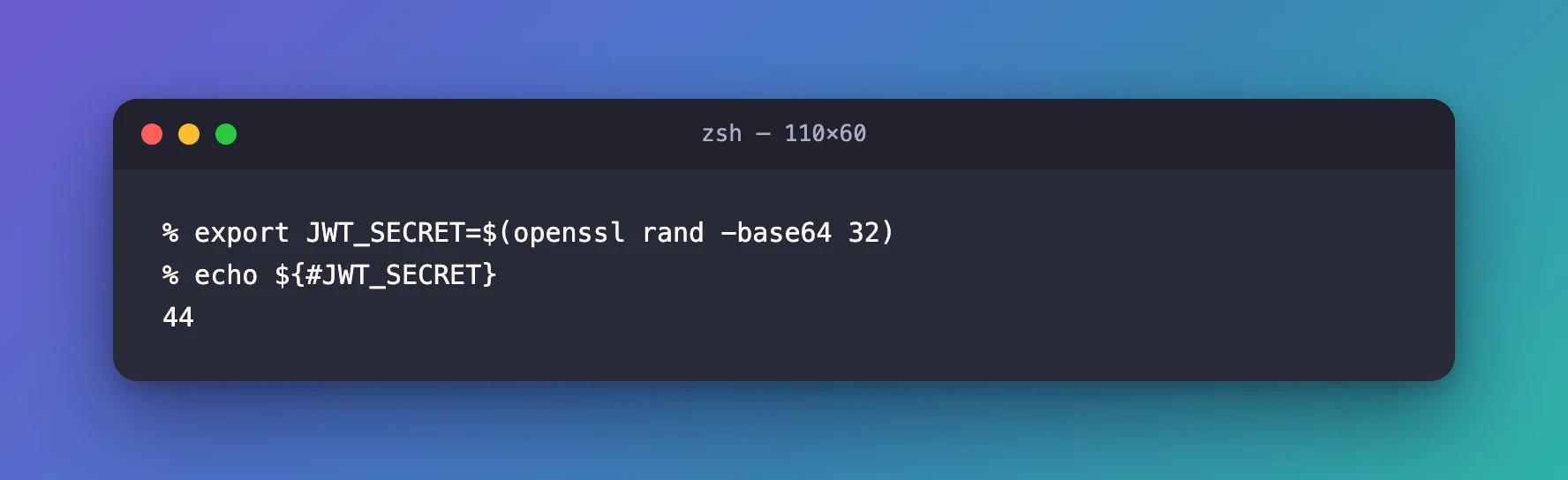
Both services need the same secret: 32 random bytes, the size RFC 7518 requires for HS256. The program reads it from an environment variable named JWT_SECRET, so the secret never sits in the code. How to Generate a Secret Key for HS256 JWTs in the Terminal explains the command, and How to Set an Environment Variable in the Terminal explains the variable.
- macOS / Linux
- Windows (PowerShell)
export JWT_SECRET=$(openssl rand -base64 32)
echo ${#JWT_SECRET}
44
$env:JWT_SECRET = [Convert]::ToBase64String([Security.Cryptography.RandomNumberGenerator]::GetBytes(32))
$env:JWT_SECRET.Length
44
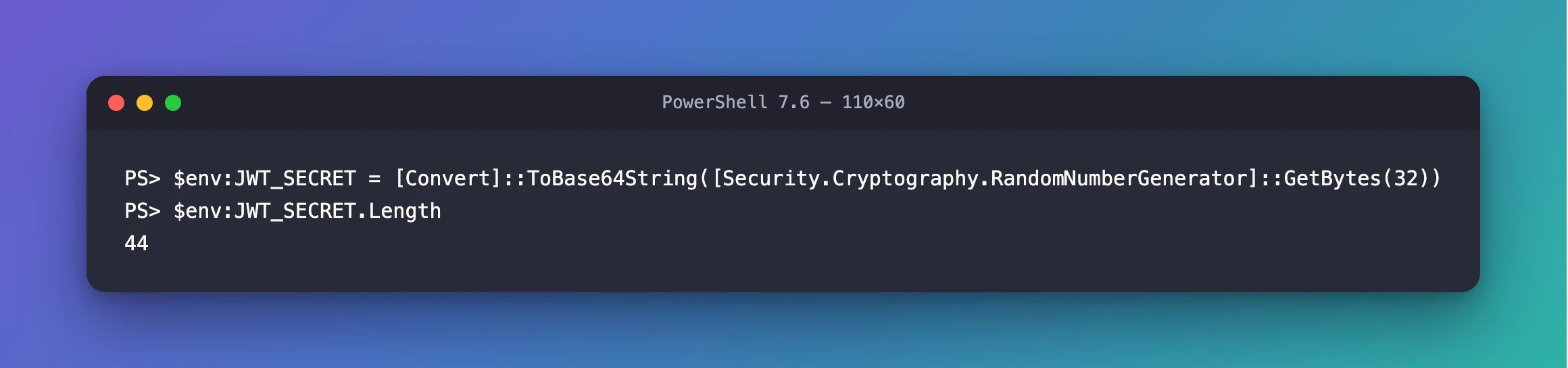
JWT_SECRET now holds the 32 bytes as 44 characters of base64 text. Every program decodes that text back into the same 32 bytes and uses them as the key, so all eight programs share one key and a token from one can be checked by another. The length check confirms the variable is set without printing the secret on your screen. The variable lasts until you close this terminal, so run the program from the same window.
Step 3: Write the Code That Creates a Token
Create the program's file: main.js, main.py, Program.cs, src/main/java/com/example/Main.java, main.go, main.php, main.rb or src/main.rs, depending on your language. Most editors create the folders in the path for you. In Python, C# and Rust, replace what the template put in the file. The code goes in over the next three steps, and the complete file shows it all together.
The first piece is the sign-in service's job. It takes the key, a user ID and a name, and returns a signed token with four claims: sub, who the token is about; name; iat, when it was issued; and exp, when it expires, 15 minutes later.
- Node.js
- Python
- C#
- Java
- Go
- PHP
- Ruby
- Rust
import { SignJWT, jwtVerify, errors } from 'jose';

// The sign-in service's job: sign a token that says who the user is.
async function createToken(key, userId, name) {
  return new SignJWT({ name })
    .setProtectedHeader({ alg: 'HS256', typ: 'JWT' })
    .setSubject(userId)
    .setIssuedAt()
    .setExpirationTime('15m')
    .sign(key);
}
new SignJWT({ name })starts a token with your own claims. Here that'sname..setProtectedHeader({ alg: 'HS256', typ: 'JWT' })writes the header. jose writes exactly the header you give it, sotypis there only because the code sets it..setSubject(),.setIssuedAt()and.setExpirationTime('15m')addsub,iatandexp. jose reads'15m'as 15 minutes from now..sign(key)signs with the key's bytes and gives back a promise of the token, which is why the function isasync.
import base64
import os
import sys
from datetime import datetime, timedelta, timezone

import jwt


def create_token(key: bytes, user_id: str, name: str) -> str:
    """The sign-in service's job: sign a token that says who the user is."""
    now = datetime.now(tz=timezone.utc)
    payload = {"sub": user_id, "name": name, "iat": now, "exp": now + timedelta(minutes=15)}
    return jwt.encode(payload, key, algorithm="HS256")
datetime.now(tz=timezone.utc)is the current time in UTC, and addingtimedelta(minutes=15)gives the expiry.jwt.encode(payload, key, algorithm="HS256")signs the dictionary and returns the token as a string. PyJWT turns thedatetimevalues iniatandexpinto the whole seconds a JWT stores.
using Microsoft.IdentityModel.JsonWebTokens;
using Microsoft.IdentityModel.Tokens;

// The sign-in service's job: sign a token that says who the user is.
static string CreateToken(byte[] key, string userId, string name)
{
    var descriptor = new SecurityTokenDescriptor
    {
        Claims = new Dictionary<string, object> { ["sub"] = userId, ["name"] = name },
        Expires = DateTime.UtcNow.AddMinutes(15),
        SigningCredentials = new SigningCredentials(new SymmetricSecurityKey(key), SecurityAlgorithms.HmacSha256),
    };
    return new JsonWebTokenHandler().CreateToken(descriptor);
}
SecurityTokenDescriptordescribes the token:Claimsholdssubandname,Expiressetsexp, andSigningCredentialspairs the key withHS256, which .NET callsSecurityAlgorithms.HmacSha256.JsonWebTokenHandler.CreateTokenbuilds and signs the token. It also addsiatandnbf, "not before", both set to the moment it signs.- This function goes at the end of
Program.cs, after the code from Step 5, where the complete file has it.
package com.example;

import io.jsonwebtoken.Claims;
import io.jsonwebtoken.JwtException;
import io.jsonwebtoken.Jwts;
import io.jsonwebtoken.io.Decoders;
import io.jsonwebtoken.security.Keys;

import java.time.Duration;
import java.time.Instant;
import java.util.Date;
import javax.crypto.SecretKey;

public class Main {

    // The sign-in service's job: sign a token that says who the user is.
    static String createToken(SecretKey key, String userId, String name) {
        Instant now = Instant.now();
        return Jwts.builder()
                .subject(userId)
                .claim("name", name)
                .issuedAt(Date.from(now))
                .expiration(Date.from(now.plus(Duration.ofMinutes(15))))
                .signWith(key, Jwts.SIG.HS256)
                .compact();
    }
Jwts.builder()collects the claims:subject, your ownclaim("name", ...),issuedAtandexpiration, which take JavaDatevalues.signWith(key, Jwts.SIG.HS256)names the algorithm, andcompact()returns the finished token.
package main

import (
	"encoding/base64"
	"fmt"
	"os"
	"time"

	"github.com/golang-jwt/jwt/v5"
)

// Claims is what the token says: the user's name plus the registered claims.
type Claims struct {
	Name string `json:"name"`
	jwt.RegisteredClaims
}

// createToken does the sign-in service's job: sign a token that says who the user is.
func createToken(key []byte, userID, name string) (string, error) {
	now := time.Now()
	claims := Claims{
		Name: name,
		RegisteredClaims: jwt.RegisteredClaims{
			Subject:   userID,
			IssuedAt:  jwt.NewNumericDate(now),
			ExpiresAt: jwt.NewNumericDate(now.Add(15 * time.Minute)),
		},
	}
	return jwt.NewWithClaims(jwt.SigningMethodHS256, claims).SignedString(key)
}
Claimsembedsjwt.RegisteredClaims, so it carriessub,iatandexpnext to its ownName. Thejson:"name"tag sets the claim's name in the token.jwt.NewNumericDateturns atime.Timeinto the seconds since 1970 that a JWT stores.jwt.NewWithClaims(jwt.SigningMethodHS256, claims)builds the token, andSignedString(key)signs it.
<?php

declare(strict_types=1);

require __DIR__ . '/vendor/autoload.php';

use Firebase\JWT\JWT;
use Firebase\JWT\Key;

// The sign-in service's job: sign a token that says who the user is.
function createToken(string $key, string $userId, string $name): string
{
    $now = time();
    $payload = ['sub' => $userId, 'name' => $name, 'iat' => $now, 'exp' => $now + 15 * 60];
    return JWT::encode($payload, $key, 'HS256');
}
require __DIR__ . '/vendor/autoload.php'loads everything Composer installed.- The claims are a plain array, and
time()is the current Unix time. JWT::encode($payload, $key, 'HS256')signs them and returns the token. Since version 7.0, php-jwt refuses keys that are too short for the algorithm.
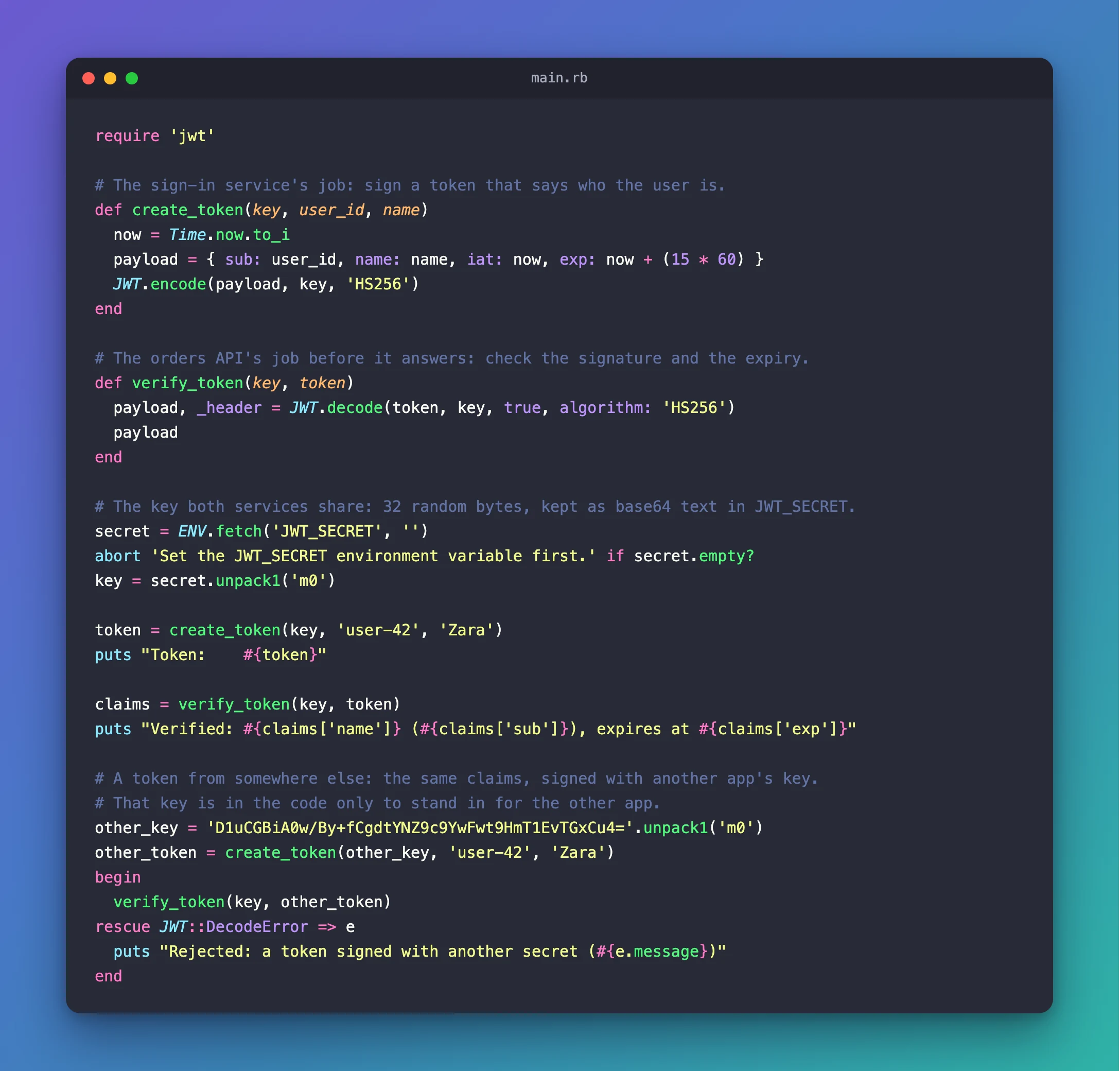
require 'jwt'

# The sign-in service's job: sign a token that says who the user is.
def create_token(key, user_id, name)
  now = Time.now.to_i
  payload = { sub: user_id, name: name, iat: now, exp: now + (15 * 60) }
  JWT.encode(payload, key, 'HS256')
end
- The claims are a hash, and
Time.now.to_iis the current Unix time. JWT.encode(payload, key, 'HS256')signs them and returns the token.
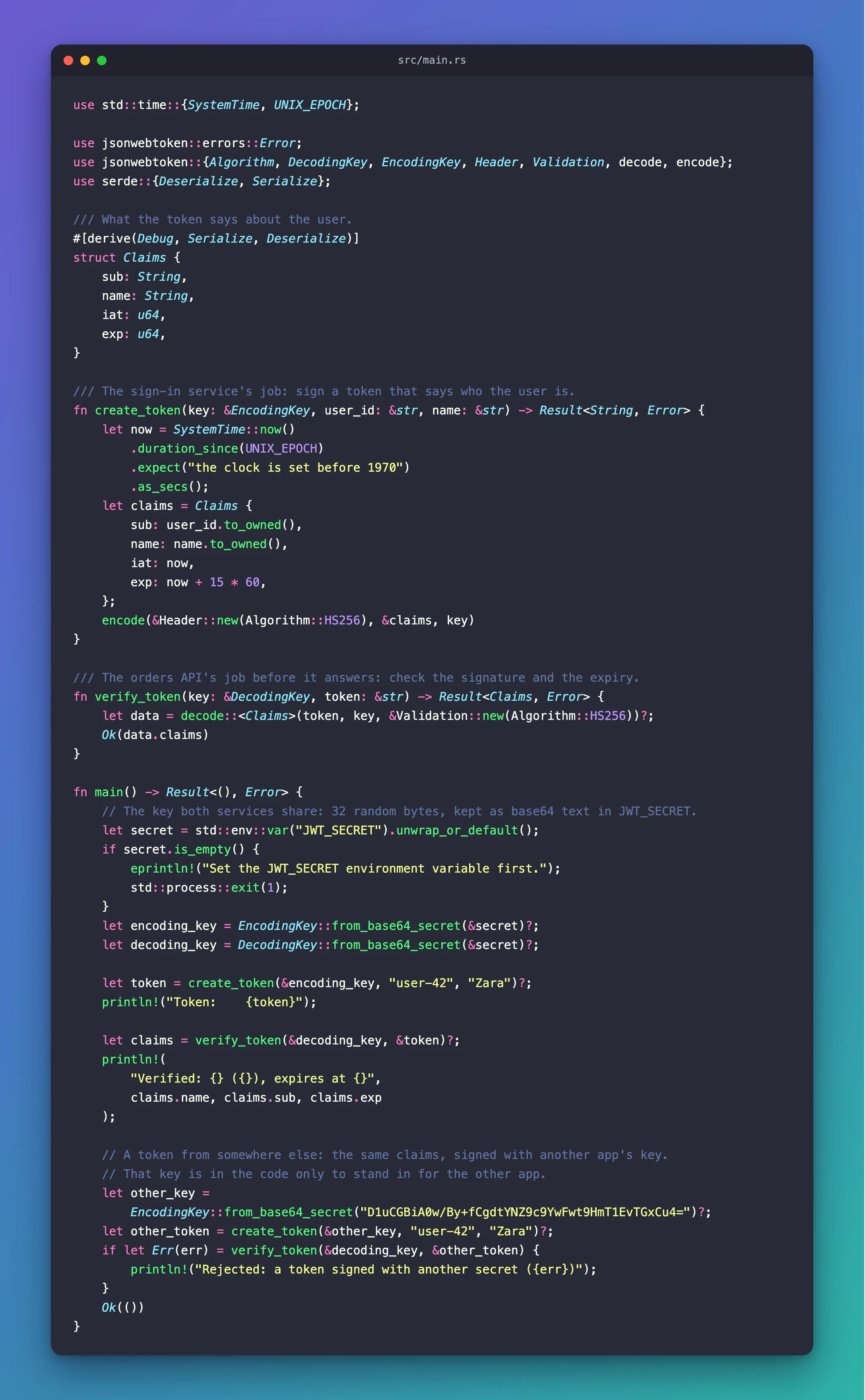
use std::time::{SystemTime, UNIX_EPOCH};

use jsonwebtoken::errors::Error;
use jsonwebtoken::{Algorithm, DecodingKey, EncodingKey, Header, Validation, decode, encode};
use serde::{Deserialize, Serialize};

/// What the token says about the user.
#[derive(Debug, Serialize, Deserialize)]
struct Claims {
    sub: String,
    name: String,
    iat: u64,
    exp: u64,
}

/// The sign-in service's job: sign a token that says who the user is.
fn create_token(key: &EncodingKey, user_id: &str, name: &str) -> Result<String, Error> {
    let now = SystemTime::now()
        .duration_since(UNIX_EPOCH)
        .expect("the clock is set before 1970")
        .as_secs();
    let claims = Claims {
        sub: user_id.to_owned(),
        name: name.to_owned(),
        iat: now,
        exp: now + 15 * 60,
    };
    encode(&Header::new(Algorithm::HS256), &claims, key)
}
Claimsis a struct, and#[derive(Serialize, Deserialize)]lets the library turn it into JSON and back.SystemTime::now().duration_since(UNIX_EPOCH)gives the current Unix time.encode(&Header::new(Algorithm::HS256), &claims, key)signs the claims. jsonwebtoken uses separate key types for signing,EncodingKey, and verifying,DecodingKey.
Step 4: Write the Code That Verifies a Token
The second piece is the orders API's job. It takes the same key and a token, and returns the claims only when the token passes. Every version names HS256 as the one algorithm it accepts. That matters: a verifier that lets a token choose its own algorithm can be tricked into accepting a forged one.
- Node.js
- Python
- C#
- Java
- Go
- PHP
- Ruby
- Rust
// The orders API's job before it answers: check the signature and the expiry.
async function verifyToken(key, token) {
  const { payload } = await jwtVerify(token, key, { algorithms: ['HS256'] });
  return payload;
}
jwtVerifychecks the signature and the time claims, and returns the payload with the header. The code keepspayload.algorithms: ['HS256']pins the algorithm. Without it, jose accepts every algorithm that fits the key. It never acceptsalg: "none".- When a check fails, jose throws an error that is a
JOSEError.
def verify_token(key: bytes, token: str) -> dict:
    """The orders API's job before it answers: check the signature and the expiry."""
    return jwt.decode(token, key, algorithms=["HS256"])
jwt.decodechecks the signature andexp, and returns the claims as a dictionary.algorithms=["HS256"]is required: PyJWT refuses to verify without it.- When a check fails, PyJWT raises an error that is a
jwt.InvalidTokenError.
// The orders API's job before it answers: check the signature and the expiry.
static async Task<IDictionary<string, object>> VerifyTokenAsync(byte[] key, string token)
{
    var parameters = new TokenValidationParameters
    {
        IssuerSigningKey = new SymmetricSecurityKey(key),
        ValidAlgorithms = [SecurityAlgorithms.HmacSha256],
        // This token has no issuer or audience yet, so these two checks are off for now.
        ValidateIssuer = false,
        ValidateAudience = false,
    };
    var result = await new JsonWebTokenHandler().ValidateTokenAsync(token, parameters);
    if (!result.IsValid)
    {
        throw result.Exception;
    }
    return result.Claims;
}
TokenValidationParametersnames the key,IssuerSigningKey, and the one algorithm to accept,ValidAlgorithms.- It also checks the token's issuer and audience by default. This token has neither yet, so
ValidateIssuerandValidateAudienceare off for now. It allows five minutes of difference between clocks when it checksexp. ValidateTokenAsyncdoesn't throw. It returns a result whoseIsValidsays whether the token passed,Claimsholds the claims andExceptionholds the reason. The function throws that reason, so the rest of the program reads like the other languages.
    // The orders API's job before it answers: check the signature and the expiry.
    static Claims verifyToken(SecretKey key, String token) {
        return Jwts.parser().verifyWith(key).build().parseSignedClaims(token).getPayload();
    }
Jwts.parser().verifyWith(key).build()makes a parser that checks signatures with that key. Because it's an HMAC key, the parser accepts only HMAC algorithms.parseSignedClaims(token)verifies the token and checksexp, andgetPayload()returns the claims.- When a check fails, jjwt throws a
JwtException.
// verifyToken does the orders API's job before it answers: check the signature and the expiry.
func verifyToken(key []byte, tokenString string) (*Claims, error) {
	claims := &Claims{}
	_, err := jwt.ParseWithClaims(tokenString, claims, func(*jwt.Token) (any, error) {
		return key, nil
	}, jwt.WithValidMethods([]string{"HS256"}))
	if err != nil {
		return nil, err
	}
	return claims, nil
}
jwt.ParseWithClaimsverifies the token and fillsclaims. The function in the middle hands it the key.jwt.WithValidMethods([]string{"HS256"})pins the algorithm. golang-jwt's own documentation strongly encourages it, to stop forged tokens that name another algorithm.- It checks
exp, and any failure comes back as an error.
// The orders API's job before it answers: check the signature and the expiry.
function verifyToken(string $key, string $token): stdClass
{
    return JWT::decode($token, new Key($key, 'HS256'));
}
new Key($key, 'HS256')ties the key to one algorithm, so a token that names any other algorithm is rejected.JWT::decodechecks the signature and the time claims, and returns the claims as an object.- When a check fails on the token, php-jwt throws an
UnexpectedValueException.
# The orders API's job before it answers: check the signature and the expiry.
def verify_token(key, token)
  payload, _header = JWT.decode(token, key, true, algorithm: 'HS256')
  payload
end
JWT.decode(token, key, true, algorithm: 'HS256')verifies the token:trueturns verification on, andalgorithm:pinsHS256.- It returns the payload and the header, and the code keeps the payload.
- When a check fails, the gem raises a
JWT::DecodeError.
/// The orders API's job before it answers: check the signature and the expiry.
fn verify_token(key: &DecodingKey, token: &str) -> Result<Claims, Error> {
    let data = decode::<Claims>(token, key, &Validation::new(Algorithm::HS256))?;
    Ok(data.claims)
}
Validation::new(Algorithm::HS256)accepts onlyHS256and requiresexp. It also allows 60 seconds of difference between clocks.decode::<Claims>verifies the token and turns the payload back into aClaims.- When a check fails, it returns an
Error.
Step 5: Put It Together
The rest of the program reads JWT_SECRET, stops with a message when it's missing, and decodes the base64 text into the key. Then it creates a token for Zara, verifies it, and tries a token from another app.
- Node.js
- Python
- C#
- Java
- Go
- PHP
- Ruby
- Rust
// The key both services share: 32 random bytes, kept as base64 text in JWT_SECRET.
const secret = process.env.JWT_SECRET;
if (!secret) {
  console.error('Set the JWT_SECRET environment variable first.');
  process.exit(1);
}
const key = Uint8Array.fromBase64(secret);

const token = await createToken(key, 'user-42', 'Zara');
console.log(`Token:    ${token}`);

const claims = await verifyToken(key, token);
console.log(`Verified: ${claims.name} (${claims.sub}), expires at ${claims.exp}`);

// A token from somewhere else: the same claims, signed with another app's key.
// That key is in the code only to stand in for the other app.
const otherKey = Uint8Array.fromBase64('D1uCGBiA0w/By+fCgdtYNZ9c9YwFwt9HmT1EvTGxCu4=');
const otherToken = await createToken(otherKey, 'user-42', 'Zara');
try {
  await verifyToken(key, otherToken);
} catch (err) {
  if (!(err instanceof errors.JOSEError)) throw err;
  console.log(`Rejected: a token signed with another secret (${err.message})`);
}
process.env.JWT_SECRETreads the variable, andUint8Array.fromBase64turns the base64 text back into the 32 bytes. It throws aSyntaxErrorwhen the text isn't base64.awaitworks outside a function because the project is an ES module.- The
catchchecks that the error is aJOSEErrorand throws anything else again, so a bug in your own code isn't mistaken for a bad token.
def main() -> None:
    # The key both services share: 32 random bytes, kept as base64 text in JWT_SECRET.
    secret = os.environ.get("JWT_SECRET")
    if not secret:
        sys.exit("Set the JWT_SECRET environment variable first.")
    key = base64.b64decode(secret, validate=True)

    token = create_token(key, "user-42", "Zara")
    print(f"Token:    {token}")

    claims = verify_token(key, token)
    print(f"Verified: {claims['name']} ({claims['sub']}), expires at {claims['exp']}")

    # A token from somewhere else: the same claims, signed with another app's key.
    # That key is in the code only to stand in for the other app.
    other_key = base64.b64decode("D1uCGBiA0w/By+fCgdtYNZ9c9YwFwt9HmT1EvTGxCu4=", validate=True)
    other_token = create_token(other_key, "user-42", "Zara")
    try:
        verify_token(key, other_token)
    except jwt.InvalidTokenError as err:
        print(f"Rejected: a token signed with another secret ({err})")


if __name__ == "__main__":
    main()
os.environ.getreturnsNonewhen the variable isn't set, andsys.exitwith a message prints it and stops with exit status 1.base64.b64decode(secret, validate=True)turns the text back into the 32 bytes.validate=Truemakes it raise an error for text that isn't base64, instead of skipping the odd characters.
// The key both services share: 32 random bytes, kept as base64 text in JWT_SECRET.
var secret = Environment.GetEnvironmentVariable("JWT_SECRET");
if (string.IsNullOrEmpty(secret))
{
    Console.Error.WriteLine("Set the JWT_SECRET environment variable first.");
    return 1;
}
var key = Convert.FromBase64String(secret);

var token = CreateToken(key, "user-42", "Zara");
Console.WriteLine($"Token:    {token}");

var claims = await VerifyTokenAsync(key, token);
Console.WriteLine($"Verified: {claims["name"]} ({claims["sub"]}), expires at {claims["exp"]}");

// A token from somewhere else: the same claims, signed with another app's key.
// That key is in the code only to stand in for the other app.
var otherKey = Convert.FromBase64String("D1uCGBiA0w/By+fCgdtYNZ9c9YwFwt9HmT1EvTGxCu4=");
var otherToken = CreateToken(otherKey, "user-42", "Zara");
try
{
    await VerifyTokenAsync(key, otherToken);
}
catch (SecurityTokenException ex)
{
    // Print the type only: the message names the key by a SHA-256 thumbprint of the secret.
    Console.WriteLine($"Rejected: a token signed with another secret ({ex.GetType().Name})");
}
return 0;
Convert.FromBase64Stringturns the text back into the 32 bytes, andreturn 1;ends the program with exit status 1 when the secret is missing.- The
catchprints only the exception's type. IdentityModel's message names the key by a SHA-256 thumbprint computed from the secret, and a hash of your secret doesn't belong in a log. SecurityTokenSignatureKeyNotFoundExceptionmeans the token has no key ID, so the handler tried every key it had, and none of them produced the same signature.
    public static void main(String[] args) {
        // The key both services share: 32 random bytes, kept as base64 text in JWT_SECRET.
        String secret = System.getenv("JWT_SECRET");
        if (secret == null || secret.isEmpty()) {
            System.err.println("Set the JWT_SECRET environment variable first.");
            System.exit(1);
        }
        SecretKey key = Keys.hmacShaKeyFor(Decoders.BASE64.decode(secret));

        String token = createToken(key, "user-42", "Zara");
        System.out.println("Token:    " + token);

        Claims claims = verifyToken(key, token);
        System.out.printf("Verified: %s (%s), expires at %d%n", claims.get("name", String.class),
                claims.getSubject(), claims.getExpiration().toInstant().getEpochSecond());

        // A token from somewhere else: the same claims, signed with another app's key.
        // That key is in the code only to stand in for the other app.
        String otherSecret = "D1uCGBiA0w/By+fCgdtYNZ9c9YwFwt9HmT1EvTGxCu4=";
        SecretKey otherKey = Keys.hmacShaKeyFor(Decoders.BASE64.decode(otherSecret));
        String otherToken = createToken(otherKey, "user-42", "Zara");
        try {
            verifyToken(key, otherToken);
        } catch (JwtException e) {
            System.out.println("Rejected: a token signed with another secret (" + e.getMessage() + ")");
        }
    }
}
System.getenvreturnsnullwhen the variable isn't set.Decoders.BASE64.decodeturns the text back into the 32 bytes, andKeys.hmacShaKeyFormakes them a key, which is how jjwt's README says to load a base64 secret. It refuses keys shorter than 256 bits.
// fail prints a message to standard error and stops the program.
func fail(a ...any) {
	fmt.Fprintln(os.Stderr, a...)
	os.Exit(1)
}

func main() {
	// The key both services share: 32 random bytes, kept as base64 text in JWT_SECRET.
	secret := os.Getenv("JWT_SECRET")
	if secret == "" {
		fail("Set the JWT_SECRET environment variable first.")
	}
	key, err := base64.StdEncoding.DecodeString(secret)
	if err != nil {
		fail("JWT_SECRET is not valid base64:", err)
	}

	token, err := createToken(key, "user-42", "Zara")
	if err != nil {
		fail("Could not create the token:", err)
	}
	fmt.Printf("Token:    %s\n", token)

	claims, err := verifyToken(key, token)
	if err != nil {
		fail("Could not verify the token:", err)
	}
	fmt.Printf("Verified: %s (%s), expires at %d\n", claims.Name, claims.Subject, claims.ExpiresAt.Unix())

	// A token from somewhere else: the same claims, signed with another app's key.
	// That key is in the code only to stand in for the other app.
	otherKey, err := base64.StdEncoding.DecodeString("D1uCGBiA0w/By+fCgdtYNZ9c9YwFwt9HmT1EvTGxCu4=")
	if err != nil {
		fail("The other app's key is not valid base64:", err)
	}
	otherToken, err := createToken(otherKey, "user-42", "Zara")
	if err != nil {
		fail("Could not create the token:", err)
	}
	if _, err := verifyToken(key, otherToken); err != nil {
		fmt.Printf("Rejected: a token signed with another secret (%v)\n", err)
	}
}
os.Getenvreturns an empty string when the variable isn't set, andfailprints a message and stops with exit status 1.base64.StdEncoding.DecodeStringturns the text back into the 32 bytes and returns an error when it isn't base64.
// The key both services share: 32 random bytes, kept as base64 text in JWT_SECRET.
$secret = getenv('JWT_SECRET');
if ($secret === false || $secret === '') {
    fwrite(STDERR, "Set the JWT_SECRET environment variable first.\n");
    exit(1);
}
$key = base64_decode($secret, true);
if ($key === false) {
    fwrite(STDERR, "JWT_SECRET is not valid base64.\n");
    exit(1);
}

$token = createToken($key, 'user-42', 'Zara');
echo "Token:    {$token}\n";

$claims = verifyToken($key, $token);
echo "Verified: {$claims->name} ({$claims->sub}), expires at {$claims->exp}\n";

// A token from somewhere else: the same claims, signed with another app's key.
// That key is in the code only to stand in for the other app.
$otherKey = base64_decode('D1uCGBiA0w/By+fCgdtYNZ9c9YwFwt9HmT1EvTGxCu4=', true);
$otherToken = createToken($otherKey, 'user-42', 'Zara');
try {
    verifyToken($key, $otherToken);
} catch (UnexpectedValueException $e) {
    echo "Rejected: a token signed with another secret ({$e->getMessage()})\n";
}
getenvreturnsfalsewhen the variable isn't set.base64_decode($secret, true)turns the text back into the 32 bytes. Thetruemakes it returnfalsefor text that isn't base64, instead of skipping the odd characters.
# The key both services share: 32 random bytes, kept as base64 text in JWT_SECRET.
secret = ENV.fetch('JWT_SECRET', '')
abort 'Set the JWT_SECRET environment variable first.' if secret.empty?
key = secret.unpack1('m0')

token = create_token(key, 'user-42', 'Zara')
puts "Token:    #{token}"

claims = verify_token(key, token)
puts "Verified: #{claims['name']} (#{claims['sub']}), expires at #{claims['exp']}"

# A token from somewhere else: the same claims, signed with another app's key.
# That key is in the code only to stand in for the other app.
other_key = 'D1uCGBiA0w/By+fCgdtYNZ9c9YwFwt9HmT1EvTGxCu4='.unpack1('m0')
other_token = create_token(other_key, 'user-42', 'Zara')
begin
  verify_token(key, other_token)
rescue JWT::DecodeError => e
  puts "Rejected: a token signed with another secret (#{e.message})"
end
ENV.fetch('JWT_SECRET', '')gives an empty string when the variable isn't set, andabortprints the message and stops with exit status 1.unpack1('m0')turns the text back into the 32 bytes, and raises anArgumentErrorwhen it isn't base64.
fn main() -> Result<(), Error> {
    // The key both services share: 32 random bytes, kept as base64 text in JWT_SECRET.
    let secret = std::env::var("JWT_SECRET").unwrap_or_default();
    if secret.is_empty() {
        eprintln!("Set the JWT_SECRET environment variable first.");
        std::process::exit(1);
    }
    let encoding_key = EncodingKey::from_base64_secret(&secret)?;
    let decoding_key = DecodingKey::from_base64_secret(&secret)?;

    let token = create_token(&encoding_key, "user-42", "Zara")?;
    println!("Token:    {token}");

    let claims = verify_token(&decoding_key, &token)?;
    println!(
        "Verified: {} ({}), expires at {}",
        claims.name, claims.sub, claims.exp
    );

    // A token from somewhere else: the same claims, signed with another app's key.
    // That key is in the code only to stand in for the other app.
    let other_key =
        EncodingKey::from_base64_secret("D1uCGBiA0w/By+fCgdtYNZ9c9YwFwt9HmT1EvTGxCu4=")?;
    let other_token = create_token(&other_key, "user-42", "Zara")?;
    if let Err(err) = verify_token(&decoding_key, &other_token) {
        println!("Rejected: a token signed with another secret ({err})");
    }
    Ok(())
}
std::env::var(...).unwrap_or_default()gives an empty string when the variable isn't set.EncodingKey::from_base64_secretandDecodingKey::from_base64_secretdecode the base64 text themselves, one key for signing and one for verifying.
Step 6: Run the Program
Run it from the jwt-demo folder, in the same terminal where you set JWT_SECRET.
- Node.js
- Python
- C#
- Java
- Go
- PHP
- Ruby
- Rust
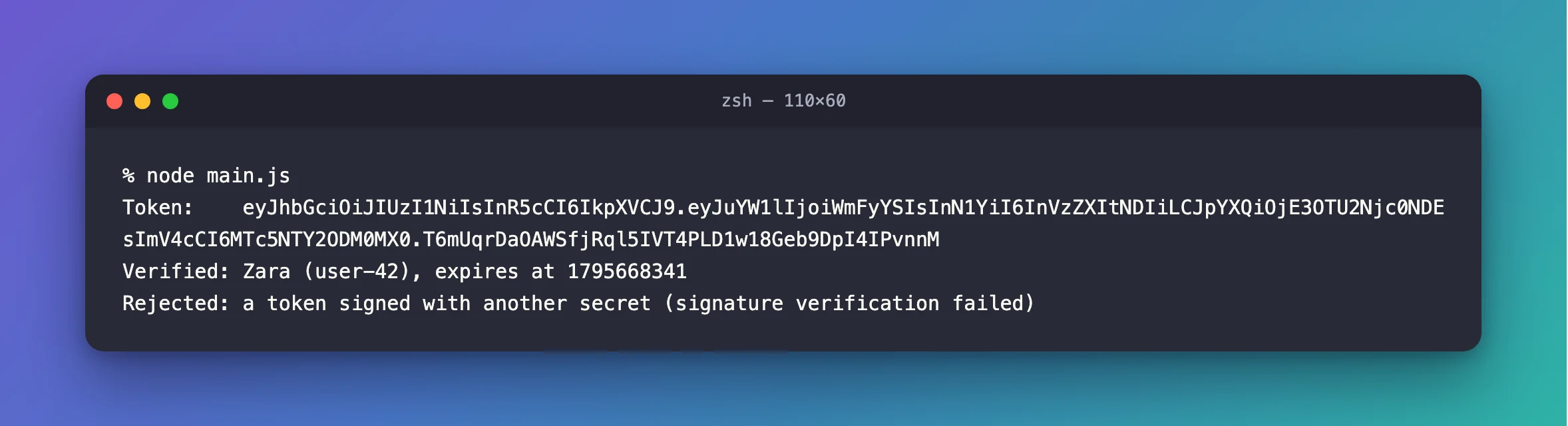
node main.js runs the file:
node main.js
Token:    eyJhbGciOiJIUzI1NiIsInR5cCI6IkpXVCJ9.eyJuYW1lIjoiWmFyYSIsInN1YiI6InVzZXItNDIiLCJpYXQiOjE3OTU2Njc0NDEsImV4cCI6MTc5NTY2ODM0MX0.T6mUqrDaOAWSfjRql5IVT4PLD1w18Geb9DpI4IPvnnM
Verified: Zara (user-42), expires at 1795668341
Rejected: a token signed with another secret (signature verification failed)
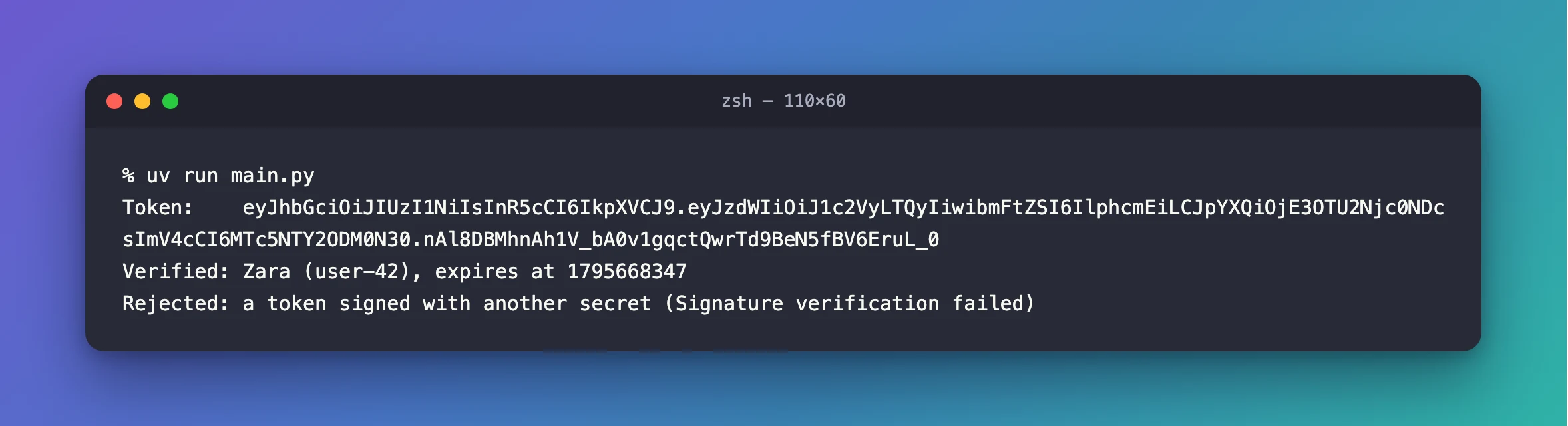
uv run main.py runs the file with the project's Python and packages:
uv run main.py
Token:    eyJhbGciOiJIUzI1NiIsInR5cCI6IkpXVCJ9.eyJzdWIiOiJ1c2VyLTQyIiwibmFtZSI6IlphcmEiLCJpYXQiOjE3OTU2Njc0NDcsImV4cCI6MTc5NTY2ODM0N30.nAl8DBMhnAh1V_bA0v1gqctQwrTd9BeN5fBV6EruL_0
Verified: Zara (user-42), expires at 1795668347
Rejected: a token signed with another secret (Signature verification failed)
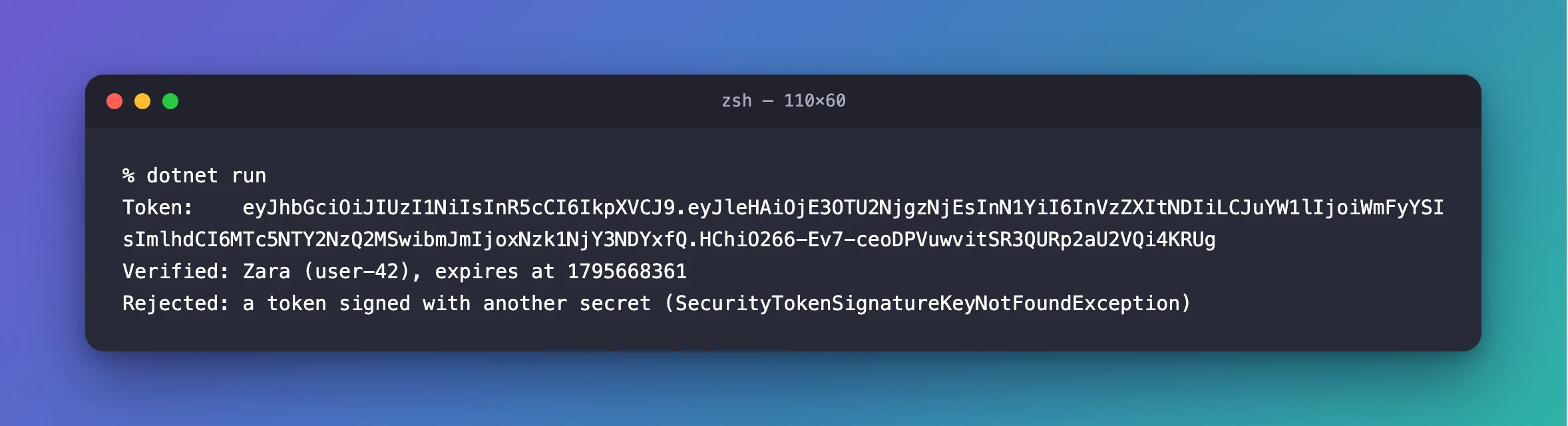
dotnet run builds the project and runs it, as How to Create a .NET C# Console App shows:
dotnet run
Token:    eyJhbGciOiJIUzI1NiIsInR5cCI6IkpXVCJ9.eyJleHAiOjE3OTU2NjgzNjEsInN1YiI6InVzZXItNDIiLCJuYW1lIjoiWmFyYSIsImlhdCI6MTc5NTY2NzQ2MSwibmJmIjoxNzk1NjY3NDYxfQ.HChiO266-Ev7-ceoDPVuwvitSR3QURp2aU2VQi4KRUg
Verified: Zara (user-42), expires at 1795668361
Rejected: a token signed with another secret (SecurityTokenSignatureKeyNotFoundException)
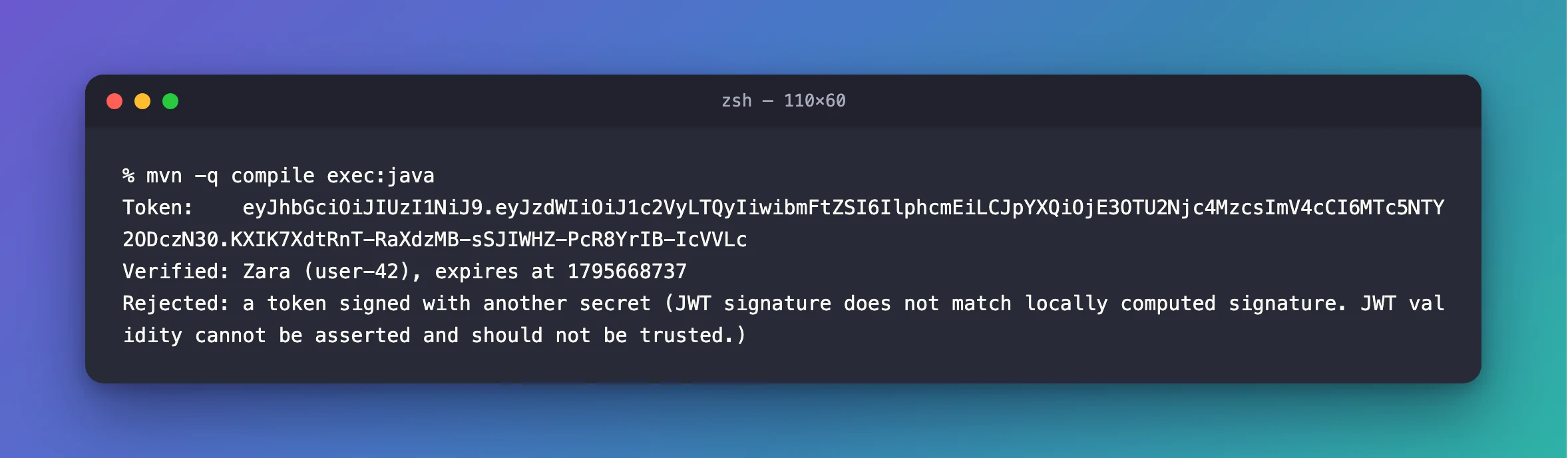
mvn -q compile exec:java compiles the code and runs com.example.Main, and -q hides Maven's own messages:
mvn -q compile exec:java
Token:    eyJhbGciOiJIUzI1NiJ9.eyJzdWIiOiJ1c2VyLTQyIiwibmFtZSI6IlphcmEiLCJpYXQiOjE3OTU2Njc4MzcsImV4cCI6MTc5NTY2ODczN30.KXIK7XdtRnT-RaXdzMB-sSJIWHZ-PcR8YrIB-IcVVLc
Verified: Zara (user-42), expires at 1795668737
Rejected: a token signed with another secret (JWT signature does not match locally computed signature. JWT validity cannot be asserted and should not be trusted.)
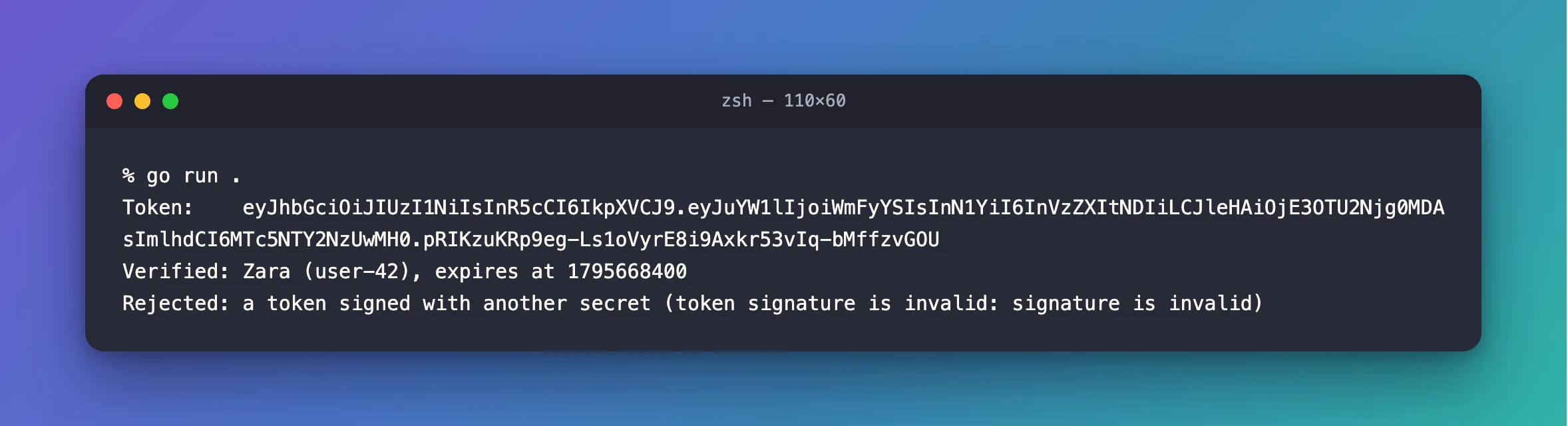
go run . compiles the package in this folder and runs it:
go run .
Token:    eyJhbGciOiJIUzI1NiIsInR5cCI6IkpXVCJ9.eyJuYW1lIjoiWmFyYSIsInN1YiI6InVzZXItNDIiLCJleHAiOjE3OTU2Njg0MDAsImlhdCI6MTc5NTY2NzUwMH0.pRIKzuKRp9eg-Ls1oVyrE8i9Axkr53vIq-bMffzvGOU
Verified: Zara (user-42), expires at 1795668400
Rejected: a token signed with another secret (token signature is invalid: signature is invalid)
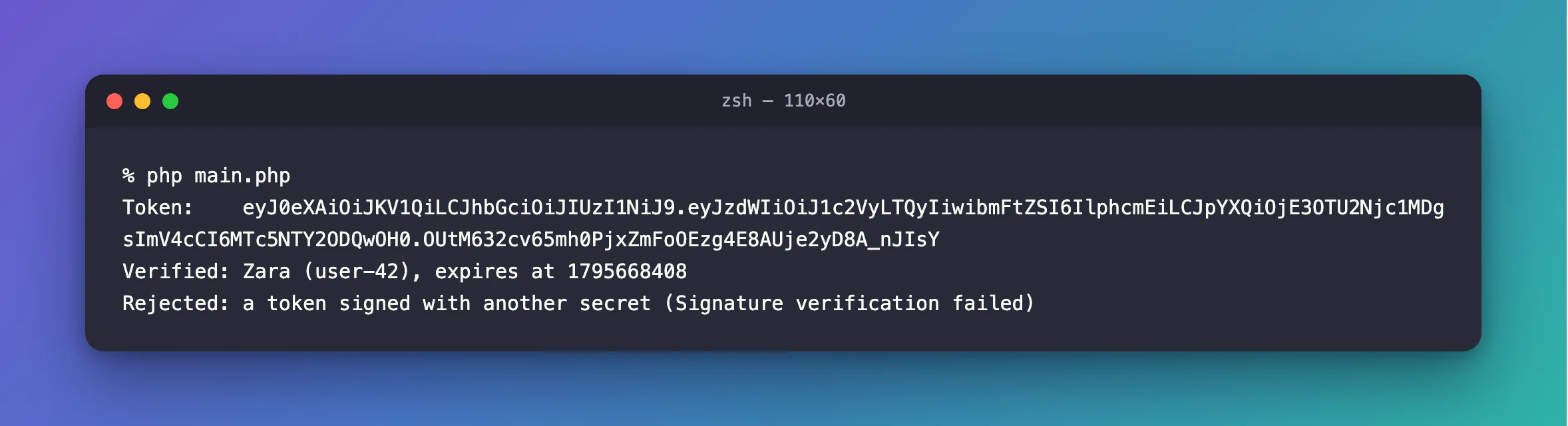
php main.php runs the script:
php main.php
Token:    eyJ0eXAiOiJKV1QiLCJhbGciOiJIUzI1NiJ9.eyJzdWIiOiJ1c2VyLTQyIiwibmFtZSI6IlphcmEiLCJpYXQiOjE3OTU2Njc1MDgsImV4cCI6MTc5NTY2ODQwOH0.OUtM632cv65mh0PjxZmFoOEzg4E8AUje2yD8A_nJIsY
Verified: Zara (user-42), expires at 1795668408
Rejected: a token signed with another secret (Signature verification failed)
bundle exec ruby main.rb runs the script with the gems from the Gemfile:
bundle exec ruby main.rb
Token:    eyJhbGciOiJIUzI1NiJ9.eyJzdWIiOiJ1c2VyLTQyIiwibmFtZSI6IlphcmEiLCJpYXQiOjE3OTU2Njc1MjAsImV4cCI6MTc5NTY2ODQyMH0.RGeniAoYncJIfO1JKGWP58Ozs9LACcj6p5fTUaTECnU
Verified: Zara (user-42), expires at 1795668420
Rejected: a token signed with another secret (Signature verification failed)
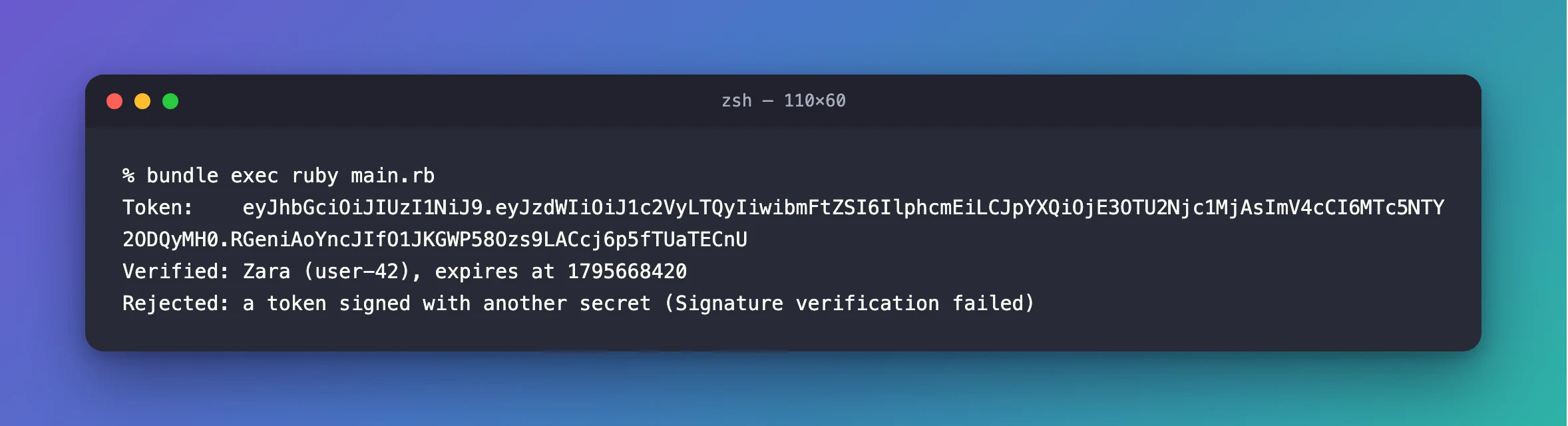
cargo run -q compiles the program and runs it, and -q hides Cargo's own messages. The first run takes a while, because Cargo compiles every crate the project uses:
cargo run -q
Token:    eyJ0eXAiOiJKV1QiLCJhbGciOiJIUzI1NiJ9.eyJzdWIiOiJ1c2VyLTQyIiwibmFtZSI6IlphcmEiLCJpYXQiOjE3OTU2Njc1NTIsImV4cCI6MTc5NTY2ODQ1Mn0.kqS7h9kG_ENVr5agRD2HYX1Nwx5L9_O8GUdvHkt4xgY
Verified: Zara (user-42), expires at 1795668452
Rejected: a token signed with another secret (InvalidSignature)
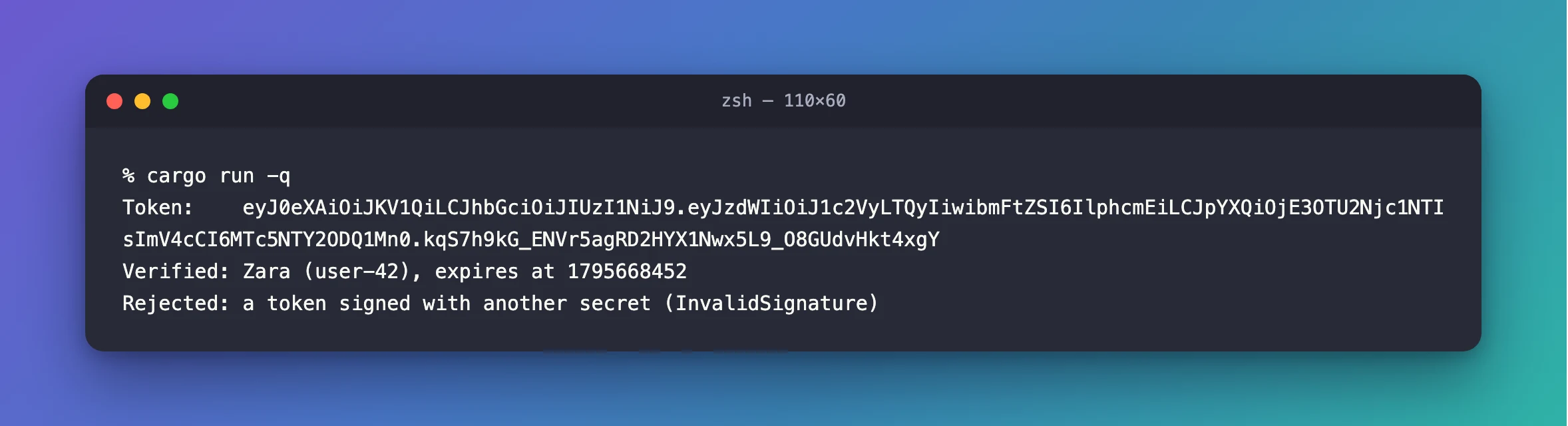
Your token and its exp will differ, because they depend on your secret and the time you run it. The other two lines will match.
The Complete File
- Node.js
- Python
- C#
- Java
- Go
- PHP
- Ruby
- Rust
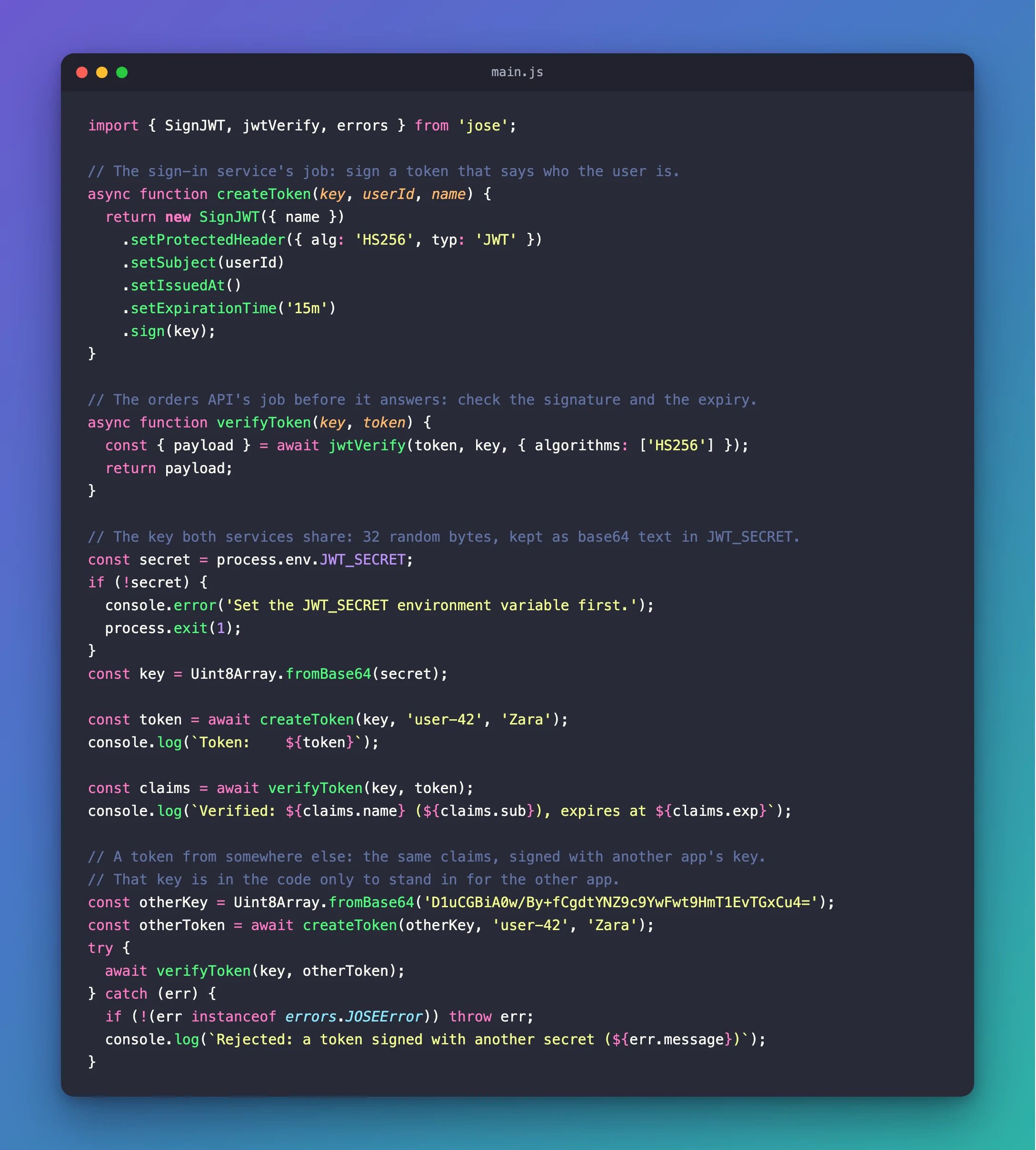
import { SignJWT, jwtVerify, errors } from 'jose';

// The sign-in service's job: sign a token that says who the user is.
async function createToken(key, userId, name) {
  return new SignJWT({ name })
    .setProtectedHeader({ alg: 'HS256', typ: 'JWT' })
    .setSubject(userId)
    .setIssuedAt()
    .setExpirationTime('15m')
    .sign(key);
}

// The orders API's job before it answers: check the signature and the expiry.
async function verifyToken(key, token) {
  const { payload } = await jwtVerify(token, key, { algorithms: ['HS256'] });
  return payload;
}

// The key both services share: 32 random bytes, kept as base64 text in JWT_SECRET.
const secret = process.env.JWT_SECRET;
if (!secret) {
  console.error('Set the JWT_SECRET environment variable first.');
  process.exit(1);
}
const key = Uint8Array.fromBase64(secret);

const token = await createToken(key, 'user-42', 'Zara');
console.log(`Token:    ${token}`);

const claims = await verifyToken(key, token);
console.log(`Verified: ${claims.name} (${claims.sub}), expires at ${claims.exp}`);

// A token from somewhere else: the same claims, signed with another app's key.
// That key is in the code only to stand in for the other app.
const otherKey = Uint8Array.fromBase64('D1uCGBiA0w/By+fCgdtYNZ9c9YwFwt9HmT1EvTGxCu4=');
const otherToken = await createToken(otherKey, 'user-42', 'Zara');
try {
  await verifyToken(key, otherToken);
} catch (err) {
  if (!(err instanceof errors.JOSEError)) throw err;
  console.log(`Rejected: a token signed with another secret (${err.message})`);
}
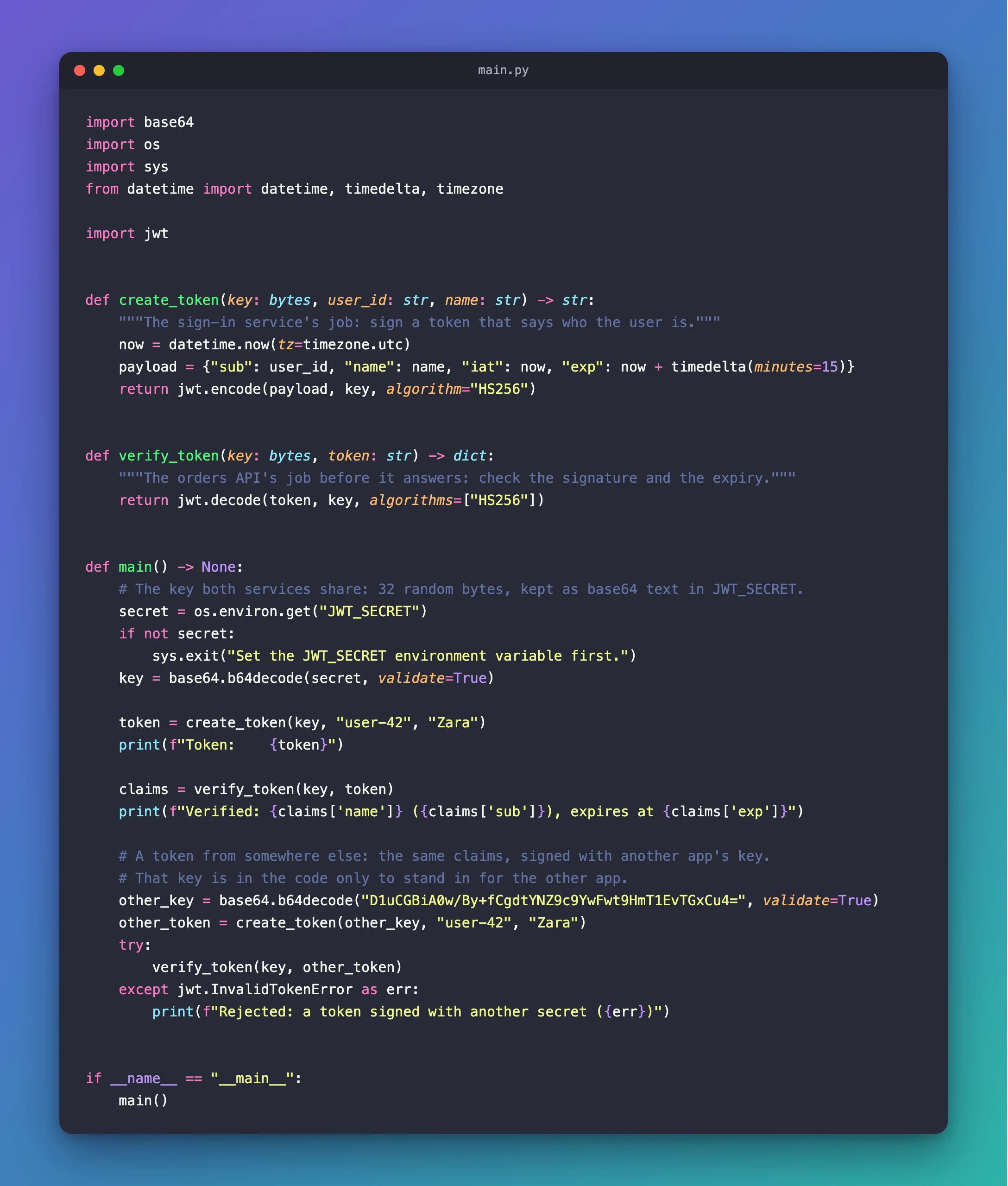
import base64
import os
import sys
from datetime import datetime, timedelta, timezone

import jwt


def create_token(key: bytes, user_id: str, name: str) -> str:
    """The sign-in service's job: sign a token that says who the user is."""
    now = datetime.now(tz=timezone.utc)
    payload = {"sub": user_id, "name": name, "iat": now, "exp": now + timedelta(minutes=15)}
    return jwt.encode(payload, key, algorithm="HS256")


def verify_token(key: bytes, token: str) -> dict:
    """The orders API's job before it answers: check the signature and the expiry."""
    return jwt.decode(token, key, algorithms=["HS256"])


def main() -> None:
    # The key both services share: 32 random bytes, kept as base64 text in JWT_SECRET.
    secret = os.environ.get("JWT_SECRET")
    if not secret:
        sys.exit("Set the JWT_SECRET environment variable first.")
    key = base64.b64decode(secret, validate=True)

    token = create_token(key, "user-42", "Zara")
    print(f"Token:    {token}")

    claims = verify_token(key, token)
    print(f"Verified: {claims['name']} ({claims['sub']}), expires at {claims['exp']}")

    # A token from somewhere else: the same claims, signed with another app's key.
    # That key is in the code only to stand in for the other app.
    other_key = base64.b64decode("D1uCGBiA0w/By+fCgdtYNZ9c9YwFwt9HmT1EvTGxCu4=", validate=True)
    other_token = create_token(other_key, "user-42", "Zara")
    try:
        verify_token(key, other_token)
    except jwt.InvalidTokenError as err:
        print(f"Rejected: a token signed with another secret ({err})")


if __name__ == "__main__":
    main()
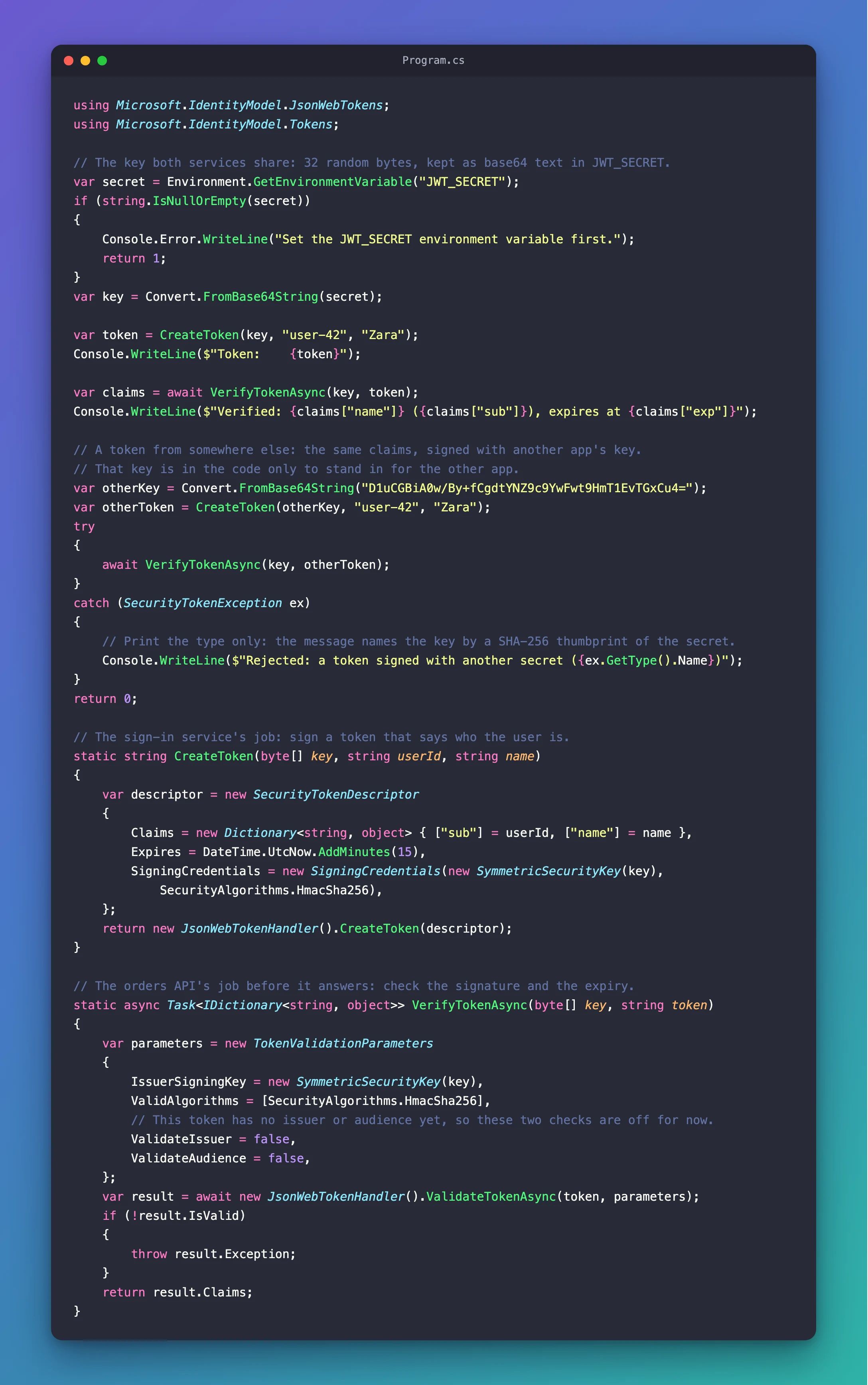
using Microsoft.IdentityModel.JsonWebTokens;
using Microsoft.IdentityModel.Tokens;

// The key both services share: 32 random bytes, kept as base64 text in JWT_SECRET.
var secret = Environment.GetEnvironmentVariable("JWT_SECRET");
if (string.IsNullOrEmpty(secret))
{
    Console.Error.WriteLine("Set the JWT_SECRET environment variable first.");
    return 1;
}
var key = Convert.FromBase64String(secret);

var token = CreateToken(key, "user-42", "Zara");
Console.WriteLine($"Token:    {token}");

var claims = await VerifyTokenAsync(key, token);
Console.WriteLine($"Verified: {claims["name"]} ({claims["sub"]}), expires at {claims["exp"]}");

// A token from somewhere else: the same claims, signed with another app's key.
// That key is in the code only to stand in for the other app.
var otherKey = Convert.FromBase64String("D1uCGBiA0w/By+fCgdtYNZ9c9YwFwt9HmT1EvTGxCu4=");
var otherToken = CreateToken(otherKey, "user-42", "Zara");
try
{
    await VerifyTokenAsync(key, otherToken);
}
catch (SecurityTokenException ex)
{
    // Print the type only: the message names the key by a SHA-256 thumbprint of the secret.
    Console.WriteLine($"Rejected: a token signed with another secret ({ex.GetType().Name})");
}
return 0;

// The sign-in service's job: sign a token that says who the user is.
static string CreateToken(byte[] key, string userId, string name)
{
    var descriptor = new SecurityTokenDescriptor
    {
        Claims = new Dictionary<string, object> { ["sub"] = userId, ["name"] = name },
        Expires = DateTime.UtcNow.AddMinutes(15),
        SigningCredentials = new SigningCredentials(new SymmetricSecurityKey(key), SecurityAlgorithms.HmacSha256),
    };
    return new JsonWebTokenHandler().CreateToken(descriptor);
}

// The orders API's job before it answers: check the signature and the expiry.
static async Task<IDictionary<string, object>> VerifyTokenAsync(byte[] key, string token)
{
    var parameters = new TokenValidationParameters
    {
        IssuerSigningKey = new SymmetricSecurityKey(key),
        ValidAlgorithms = [SecurityAlgorithms.HmacSha256],
        // This token has no issuer or audience yet, so these two checks are off for now.
        ValidateIssuer = false,
        ValidateAudience = false,
    };
    var result = await new JsonWebTokenHandler().ValidateTokenAsync(token, parameters);
    if (!result.IsValid)
    {
        throw result.Exception;
    }
    return result.Claims;
}
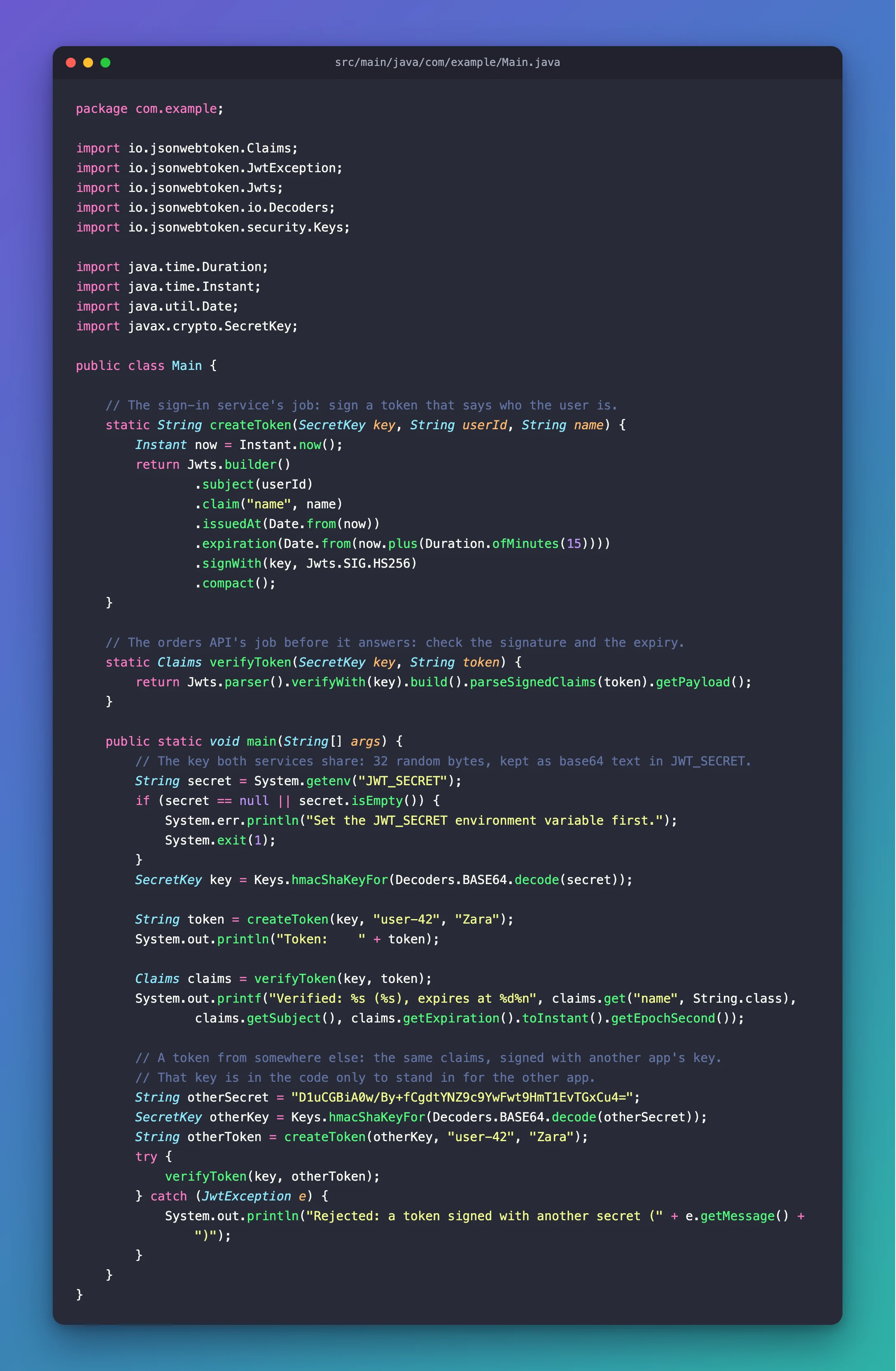
package com.example;

import io.jsonwebtoken.Claims;
import io.jsonwebtoken.JwtException;
import io.jsonwebtoken.Jwts;
import io.jsonwebtoken.io.Decoders;
import io.jsonwebtoken.security.Keys;

import java.time.Duration;
import java.time.Instant;
import java.util.Date;
import javax.crypto.SecretKey;

public class Main {

    // The sign-in service's job: sign a token that says who the user is.
    static String createToken(SecretKey key, String userId, String name) {
        Instant now = Instant.now();
        return Jwts.builder()
                .subject(userId)
                .claim("name", name)
                .issuedAt(Date.from(now))
                .expiration(Date.from(now.plus(Duration.ofMinutes(15))))
                .signWith(key, Jwts.SIG.HS256)
                .compact();
    }

    // The orders API's job before it answers: check the signature and the expiry.
    static Claims verifyToken(SecretKey key, String token) {
        return Jwts.parser().verifyWith(key).build().parseSignedClaims(token).getPayload();
    }

    public static void main(String[] args) {
        // The key both services share: 32 random bytes, kept as base64 text in JWT_SECRET.
        String secret = System.getenv("JWT_SECRET");
        if (secret == null || secret.isEmpty()) {
            System.err.println("Set the JWT_SECRET environment variable first.");
            System.exit(1);
        }
        SecretKey key = Keys.hmacShaKeyFor(Decoders.BASE64.decode(secret));

        String token = createToken(key, "user-42", "Zara");
        System.out.println("Token:    " + token);

        Claims claims = verifyToken(key, token);
        System.out.printf("Verified: %s (%s), expires at %d%n", claims.get("name", String.class),
                claims.getSubject(), claims.getExpiration().toInstant().getEpochSecond());

        // A token from somewhere else: the same claims, signed with another app's key.
        // That key is in the code only to stand in for the other app.
        String otherSecret = "D1uCGBiA0w/By+fCgdtYNZ9c9YwFwt9HmT1EvTGxCu4=";
        SecretKey otherKey = Keys.hmacShaKeyFor(Decoders.BASE64.decode(otherSecret));
        String otherToken = createToken(otherKey, "user-42", "Zara");
        try {
            verifyToken(key, otherToken);
        } catch (JwtException e) {
            System.out.println("Rejected: a token signed with another secret (" + e.getMessage() + ")");
        }
    }
}
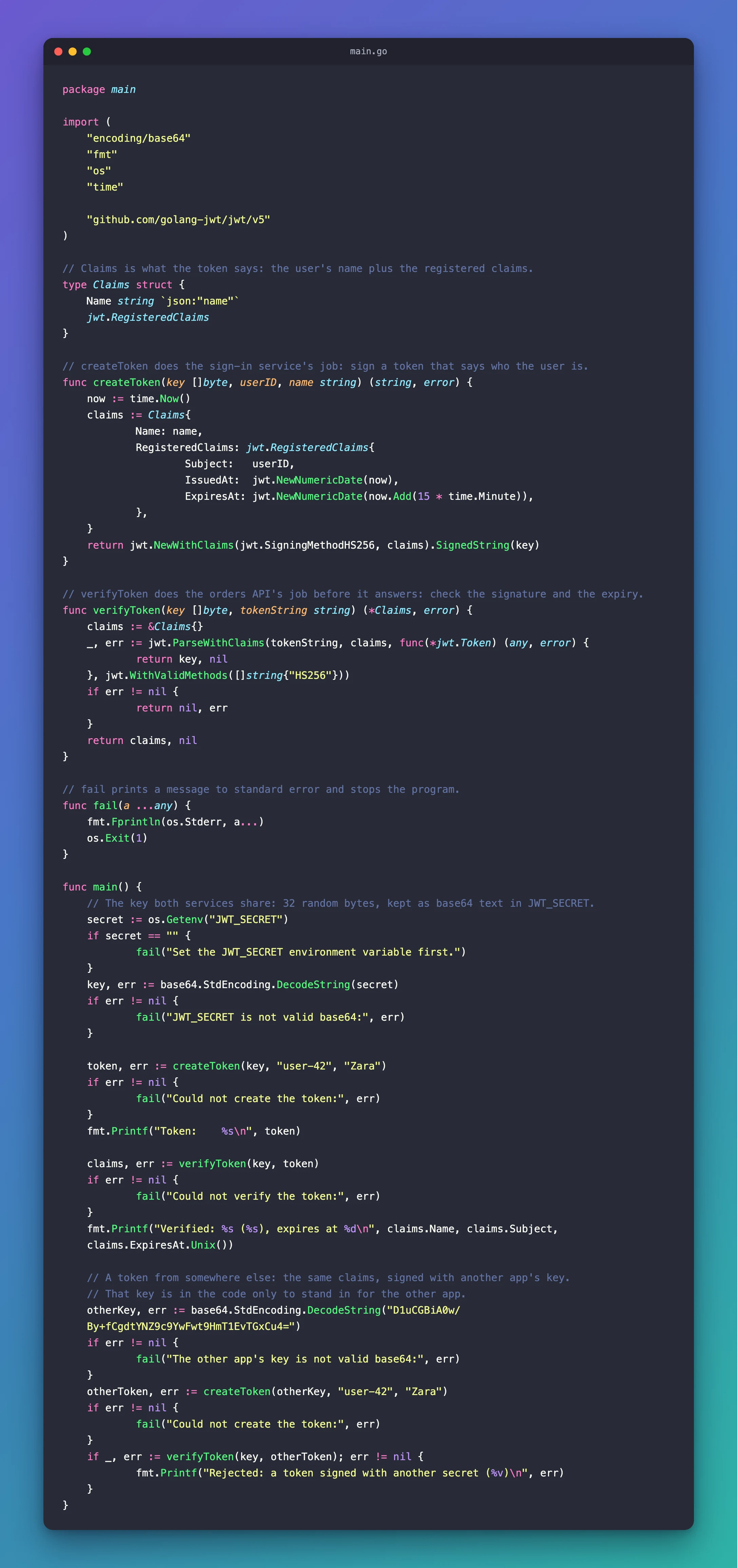
package main

import (
	"encoding/base64"
	"fmt"
	"os"
	"time"

	"github.com/golang-jwt/jwt/v5"
)

// Claims is what the token says: the user's name plus the registered claims.
type Claims struct {
	Name string `json:"name"`
	jwt.RegisteredClaims
}

// createToken does the sign-in service's job: sign a token that says who the user is.
func createToken(key []byte, userID, name string) (string, error) {
	now := time.Now()
	claims := Claims{
		Name: name,
		RegisteredClaims: jwt.RegisteredClaims{
			Subject:   userID,
			IssuedAt:  jwt.NewNumericDate(now),
			ExpiresAt: jwt.NewNumericDate(now.Add(15 * time.Minute)),
		},
	}
	return jwt.NewWithClaims(jwt.SigningMethodHS256, claims).SignedString(key)
}

// verifyToken does the orders API's job before it answers: check the signature and the expiry.
func verifyToken(key []byte, tokenString string) (*Claims, error) {
	claims := &Claims{}
	_, err := jwt.ParseWithClaims(tokenString, claims, func(*jwt.Token) (any, error) {
		return key, nil
	}, jwt.WithValidMethods([]string{"HS256"}))
	if err != nil {
		return nil, err
	}
	return claims, nil
}

// fail prints a message to standard error and stops the program.
func fail(a ...any) {
	fmt.Fprintln(os.Stderr, a...)
	os.Exit(1)
}

func main() {
	// The key both services share: 32 random bytes, kept as base64 text in JWT_SECRET.
	secret := os.Getenv("JWT_SECRET")
	if secret == "" {
		fail("Set the JWT_SECRET environment variable first.")
	}
	key, err := base64.StdEncoding.DecodeString(secret)
	if err != nil {
		fail("JWT_SECRET is not valid base64:", err)
	}

	token, err := createToken(key, "user-42", "Zara")
	if err != nil {
		fail("Could not create the token:", err)
	}
	fmt.Printf("Token:    %s\n", token)

	claims, err := verifyToken(key, token)
	if err != nil {
		fail("Could not verify the token:", err)
	}
	fmt.Printf("Verified: %s (%s), expires at %d\n", claims.Name, claims.Subject, claims.ExpiresAt.Unix())

	// A token from somewhere else: the same claims, signed with another app's key.
	// That key is in the code only to stand in for the other app.
	otherKey, err := base64.StdEncoding.DecodeString("D1uCGBiA0w/By+fCgdtYNZ9c9YwFwt9HmT1EvTGxCu4=")
	if err != nil {
		fail("The other app's key is not valid base64:", err)
	}
	otherToken, err := createToken(otherKey, "user-42", "Zara")
	if err != nil {
		fail("Could not create the token:", err)
	}
	if _, err := verifyToken(key, otherToken); err != nil {
		fmt.Printf("Rejected: a token signed with another secret (%v)\n", err)
	}
}
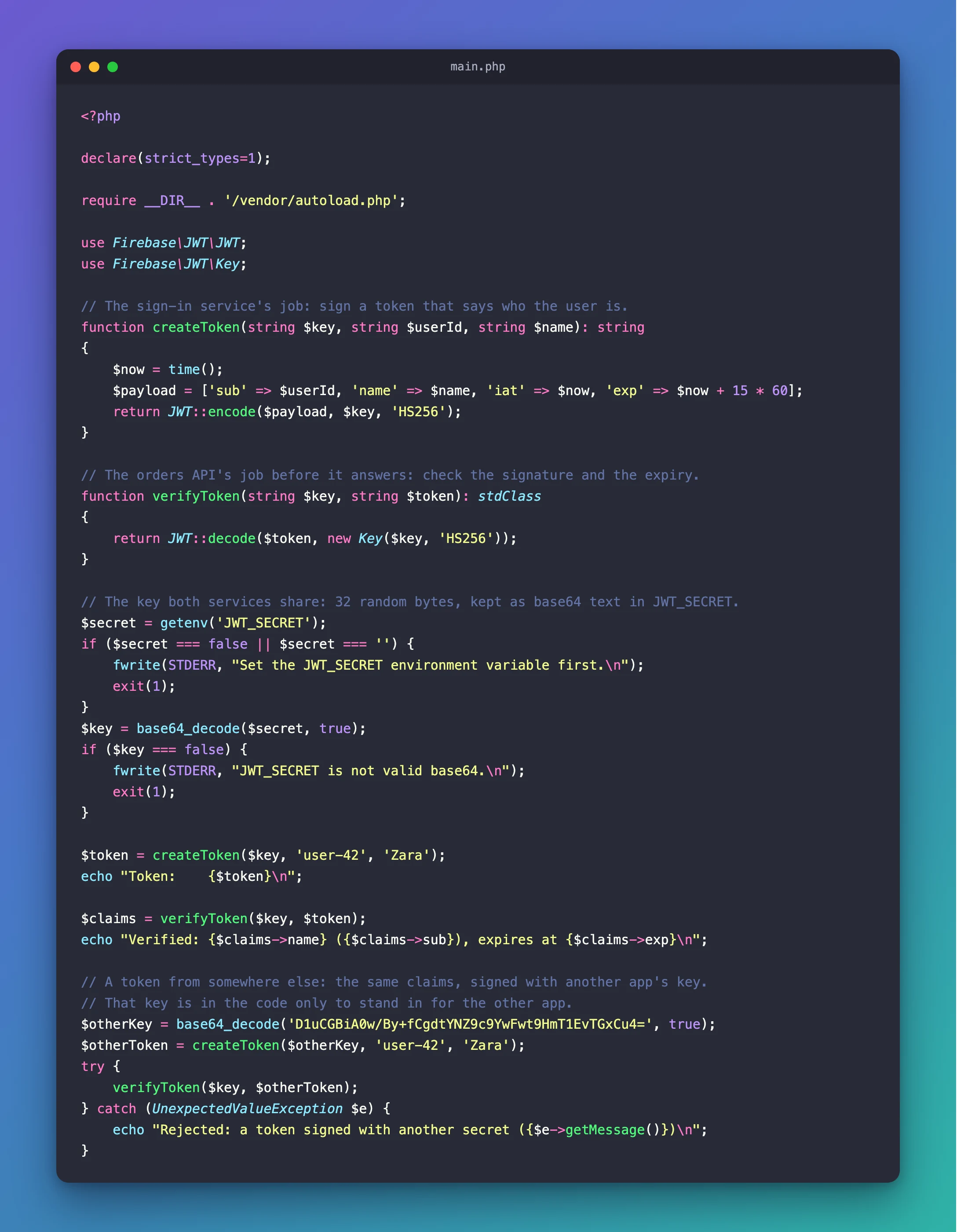
<?php

declare(strict_types=1);

require __DIR__ . '/vendor/autoload.php';

use Firebase\JWT\JWT;
use Firebase\JWT\Key;

// The sign-in service's job: sign a token that says who the user is.
function createToken(string $key, string $userId, string $name): string
{
    $now = time();
    $payload = ['sub' => $userId, 'name' => $name, 'iat' => $now, 'exp' => $now + 15 * 60];
    return JWT::encode($payload, $key, 'HS256');
}

// The orders API's job before it answers: check the signature and the expiry.
function verifyToken(string $key, string $token): stdClass
{
    return JWT::decode($token, new Key($key, 'HS256'));
}

// The key both services share: 32 random bytes, kept as base64 text in JWT_SECRET.
$secret = getenv('JWT_SECRET');
if ($secret === false || $secret === '') {
    fwrite(STDERR, "Set the JWT_SECRET environment variable first.\n");
    exit(1);
}
$key = base64_decode($secret, true);
if ($key === false) {
    fwrite(STDERR, "JWT_SECRET is not valid base64.\n");
    exit(1);
}

$token = createToken($key, 'user-42', 'Zara');
echo "Token:    {$token}\n";

$claims = verifyToken($key, $token);
echo "Verified: {$claims->name} ({$claims->sub}), expires at {$claims->exp}\n";

// A token from somewhere else: the same claims, signed with another app's key.
// That key is in the code only to stand in for the other app.
$otherKey = base64_decode('D1uCGBiA0w/By+fCgdtYNZ9c9YwFwt9HmT1EvTGxCu4=', true);
$otherToken = createToken($otherKey, 'user-42', 'Zara');
try {
    verifyToken($key, $otherToken);
} catch (UnexpectedValueException $e) {
    echo "Rejected: a token signed with another secret ({$e->getMessage()})\n";
}
require 'jwt'

# The sign-in service's job: sign a token that says who the user is.
def create_token(key, user_id, name)
  now = Time.now.to_i
  payload = { sub: user_id, name: name, iat: now, exp: now + (15 * 60) }
  JWT.encode(payload, key, 'HS256')
end

# The orders API's job before it answers: check the signature and the expiry.
def verify_token(key, token)
  payload, _header = JWT.decode(token, key, true, algorithm: 'HS256')
  payload
end

# The key both services share: 32 random bytes, kept as base64 text in JWT_SECRET.
secret = ENV.fetch('JWT_SECRET', '')
abort 'Set the JWT_SECRET environment variable first.' if secret.empty?
key = secret.unpack1('m0')

token = create_token(key, 'user-42', 'Zara')
puts "Token:    #{token}"

claims = verify_token(key, token)
puts "Verified: #{claims['name']} (#{claims['sub']}), expires at #{claims['exp']}"

# A token from somewhere else: the same claims, signed with another app's key.
# That key is in the code only to stand in for the other app.
other_key = 'D1uCGBiA0w/By+fCgdtYNZ9c9YwFwt9HmT1EvTGxCu4='.unpack1('m0')
other_token = create_token(other_key, 'user-42', 'Zara')
begin
  verify_token(key, other_token)
rescue JWT::DecodeError => e
  puts "Rejected: a token signed with another secret (#{e.message})"
end
use std::time::{SystemTime, UNIX_EPOCH};

use jsonwebtoken::errors::Error;
use jsonwebtoken::{Algorithm, DecodingKey, EncodingKey, Header, Validation, decode, encode};
use serde::{Deserialize, Serialize};

/// What the token says about the user.
#[derive(Debug, Serialize, Deserialize)]
struct Claims {
    sub: String,
    name: String,
    iat: u64,
    exp: u64,
}

/// The sign-in service's job: sign a token that says who the user is.
fn create_token(key: &EncodingKey, user_id: &str, name: &str) -> Result<String, Error> {
    let now = SystemTime::now()
        .duration_since(UNIX_EPOCH)
        .expect("the clock is set before 1970")
        .as_secs();
    let claims = Claims {
        sub: user_id.to_owned(),
        name: name.to_owned(),
        iat: now,
        exp: now + 15 * 60,
    };
    encode(&Header::new(Algorithm::HS256), &claims, key)
}

/// The orders API's job before it answers: check the signature and the expiry.
fn verify_token(key: &DecodingKey, token: &str) -> Result<Claims, Error> {
    let data = decode::<Claims>(token, key, &Validation::new(Algorithm::HS256))?;
    Ok(data.claims)
}

fn main() -> Result<(), Error> {
    // The key both services share: 32 random bytes, kept as base64 text in JWT_SECRET.
    let secret = std::env::var("JWT_SECRET").unwrap_or_default();
    if secret.is_empty() {
        eprintln!("Set the JWT_SECRET environment variable first.");
        std::process::exit(1);
    }
    let encoding_key = EncodingKey::from_base64_secret(&secret)?;
    let decoding_key = DecodingKey::from_base64_secret(&secret)?;

    let token = create_token(&encoding_key, "user-42", "Zara")?;
    println!("Token:    {token}");

    let claims = verify_token(&decoding_key, &token)?;
    println!(
        "Verified: {} ({}), expires at {}",
        claims.name, claims.sub, claims.exp
    );

    // A token from somewhere else: the same claims, signed with another app's key.
    // That key is in the code only to stand in for the other app.
    let other_key =
        EncodingKey::from_base64_secret("D1uCGBiA0w/By+fCgdtYNZ9c9YwFwt9HmT1EvTGxCu4=")?;
    let other_token = create_token(&other_key, "user-42", "Zara")?;
    if let Err(err) = verify_token(&decoding_key, &other_token) {
        println!("Rejected: a token signed with another secret ({err})");
    }
    Ok(())
}
What Each Library Put in the Token
Decode the first two parts of each token, as you did by hand in the first tutorial, and the eight libraries turn out to write slightly different JSON:
| Library | Header | Claims, in the order written |
|---|---|---|
| jose | {"alg":"HS256","typ":"JWT"}, as the code set it | name, sub, iat, exp |
| PyJWT | {"alg":"HS256","typ":"JWT"} | sub, name, iat, exp |
| JsonWebTokenHandler | {"alg":"HS256","typ":"JWT"} | exp, sub, name, iat, nbf |
| jjwt | {"alg":"HS256"} | sub, name, iat, exp |
| golang-jwt | {"alg":"HS256","typ":"JWT"} | name, sub, exp, iat |
| php-jwt | {"typ":"JWT","alg":"HS256"} | sub, name, iat, exp |
| jwt (Ruby) | {"alg":"HS256"} | sub, name, iat, exp |
| jsonwebtoken (Rust) | {"typ":"JWT","alg":"HS256"} | sub, name, iat, exp |
All eight are valid HS256 tokens. A verifier doesn't rebuild the JSON: it checks the signature over the exact characters it received, so the order of the keys and an optional typ make no difference. .NET is the only library that added a claim the code didn't ask for, nbf. With all eight programs given the same JWT_SECRET, PyJWT verified every one of their tokens.
How Each Library Says No
The third line of the output is each library's own way of rejecting the token from the other app. This is the error to catch in your own code:
| Library | Its message | What your code catches |
|---|---|---|
| jose | signature verification failed | JWSSignatureVerificationFailed, a JOSEError |
| PyJWT | Signature verification failed | InvalidSignatureError, a jwt.InvalidTokenError |
| JsonWebTokenHandler | (the program prints the type) | SecurityTokenSignatureKeyNotFoundException, a SecurityTokenException |
| jjwt | JWT signature does not match locally computed signature. JWT validity cannot be asserted and should not be trusted. | SignatureException, a JwtException |
| golang-jwt | token signature is invalid: signature is invalid | an error that matches jwt.ErrTokenSignatureInvalid |
| php-jwt | Signature verification failed | SignatureInvalidException, an UnexpectedValueException |
| jwt (Ruby) | Signature verification failed | JWT::VerificationError, a JWT::DecodeError |
| jsonwebtoken (Rust) | InvalidSignature | an Error whose kind is ErrorKind::InvalidSignature |
Catch the broad type, such as JOSEError or JWT::DecodeError, when any bad token should get the same answer: a 401 Unauthorized from an API. Catch the narrow one only when you treat one failure differently.
What You Can Do Now
- Create a signed
HS256token with your language's most-used JWT library, withsub,iat,expand claims of your own. - Verify a token with the algorithm pinned, and get its claims back only when it passes.
- Recognise your library's rejection and catch only the token errors it throws.
- Keep the secret out of the code and off the screen, and turn its base64 text into the same key bytes in any language.
Common Mistakes
| Mistake | What happens | Do this instead |
|---|---|---|
| Decoding a token instead of verifying it | You trust claims anyone could have written | Always call the library's verify function, with the key |
| Leaving out the algorithm list when verifying | PyJWT refuses to run, and jose accepts every algorithm that fits the key | Name HS256, or whichever algorithm you sign with |
| Using the secret's text as the key in one service and its decoded bytes in another | Every token fails verification, because the two keys differ | Decide what the key bytes are and decode the secret the same way everywhere |
| A short or made-up secret | Anyone with one of your tokens can test guesses against it offline | Use 32 random bytes, as Step 2 does |
| Putting the secret in the code | It ends up in Git and in every copy of the program | Read it from an environment variable or a secret store |
| Printing IdentityModel's whole error message in .NET | The message names the key by a SHA-256 thumbprint of the secret | Log the exception's type |
Adding jsonwebtoken 12 to a Rust project without rust_crypto or aws_lc_rs | The crate has no cryptography to sign or verify with | cargo add jsonwebtoken --features rust_crypto |
Troubleshooting
| Symptom | Likely cause | Fix |
|---|---|---|
Set the JWT_SECRET environment variable first. | Step 2 ran in another terminal, or not at all | Run Step 2 again in the terminal where you run the program |
Node.js: SyntaxError: Found a character that cannot be part of a valid base64 string. | JWT_SECRET isn't base64 text | Set it with the command from Step 2 |
Python: binascii.Error: Only base64 data is allowed | JWT_SECRET isn't base64 text | Set it with the command from Step 2 |
Python: It is required that you pass in a value for the "algorithms" argument when calling decode(). | jwt.decode was called without algorithms | Add algorithms=["HS256"] |
An issue was encountered verifying workloads. For more information, run "dotnet workload update". | The first dotnet command under a new user account | It's harmless. Fixed: An issue was encountered verifying workloads explains it |
Go prints go: downloading github.com/golang-jwt/jwt v3.2.2+incompatible | Go checks the shorter module path too | Nothing to fix. Only v5 goes into go.mod |
Frequently Asked Questions
Can a token made in one language be verified in another?
Yes, when both use the same algorithm and the same key bytes. That's how mixed teams run a sign-in service in one language and APIs in others. With one JWT_SECRET for all eight programs, PyJWT verified the tokens every one of them created.
Why does each library write a different header?
The standard leaves room. RFC 7519 makes typ optional, and JSON doesn't fix the order of keys. jjwt and the Ruby gem leave typ out, and php-jwt and the Rust crate write it first. None of that changes whether a token verifies, because the signature covers the exact text the token carries.
Which library should I use?
The one in this tutorial's table for your language, unless your framework already uses another. ASP.NET Core's JWT bearer authentication, for example, uses JsonWebTokenHandler for you. Stay away from libraries that are no longer maintained, and keep the one you pick up to date, because JWT libraries get security fixes.
Is HS256 right for my app?
It is when every service that verifies tokens may also hold the secret, as in this example. When others must verify your tokens without being able to create them, use an algorithm with a key pair, such as RS256, ES256 or EdDSA, where only the private key can sign. Later tutorials in this course cover them.
Why does the .NET version turn off the issuer and audience checks?
TokenValidationParameters checks both by default, and this token has no iss or aud claim yet. Leaving the checks on would reject every token here. Registered Claims, the fourth Fundamentals tutorial, adds both claims and turns the checks back on.
Conclusion
A JWT library turns the first tutorial's eight terminal steps into two calls: one that signs the claims with your key and one that verifies a token before you trust a word of it. In all eight languages the pattern is the same: keep the secret outside the code, decode it into the key bytes, pin the algorithm when you verify, and treat any error from the verify call as "this token isn't valid". Each library writes its tokens a little differently, yet they all verify one another's, because they follow the same standard.
Next: Decode vs Verify (coming soon). What each library's "decode" function really does, and why reading a token proves nothing.
Additional Resources
- jose, the JavaScript library, with its
SignJWTandjwtVerifydocumentation. - PyJWT documentation, including
jwt.encodeandjwt.decode. - JsonWebTokenHandler, on Microsoft Learn.
- jjwt, the Java library, with its README on keys and parsing.
- golang-jwt, the Go package documentation.
- php-jwt, the PHP library.
- ruby-jwt, the Ruby gem.
- jsonwebtoken, the Rust crate's documentation.
- RFC 7519 (JWT) and RFC 8725 (JWT best current practices).
