Why MySQL AUTO_INCREMENT IDs Have Gaps

Your table's IDs go 1, 2, 5, 7, 12, and you can't account for the missing numbers. Nothing is wrong. MySQL hands out an AUTO_INCREMENT value before it knows whether the insert will succeed, and it doesn't take the value back. Here's that happening on MySQL 9.7, in two different ways.
Prerequisites
- MySQL, and a way to run SQL. The examples use MySQL 9.7.4 in Docker, and the
mysqlclient from How to Connect to MySQL in a Docker Container. - A table with an
AUTO_INCREMENTcolumn. The examples usecategories, with a unique index onName.
Where It Starts
SELECT Id, Name FROM categories ORDER BY Id;
+----+-------------------+
| Id | Name              |
+----+-------------------+
|  1 | Cables            |
|  2 | Wall chargers     |
|  5 | Adapters          |
|  7 | Stands and mounts |
|  8 | Docks             |
+----+-------------------+
5 rows in set (0.000 sec)
Cause 1: A Failed Insert
Two inserts fail on the unique index:
INSERT INTO categories (Name, CreatedAtUtc) VALUES ('Cables', UTC_TIMESTAMP(6));
INSERT INTO categories (Name, CreatedAtUtc) VALUES ('Cables', UTC_TIMESTAMP(6));
ERROR 1062 (23000): Duplicate entry 'Cables' for key 'categories.IX_categories_Name'
ERROR 1062 (23000): Duplicate entry 'Cables' for key 'categories.IX_categories_Name'
The next one succeeds:
INSERT INTO categories (Name, CreatedAtUtc) VALUES ('Printers', UTC_TIMESTAMP(6));
SELECT LAST_INSERT_ID();
+------------------+
| LAST_INSERT_ID() |
+------------------+
|               12 |
+------------------+
1 row in set (0.000 sec)
The highest ID was 8, and this one is 12. The two failures used up 10 and 11, with no row to show for them. The 9 belonged to a row I'd deleted earlier.
Cause 2: A Rolled-Back Transaction
START TRANSACTION;
INSERT INTO categories (Name, CreatedAtUtc) VALUES ('Scanners', UTC_TIMESTAMP(6));
SELECT LAST_INSERT_ID();
ROLLBACK;
+------------------+
| LAST_INSERT_ID() |
+------------------+
|               13 |
+------------------+
1 row in set (0.000 sec)
Scanners got 13, and ROLLBACK removed the row. The next insert doesn't get 13 back:
INSERT INTO categories (Name, CreatedAtUtc) VALUES ('Monitors', UTC_TIMESTAMP(6));
SELECT LAST_INSERT_ID();
+------------------+
| LAST_INSERT_ID() |
+------------------+
|               14 |
+------------------+
1 row in set (0.000 sec)
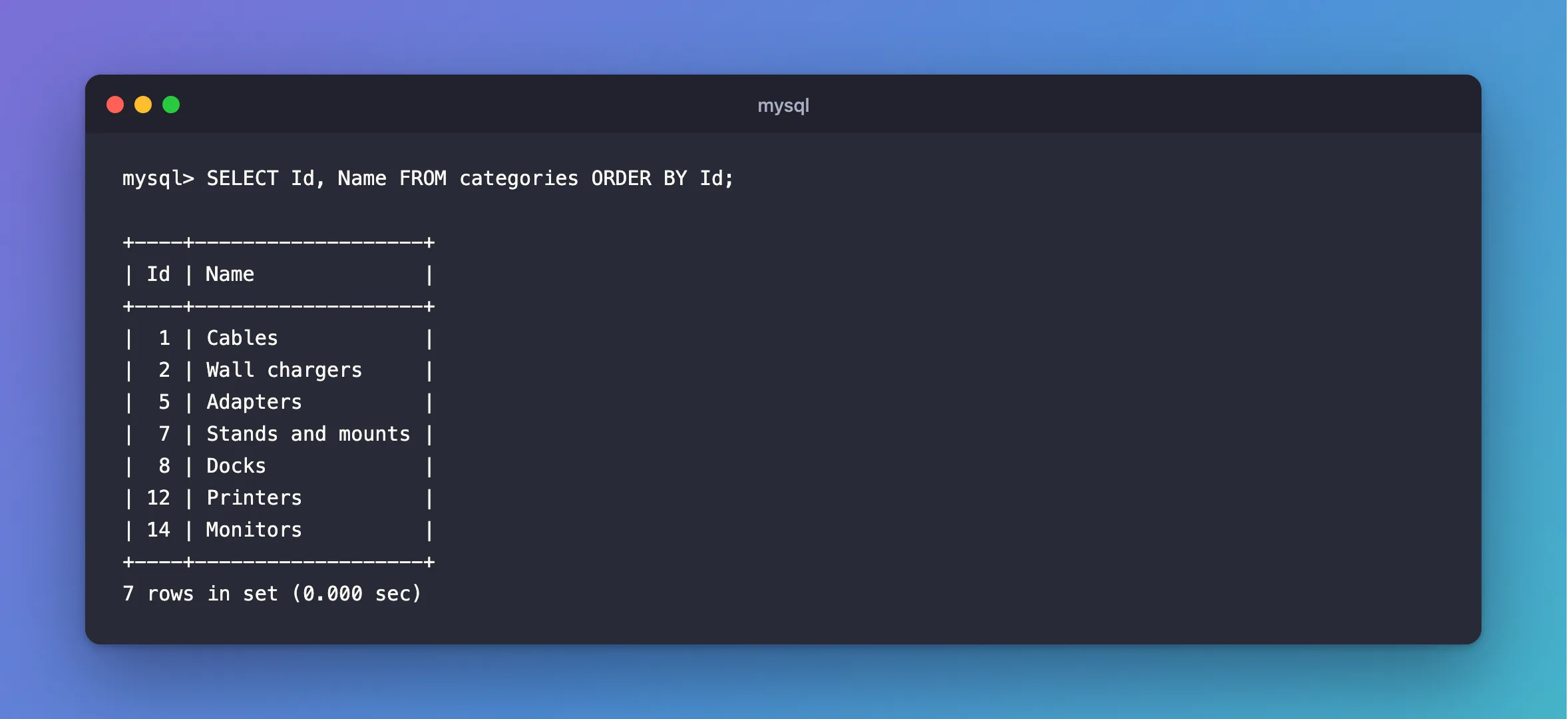
SELECT Id, Name FROM categories ORDER BY Id;
+----+-------------------+
| Id | Name              |
+----+-------------------+
|  1 | Cables            |
|  2 | Wall chargers     |
|  5 | Adapters          |
|  7 | Stands and mounts |
|  8 | Docks             |
| 12 | Printers          |
| 14 | Monitors          |
+----+-------------------+
7 rows in set (0.000 sec)
Why MySQL Does This
The manual's InnoDB AUTO_INCREMENT page says it directly: "In all lock modes (0, 1, and 2), if a transaction that generated auto-increment values rolls back, those auto-increment values are 'lost'. Once a value is generated for an auto-increment column, it cannot be rolled back, whether or not the 'INSERT-like' statement is completed, and whether or not the containing transaction is rolled back."
The reason is concurrency. Handing out a number and moving on means other inserts needn't wait to see whether yours commits. This server uses the fastest mode:
SELECT @@innodb_autoinc_lock_mode, @@innodb_native_foreign_keys;
+----------------------------+------------------------------+
| @@innodb_autoinc_lock_mode | @@innodb_native_foreign_keys |
+----------------------------+------------------------------+
|                          2 |                            0 |
+----------------------------+------------------------------+
1 row in set (0.000 sec)
The page calls mode 2 "the fastest and most scalable lock mode". It also explains the second column there: with innodb_native_foreign_keys at 0, a foreign key is checked before the row is written, so a foreign key refusal "does not consume an AUTO_INCREMENT value". A duplicate does, as you saw above.
Should You Fix It?
No. An ID only has to be unique. It isn't a count of your rows, and it isn't an invoice number. If you need numbers with no gaps, keep them in a column of their own, assigned when something is finalized. To count rows, use COUNT(*).
Common Mistakes
| Mistake | What happens | Do this instead |
|---|---|---|
Using MAX(Id) as a row count | It's wrong as soon as there's a gap | Use COUNT(*) |
| Showing the ID as an order or invoice number | Customers ask about the missing ones | Use a separate number |
| Trying to reuse the missing numbers | Risky, and other tables may have used them | Leave them |
| Assuming a gap means lost data | It usually means a failed or rolled-back insert | Check before worrying |
FAQ
Does EF Core make this happen too?
Yes. A failed SaveChangesAsync sends a failed INSERT, which uses up a value the same way. The EF Core insert post shows this in a Web API.
Do deleted rows cause gaps?
Yes, and those IDs aren't reused either. In this table, 6 and 9 went that way.
Conclusion
MySQL gives out AUTO_INCREMENT values before the outcome is known, and never takes them back, so failed inserts and rollbacks leave gaps. That's by design, for speed under load. Don't treat an ID as a count or a business number, and the gaps won't matter.
Additional Resources
- AUTO_INCREMENT Handling in InnoDB — lock modes and lost values.
