Why Each Request Gets Its Own DbContext in ASP.NET Core

In ASP.NET Core you ask for a DbContext, and one appears. Which one? Each HTTP request gets its own, shared by everything in that request, and it's disposed of when the request ends. This guide proves that with real IDs, and explains what the rule means for code that lives outside a request.
Prerequisites
- An ASP.NET Core project with EF Core. The examples use a .NET 10 minimal API with EF Core 10, registered with
AddDbContext, as in How to Register Services with an IServiceCollection Extension Method.
See It
Every DbContext has an ID. This endpoint asks for the context twice, and returns the start of each ID:
app.MapGet("/demo/context-id-short", (InventoryDbContext first, InventoryDbContext second) =>
    Results.Ok(new
    {
        first = first.ContextId.InstanceId.ToString()[..8],
        second = second.ContextId.InstanceId.ToString()[..8],
        same = ReferenceEquals(first, second),
    }));
Two requests in a row:
{
  "first": "39f5e94b",
  "second": "39f5e94b",
  "same": true
}
{
  "first": "d375eb75",
  "second": "d375eb75",
  "same": true
}
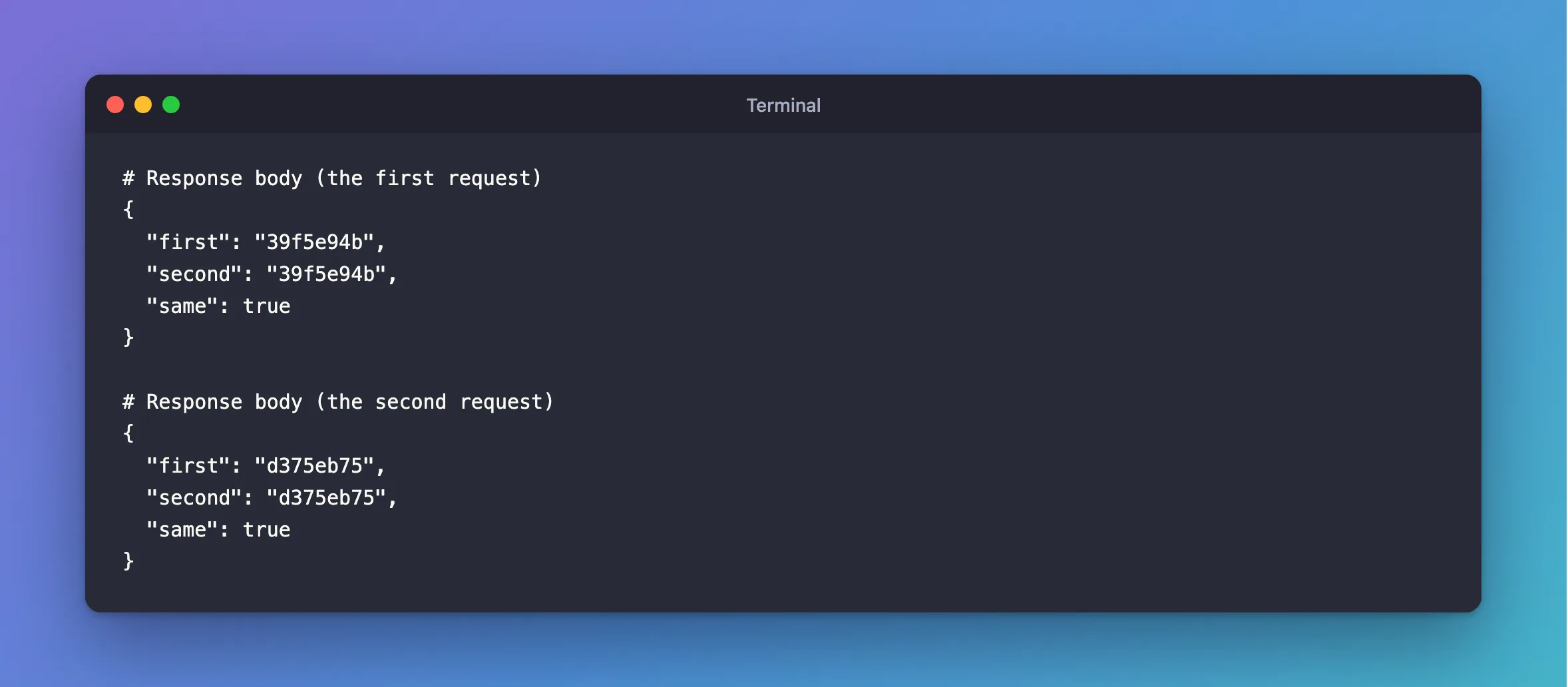
Within a request, the same object, even when asked for twice. Across requests, a different one.
Why It Works This Way
AddDbContext registers the context with a scoped lifetime, and ASP.NET Core creates one scope per request. EF Core's DbContext lifetime page gives the reasons:
- A context is for one piece of work. "A
DbContextinstance is designed to be used for a single unit-of-work", and "In many web applications, each HTTP request corresponds to a single unit-of-work." - It isn't safe to share. "
DbContextis Not thread-safe. Don't share contexts between threads." - The request is a natural boundary. "each request gets a separate dependency injection scope (and therefore a separate
DbContextinstance)."
So two requests at the same moment can't get in each other's way. Each has its own change tracker, and takes its own connection from the pool.
What This Means in Practice
| Situation | What happens | Do this |
|---|---|---|
| Two services in the same request | They share a context, so they share its changes | Nothing: it's why SaveChangesAsync in one saves changes made by the other |
A Task.Run that outlives the request | Cannot access a disposed context instance | Create a scope in the task |
| Queries started at the same time | A second operation was started | await each one |
| A singleton that needs the database | Cannot consume scoped service from singleton | Inject IServiceScopeFactory |
Startup code in Program.cs | Cannot resolve scoped service from root provider | Use app.Services.CreateAsyncScope() |
Common Mistakes
| Mistake | What happens | Do this instead |
|---|---|---|
| Storing a context in a static field | All requests share it, with errors under load | Ask for it per request |
| Registering it as a singleton | The same, and its change tracker grows forever | Keep the default |
| Disposing of an injected context yourself | Others in the request get an error | Let the scope dispose of it |
| Keeping tracked entities between requests | They belong to a disposed context | Load them again |
FAQ
Isn't creating a context for each request slow?
No. EF Core's Advanced Performance Topics page says: "A DbContext is generally a light object: creating and disposing one doesn't involve a database operation, and most applications can do so without any noticeable impact on performance." For very high traffic, the same page describes context pooling, with AddDbContextPool.
Do connections stay open for the whole request?
No. The same page says EF Core "generally opens connections just before each operation (e.g. query), and closes it right afterwards, causing it to be returned to the pool".
Conclusion
AddDbContext gives you one DbContext per HTTP request: the same object everywhere in the request, and a new one for the next. That matches how a context should be used, for one unit of work and one thread at a time. Anything outside a request, such as background tasks, singletons and startup code, needs a scope of its own.
Additional Resources
- DbContext Lifetime, Configuration, and Initialization — lifetime and threading.
- Advanced Performance Topics — context pooling and connections.
- Dependency injection guidelines — service lifetimes.
