When to Use Power Pages

Power Pages is for websites that people outside your organization use: customers, applicants, suppliers, or anyone on the internet. If everyone who'll use your solution already has a work account in your Microsoft 365, you usually don't need it.
This guide gives you the deciding question, a table of common situations, what Power Pages costs today, and what to have ready before you start. The facts come from Microsoft's documentation and pricing pages, quoted where it matters. The example throughout is the Overtime Timesheet app from this site's Power Apps series, a canvas app that hospital-style staff use in Microsoft Teams.
What Power Pages Is
Microsoft describes Power Pages as a secure, enterprise-grade, low-code software as a service (SaaS) platform for creating, hosting, and administering modern external-facing business websites. Three things in that sentence decide when it fits:
- External-facing. Its sign-in works with many identity providers, and pages can also be open to anyone without signing in.
- Websites. People use it in a web browser, on any device.
- Business data. A site's data lives in Microsoft Dataverse, the same database that model-driven apps and Power Automate use.
Power Pages used to be called Power Apps portals. Makers start at make.powerpages.microsoft.com. The first visit there opens a welcome page; Get started begins signing up and asks a few questions to build your first site:
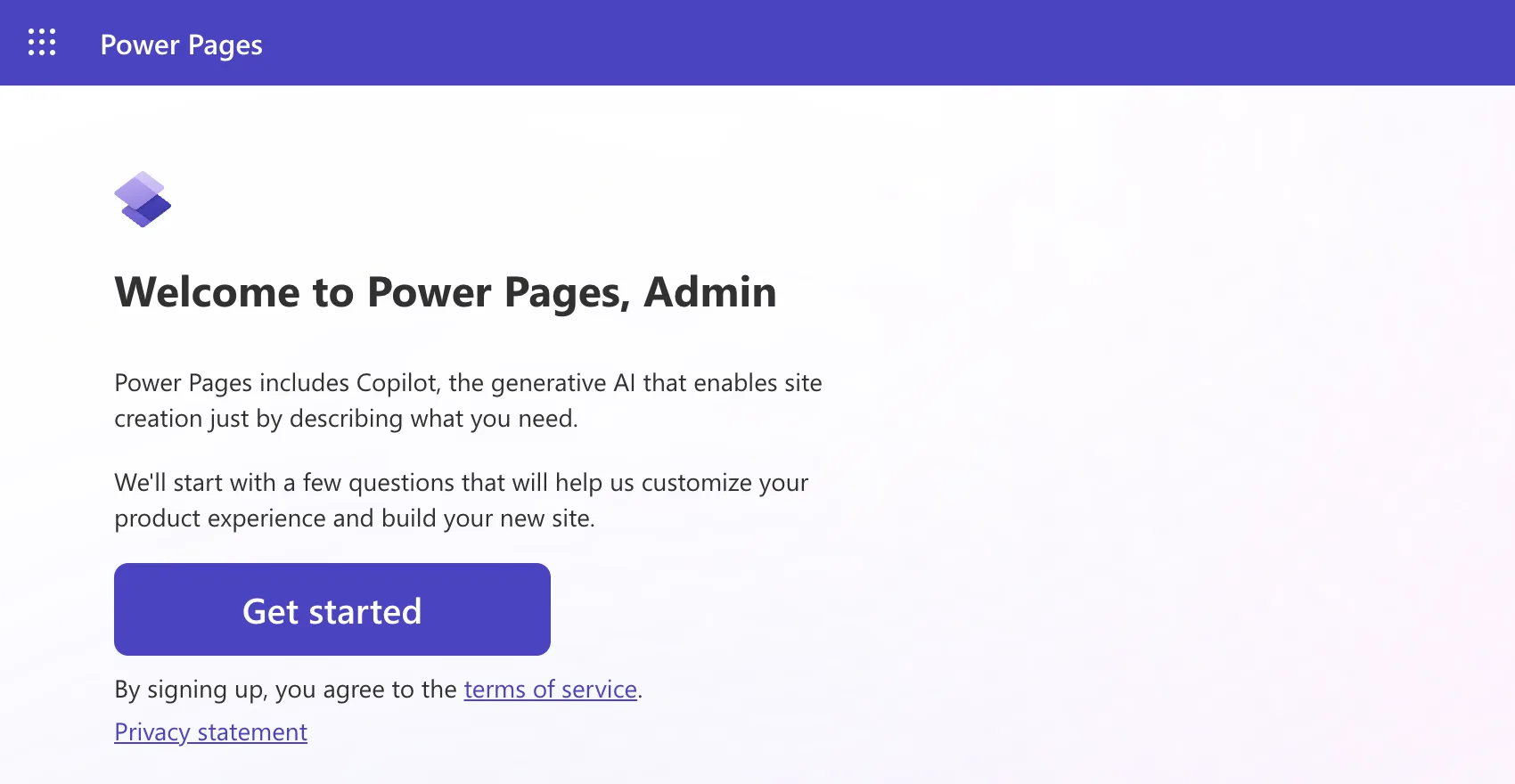
I stopped there: this guide is about deciding, not building a site.
The Deciding Question: Who Will Use It?
Start with the people, not the features.
Microsoft draws the same line in its Power Pages capabilities article: Using Power Apps to create an app that uses SharePoint to store content is a popular way to quickly build basic intranet sites. Power Pages is ideal for websites focused on external audiences that require more secure access to your business information.
When to Use Power Pages
- People outside your organization need to sign in. Customers checking an order, applicants tracking an application, suppliers updating their details. Microsoft's planning guide recommends an external identity provider for them, such as Microsoft Entra External ID, with options including existing social accounts like a Microsoft account, LinkedIn or Google.
- Anyone should see pages without signing in. Opening times, a published list, a public form. Microsoft's comparison with canvas apps puts it plainly: Power Pages allows anonymous and authenticated access, while canvas apps require authentication via Microsoft Entra ID.
- Your data is in Dataverse, or can move there. The same comparison lists Power Pages' data sources as Dataverse. To show data from elsewhere, Power Pages can embed Power BI reports.
- You want a branded website rather than an app. Power Pages is a browser-only experience, responsive on phones and computers.
When Not to Use It
- Everyone is your own staff. A Power Apps canvas app opens in Microsoft Teams, a browser or the Power Apps mobile app, and Microsoft's licensing overview says some Microsoft 365 licenses include limited Power Apps and Power Automate use rights for scenarios that use Microsoft 365 data and standard connectors. The Overtime Timesheet app is exactly that: staff log overtime in Teams, with the data in SharePoint lists, at no extra license cost.
- It's an intranet of pages and documents. A SharePoint site does that, as Microsoft's capabilities article says.
- A few named people from another organization. Invite them as Microsoft Entra guests and share a canvas app with them; they sign in with Microsoft Entra ID.
- The data must stay in SharePoint lists or another connector's source. Canvas apps can use any of approximately 150 out-of-the-box connectors; Power Pages sites work with Dataverse.
- You need a native mobile app. Canvas apps run in browser and mobile apps; Power Pages is browser-only.
Decision Table
| Who uses it | Where the data is | Use |
|---|---|---|
| Your staff only | SharePoint lists, Excel, other standard connectors | A canvas app, in Teams or the browser |
| Your staff only | Pages, news and documents | A SharePoint site |
| A few named partner people | Any | A canvas app shared with Microsoft Entra guests |
| Customers, applicants or suppliers who sign in | Dataverse | Power Pages, authenticated users |
| Anyone, without signing in | Dataverse | Power Pages, anonymous users |
| Your staff, on a website rather than an app | Dataverse | Power Pages with Microsoft Entra sign-in, which comes preconfigured |
For the Overtime Timesheet, the staff stay on the canvas app. If the hospital wanted agency nurses without work accounts to submit their hours, that would be a Power Pages site with authenticated users, and the overtime data would move to Dataverse.
What It Costs
Power Pages is licensed by capacity: how many different people use each website each month. These are Microsoft's list prices in US dollars as its Power Pages pricing page and licensing FAQ showed them in November 2026. The pricing page says they're for informational purposes only, so check them before you buy.
| Option | Price | What it covers |
|---|---|---|
| Free trial | Free | Free for 30 days |
| Authenticated users | $200 per website per month, paid yearly | A pack of 100 users who sign in, for one website, each calendar month |
| Anonymous users | $75 per website per month, paid yearly | A pack of 500 users who don't sign in, for one website, each calendar month |
| Pay-as-you-go, authenticated | $4 per active user per website per month | Each person who signs in that month |
| Pay-as-you-go, anonymous | $0.30 per active user per website per month | Each person who browses without signing in that month |
A few rules from Microsoft's licensing FAQ and pay-as-you-go meters article change the numbers:
- Larger packs cost less. From 100 authenticated packs, $75 a pack; from 1,000, $50. Anonymous packs drop to $37.50 from 20 packs and $25 from 200.
- Someone is counted once a month per website, however often they sign in. Signing in to two websites counts twice.
- Sign-in pages don't count as anonymous use, so a site where every page needs sign-in needs no anonymous capacity.
- Trial sites and sites in private mode aren't counted by the pay-as-you-go meters.
- Staff with Power Apps Premium don't use capacity. Power Apps Premium, $20 per user per month paid yearly, includes Unlimited Power Apps and Power Pages for assigned user.
- Dataverse storage comes with the packs: the pricing page lists 2 GB database and 16 GB file capacity per authenticated plan.
For the agency-nurse example, 40 people signing in each month would need one authenticated pack, $200 a month, or about $160 a month on pay-as-you-go.
What You Need Before You Start
- A Dataverse environment that isn't the default one. Microsoft's Create a site article says It isn't recommended to create a site in the default environment. This environment is shared across all the users in the tenant and creating your site here risks sharing data with other users unintentionally.
- The System Administrator role in that environment, as the same article lists.
- A plan for the trial's end. When your trial expires, the site is suspended but not deleted immediately. You have seven days to convert your trial site to production.
- A plan for who sees which data. Power Pages controls data access with its own authorization rules, per Power Pages security, so decide early which people may see and change which records.
Common Mistakes
| Mistake | What happens | Do this instead |
|---|---|---|
| A Power Pages site for staff who already have Microsoft 365 | You pay for capacity a canvas app wouldn't need | A canvas app in Teams |
| Creating the site in the default environment | Every user in the tenant shares that environment | A separate environment, as Microsoft advises |
| Leaving pages open by mistake | Every visitor counts as an anonymous user | Require sign-in on every page but the sign-in page |
| Expecting the site to read SharePoint lists like a canvas app | Power Pages sites work with Dataverse | Move the data to Dataverse, or stay with a canvas app |
| Forgetting the trial date | The site is suspended | Convert it to production within the seven days |
FAQ
Is Power Pages the same as Power Apps portals?
Yes: Microsoft's licensing FAQ calls it Power Pages (formerly Power Apps portals). The licensing changed when the name did.
Can my own staff use a Power Pages site?
Yes. They sign in with Microsoft Entra ID, which every Power Pages site has preconfigured. Each needs a Power Apps Premium license, a per app plan (no longer sold to new customers in some channels since January 2026, per Microsoft's licensing overview), a Dynamics 365 enterprise license, or a place in the website's authenticated capacity.
Is Power Pages free?
Only the 30-day trial. A production site needs capacity packs or pay-as-you-go.
Do I need to write code?
No. Sites start from templates in the design studio, and Copilot can draft one from a description. Developers can extend them with Visual Studio Code and the Power Platform CLI.
Can people outside my organization use a canvas app instead?
Yes, as Microsoft Entra guests you invite, signing in with Microsoft Entra ID and with the right Power Apps license. That suits a few named partners; it doesn't suit the public.
Conclusion
Ask who will use it. Your own staff: a Power Apps canvas app or a SharePoint site, usually covered by Microsoft 365 licenses. People outside your organization signing in, or anyone browsing anonymously, on Dataverse data: Power Pages, at $200 a month per website for each 100 people who sign in, $75 for each 500 who don't, or pay-as-you-go from $4 and $0.30 a person.
Additional Resources
- What is Power Pages?
- Power Pages capabilities
- Power Platform licensing FAQs: Power Pages
- Pay-as-you-go meters
- Power Pages pricing
- Share a canvas app with guest users
