How to Write XML Documentation Comments in C#

Three slashes start a documentation comment: /// <summary>Works out prices after a discount.</summary>. Unlike a normal comment, it has a structure, and the compiler can collect all of them into an XML file next to your program.
Microsoft's reference: C# source files can include structured comments that produce API documentation for the types defined in those files. And: You create documentation for your code by writing special comment fields indicated by triple slashes. The comment fields include XML elements that describe the code block that follows the comments.
Syntax
/// <summary>What the member does.</summary>
/// <param name="parameterName">What this parameter is.</param>
/// <returns>What the member returns.</returns>
public static ReturnType MemberName(ParameterType parameterName)
| Part | What it is |
|---|---|
/// | Starts a documentation comment line, right above what it describes |
<summary> | What the type or member does |
<param name="..."> | One per parameter. name must match the parameter's name |
<returns> | What a method returns |
<GenerateDocumentationFile>true</GenerateDocumentationFile> | In the project file: writes all the comments to an XML file when you build |
The Example
A console app called XmlDocs documents a Discount class and its Apply method, then turns on the XML file in the project and reads what the compiler wrote.
Prerequisites
- The .NET 10 SDK.
dotnet --versionprints a version that starts with10.0.
Step 1: Create a Console App
dotnet new console -n XmlDocs
cd XmlDocs
The template "Console App" was created successfully.

Processing post-creation actions...
Restoring /Users/you/source/XmlDocs/XmlDocs.csproj:
  Determining projects to restore...
  Restored /Users/you/source/XmlDocs/XmlDocs.csproj (in 46 ms).
Restore succeeded.
dotnet new console -n XmlDocs creates a folder named XmlDocs with a project file and a Program.cs, and cd moves into it. Everything this example uses is part of .NET, so there's no package to add. Open the folder in VS Code, or XmlDocs.csproj in Visual Studio.
Step 2: Write the Code
Replace everything in Program.cs. First the call:
Console.WriteLine(Discount.Apply(80.00m, 25));
Then the documented class:
/// <summary>Works out prices after a discount.</summary>
public static class Discount
{
    /// <summary>Returns the price after taking off a percentage.</summary>
    /// <param name="price">The price before the discount.</param>
    /// <param name="percent">How many percent to take off, from 0 to 100.</param>
    /// <returns>The price after the discount.</returns>
    public static decimal Apply(decimal price, int percent) => price - price * percent / 100;
}
<summary>on the class and on the method says what each one does.<param>describes each parameter, by name.<returns>describes the result.
Then open XmlDocs.csproj and add the GenerateDocumentationFile line to its PropertyGroup:
<Project Sdk="Microsoft.NET.Sdk">

  <PropertyGroup>
    <OutputType>Exe</OutputType>
    <TargetFramework>net10.0</TargetFramework>
    <ImplicitUsings>enable</ImplicitUsings>
    <Nullable>enable</Nullable>
    <GenerateDocumentationFile>true</GenerateDocumentationFile>
  </PropertyGroup>

</Project>
Microsoft's MSBuild reference: If you set this property to true and you don't specify a file name via the DocumentationFile property, the generated XML file is placed in the same output directory as your assembly and has the same file name (but with an .xml extension).
Step 3: Run It
Run it in VS Code's terminal, or press Ctrl+F5 in Visual Studio:
dotnet run
60.00
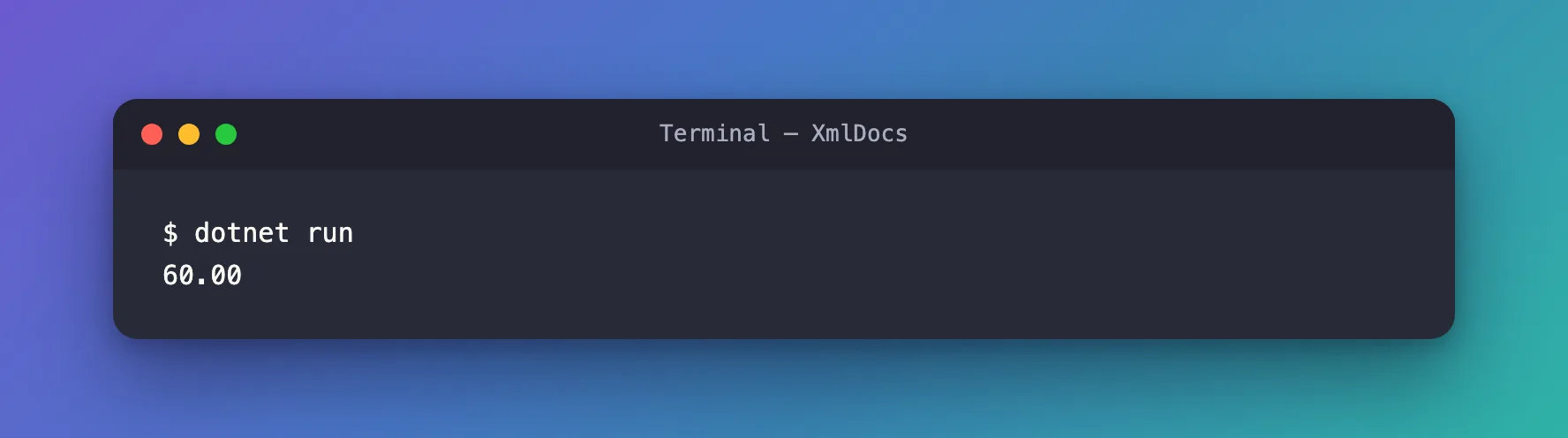
80.00 with 25 percent off is 60.00. The comments don't change what runs; they're information about the code, and the build has also written them to a file.
The Complete Files
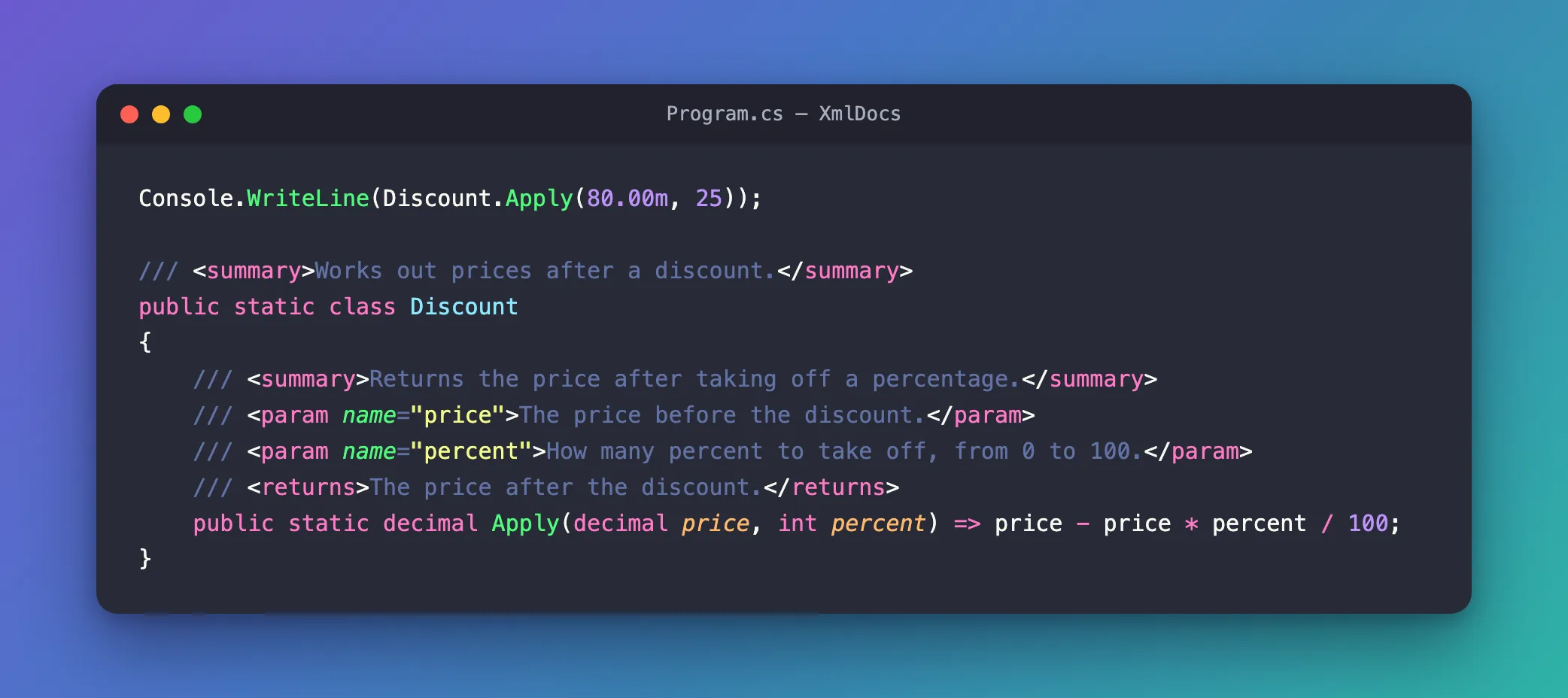
Console.WriteLine(Discount.Apply(80.00m, 25));

/// <summary>Works out prices after a discount.</summary>
public static class Discount
{
    /// <summary>Returns the price after taking off a percentage.</summary>
    /// <param name="price">The price before the discount.</param>
    /// <param name="percent">How many percent to take off, from 0 to 100.</param>
    /// <returns>The price after the discount.</returns>
    public static decimal Apply(decimal price, int percent) => price - price * percent / 100;
}
<Project Sdk="Microsoft.NET.Sdk">

  <PropertyGroup>
    <OutputType>Exe</OutputType>
    <TargetFramework>net10.0</TargetFramework>
    <ImplicitUsings>enable</ImplicitUsings>
    <Nullable>enable</Nullable>
    <GenerateDocumentationFile>true</GenerateDocumentationFile>
  </PropertyGroup>

</Project>
See the Generated XML
Build the project again and print the file the compiler wrote:
dotnet build --no-incremental
cat bin/Debug/net10.0/XmlDocs.xml
--no-incremental makes the build compile again even though dotnet run has just built the project.
  XmlDocs -> /Users/you/source/XmlDocs/bin/Debug/net10.0/XmlDocs.dll
Build succeeded.
    0 Warning(s)
    0 Error(s)
<?xml version="1.0"?>
<doc>
    <assembly>
        <name>XmlDocs</name>
    </assembly>
    <members>
        <member name="T:Discount">
            <summary>Works out prices after a discount.</summary>
        </member>
        <member name="M:Discount.Apply(System.Decimal,System.Int32)">
            <summary>Returns the price after taking off a percentage.</summary>
            <param name="price">The price before the discount.</param>
            <param name="percent">How many percent to take off, from 0 to 100.</param>
            <returns>The price after the discount.</returns>
        </member>
    </members>
</doc>
Each documented member has a <member> entry, named T: for a type and M: for a method, with its parameters' types. That file is what documentation tools read.
Common Mistakes
| Mistake | What happens | Do this instead |
|---|---|---|
| A public member without a comment, once the XML file is on | The build warns: warning CS1591: Missing XML comment for publicly visible type or member 'Discount.Apply(decimal, int)' | Document every public member. The reference: When you enable this option, the compiler generates the CS1591 warning for any publicly visible member declared in your project without XML documentation comments. |
A <param> name that doesn't match the parameter | warning CS1572: XML comment has a param tag for 'cost', but there is no parameter by that name, followed by CS1573 for the parameter left without one | Use the parameter's exact name |
FAQ
Do the comments change what the program does?
No. The program printed 60.00 either way: the comments are read by the compiler and by tools, never run.
Conclusion
Write /// comments with <summary>, <param> and <returns> above public types and members, and set GenerateDocumentationFile to true to get them in an XML file next to your program. The compiler then warns about every public member you haven't documented yet.
Additional Resources
- Generate XML API documentation comments — the comments and the XML file.
- GenerateDocumentationFile — the project setting.
