How to Write true and false in JSON

A yes/no value in JSON is true or false, written in lowercase and without quotes. With quotes, "true" is just text, and with a capital letter, True isn't JSON at all. This guide writes both values, checks them with jq, and shows what happens with each mistake.
Syntax
true
false
trueandfalse: the two true/false (Boolean) values, all lowercase, with no quotes.
The JSON standard, RFC 8259, lists them among the values: A JSON value MUST be an object, array, number, or string, or one of the following three literal names: false null true. The literal names MUST be lowercase. No other literal names are allowed.
The Example
A file called flags.json describes an account with two yes/no values: active is true and archived is false. jq, a command-line JSON tool, checks that it's valid.
Prerequisites
- jq, to check the file. Run
jq --versionto see which one you have; this guide uses jq 1.8.2 (Download jq).
Step 1: Write the Values
Create a file called flags.json with this text:
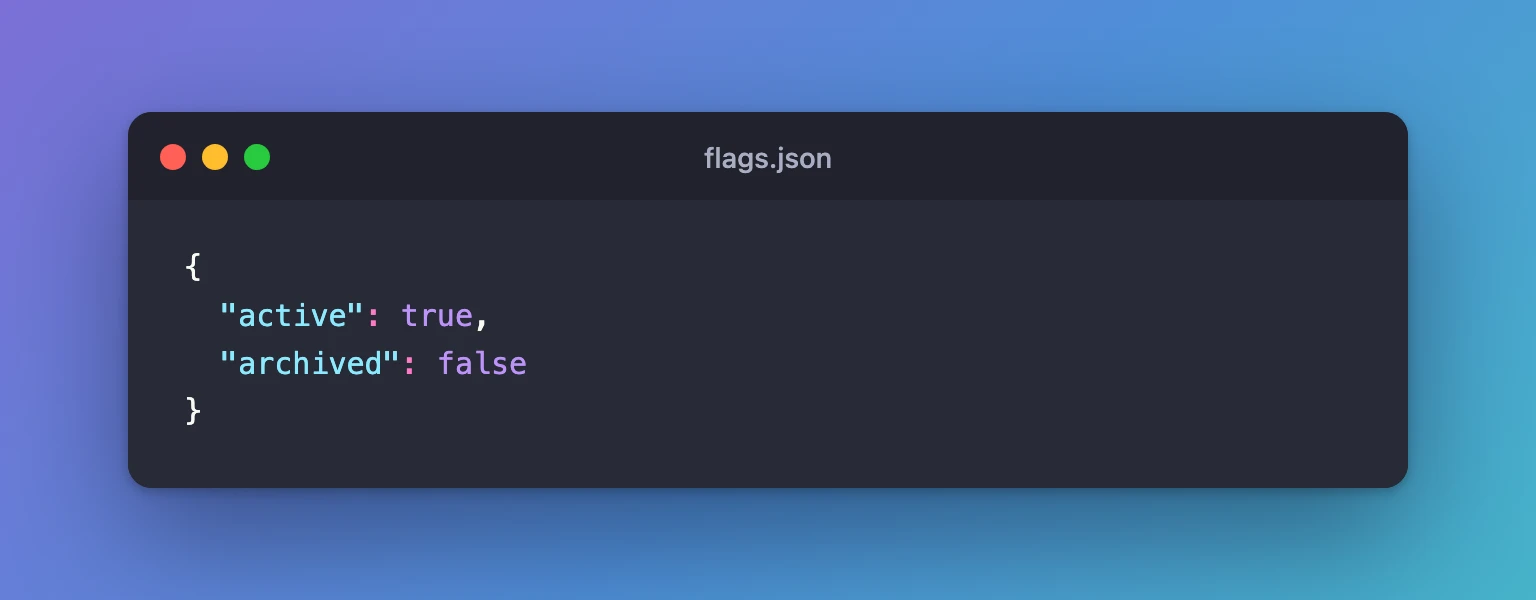
{
  "active": true,
  "archived": false
}
Step 2: Check It with jq
In a terminal, in the folder with the file, run:
jq . flags.json
jq's manual explains the .: the . program's main use is to validate and pretty-print the inputs. The file was valid, and jq printed both values back without quotes:
{
  "active": true,
  "archived": false
}
"true" in Quotes Is Text
quoted-true.json has "true" in quotes:
{
  "active": "true"
}
jq . quoted-true.json
{
  "active": "true"
}
It's valid JSON, but the value is the four letters t, r, u, e, not the value true. Software that checks active for true doesn't find it.
Common Mistakes
I wrote True with a capital letter in a copy of flags.json, { "active": True } laid out over three lines, and ran jq . on it. jq 1.8.2 said:
jq: parse error: Invalid numeric literal at line 3, column 0
jq didn't recognise True and tried to read it as a number, which is why the message mentions one.
| Mistake | What happens | Do this instead |
|---|---|---|
A capital letter, True | Invalid numeric literal | Write true |
Quotes, "true" | Valid, but it's text, not a true/false value | Leave the quotes out |
yes or no for a yes/no value | yes isn't JSON: jq stopped with Invalid numeric literal | Use true and false |
1 or 0 for a yes/no value | Valid, but they're numbers | Use true and false |
Troubleshooting
| Symptom | Likely cause | Fix |
|---|---|---|
| Invalid numeric literal where a true/false value is | It isn't all lowercase | Write true or false |
A check for true never matches | The value is the text "true" | Remove the quotes |
| The value prints with quotes in jq | It's a string | Remove the quotes |
FAQ
Is there a third value for "not known"?
JSON has null for no value, the third literal name in the standard's list. It isn't false.
Can I write TRUE or FALSE?
No. The literal names MUST be lowercase. jq stopped at TRUE with Invalid numeric literal, just as it did at True.
Does jq tell true and "true" apart?
Yes. It prints the value true without quotes and the text "true" with them.
Conclusion
Write yes/no values as true and false: lowercase, without quotes. jq . flags.json printed both back, "true" stayed text, and True stopped jq with Invalid numeric literal.
Additional Resources
- RFC 8259: The JavaScript Object Notation (JSON) Data Interchange Format: values and the three literal names.
- Introducing JSON: the format's diagrams, on its original site.
- jq manual: what
.and jq's other filters do.
