How to Write to Standard Error in PHP

A command-line PHP script has two output channels: echo writes to standard output, where results go, and STDERR is standard error, for problems. Write a warning with fwrite(STDERR, ...) and it still reaches the screen when the results go into a file.
Syntax
fwrite(STDERR, "<message>\n");
| Part | What it does |
|---|---|
fwrite | Writes a string to an open stream. |
STDERR | A constant holding the already-open standard error stream. |
"<message>\n" | The text; fwrite doesn't add a new line, so end it with \n. |
The PHP manual on command-line streams describes STDERR as "An already opened stream to stderr", and adds that you don't need to close these streams, "as they are closed automatically by PHP when your script ends."
The Example
The example echoes a result and writes a warning to standard error, then sends the output to a file to show which line goes where.
Prerequisites
- PHP for the command line. This guide uses PHP 8.6.0.
Step 1: Write the Code
Create a file named main.php:
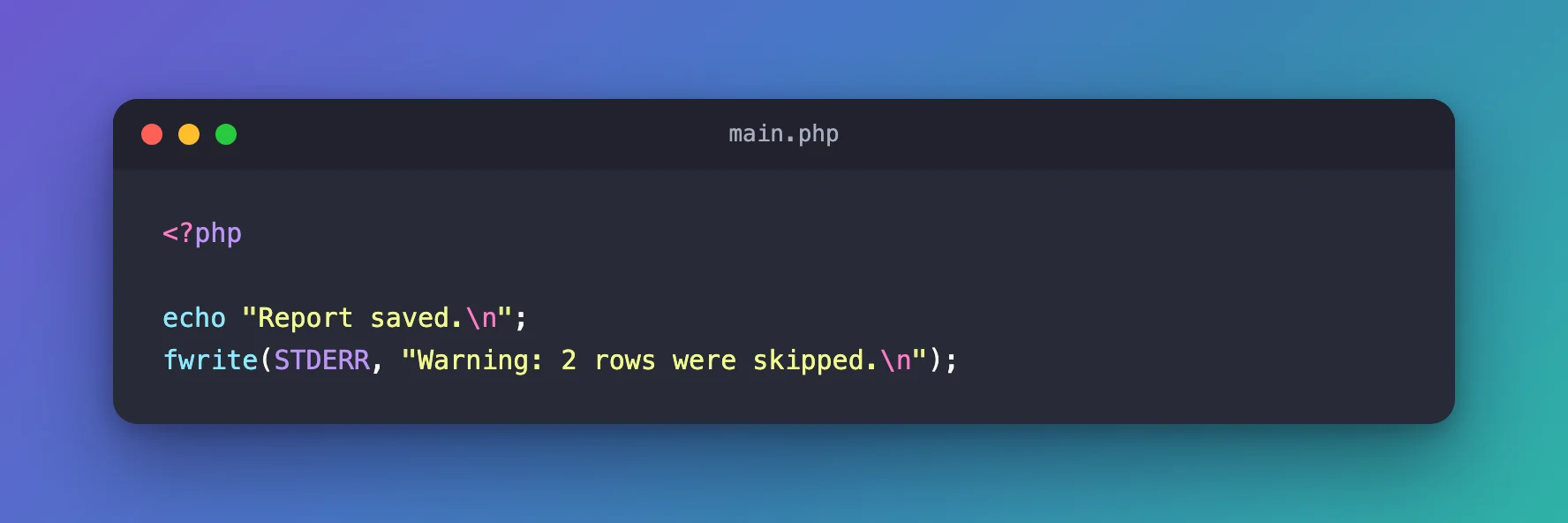
<?php

echo "Report saved.\n";
fwrite(STDERR, "Warning: 2 rows were skipped.\n");
Step 2: Run It, Then Redirect the Output
Run it, then send standard output to a file with > and look inside the file:
php main.php
php main.php > report.txt
cat report.txt
Report saved.
Warning: 2 rows were skipped.
Warning: 2 rows were skipped.
Report saved.
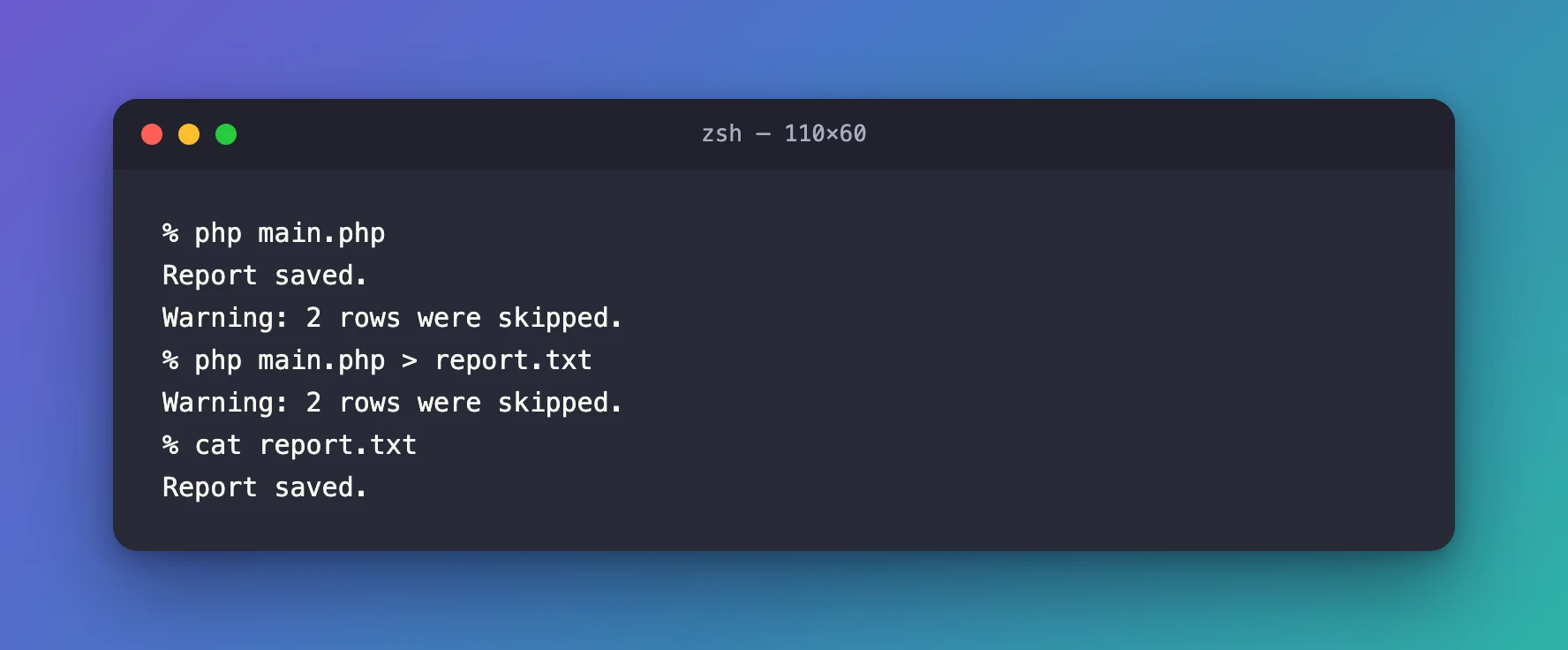
The first run shows both lines. In the second, > sent standard output into report.txt, so only the warning stayed on screen; cat then shows the report line in the file. In PowerShell 7.6 the same commands behave the same way: > redirects only standard output, and on Windows cat is an alias of Get-Content.
Common Mistakes
| Mistake | What happens | Do this instead |
|---|---|---|
Printing warnings with echo | They end up in the redirected file, mixed with the results | Write them to STDERR |
Using STDERR under a web server | The manual says these constants are defined by "The CLI SAPI", the command-line version of PHP | Open php://stderr with fopen, or use error_log |
Forgetting \n | The next message continues on the same line | End each message with \n |
Troubleshooting
| Symptom | Likely cause | Fix |
|---|---|---|
| Error messages are missing from a log file | Only standard output was redirected | Add 2> errors.txt to save standard error too |
STDERR isn't defined | The script runs outside command-line PHP | Use fopen('php://stderr', 'w') |
FAQ
Does STDERR need to be opened or closed?
No. PHP opens it before the script starts and closes it when the script ends.
How do I save standard error to a file?
Redirect it with 2>, as in php main.php 2> errors.txt. It works the same in zsh, bash and PowerShell.
Conclusion
echo writes results to standard output and fwrite(STDERR, ...) writes problems to standard error. Redirect the results and the warnings still show up on screen.
Additional Resources
- Input/output streams, in the PHP manual.
- fwrite(), in the PHP manual.
