How to Write to a File in Python with open

Saving notes, a report or a log to disk starts with opening a file for writing. Python's built-in open does that, and a with block closes the file again when you're done, even if something fails. This guide writes two lines to a text file, with real output from Python 3.15.2.
Syntax
with open("<file name>", "<mode>") as <file>:
    <file>.write("<text>")
| Part | What it means |
|---|---|
"<mode>" | "w" writes a new file, replacing one with the same name. "a" adds to the end of an existing file |
with ... as <file> | Opens the file, and closes it when the block ends |
<file>.write("<text>") | Writes the text as it is. Add \n yourself where a line should end |
The Python tutorial on modes: "'w' for only writing (an existing file with the same name will be erased), and 'a' opens the file for appending; any data written to the file is automatically added to the end."
Prerequisites
- uv and Python 3. This guide uses uv 0.13.10 with Python 3.15.2, in a project made with
uv init.
Step 1: Write the Script
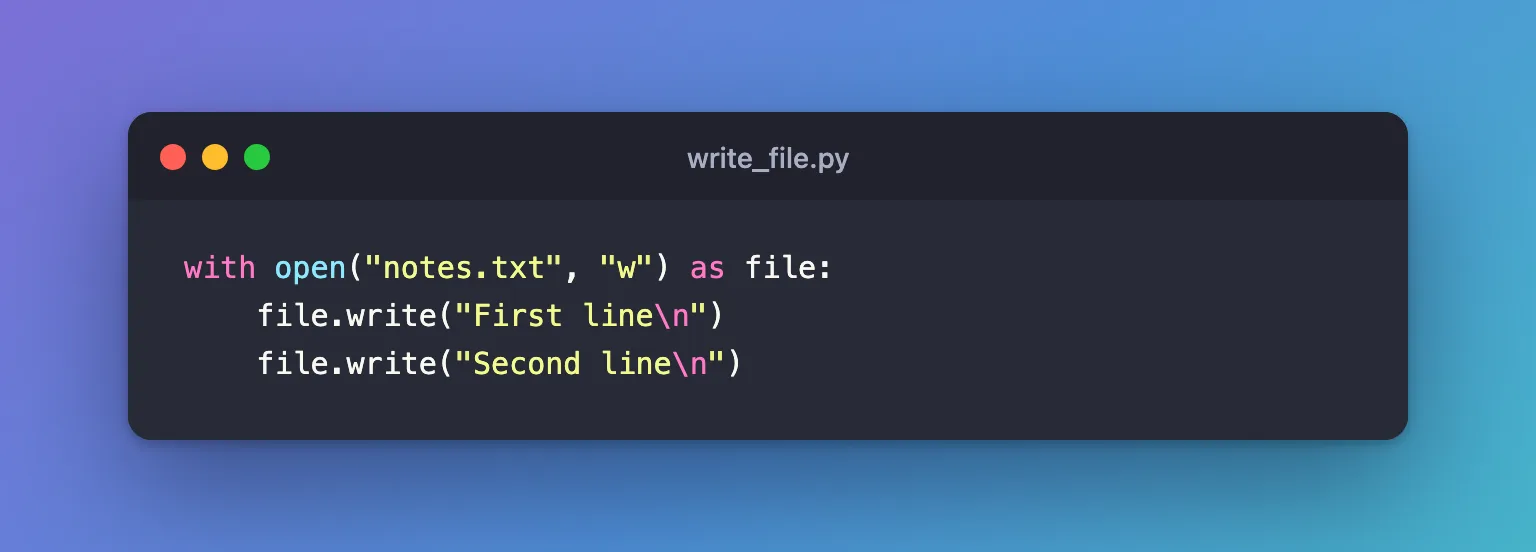
with open("notes.txt", "w") as file:
    file.write("First line\n")
    file.write("Second line\n")
Step 2: Run It and Read the File
The script prints nothing. Run it, then show the file:
uv run python write_file.py
cat notes.txt
First line
Second line
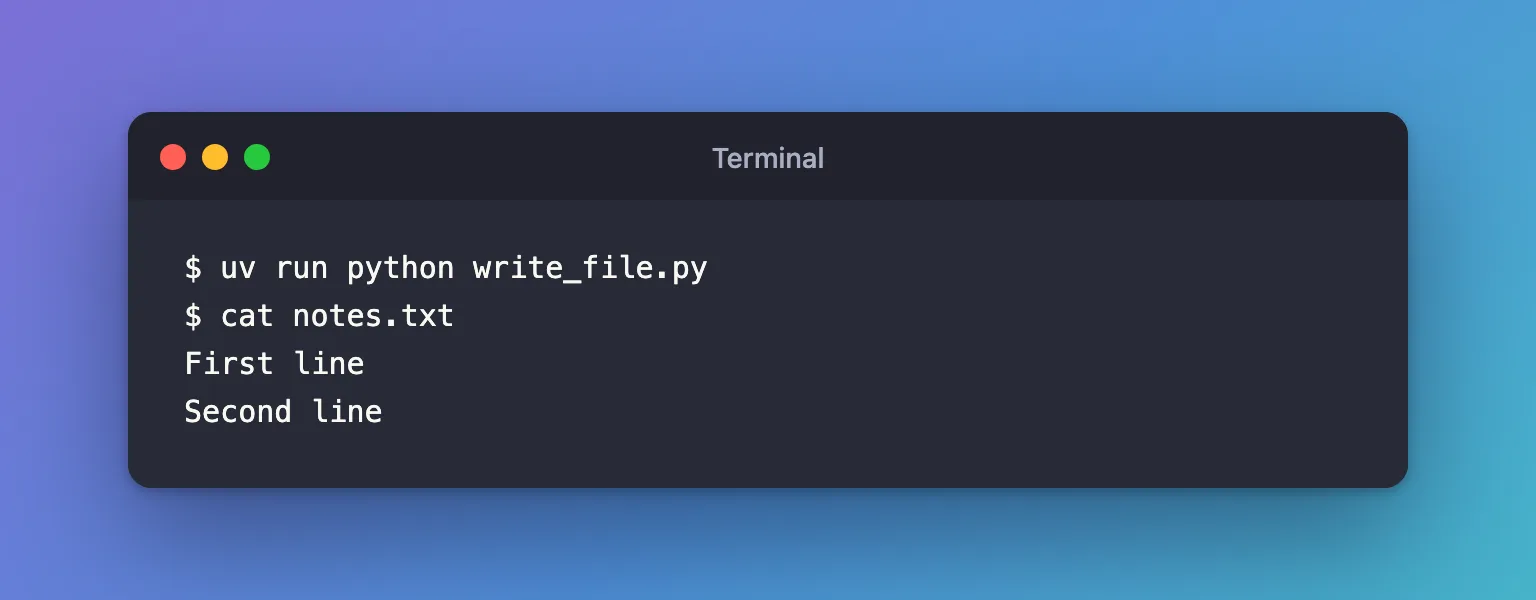
Both lines are in notes.txt, each on its own line because of the \n. cat works in PowerShell too: on Windows, Get-Content's reference lists it as an alias.
Common Mistakes
| Mistake | What happens | Do this instead |
|---|---|---|
Expecting "w" to add to the file | It starts the file over: after a second run, notes.txt still held only the same two lines | Open with "a" to add: the file then read First line, Second line, Added line |
| Writing a number | TypeError: write() argument must be str, not int | Turn it into text first: file.write(str(42)) |
Troubleshooting
| Symptom | Likely cause | Fix |
|---|---|---|
| Everything ends up on one line | write adds no line breaks | End each line with \n |
FAQ
Which encoding does Python use for the file?
UTF-8. In Python 3.15, an opened file reported utf-8 as its encoding. What's New in Python 3.15: "Python now uses UTF-8 as the default encoding, independent of the system's environment." On older versions the default depends on the system, so write encoding="utf-8" when the code must run there too.
Do I have to close the file?
Not with with: the file is closed when the block ends. Without with, call file.close() yourself.
Conclusion
open("notes.txt", "w") inside a with block created the file, and two write calls put two lines in it. Use "a" to add to a file instead of replacing it.
Additional Resources
- Reading and writing files — the tutorial's section on
openandwith. - open() — every mode and argument.
