How to Write JSON with Utf8JsonWriter in C#

Utf8JsonWriter writes JSON the way you'd type it: open an object, write a property, open an array, close everything again. It writes straight to a stream as UTF-8, without a class to describe the shape first.
Most JSON in .NET comes from JsonSerializer, which turns an object into JSON. Utf8JsonWriter is what it uses underneath, and you can use it yourself when you'd rather build the JSON piece by piece. Microsoft's reference describes it as a high-performance API for forward-only, non-cached writing of UTF-8 encoded JSON text: it only moves forward, writing each piece as you call it.
Syntax
using System.Text;
using System.Text.Json;

using MemoryStream <buffer> = new();

using (Utf8JsonWriter <writer> = new(<buffer>, new JsonWriterOptions { Indented = true }))
{
    <writer>.WriteStartObject();
    <writer>.WriteString("<name>", "<text>");
    <writer>.WriteNumber("<name>", <number>);
    <writer>.WriteStartArray("<name>");
    <writer>.WriteStringValue("<text>");
    <writer>.WriteEndArray();
    <writer>.WriteEndObject();
}

string <json> = Encoding.UTF8.GetString(<buffer>.ToArray());
| Part | What it is |
|---|---|
MemoryStream <buffer> | Where the JSON goes, here in memory. Any Stream, such as a file, works the same way |
new JsonWriterOptions { Indented = true } | Optional. Indented adds line breaks and spaces for people to read. Leave it out for the smallest JSON |
WriteStartObject(), WriteEndObject() | The { and } of an object |
WriteString(<name>, <text>), WriteNumber(<name>, <number>) | A property and its value |
WriteStartArray(<name>), WriteEndArray() | A property whose value is an array: its [ and ] |
WriteStringValue(<text>) | A value with no name, such as an item in an array |
The using (...) block | Disposes the writer at its closing brace, which writes everything the writer still holds into the stream |
Encoding.UTF8.GetString(<buffer>.ToArray()) | The stream's bytes as a string |
The Example
A console app called JsonWriter writes a person, Asha, aged 34, who knows C# and Python, as indented JSON, and prints it.
Prerequisites
- The .NET 10 SDK.
dotnet --versionprints a version that starts with10.0.
Step 1: Create a Console App
dotnet new console -n JsonWriter
cd JsonWriter
The template "Console App" was created successfully.

Processing post-creation actions...
Restoring /Users/you/source/JsonWriter/JsonWriter.csproj:
  Determining projects to restore...
  Restored /Users/you/source/JsonWriter/JsonWriter.csproj (in 56 ms).
Restore succeeded.
dotnet new console -n JsonWriter creates a folder named JsonWriter with a project file and a Program.cs, and cd moves into it. System.Text.Json is part of .NET, so there's no package to add.
Step 2: Write the Code
Replace everything in Program.cs. First the place the JSON goes:
using System.Text;
using System.Text.Json;

using MemoryStream buffer = new();
MemoryStream keeps bytes in memory. using in front of it frees it when the program ends.
Then the writer and the JSON, one piece at a time:
using (Utf8JsonWriter writer = new(buffer, new JsonWriterOptions { Indented = true }))
{
    writer.WriteStartObject();
    writer.WriteString("name", "Asha");
    writer.WriteNumber("age", 34);
    writer.WriteStartArray("languages");
    writer.WriteStringValue("C#");
    writer.WriteStringValue("Python");
    writer.WriteEndArray();
    writer.WriteEndObject();
}
new(buffer, new JsonWriterOptions { Indented = true })creates a writer that writes intobuffer, indented.WriteStartObject()writes the opening brace, andWriteEndObject()the closing one.WriteString("name", "Asha")andWriteNumber("age", 34)write two properties. The number goes in without quotes.WriteStartArray("languages")starts a property whose value is an array,WriteStringValuewrites its two items, andWriteEndArray()closes it.- The
using (...)block disposes the writer at its closing brace. Microsoft's reference: disposing commits any leftover JSON text that has not yet been flushed and releases all resources used by the current instance.
Last, print what's in the buffer:
Console.WriteLine(Encoding.UTF8.GetString(buffer.ToArray()));
Step 3: Run It
Run it in VS Code's terminal, or press Ctrl+F5 in Visual Studio:
dotnet run
{
  "name": "Asha",
  "age": 34,
  "languages": [
    "C#",
    "Python"
  ]
}
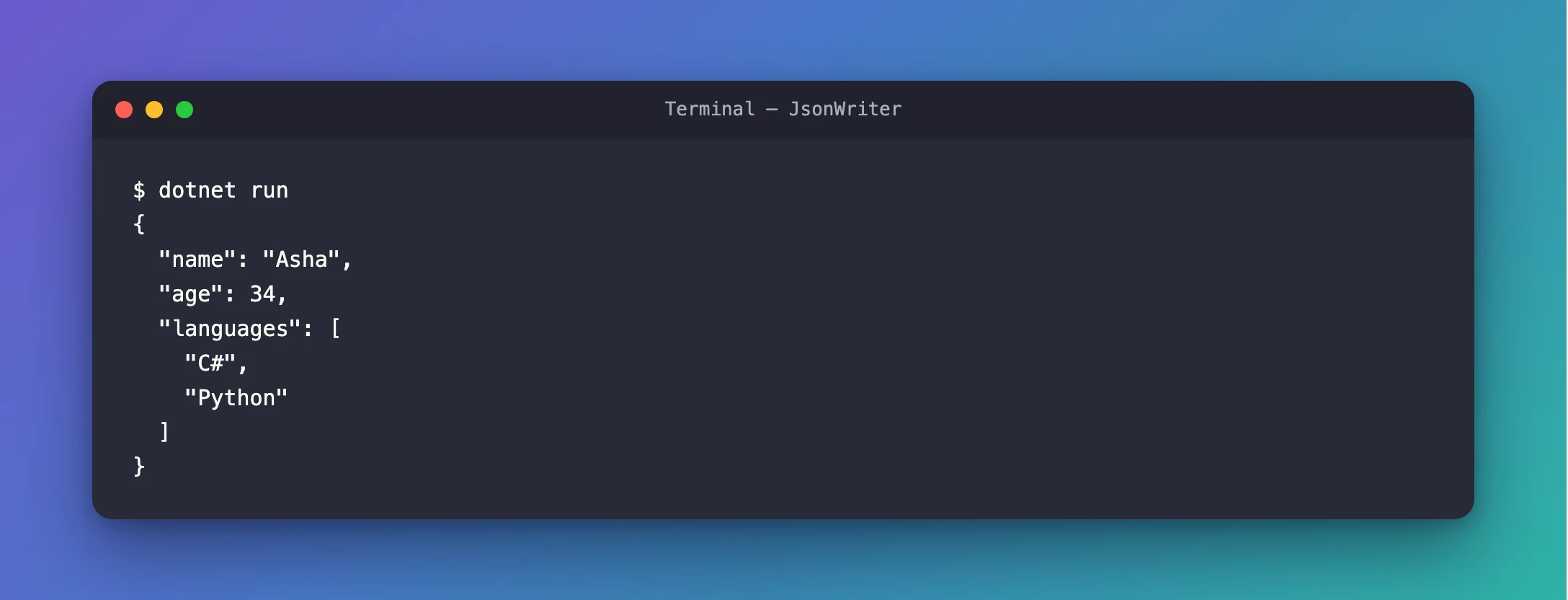
Each call became one piece of the JSON, in the order it was made, and the writer added the commas, quotes and indentation itself.
The Complete File
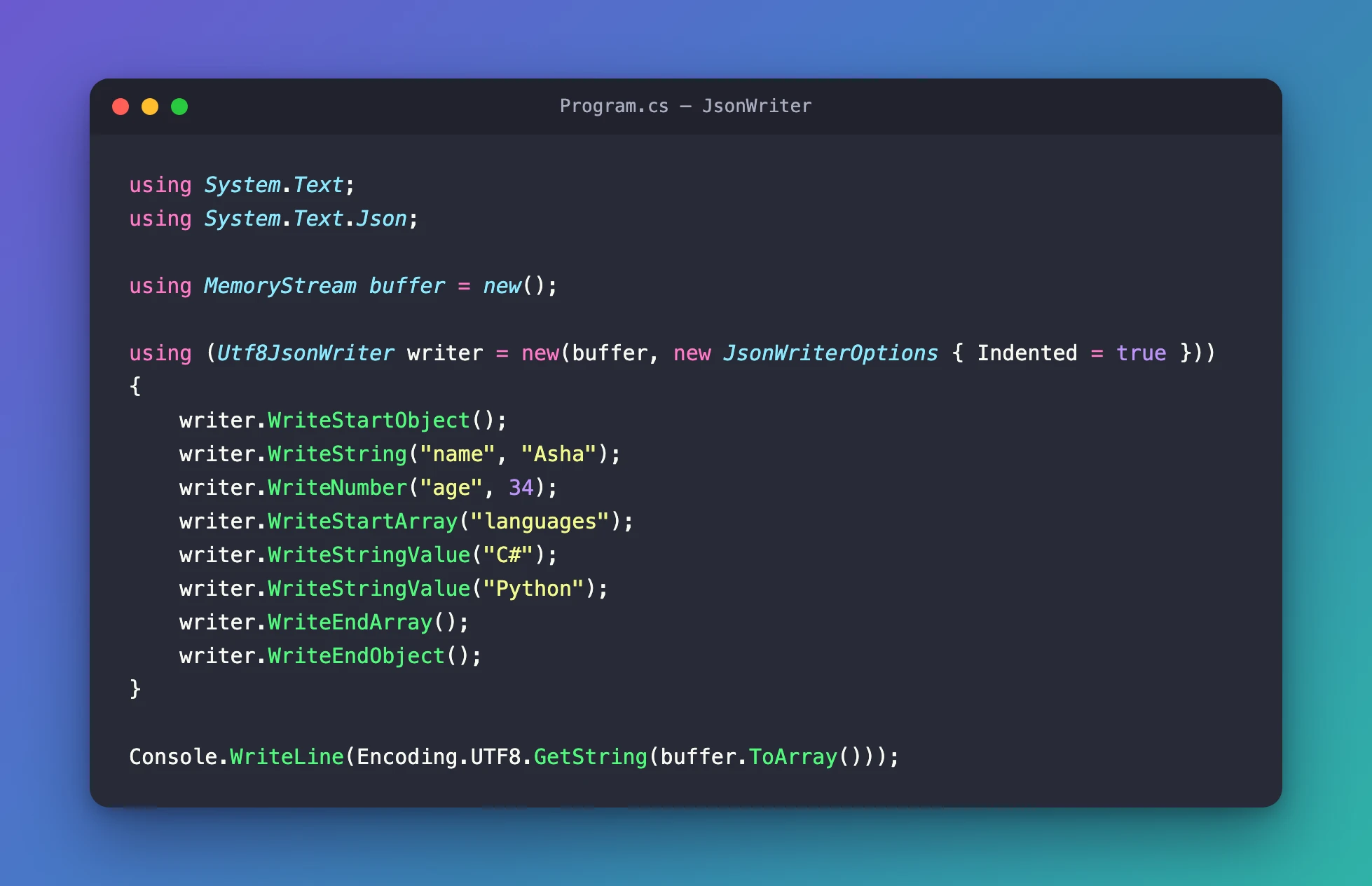
using System.Text;
using System.Text.Json;

using MemoryStream buffer = new();

using (Utf8JsonWriter writer = new(buffer, new JsonWriterOptions { Indented = true }))
{
    writer.WriteStartObject();
    writer.WriteString("name", "Asha");
    writer.WriteNumber("age", 34);
    writer.WriteStartArray("languages");
    writer.WriteStringValue("C#");
    writer.WriteStringValue("Python");
    writer.WriteEndArray();
    writer.WriteEndObject();
}

Console.WriteLine(Encoding.UTF8.GetString(buffer.ToArray()));
Common Mistakes
| Mistake | What happens | Do this instead |
|---|---|---|
| Reading the stream while the writer still holds the JSON | The stream is empty: it held 0 bytes before the writer was flushed | Read it after the writer's using block ends, or call writer.Flush() first |
| Writing pieces in an order JSON doesn't allow, such as a property after the object has ended | InvalidOperationException: Cannot write a JSON property within an array or as the first JSON token. Current token type is 'EndObject'. | Write the pieces in the order they appear in the JSON |
Expecting accented letters and < to come out as written | São Paulo came out as São Paulo, and <b> as <b> | Nothing to fix: it's valid JSON, and any JSON reader turns it back into the same text. See the FAQ for when to change it |
FAQ
Why does the writer escape characters?
For safety. Microsoft's guide: By default, Utf8JsonWriter escapes all non-ASCII and HTML characters. This escaping is done for defense-in-depth security reasons. To keep the characters as they are, set an encoder in the options: with new JsonWriterOptions { Encoder = JavaScriptEncoder.UnsafeRelaxedJsonEscaping }, the same properties came out as {"city":"São Paulo","tag":"<b>"}. Only do that when the JSON never ends up inside a web page. Microsoft's guide: Never allow the raw UnsafeRelaxedJsonEscaping output to be emitted into an HTML page or a <script> element.
When should I use JsonSerializer instead?
When you have an object whose shape matches the JSON, JsonSerializer.Serialize is shorter, and Microsoft's guide notes that it uses Utf8JsonWriter under the covers. Use Utf8JsonWriter yourself when you build the JSON piece by piece.
How do I write to a file instead of memory?
Give the writer a FileStream, such as File.Create("person.json"), instead of the MemoryStream. The writer works with any Stream.
Conclusion
Create a Utf8JsonWriter over a stream, write the JSON in order with WriteStartObject, WriteString, WriteNumber, WriteStartArray and their end calls, and read the stream only after the writer is disposed or flushed. Here it wrote a person with a name, an age and two languages as indented JSON.
Additional Resources
- How to use Utf8JsonWriter in System.Text.Json — writing, flushing and escaping.
- Utf8JsonWriter class — every method of the writer.
- How to customize character encoding with System.Text.Json — escaping and encoders.
