How to Write JSON to a File in Python with json.dump

JSON is the usual format for settings and data that other programs read. Python's json.dump writes a dictionary or list into a file as JSON, and indent makes it readable. This guide saves a few settings to a file, with real output from Python 3.15.2.
Syntax
with open("<file>.json", "w") as file:
    json.dump(<data>, file, indent=<spaces>)
| Part | What it means |
|---|---|
<data> | A dictionary, list, string, number, True, False or None, or a mix of them |
file | A file opened for writing |
indent=<spaces> | Optional. Puts each item on its own line, indented by that many spaces |
The json reference: "Serialize obj as a JSON formatted stream to fp (a .write()-supporting file-like object) using this Python-to-JSON conversion table."
Prerequisites
- uv and Python 3. This guide uses uv 0.13.10 with Python 3.15.2, in a project made with
uv init.
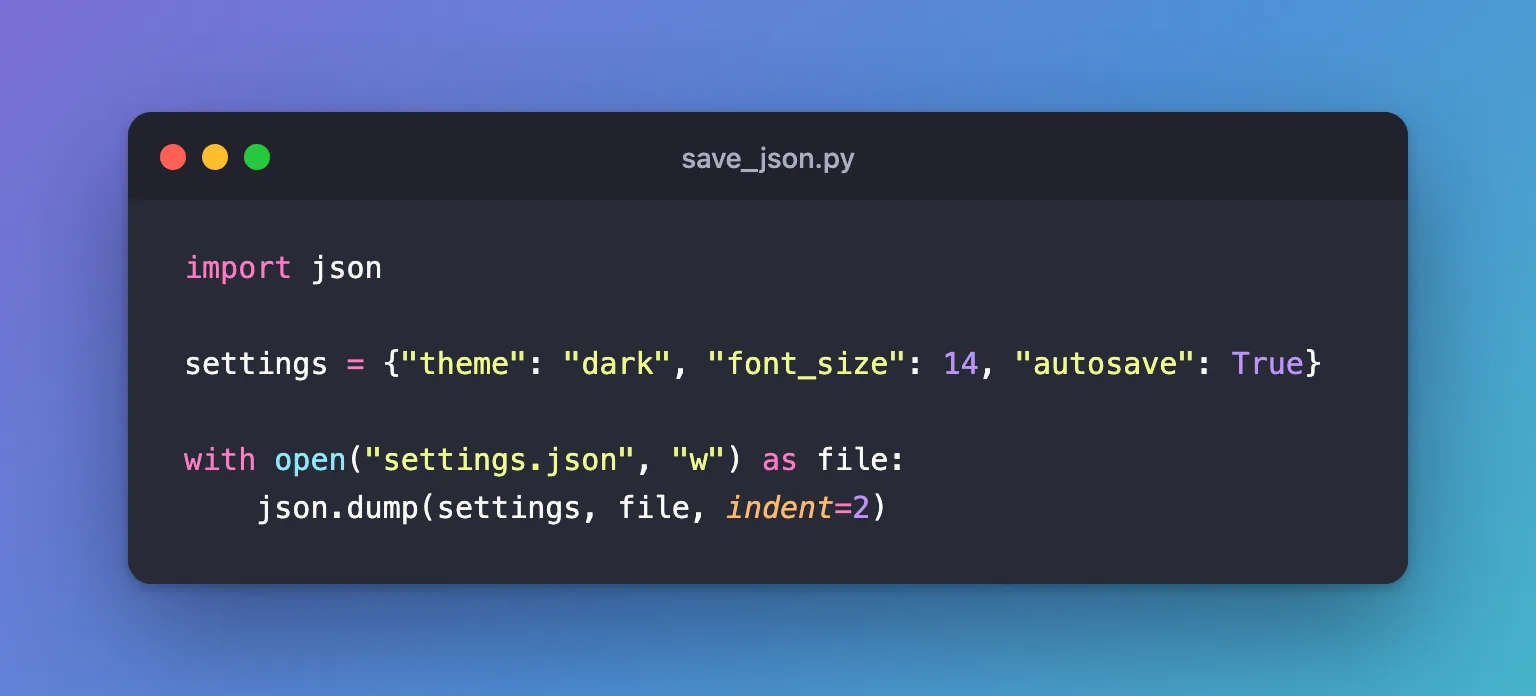
Step 1: Write the Script
import json

settings = {"theme": "dark", "font_size": 14, "autosave": True}

with open("settings.json", "w") as file:
    json.dump(settings, file, indent=2)
Step 2: Run It and Read the File
The script prints nothing. Run it, then show the file it wrote:
uv run python save_json.py
cat settings.json
{
  "theme": "dark",
  "font_size": 14,
  "autosave": true
}
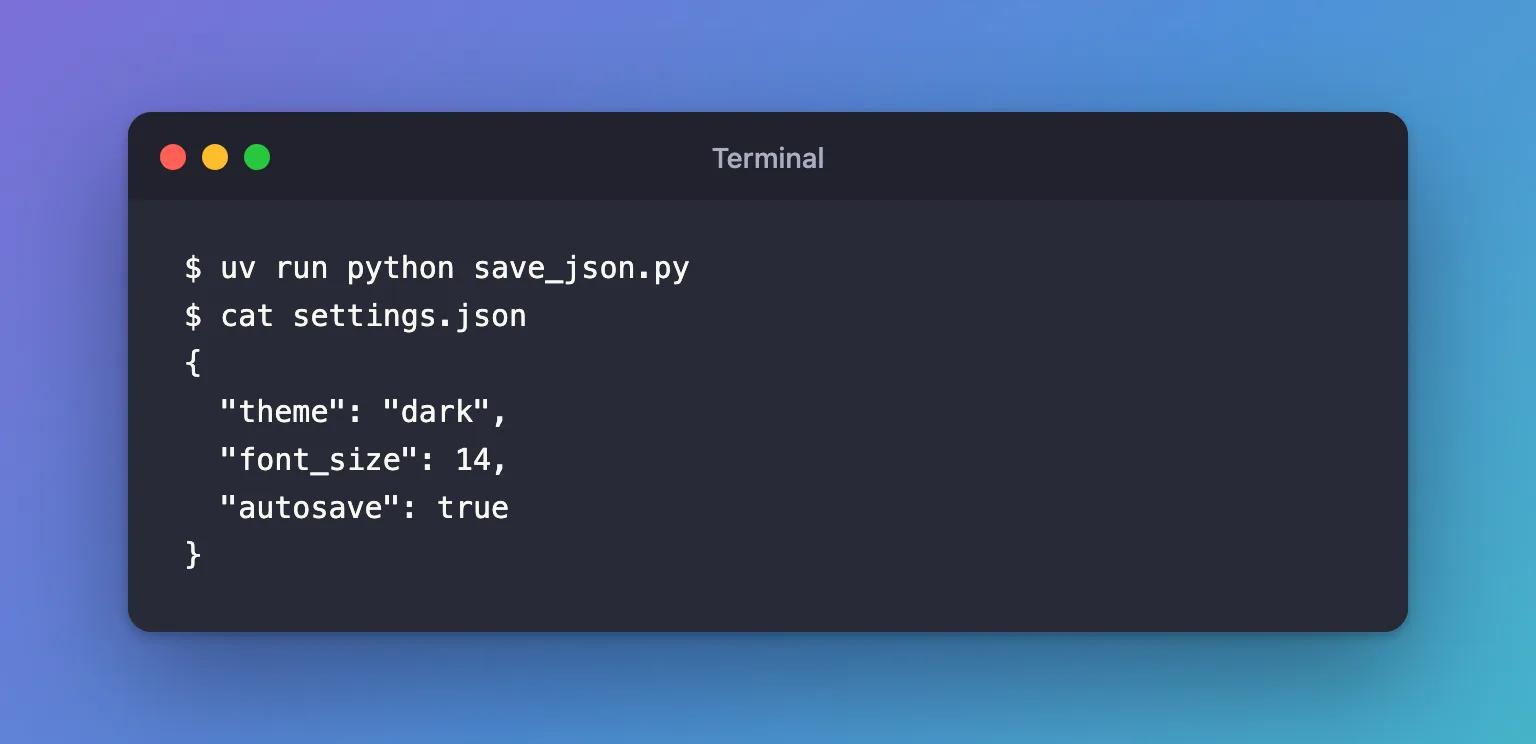
Each key is on its own line, indented by two spaces, and Python's True became JSON's true. cat works in PowerShell too: on Windows, Get-Content's reference lists it as an alias.
Common Mistakes
| Mistake | What happens | Do this instead |
|---|---|---|
Using json.dumps to write the file | dumps returns the JSON as a string instead, <class 'str'>, and writes nothing | json.dump(data, file) for a file; json.dumps(data) when you need the text |
| Saving a set | TypeError: Object of type set is not JSON serializable, followed by when serializing dict item 'tags' | Turn it into a list first: list(tags) |
Troubleshooting
| Symptom | Likely cause | Fix |
|---|---|---|
Accented letters appear as \u codes in the file | json escapes every non-ASCII character by default | Pass ensure_ascii=False |
FAQ
How do I keep letters such as ü in the file?
With ensure_ascii=False. By default, json.dumps({"city": "Zürich"}) gave {"city": "Z\u00fcrich"}; with ensure_ascii=False it gave {"city": "Zürich"}.
How do I read the file back?
With json.load(file) on a file opened for reading. It returns the dictionary again, with true back as True.
Conclusion
json.dump(settings, file, indent=2) wrote settings.json with one setting per line, and True became true. Use ensure_ascii=False to keep accented letters as they are.
Additional Resources
- json.dump — every argument, including
indentandensure_ascii. - Python-to-JSON conversion table — what each Python type becomes.
