How to Write an IExceptionHandler in ASP.NET Core

An IExceptionHandler is one class that decides what clients see when an exception escapes an endpoint. It answers the ones it recognises, and leaves everything else alone. Here's a complete one, and the setting I add since .NET 10.
Prerequisites
- An ASP.NET Core API on .NET 8 or later. I used ASP.NET Core 10.
- Problem details. How to Return Problem Details Errors in ASP.NET Core.
Step 1: Write the Class
Implement IExceptionHandler, which has one method:
using System.Globalization;
using Dewiride.Inventory.Data;
using Microsoft.AspNetCore.Diagnostics;
using Microsoft.AspNetCore.Mvc;
using Microsoft.EntityFrameworkCore.Storage;

namespace Dewiride.Inventory.Api.Infrastructure;

/// <summary>
/// Answers 503 Service Unavailable with a Retry-After header when the database can't do the work
/// right now, so a client knows to try again. Any other exception stays a 500.
/// </summary>
public sealed class DatabaseUnavailableExceptionHandler(IProblemDetailsService problemDetails)
    : IExceptionHandler
{
    private const int RetryAfterSeconds = 5;

    public async ValueTask<bool> TryHandleAsync(
        HttpContext httpContext,
        Exception exception,
        CancellationToken cancellationToken)
    {
        if (!IsTemporary(exception))
        {
            return false;
        }

        httpContext.Response.StatusCode = StatusCodes.Status503ServiceUnavailable;
        httpContext.Response.Headers.RetryAfter = RetryAfterSeconds.ToString(CultureInfo.InvariantCulture);

        return await problemDetails.TryWriteAsync(new ProblemDetailsContext
        {
            HttpContext = httpContext,
            Exception = exception,
            ProblemDetails = new ProblemDetails
            {
                Status = StatusCodes.Status503ServiceUnavailable,
                Title = "The database can't do this right now.",
                Detail = $"Try again in {RetryAfterSeconds} seconds. Send the same Idempotency-Key, so a change can't be applied twice.",
            },
        });
    }

    private static bool IsTemporary(Exception exception) =>
        exception is RetryLimitExceededException
        || exception.FindMySqlException() is { Number: 0 or 1205 or 3024 };
}
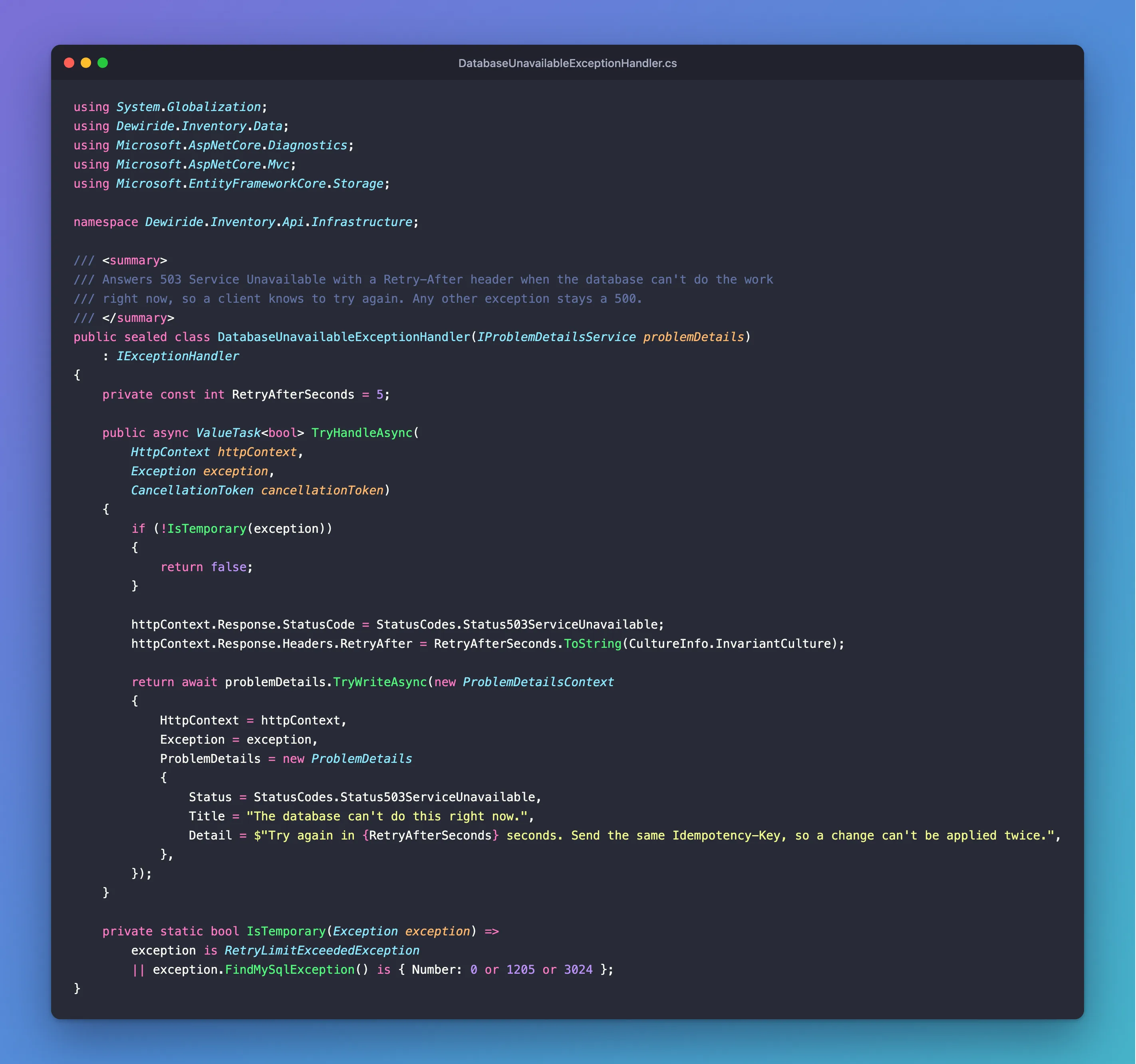
return falsemeans "not mine". The next handler gets it, or else the middleware answers500.IProblemDetailsServicecomes from dependency injection, and writes the body in the same format as your other errors.- Its return value is what
TryHandleAsyncreturns:trueif the body was written.
Step 2: Register It
builder.Services.AddProblemDetails();
builder.Services.AddExceptionHandler<DatabaseUnavailableExceptionHandler>();
And turn on the middleware, early in the pipeline:
app.UseExceptionHandler(new ExceptionHandlerOptions
{
    // In Development, a request the endpoint can't read, such as broken JSON, throws
    // BadHttpRequestException. That's the client's mistake, so keep its 400 instead of a 500.
    StatusCodeSelector = exception => exception is BadHttpRequestException badRequest
        ? badRequest.StatusCode
        : StatusCodes.Status500InternalServerError,

    // Keep logging the exceptions an IExceptionHandler answers, so an outage shows up in the logs.
    SuppressDiagnosticsCallback = _ => false,
});
SuppressDiagnosticsCallback: since .NET 10, exceptions a handler answers aren't logged by the middleware. This keeps them in the log.StatusCodeSelector: in Development, a request that can't be read throwsBadHttpRequestException. This keeps its400, so it doesn't become a500.
Several handlers run in the order you register them, until one returns true.
Step 3: See What It Handles
HTTP/1.1 503 Service Unavailable
Content-Type: application/problem+json

{
  "type": "https://tools.ietf.org/html/rfc9110#section-15.6.4",
  "title": "The database can't do this right now.",
  "status": 503,
  "detail": "Try again in 5 seconds. Send the same Idempotency-Key, so a change can't be applied twice.",
  "traceId": "00-0d0b17fbe59f130e78f5555cbee67b94-a6ae5b85e2201e17-00"
}
Step 4: See What It Leaves Alone
An exception it doesn't recognise goes on to the middleware:
HTTP/1.1 500 Internal Server Error
Content-Type: application/problem+json

{
  "type": "https://tools.ietf.org/html/rfc9110#section-15.6.1",
  "title": "An error occurred while processing your request.",
  "status": 500,
  "traceId": "00-4dc7c29958cba8aeaf25575cb0ee5ca7-c08cdb82b3f0c7a5-00"
}
fail: Microsoft.AspNetCore.Diagnostics.ExceptionHandlerMiddleware[1]
An unhandled exception has occurred while executing the request.
System.InvalidOperationException: The connection is already in a transaction and cannot participate in another transaction.
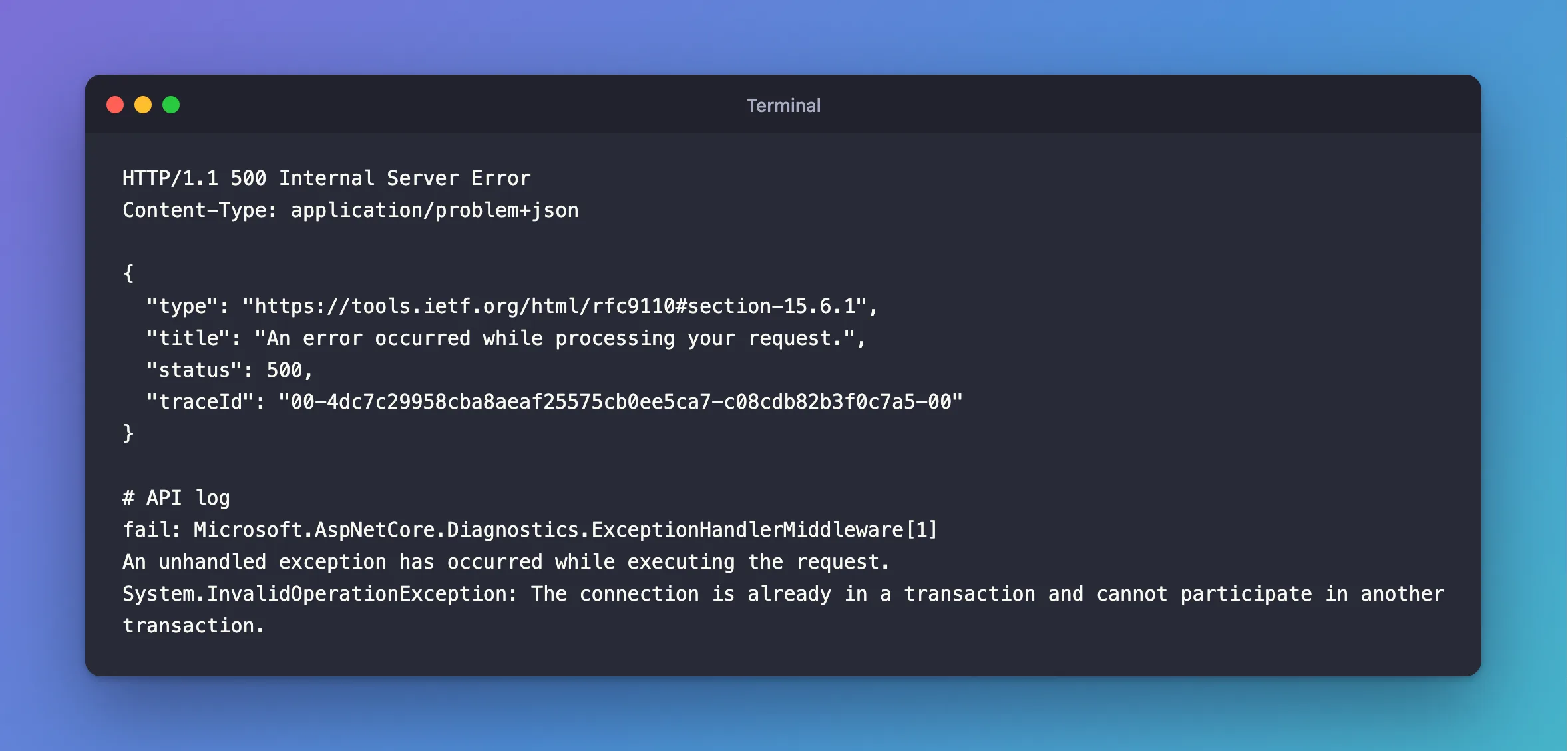
The client gets a plain 500, with no stack trace, and the details stay in your log.
Common Mistakes
| Mistake | What happens | Do this instead |
|---|---|---|
Returning true for everything | Real bugs look handled | Name the exceptions |
Registering it and forgetting UseExceptionHandler | It never runs | Add the middleware |
| Putting the exception's message in the response | It can leak internal details | Write your own words |
| Throwing inside the handler | The error handling fails too | Keep it simple |
Troubleshooting
| Symptom | Likely cause | Fix |
|---|---|---|
| Nothing in the log for a handled error | That's the .NET 10 default | The fix |
| The developer exception page shows instead | The middleware is added after it, or not at all | Add UseExceptionHandler early |
| A body in another format | It isn't using IProblemDetailsService | Use it |
Conclusion
Implement TryHandleAsync, return false for what isn't yours, and register it with AddExceptionHandler and UseExceptionHandler. Since .NET 10, set SuppressDiagnosticsCallback if you want those exceptions in your logs.
Additional Resources
- Handle errors in ASP.NET Core APIs — exception handlers.
- IExceptionHandler — the interface.
