How to Write an async Function in JavaScript

Some work takes time: reading a file, calling an API, waiting for a timer. An async function lets you write that work from top to bottom and pause at each await until the slow part is done, while the rest of the program keeps running.
Syntax
async function <name>(<parameters>) {
  const <result> = await <promise>;
  return <value>;
}
| Part | What it does |
|---|---|
async function | Declares a function that may use await and always returns a promise. |
<name>(<parameters>) | The function's name and the values it receives, as in any function. |
await <promise> | Pauses this function until the promise settles, then gives you its value. |
return <value> | Becomes the value of the promise the function returns. |
MDN's async function reference sums it up: "The await keyword is permitted within the function body, enabling asynchronous, promise-based behavior to be written in a cleaner style and avoiding the need to explicitly configure promise chains."
The Example
The example brews a cup of tea. It prints that brewing has started, waits one second with await, and then returns a message that the tea is ready.
Prerequisites
- Node.js. This guide uses Node.js 26.13.1.
Step 1: Write the Function
Create a file named main.js:
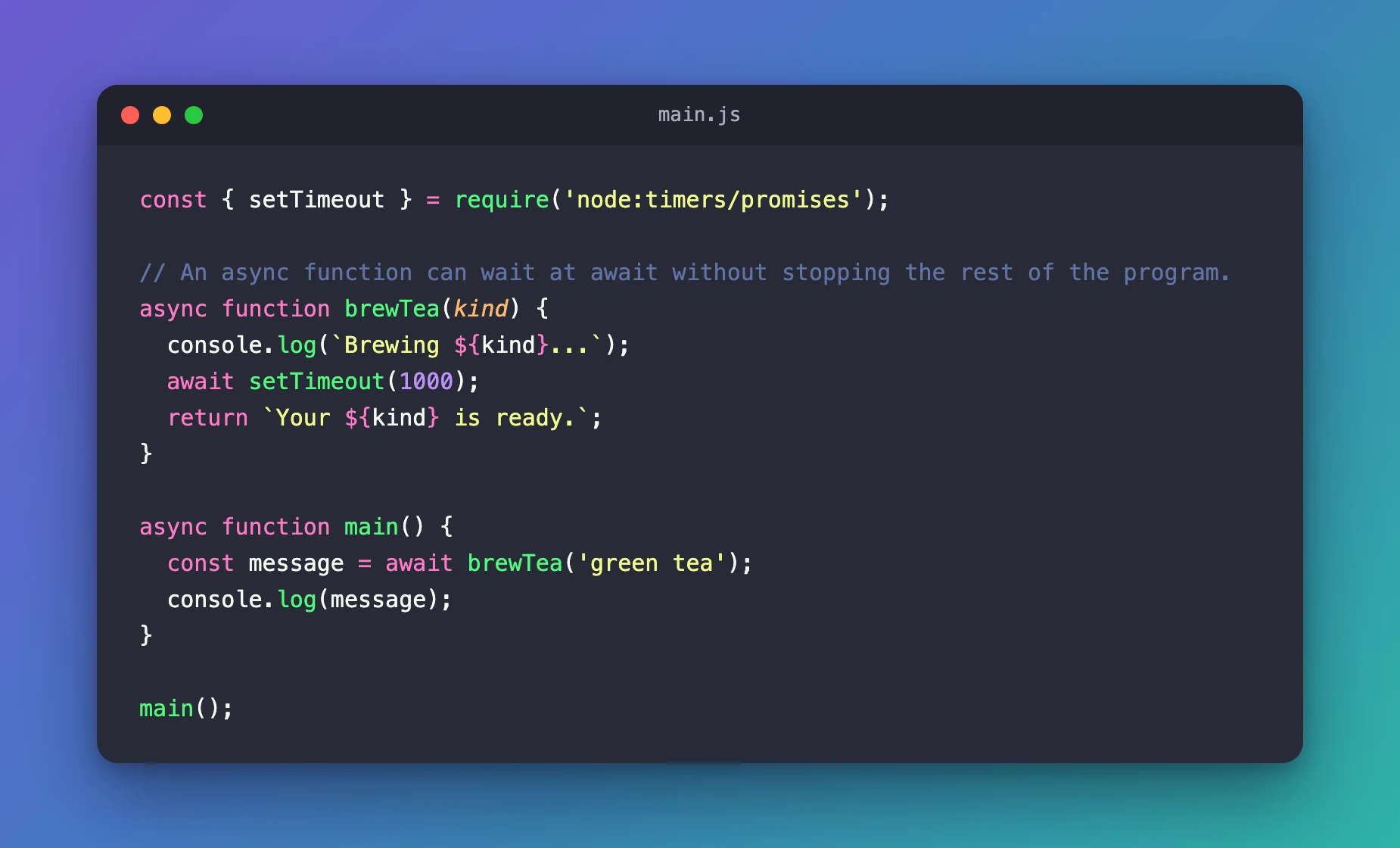
const { setTimeout } = require('node:timers/promises');

// An async function can wait at await without stopping the rest of the program.
async function brewTea(kind) {
  console.log(`Brewing ${kind}...`);
  await setTimeout(1000);
  return `Your ${kind} is ready.`;
}

async function main() {
  const message = await brewTea('green tea');
  console.log(message);
}

main();
require('node:timers/promises')loads Node.js's promise-based timers. TheirsetTimeout(1000)returns a promise that settles after 1,000 milliseconds, soawait setTimeout(1000)waits one second.brewTeaisasync, so it mayawaitthe timer. Itsreturnvalue reaches the caller wrapped in a promise.mainisasynctoo, so it canawait brewTea(...)and get the message itself rather than a promise.- The last line calls
main()to start it all.
Step 2: Run It
node main.js
Brewing green tea...
Your green tea is ready.
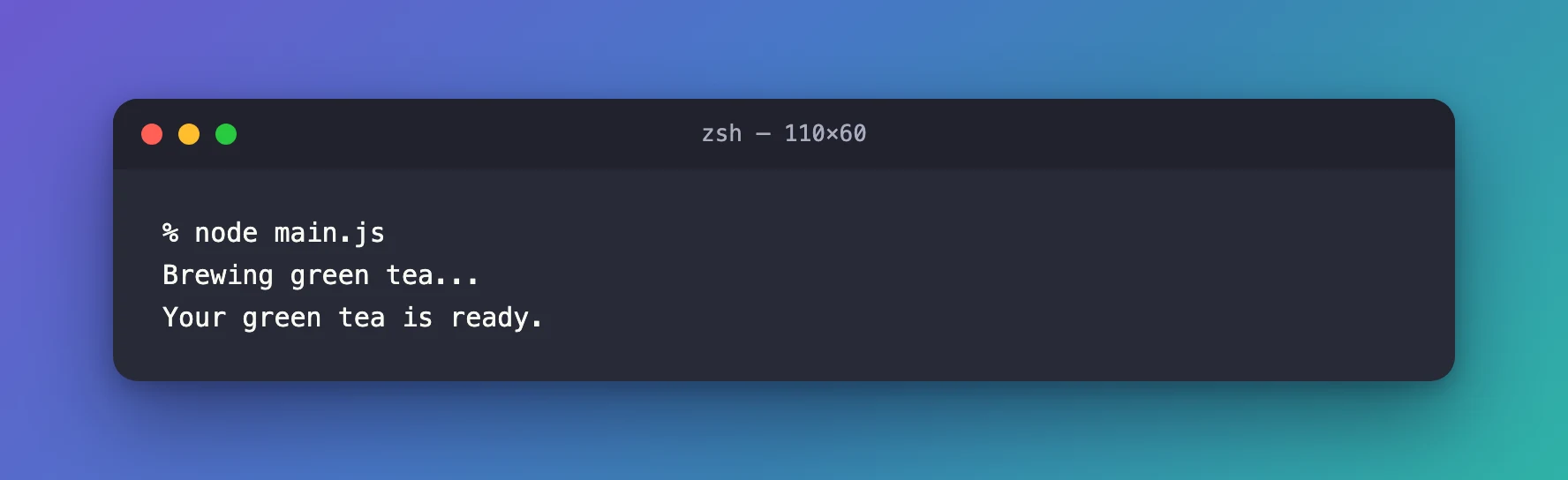
The second line appears a second after the first: brewTea paused at await until the timer finished, then carried on. The command is the same in zsh, bash and PowerShell, and How to Run a JavaScript File with Node.js explains it.
What Happens Without await
An async function always returns a promise. Call it without await and you get the promise, not the value. Change the end of main.js to:
console.log(brewTea('green tea'));
Brewing green tea...
Promise { <pending> }
The function started and printed its first line, but console.log ran before the timer finished, so it printed a promise that hadn't settled yet.
Common Mistakes
| Mistake | What happens | Do this instead |
|---|---|---|
Calling an async function without await | You get Promise { <pending> } instead of the value | await the call inside another async function |
Using await in a function that isn't async | SyntaxError: await is only valid in async functions and the top level bodies of modules | Put async before function |
Expecting await to stop the whole program | Only this function pauses; other code keeps running | Put the steps that need the result after the await |
Troubleshooting
| Symptom | Likely cause | Fix |
|---|---|---|
Promise { <pending> } in the output | The call wasn't awaited | Add await before the call |
SyntaxError: await is only valid in async functions and the top level bodies of modules | await sits in a plain function | Mark that function async |
FAQ
Can I use await outside a function?
Yes, at the top level of an ES module, such as a .mjs file. This example loads its timer with require, which belongs to CommonJS files, so it puts the code in an async function main() instead.
What does an async function return when it throws an error?
A rejected promise. await turns the rejection back into an error, which try...catch around the await can catch.
Conclusion
Mark a function async, await the slow work inside it, and return the result. Whoever calls it gets a promise, so they await it too, as main does here.
Additional Resources
- async function, on MDN.
- await, on MDN.
- timersPromises.setTimeout(), in the Node.js documentation.
