How to Write an Array of Objects in JSON

A list of records, such as the people in a team, is written in JSON as an array of objects: square brackets around one object per record. Each object uses the same names, and a comma separates one object from the next, just as it separates any two values in an array.
Syntax
[
  { "<name>": <value>, "<name>": <value> },
  { "<name>": <value>, "<name>": <value> }
]
[and]: the list, an array.{ … }: one record, an object with its own name/value pairs.,between objects: the same comma that separates any two values in an array, and none after the last object.
Nothing new is needed for this: the JSON standard, RFC 8259, says An array structure is represented as square brackets surrounding zero or more values, and an object is one of the values a JSON value can be. Giving each object the same names is a convention that makes the list easy to use, not a rule of the format.
The Example
A file called team.json lists a team of two: Ada, the lead, and Ben, the tester. Each record has a name and a role. jq, a command-line JSON tool, checks that it's valid.
Prerequisites
- jq, to check the file. Run
jq --versionto see which one you have; this guide uses jq 1.8.2 (Download jq).
Step 1: Write the List
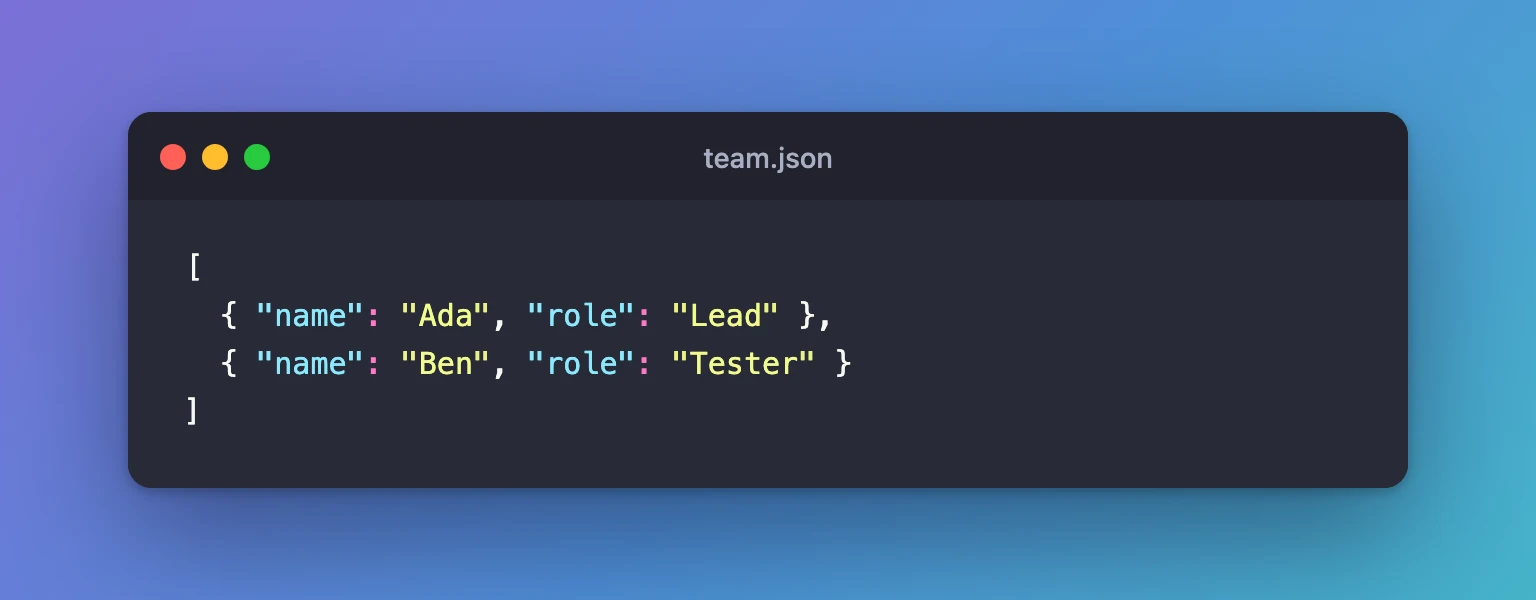
Create a file called team.json with this text:
[
  { "name": "Ada", "role": "Lead" },
  { "name": "Ben", "role": "Tester" }
]
Each record sits on its own line, which keeps a short list readable. The comma at the end of Ada's line separates the two objects.
Step 2: Check It with jq
In a terminal, in the folder with the file, run:
jq . team.json
jq's manual explains the .: the . program's main use is to validate and pretty-print the inputs. The list was valid, so jq printed it back, with each object's pairs on separate lines:
[
  {
    "name": "Ada",
    "role": "Lead"
  },
  {
    "name": "Ben",
    "role": "Tester"
  }
]
Common Mistakes
I removed the comma between the two objects in a copy of team.json and ran jq . on it. jq 1.8.2 said:
jq: parse error: Expected separator between values at line 3, column 3
Line 3 is where Ben's object starts: jq expected a comma before it.
| Mistake | What happens | Do this instead |
|---|---|---|
| No comma between objects | Expected separator between values | Add a comma after each object but the last |
| A comma after the last object | Expected another array element at line 4, column 1 | Remove it |
Different names in each record, such as role and Role | The list is valid, but software reading it finds the value under only one of the names | Use exactly the same names in every object |
Troubleshooting
| Symptom | Likely cause | Fix |
|---|---|---|
| Expected separator between values at the start of an object | The comma before that object is missing | Add it |
| Expected another array element | A comma after the last object | Remove it |
| Unfinished JSON term at EOF | The closing ] or a } is missing | Close every bracket you open |
FAQ
Can the objects have different pairs?
Yes. The format doesn't compare objects in an array. Keeping the same names in every record is what makes a list easy to work with.
How do I write a list with no records?
Use an empty array, [].
Where does this shape appear?
Wherever a service returns several records. SharePoint's REST API, for example, returns a list's items as an array of objects called value, one object per item.
Conclusion
An array of objects is [ { … }, { … } ]: one object per record, a comma between objects, and none after the last. jq . team.json printed both records back, and a missing comma between objects gave Expected separator between values at the line where the next object starts.
Additional Resources
- RFC 8259: The JavaScript Object Notation (JSON) Data Interchange Format: the JSON standard.
- Introducing JSON: the format's diagrams, on its original site.
- jq manual: what
.and jq's other filters do.
