How to Write a String in JSON

Text in JSON is a string: characters between double quotes, such as "Ada". Two quotes with nothing between them make an empty string, and digits in quotes stay text, which keeps a code such as "042" exactly as written.
Syntax
"<characters>"
"and": a string starts and ends with a double quotation mark. Single quotes aren't allowed.<characters>: any text. Nothing at all gives the empty string,"".
The JSON standard, RFC 8259, says: A string begins and ends with quotation marks. All Unicode characters may be placed within the quotation marks, except for the characters that MUST be escaped: quotation mark, reverse solidus, and the control characters (U+0000 through U+001F). So a double quote or a backslash inside the text is written with a backslash in front of it, as \" or \\.
The Example
A file called strings.json has three strings in an object: a name, Ada; a nickname that's empty; and a code, 042, that has to keep its leading zero. jq, a command-line JSON tool, checks that it's valid.
Prerequisites
- jq, to check the file. Run
jq --versionto see which one you have; this guide uses jq 1.8.2 (Download jq).
Step 1: Write the Strings
Create a file called strings.json with this text:
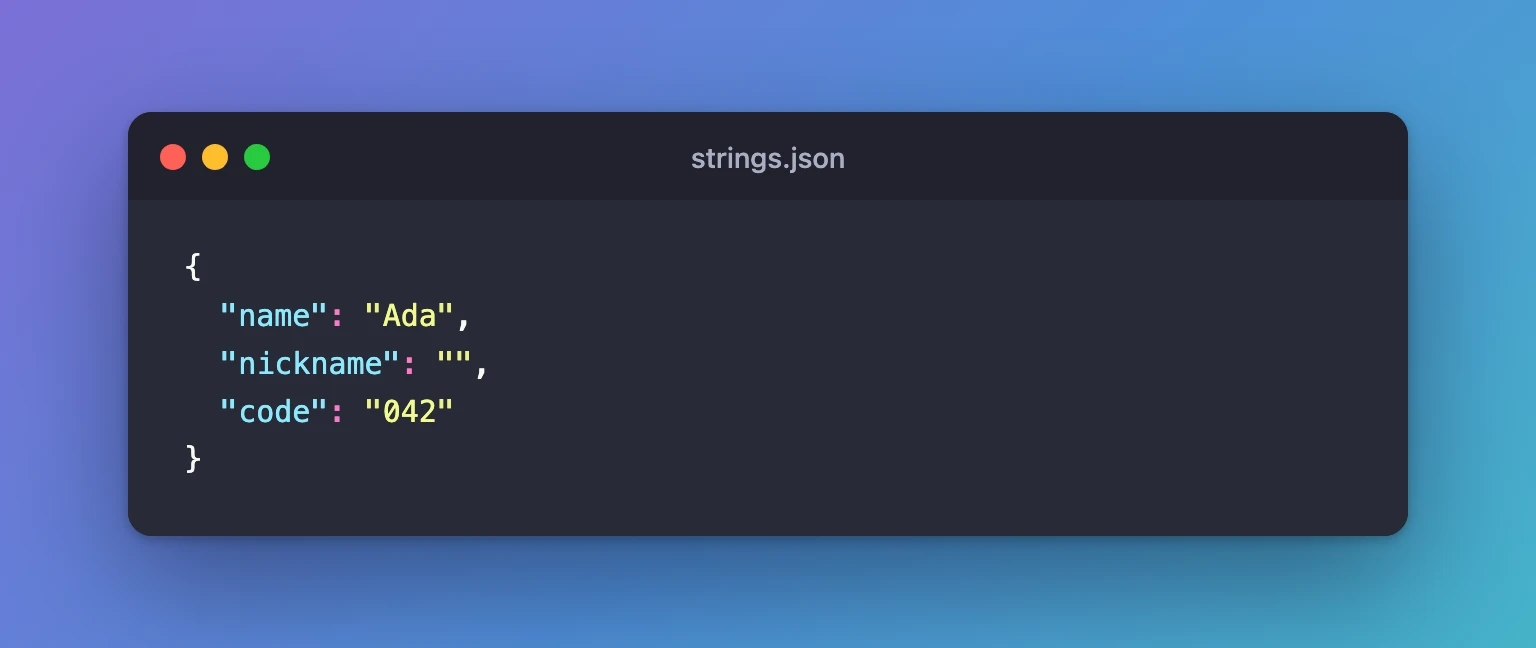
{
  "name": "Ada",
  "nickname": "",
  "code": "042"
}
The names on the left are strings too: every name in an object is written in double quotes.
Step 2: Check It with jq
In a terminal, in the folder with the file, run:
jq . strings.json
jq's manual explains the .: the . program's main use is to validate and pretty-print the inputs. The file was valid, and jq printed all three strings back unchanged, including the empty one and the leading zero:
{
  "name": "Ada",
  "nickname": "",
  "code": "042"
}
Quotes, Backslashes and Line Breaks Inside a String
A double quote would end the string early, so inside a string it's written as \". A backslash is written as \\, and a line break as \n. escapes.json uses all three:
{
  "quote": "She said \"hi\"",
  "path": "C:\\temp",
  "lines": "one\ntwo"
}
jq . escapes.json
jq accepted the file and printed it back with the same escapes:
{
  "quote": "She said \"hi\"",
  "path": "C:\\temp",
  "lines": "one\ntwo"
}
Common Mistakes
I left the quotes off Ada in a copy of the file, { "name": Ada } laid out over three lines, and ran jq . on it. jq 1.8.2 said:
jq: parse error: Invalid numeric literal at line 3, column 0
The message talks about a number because jq tried to read the bare word as one. Text without quotes is the usual cause.
| Mistake | What happens | Do this instead |
|---|---|---|
| Text without quotes | Invalid numeric literal | Put it in double quotes |
Single quotes, 'Ada' | Invalid string literal; expected ", but got ' | Use double quotes |
A code such as 042 without quotes | jq read it as the number 42, although the standard doesn't allow a leading zero | Write it as a string, "042" |
Troubleshooting
| Symptom | Likely cause | Fix |
|---|---|---|
| Invalid numeric literal | A word without quotes | Add double quotes |
| A code loses its leading zero | It was written as a number | Put it in quotes |
| Invalid numeric literal in the middle of a string | A double quote inside the text isn't escaped, as in "She said "hi"" | Write it as \" |
| Invalid string: control characters from U+0000 through U+001F must be escaped | A real line break inside the quotes | Write it as \n |
FAQ
Is an empty string the same as no value?
No. "" is a string with no characters. JSON has a separate literal, null, for no value, and leaving the pair out is a third option.
Is "3" the same as 3?
No. "3" is text and 3 is a number. jq prints "3" with its quotes, which is how you can tell them apart in its output.
Can a string span several lines?
Not with real line breaks inside the quotes: line breaks are control characters, which the standard says MUST be escaped. jq stopped a file with one with Invalid string: control characters from U+0000 through U+001F must be escaped. A line break inside a string is written as \n.
Conclusion
A JSON string is text in double quotes: "Ada", the empty string "", or digits that must stay text, such as "042". jq . strings.json printed all three back unchanged, and text without quotes gave Invalid numeric literal.
Additional Resources
- RFC 8259: The JavaScript Object Notation (JSON) Data Interchange Format: strings and escapes.
- Introducing JSON: the format's diagrams, on its original site.
- jq manual: what
.and jq's other filters do.
