How to Write a Recursive Method in C#

A recursive method solves a problem by calling itself on a smaller piece of it. Factorial(4) calls Factorial(3), which calls Factorial(2), until a stopping condition answers without calling again.
Microsoft's guide: Recursion occurs when a function calls itself with a smaller part of the problem. And: Every recursive function needs a condition that stops the calls.
Syntax
static <type> <Method>(<input>)
{
    if (<stopping condition>)
    {
        return <simple answer>;
    }

    <type> <smaller answer> = <Method>(<smaller input>);
    return <answer built from the smaller answer>;
}
| Part | What it is |
|---|---|
<stopping condition> | The case simple enough to answer without another call |
<Method>(<smaller input>) | The method calling itself, with an input closer to the stopping condition |
The Example
A console app called Recursion works out the factorial of 4, which is 4 × 3 × 2 × 1, with a method that calls itself and prints each call.
Prerequisites
- The .NET 10 SDK.
dotnet --versionprints a version that starts with10.0.
Step 1: Create a Console App
dotnet new console -n Recursion
cd Recursion
The template "Console App" was created successfully.

Processing post-creation actions...
Restoring /Users/you/source/Recursion/Recursion.csproj:
  Determining projects to restore...
  Restored /Users/you/source/Recursion/Recursion.csproj (in 62 ms).
Restore succeeded.
dotnet new console -n Recursion creates a folder named Recursion with a project file and a Program.cs, and cd moves into it. Everything this example uses is part of .NET, so there's no package to add. Open the folder in VS Code, or Recursion.csproj in Visual Studio.
Step 2: Write the Code
Replace everything in Program.cs. First the call:
Console.WriteLine(Factorial(4));
Then the method:
static int Factorial(int n)
{
    Console.WriteLine($"Factorial({n})");

    // The stopping condition: no more calls below 1.
    if (n <= 1)
    {
        return 1;
    }

    // The method calls itself with a smaller number.
    return n * Factorial(n - 1);
}
if (n <= 1)is the stopping condition: the factorial of 1 is 1, with no further call.n * Factorial(n - 1)calls the same method with a number one smaller, and multiplies its answer byn.
Step 3: Run It
Run it in VS Code's terminal, or press Ctrl+F5 in Visual Studio:
dotnet run
Factorial(4)
Factorial(3)
Factorial(2)
Factorial(1)
24
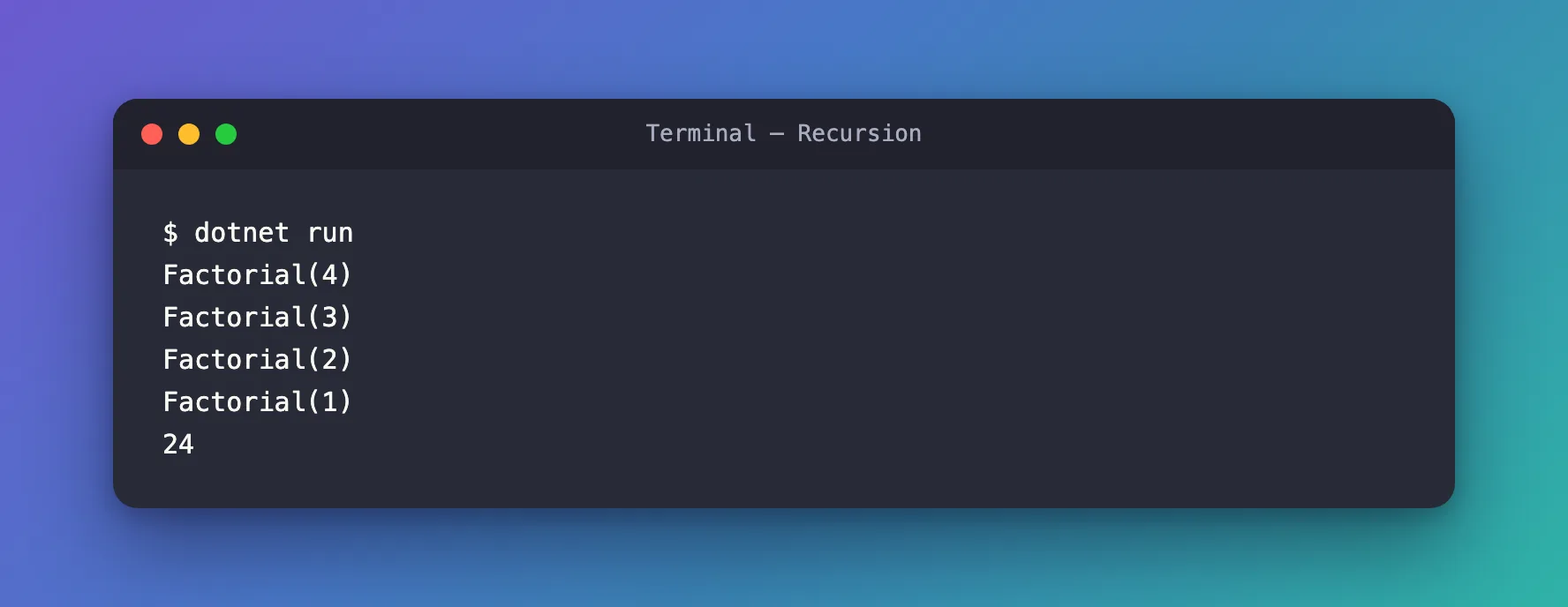
Each call printed its line before calling the next one. Factorial(1) hit the stopping condition and returned 1, and the answers came back up the chain: 2 × 1 = 2, 3 × 2 = 6 and 4 × 6 = 24.
The Complete File
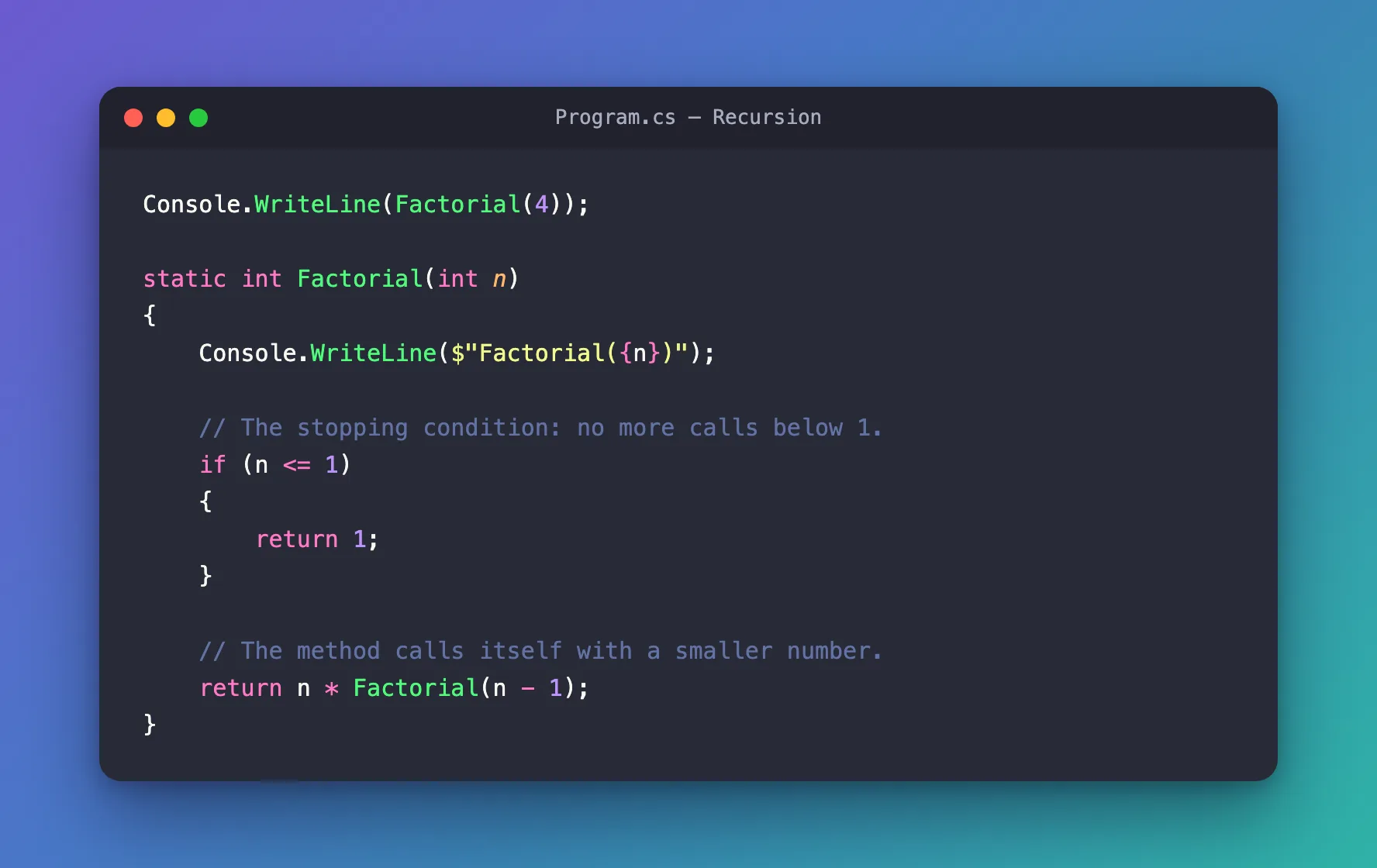
Console.WriteLine(Factorial(4));

static int Factorial(int n)
{
    Console.WriteLine($"Factorial({n})");

    // The stopping condition: no more calls below 1.
    if (n <= 1)
    {
        return 1;
    }

    // The method calls itself with a smaller number.
    return n * Factorial(n - 1);
}
Common Mistakes
| Mistake | What happens | Do this instead |
|---|---|---|
| No stopping condition, or one the calls never reach | The method keeps calling itself until the program runs out of stack. The reference: StackOverflowException is thrown for execution stack overflow errors, typically in case of a very deep or unbounded recursion. And: You can't catch a StackOverflowException object with a try/catch block, and the corresponding process is terminated by default. | Write the stopping condition first, and make every call's input smaller |
FAQ
Can I write the same thing with a loop?
Yes: a for loop that multiplied a result variable by 4, 3 and 2 printed 24 too, without any method calling itself. Microsoft's guide: Prefer a loop when it expresses the repeated work more directly. Choose recursion when the recursive structure makes the algorithm easier to understand.
Conclusion
A recursive method answers the simplest case directly and passes everything else to itself with a smaller input. Check that every call moves closer to the stopping condition, because a recursion that never stops ends the whole program.
Additional Resources
- Local functions: recursion — recursion and its stopping condition.
- StackOverflowException — what happens when recursion goes too deep.
