How to Write a Raw String Literal in Rust

In a normal Rust string, a backslash starts an escape such as \n, and a double quote ends the string. A raw string literal, written r"..." or r#"..."#, takes every character as written, so JSON and Windows paths go in unchanged.
Syntax
r"text"
r#"text that contains "double quotes""#
| Part | What it does |
|---|---|
r | Starts a raw string: no escapes, every character means itself. |
"text" | The text, ending at the next ". |
# | Optional, up to 255 of them. With them, the text ends only at a " followed by the same number of #, so it can contain ". |
The Rust Reference: "Raw string literals do not process any escapes. They start with the character U+0072 (r), followed by fewer than 256 of the character U+0023 (#) and a U+0022 (double-quote) character." And: "It is terminated only by another U+0022 (double-quote) character, followed by the same number of U+0023 (#) characters that preceded the opening U+0022 (double-quote) character."
The Example
The example holds a small JSON object, which is full of double quotes, in a raw string with one #, and a Windows path in a raw string without #. It writes the same path as a normal string too, with each backslash escaped, and checks that the two paths are equal.
Prerequisites
- Rust, installed with rustup, which comes with Cargo. This guide uses Rust 1.100.1.
Step 1: Create a Project
cargo new demo
cd demo
    Creating binary (application) `demo` package
note: see more `Cargo.toml` keys and their definitions at https://doc.rust-lang.org/cargo/reference/manifest.html
cargo new demo creates a folder named demo with a Cargo.toml file, which describes the project, and src/main.rs, which holds the code. cd demo moves into it.
Step 2: Write the Code
Replace the contents of src/main.rs with:
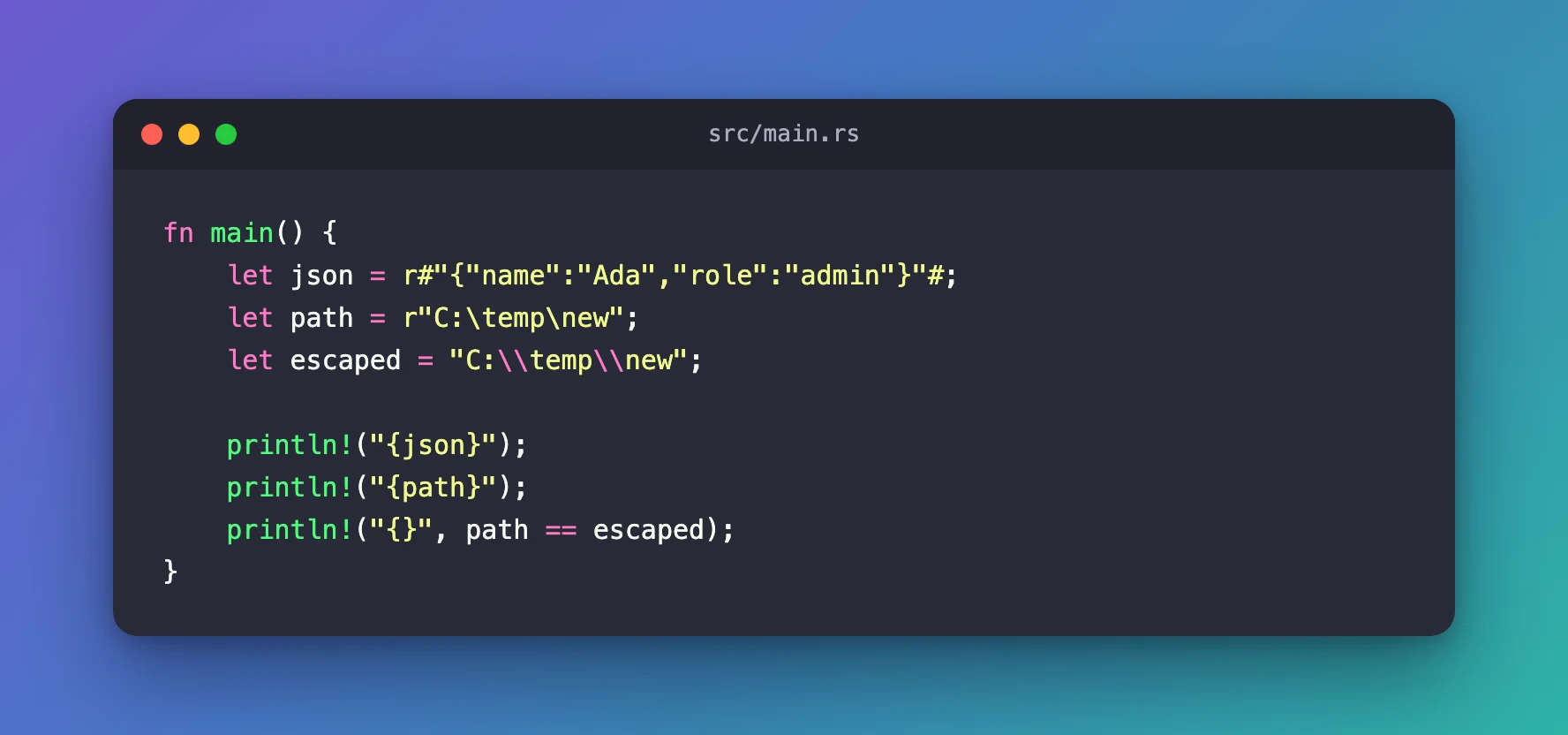
fn main() {
    let json = r#"{"name":"Ada","role":"admin"}"#;
    let path = r"C:\temp\new";
    let escaped = "C:\\temp\\new";

    println!("{json}");
    println!("{path}");
    println!("{}", path == escaped);
}
r#"..."#holds the JSON. The text contains", so the string needs the#: it ends at"#, not at the first".r"C:\temp\new"holds the path. It has no", so no#is needed, and the backslashes stay backslashes."C:\\temp\\new"is a normal string: each\\is an escape that means one backslash.path == escapedcompares the two strings.
Step 3: Run It
cargo run -q
{"name":"Ada","role":"admin"}
C:\temp\new
true
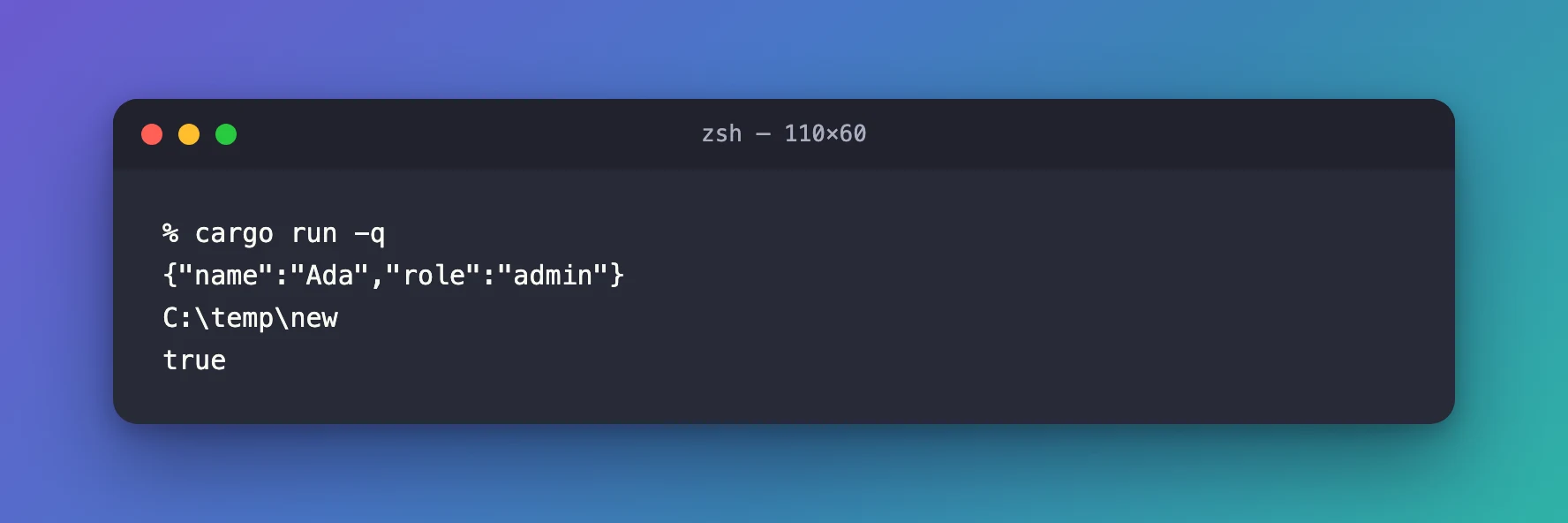
cargo run compiles the program and runs it, and -q hides Cargo's own status lines.
What Happened
- The JSON printed exactly as written, double quotes included.
- The raw path printed with its backslashes.
true: the raw path and the escaped normal string are the same text. A raw string only changes how the compiler reads what's between the quotes.
Common Mistakes
| Mistake | What happens | Do this instead |
|---|---|---|
A raw string without # that contains ", such as r"{"a":1}" | error: expected one of `.`, `;`, `?`, `else`, or an operator, found `":1}"` | Add a #: r#"{"a":1}"# |
Text that contains "# inside r#"..."#, such as r#"say "#hi""# | error: expected one of `.`, `;`, `?`, `else`, or an operator, found `""` | Use one more #: r##"say "#hi""## printed say "#hi" |
A Windows path in a normal string, "C:\temp\new" | \t becomes a tab and \n a line break: it printed C:, a tab, emp, then ew on a new line | Write r"C:\temp\new", or double each backslash |
A backslash before a letter that isn't an escape, "C:\data" | error: unknown character escape: `d` | The same: a raw string, or \\ |
Troubleshooting
| Symptom | Likely cause | Fix |
|---|---|---|
expected one of `.`, `;`, `?`, `else`, or an operator on a line with r" | The text ends the raw string early at a " | Add # characters around the string |
| A path prints with gaps or on two lines | \t or \n in a normal string | Use a raw string |
unknown character escape | A \ before a character that isn't an escape | Use a raw string, or \\ |
FAQ
Can a raw string span several lines?
Yes. The line break is part of the text: a raw string written over two lines printed first line and second line on two lines.
Is a raw string a different type?
No. The Reference: "A string literal expression consists of a single STRING_LITERAL or RAW_STRING_LITERAL token." Both are a &'static str.
How many # do I need?
One more than the longest run of # that follows a " in the text. Text with no " needs none.
Conclusion
Start a string with r to turn escapes off, and add # characters, r#"..."#, when the text contains double quotes. The result is an ordinary string that holds exactly what you typed.
Additional Resources
- Raw string literals and string literal expressions, in the Rust Reference.
