How to Write a Number in JSON

A number in JSON is written as it is, without quotes: 3, not "3". In quotes it would be text, which software treats differently. This guide writes two numbers, checks them with jq, and shows one thing jq lets through that the JSON standard doesn't allow.
Syntax
<digits>
<digits>: the number in base 10, such as3or120, with no quotes around it.-: an optional minus sign in front, for a negative number.- No leading zeros:
42, not042.
The JSON standard, RFC 8259, says: A number is represented in base 10 using decimal digits. It contains an integer component that may be prefixed with an optional minus sign, which may be followed by a fraction part and/or an exponent part. Leading zeros are not allowed.
The Example
A file called numbers.json describes a parcel with two whole numbers: items, 3, and pages, 120. jq, a command-line JSON tool, checks that it's valid.
Prerequisites
- jq, to check the file. Run
jq --versionto see which one you have; this guide uses jq 1.8.2 (Download jq).
Step 1: Write the Numbers
Create a file called numbers.json with this text:
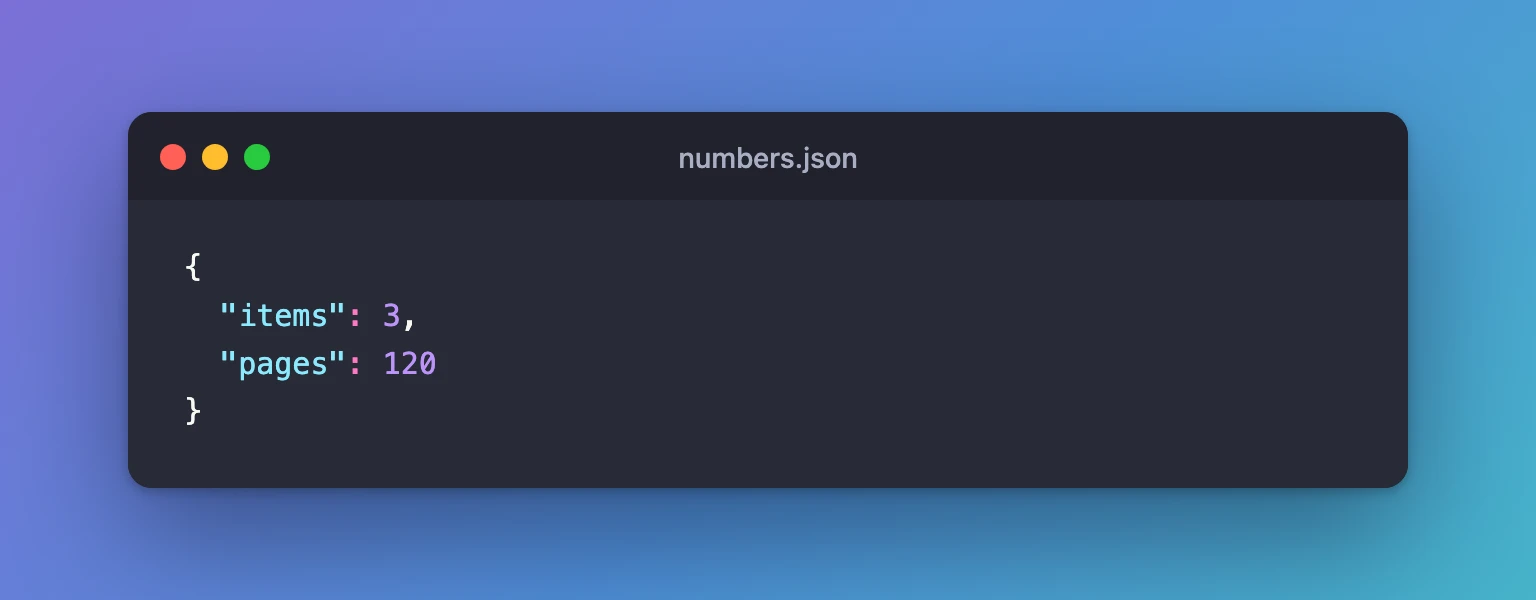
{
  "items": 3,
  "pages": 120
}
Step 2: Check It with jq
In a terminal, in the folder with the file, run:
jq . numbers.json
jq's manual explains the .: the . program's main use is to validate and pretty-print the inputs. The file was valid, and jq printed both numbers back without quotes:
{
  "items": 3,
  "pages": 120
}
A Number in Quotes Is Text
number-in-quotes.json is the same file with items written as "3":
{
  "items": "3",
  "pages": 120
}
jq . number-in-quotes.json
{
  "items": "3",
  "pages": 120
}
Both files are valid JSON, but jq kept the quotes around "3": it's a string now, while 120 is still a number. A program that adds up items gets text where it expects a number.
A Leading Zero
leading-zero.json holds a code written as 042:
{
  "code": 042
}
jq . leading-zero.json
{
  "code": 42
}
jq 1.8.2 accepted it and dropped the zero, although the standard says Leading zeros are not allowed. A check that passes in jq doesn't prove the number is written correctly, and other software may reject the file. A code that needs its zero is text, "042".
Common Mistakes
| Mistake | What happens | Do this instead |
|---|---|---|
A number in quotes, "3" | It's text, not a number | Leave the quotes out |
A leading zero, 042 | Not valid JSON; jq 1.8.2 turned it into 42 | Write 42, or "042" if the zero matters |
A comma in a large number, 1,200 | jq read the comma as the end of the pair and stopped with Objects must consist of key:value pairs | Write 1200 |
Troubleshooting
| Symptom | Likely cause | Fix |
|---|---|---|
| A total treats a value as text | The number is in quotes | Remove the quotes |
| A code lost its leading zero | It was written as a number | Write it as a string |
| Expected separator between values near a number | A space inside the number, 1 200 | Write the digits without a space |
| Objects must consist of key:value pairs after a number | A comma inside the number, 1,200 | Write the digits without a comma |
FAQ
Can a JSON number have decimals?
Yes. The standard allows a fraction part, a decimal point followed by digits. jq printed "price": 9.5 back unchanged.
How big can a number be?
The standard leaves that to software, and notes that integers from -(2**53)+1 to (2**53)-1 are the ones that implementations will agree exactly on.
Is true a number?
No. true and false are their own kind of value in JSON.
Conclusion
A JSON number is written without quotes, in base 10 and without leading zeros: 3, 120. In quotes, "3" is text. jq printed numbers.json back unchanged, kept "3" as text, and quietly turned 042 into 42, which the standard doesn't allow in the first place.
Additional Resources
- RFC 8259: The JavaScript Object Notation (JSON) Data Interchange Format: numbers, fractions and exponents.
- Introducing JSON: the format's diagrams, on its original site.
- jq manual: what
.and jq's other filters do.
