How to Write a Local Function in C#

A local function is a method written inside another method. Only the method that contains it can call it, which keeps a small helper right next to the one place that uses it.
Microsoft's guide: A local function is a named function declared inside another member, such as a method or constructor. Its name is in scope only within that member.
Syntax
<return type> <Method>(<parameters>)
{
    <statements that call Helper>

    static <return type> <Helper>(<parameters>)
    {
        <statements>
    }
}
| Part | What it is |
|---|---|
<Helper> | The local function's name, which works only inside <Method> |
static | Optional. A static local function can only use its own parameters and variables |
The guide on static: A static local function can't capture local variables, parameters, or instance state from the containing member.
The Example
A console app called LocalFunctions has a Greeting method that tidies up a name with a local function, Clean, before greeting it.
Prerequisites
- The .NET 10 SDK.
dotnet --versionprints a version that starts with10.0.
Step 1: Create a Console App
dotnet new console -n LocalFunctions
cd LocalFunctions
The template "Console App" was created successfully.

Processing post-creation actions...
Restoring /Users/you/source/LocalFunctions/LocalFunctions.csproj:
  Determining projects to restore...
  Restored /Users/you/source/LocalFunctions/LocalFunctions.csproj (in 51 ms).
Restore succeeded.
dotnet new console -n LocalFunctions creates a folder named LocalFunctions with a project file and a Program.cs, and cd moves into it. Everything this example uses is part of .NET, so there's no package to add. Open the folder in VS Code, or LocalFunctions.csproj in Visual Studio.
Step 2: Write the Code
Replace everything in Program.cs. First the two calls:
Console.WriteLine(Greeting("  asha "));
Console.WriteLine(Greeting("LEO"));
Then the method with its local function:
static string Greeting(string name)
{
    string cleanName = Clean(name);
    return $"Hello, {cleanName}!";

    // A local function: only Greeting can call it.
    static string Clean(string text)
    {
        string trimmed = text.Trim();
        return char.ToUpperInvariant(trimmed[0]) + trimmed[1..].ToLowerInvariant();
    }
}
static string Clean(string text)is declared insideGreeting, after itsreturn. The guide: You can declare a local function before or after the statements that call it.staticmeansCleanworks only with what it's given, itstextparameter, and can't reachGreeting'sname.trimmed[1..]is everything after the first character.
Step 3: Run It
Run it in VS Code's terminal, or press Ctrl+F5 in Visual Studio:
dotnet run
Hello, Asha!
Hello, Leo!
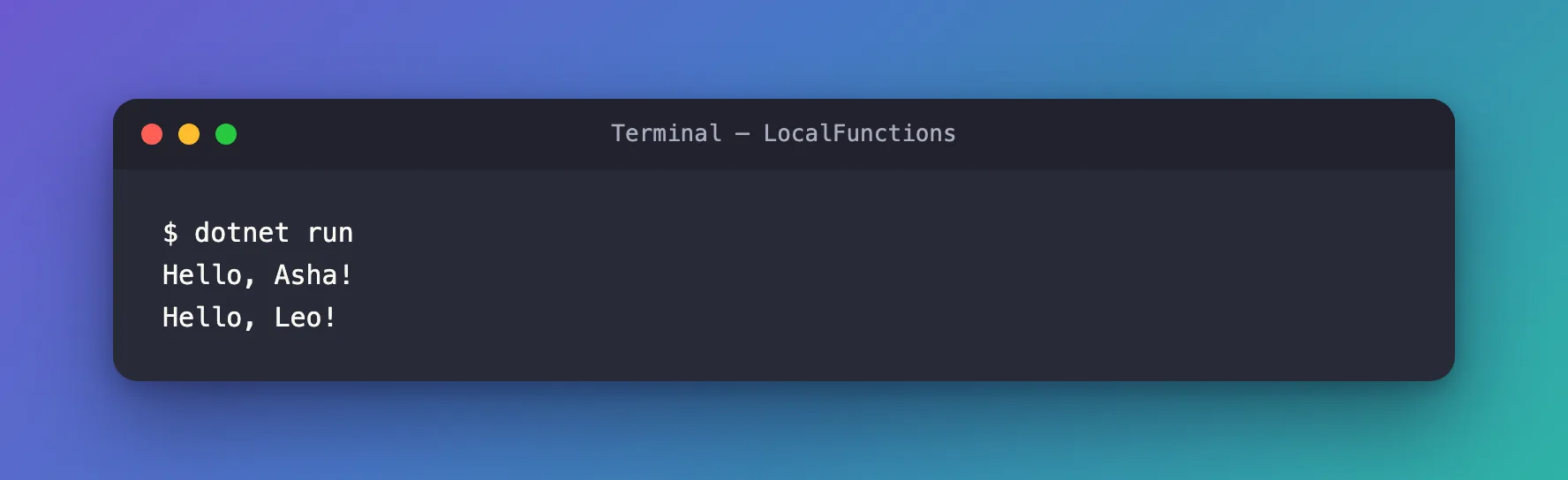
Clean trimmed the spaces around asha and fixed the capital letters of both names.
The Complete File
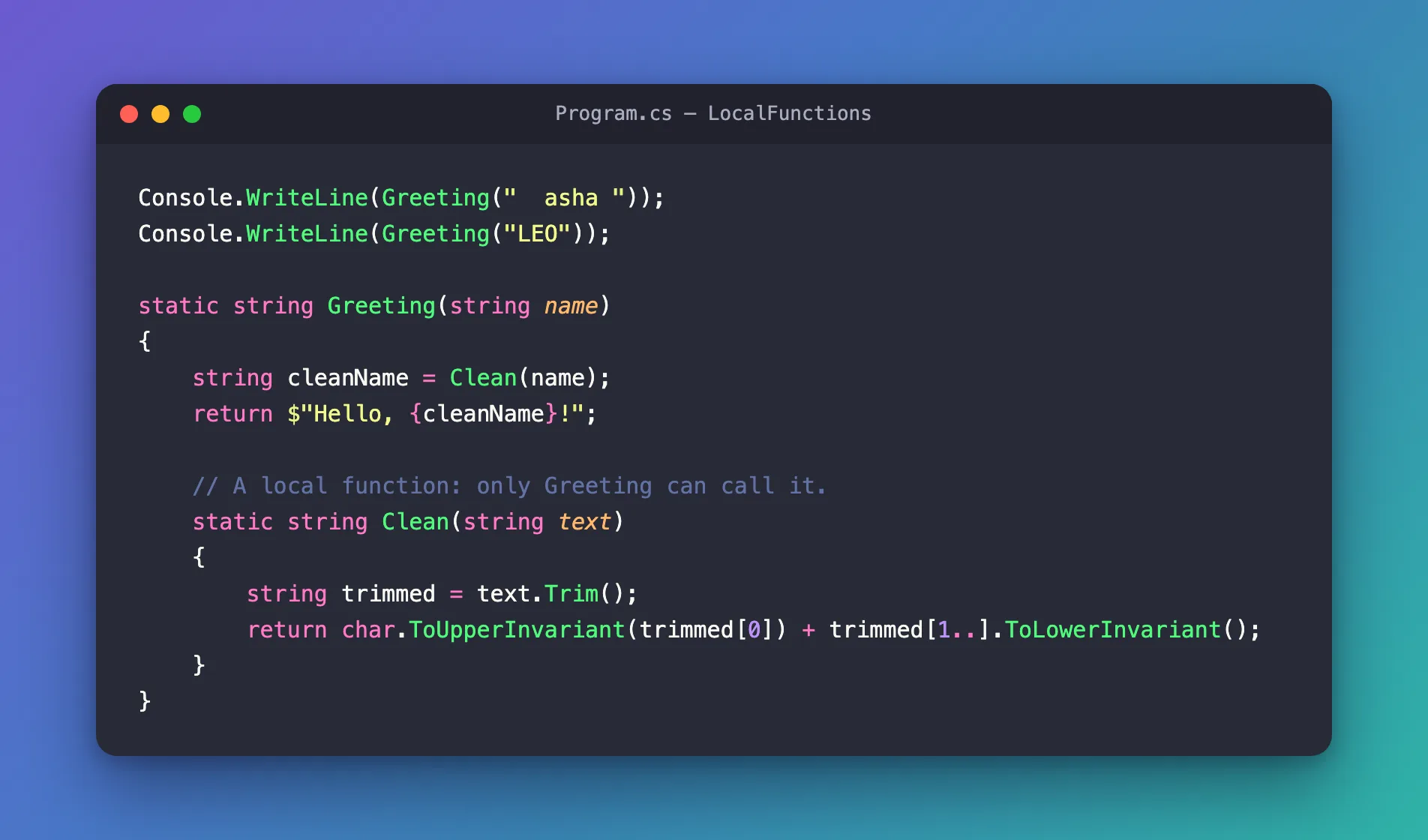
Console.WriteLine(Greeting("  asha "));
Console.WriteLine(Greeting("LEO"));

static string Greeting(string name)
{
    string cleanName = Clean(name);
    return $"Hello, {cleanName}!";

    // A local function: only Greeting can call it.
    static string Clean(string text)
    {
        string trimmed = text.Trim();
        return char.ToUpperInvariant(trimmed[0]) + trimmed[1..].ToLowerInvariant();
    }
}
Common Mistakes
| Mistake | What happens | Do this instead |
|---|---|---|
| Calling the local function from outside its method | Clean("asha") at the top of the file doesn't build: error CS0103: The name 'Clean' does not exist in the current context | Call it inside its method, or make it an ordinary method |
Using an outer variable in a static local function | error CS8421: A static local function cannot contain a reference to 'name'. | Pass the value as a parameter, as Clean(name) does, or remove static |
FAQ
Can a local function use the method's variables?
Yes, when it isn't static. A version of Clean without static and without parameters used Greeting's name directly, and printed Hello, asha!.
Conclusion
Declare a helper inside the method that uses it, and only that method can call it. Mark it static when it only needs its own parameters: the compiler then stops it from using the method's variables by accident.
Additional Resources
- Local functions — local functions, static local functions and capture.
