How to Write a Lambda Expression in C#

x => x * x is a whole method in one line: it takes x and returns x * x. Lambdas like this go wherever C# expects a method, such as in a Func variable or in a call to Where.
Microsoft's reference: Use a lambda expression to create an anonymous function. Use the lambda declaration operator => to separate the lambda's parameter list from its body.
Syntax
<parameter> => <expression>
(<parameter1>, <parameter2>) => <expression>
() => <expression>
<parameter> => { <statements> return <value>; }
| Part | What it is |
|---|---|
<parameter> => | The parameter list. One parameter needs no parentheses; none or several do |
<expression> | An expression lambda: the expression's value is the result |
{ <statements> } | A statement lambda: a block, with a return when it gives a result |
The reference: A lambda expression with an expression on the right side of the => operator is called an expression lambda. And: A statement lambda resembles an expression lambda except that its statements are enclosed in braces.
The Example
A console app called Lambdas stores two lambdas in Func variables and calls them, then passes a third one to Where to pick the numbers above 10.
Prerequisites
- The .NET 10 SDK.
dotnet --versionprints a version that starts with10.0.
Step 1: Create a Console App
dotnet new console -n Lambdas
cd Lambdas
The template "Console App" was created successfully.

Processing post-creation actions...
Restoring /Users/you/source/Lambdas/Lambdas.csproj:
  Determining projects to restore...
  Restored /Users/you/source/Lambdas/Lambdas.csproj (in 46 ms).
Restore succeeded.
dotnet new console -n Lambdas creates a folder named Lambdas with a project file and a Program.cs, and cd moves into it. Everything this example uses is part of .NET, so there's no package to add. Open the folder in VS Code, or Lambdas.csproj in Visual Studio.
Step 2: Write the Code
Replace everything in Program.cs. First the two lambdas:
// An expression lambda: one expression after the =>.
Func<int, int> square = x => x * x;

// A statement lambda: statements in braces, with a return.
Func<string, string> shout = text =>
{
    string upper = text.ToUpperInvariant();
    return upper + "!";
};
x => x * xis an expression lambda:xis the parameter, andx * xis the result.text => { ... }is a statement lambda: a block with its own variable and areturn.Func<int, int>andFunc<string, string>give each lambda its parameter and result types.
Then call them, and pass a third lambda to a method:
Console.WriteLine(square(7));
Console.WriteLine(shout("hello"));

// A lambda passed straight to a method.
int[] numbers = [5, 12, 8, 21];
Console.WriteLine(string.Join(", ", numbers.Where(n => n > 10)));
n => n > 10 is a test that Where runs on each number, keeping the ones for which it returns true.
Step 3: Run It
Run it in VS Code's terminal, or press Ctrl+F5 in Visual Studio:
dotnet run
49
HELLO!
12, 21
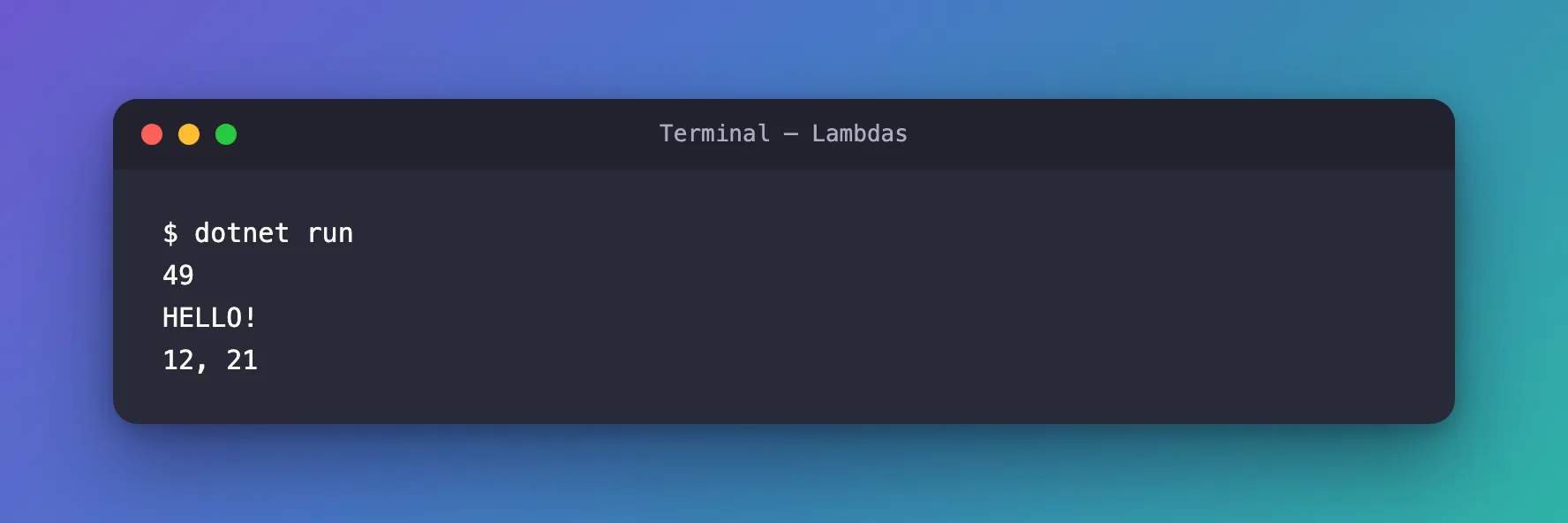
square(7) returned 49, shout("hello") returned HELLO!, and Where kept 12 and 21, the numbers above 10.
The Complete File
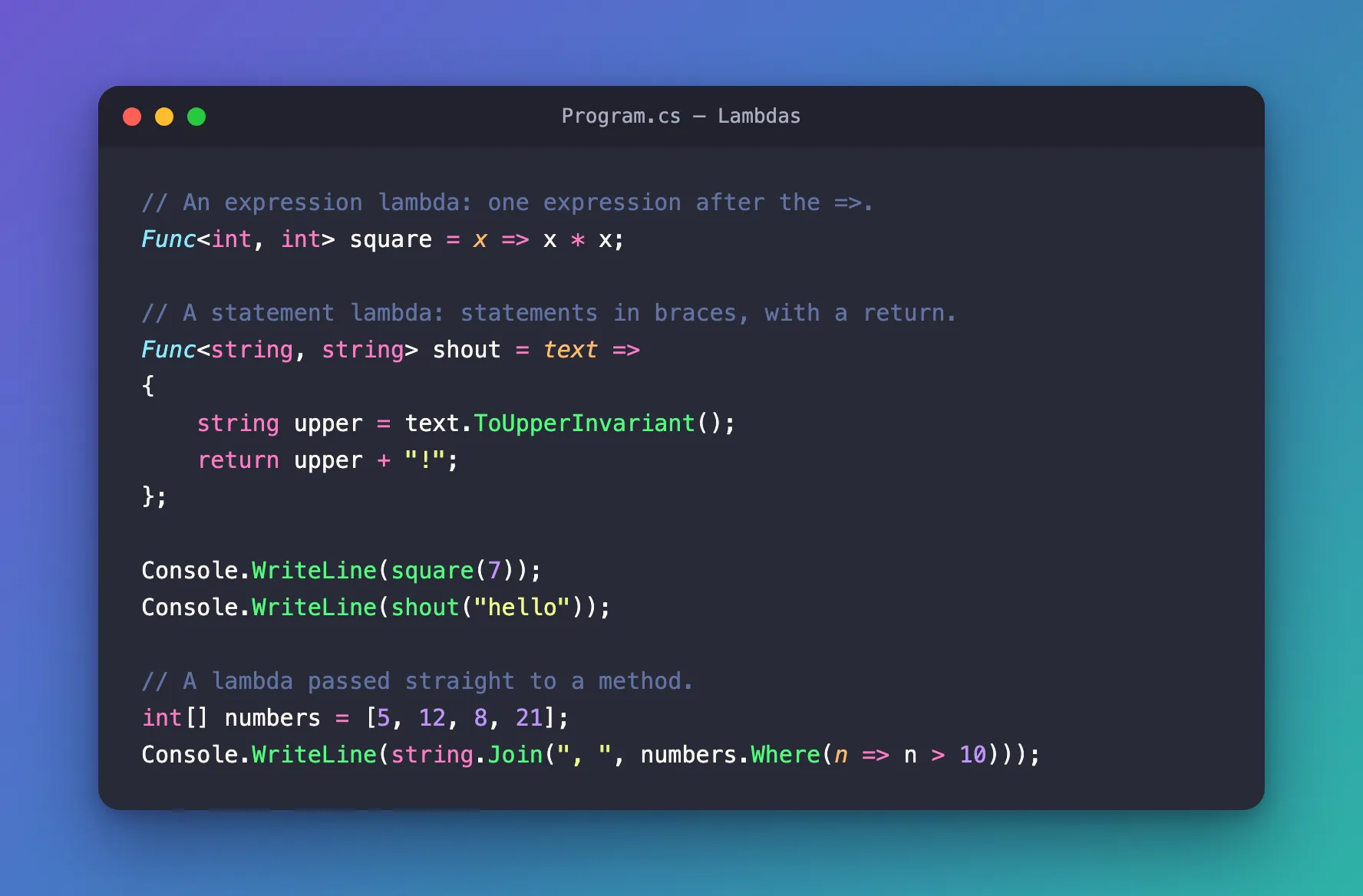
// An expression lambda: one expression after the =>.
Func<int, int> square = x => x * x;

// A statement lambda: statements in braces, with a return.
Func<string, string> shout = text =>
{
    string upper = text.ToUpperInvariant();
    return upper + "!";
};

Console.WriteLine(square(7));
Console.WriteLine(shout("hello"));

// A lambda passed straight to a method.
int[] numbers = [5, 12, 8, 21];
Console.WriteLine(string.Join(", ", numbers.Where(n => n > 10)));
Common Mistakes
| Mistake | What happens | Do this instead |
|---|---|---|
A statement lambda without return | A block that only works out a value doesn't build: error CS0201: Only assignment, call, increment, decrement, await, and new object expressions can be used as a statement and error CS1643: Not all code paths return a value in lambda expression of type 'Func<string, string>' | Add return, or drop the braces to make it an expression lambda |
var with an untyped parameter | var square = x => x * x; doesn't build: error CS8917: The delegate type could not be inferred. | Give the parameter a type, as in var square = (int x) => x * x;, which worked, or declare a Func |
FAQ
Can a lambda take no parameters or several?
Yes, in parentheses: () => "ready" returned ready, and (a, b) => a + b returned 5 for 2 and 3.
Conclusion
A lambda is a short method written where it's used: the parameters, =>, and either an expression or a block with return. Store it in a Func, or pass it straight to a method that takes one.
Additional Resources
- Lambda expressions — every form of lambda.
