How to Write a JSON Object

A JSON object groups named values between curly brackets, such as a person's name and city. Each name goes in double quotes, followed by a colon and its value, with a comma between one pair and the next. This guide writes one, checks it with jq, and shows what jq says when the punctuation is wrong.
Syntax
{
  "<name>": <value>,
  "<name>": <value>
}
{and}: the object starts and ends with curly brackets."<name>": the value's name, always in double quotes.:: one colon between the name and its value.<value>: text in double quotes, a number,true,false,null, another object or an array.,: one comma between pairs, and none after the last one.
The JSON standard, RFC 8259, defines it this way: An object structure is represented as a pair of curly brackets surrounding zero or more name/value pairs (or members). A name is a string. A single colon comes after each name, separating the name from the value. A single comma separates a value from a following name. Spaces and line breaks between these characters don't matter: Insignificant whitespace is allowed before or after any of the six structural characters.
The Example
A file called person.json describes one person with two pairs: name is Ada and city is London. jq, a command-line JSON tool, checks that it's valid.
Prerequisites
- jq, to check the file. Run
jq --versionto see which one you have; this guide uses jq 1.8.2 (Download jq).
Step 1: Write the Object
Create a file called person.json with this text:
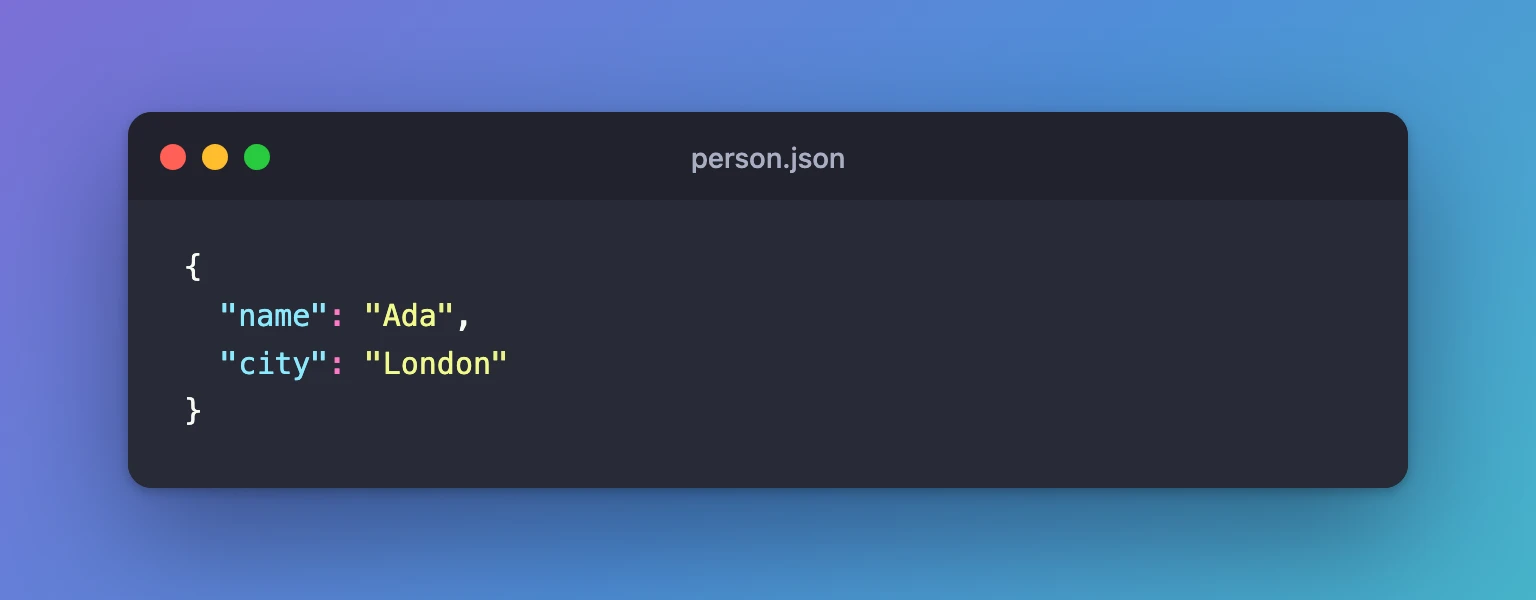
{
  "name": "Ada",
  "city": "London"
}
Step 2: Check It with jq
In a terminal, in the folder with the file, run:
jq . person.json
jq's manual explains the .: the . program's main use is to validate and pretty-print the inputs. It reads the file, and when the JSON is valid it prints it back, laid out neatly:
{
  "name": "Ada",
  "city": "London"
}
When the JSON isn't valid, jq prints a parse error with a line and a column instead, as the mistakes below show.
An Empty Object
An object can have no pairs at all: zero or more, in the standard's words. empty-object.json holds only the brackets:
{}
jq . empty-object.json
{}
Common Mistakes
I wrote each of these mistakes into a small file laid out like person.json, one pair per line, and ran jq . on it. These are jq 1.8.2's real messages:
| Mistake | Example | What jq said |
|---|---|---|
| A name without quotes | { name: "Ada" } | jq: parse error: Invalid numeric literal at line 2, column 7 |
| Single quotes | { 'name': 'Ada' } | jq: parse error: Invalid string literal; expected ", but got ' at line 2, column 9 |
| A comma after the last pair | "city": "London", then } | jq: parse error: Expected another key-value pair at line 4, column 1 |
| No comma between pairs | "name": "Ada" then "city": "London" | jq: parse error: Expected separator between values at line 3, column 8 |
The first message is confusing: jq read the bare word name as a broken number. A message about a number where there's no number usually means quotes are missing.
Troubleshooting
| Symptom | Likely cause | Fix |
|---|---|---|
| Invalid numeric literal | A name or text value without double quotes | Put it in double quotes |
| expected ", but got ' | Single quotes | Use double quotes |
| Expected another key-value pair | A comma after the last pair | Remove that comma |
| Expected separator between values | A missing comma | Add a comma between the pairs |
The line and column in each message point at where jq noticed the problem, which is often just after the real mistake.
FAQ
Does the order of the pairs matter?
Not to JSON itself: RFC 8259 says An object is an unordered collection of zero or more name/value pairs. jq printed them in the order they were written.
Can two pairs have the same name?
They shouldn't. The standard says The names within an object SHOULD be unique, and when they aren't, the behavior of software that receives such an object is unpredictable.
Do I have to put each pair on its own line?
No. {"name": "Ada", "city": "London"} on one line is the same object, because spaces and line breaks between the brackets, colons and commas don't count.
Conclusion
A JSON object is { "<name>": <value>, … }: curly brackets, names in double quotes, a colon after each name, and commas between pairs but not after the last. {} is an empty object. jq . person.json printed the object back, and each punctuation mistake gave a parse error with its line and column.
Additional Resources
- RFC 8259: The JavaScript Object Notation (JSON) Data Interchange Format: the JSON standard.
- Introducing JSON: the format's diagrams, on its original site.
- jq manual: what
.and jq's other filters do.
