How to Write a JSON Array

A JSON array is a list of values in square brackets, such as three colours. The values keep their order, and a comma separates each one from the next. This guide writes one, checks it with jq, and shows what jq says when a comma is missing or one too many.
Syntax
[<value>, <value>, <value>]
[and]: the array starts and ends with square brackets.<value>: any JSON value: text in double quotes, a number,true,false,null, an object or another array.,: one comma between values, and none after the last one.
The JSON standard, RFC 8259, defines it this way: An array structure is represented as square brackets surrounding zero or more values (or elements). Elements are separated by commas. It also says There is no requirement that the values in an array be of the same type, and that An array is an ordered sequence of zero or more values.
The Example
A file called colours.json lists three colours: red, green and blue. jq, a command-line JSON tool, checks that it's valid.
Prerequisites
- jq, to check the file. Run
jq --versionto see which one you have; this guide uses jq 1.8.2 (Download jq).
Step 1: Write the Array
Create a file called colours.json with this text:
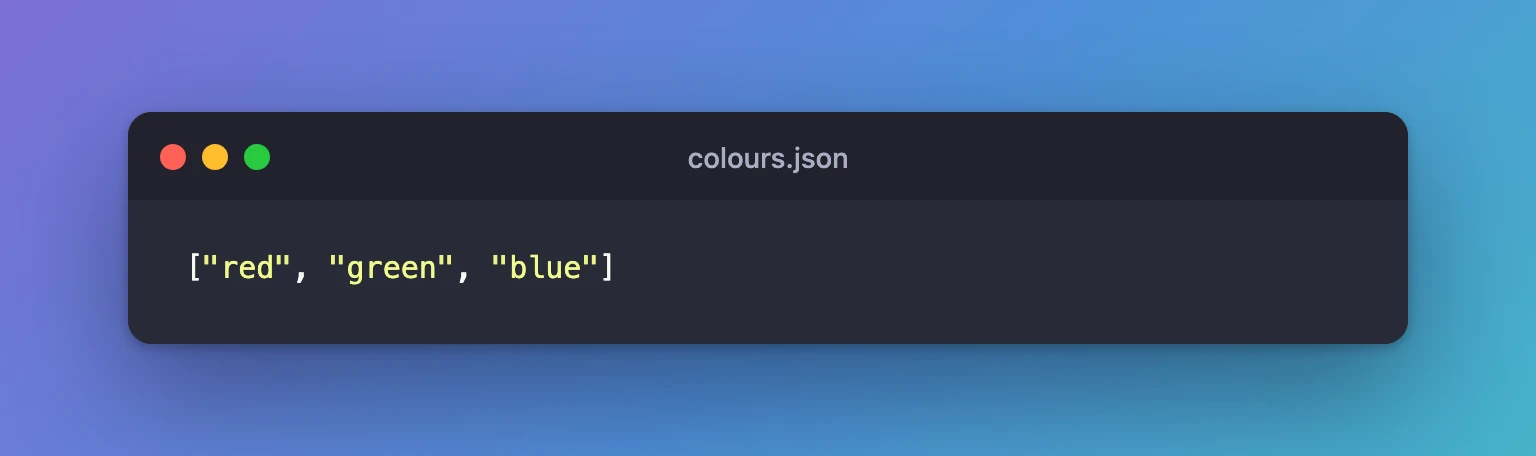
["red", "green", "blue"]
Step 2: Check It with jq
In a terminal, in the folder with the file, run:
jq . colours.json
jq's manual explains the .: the . program's main use is to validate and pretty-print the inputs. The array was valid, so jq printed it back with one value per line, in the same order:
[
  "red",
  "green",
  "blue"
]
An Empty Array
An array can hold no values at all: zero or more, in the standard's words. empty-array.json holds only the brackets:
[]
jq . empty-array.json
[]
An empty array is how many services say nothing found: SharePoint's REST API, for example, answers with "value": [] when no item matches a filter.
Common Mistakes
I wrote each of these mistakes into a one-line file like colours.json and ran jq . on it. These are jq 1.8.2's real messages:
| Mistake | Example | What jq said |
|---|---|---|
| A comma after the last value | ["red", "green", "blue",] | jq: parse error: Expected another array element at line 1, column 25 |
| No comma between values | ["red" "green" "blue"] | jq: parse error: Expected separator between values at line 1, column 14 |
| No closing bracket | ["red", "green", "blue" | jq: parse error: Unfinished JSON term at EOF at line 2, column 0 |
Troubleshooting
| Symptom | Likely cause | Fix |
|---|---|---|
| Expected another array element | A comma after the last value | Remove that comma |
| Expected separator between values | A missing comma | Add a comma between the values |
| Unfinished JSON term at EOF | The closing ] is missing | Close the array |
FAQ
Can one array hold different kinds of values?
Yes. The standard says There is no requirement that the values in an array be of the same type. jq . printed ["red", 3, true] back without an error.
Does the order of the values matter?
Yes. An array is an ordered sequence, and jq printed the colours in the order they were written.
Can an array hold objects?
Yes. An object is a JSON value like any other, so an array can hold several objects, one per record.
Conclusion
A JSON array is [<value>, <value>, …]: square brackets, a comma between values and none after the last. [] is an empty array. jq . colours.json printed the three colours back in order, and a stray or missing comma gave a parse error with its line and column.
Additional Resources
- RFC 8259: The JavaScript Object Notation (JSON) Data Interchange Format: the JSON standard.
- Introducing JSON: the format's diagrams, on its original site.
- jq manual: what
.and jq's other filters do.
