How to Write a Docstring in Python

A docstring is the short description that sits at the top of a function and says what it does. Unlike a comment, Python keeps it with the function, so help(), editors and documentation tools can show it to anyone who uses your code.
Syntax
def <name>(<parameters>):
    """<What the function does.>"""
    <body>
| Part | What it does |
|---|---|
"""...""" | A string in triple quotes. Triple quotes let it run over several lines when needed. |
| First line of the body | Where the string must be for Python to treat it as the docstring. |
<name>.__doc__ | Gives the docstring back as a string. |
The Python glossary defines a docstring as "A string literal which appears as the first expression in a class, function or module. While ignored when the suite is executed, it is recognized by the compiler and put into the __doc__ attribute of the enclosing class, function or module."
The Example
The example documents an area function, calls it, and prints the docstring Python stored with it.
Prerequisites
- uv and Python. This guide uses uv 0.13.10 with Python 3.15.2.
Step 1: Write the Docstring
Create a file named main.py:
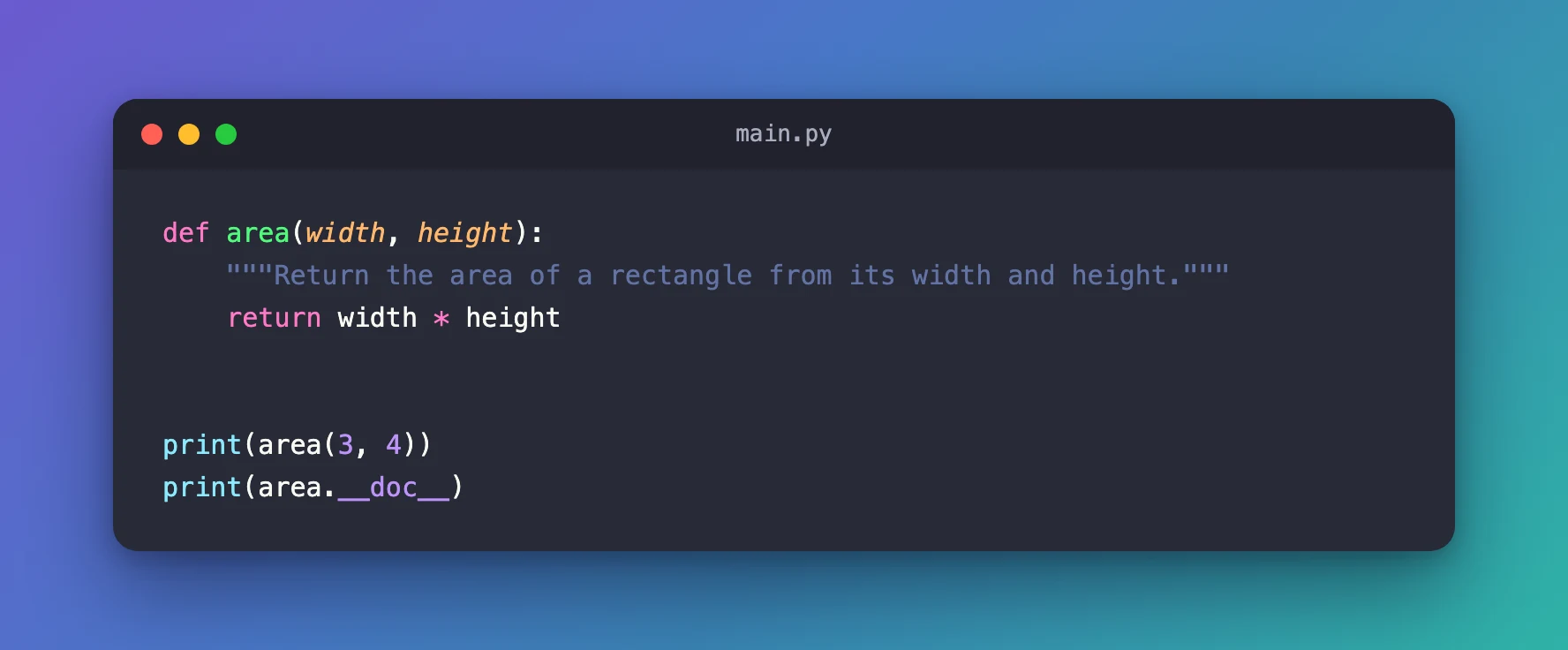
def area(width, height):
    """Return the area of a rectangle from its width and height."""
    return width * height


print(area(3, 4))
print(area.__doc__)
The docstring is the first line of the body, so Python stores it in area.__doc__.
Step 2: Run It
uv run python main.py
12
Return the area of a rectangle from its width and height.
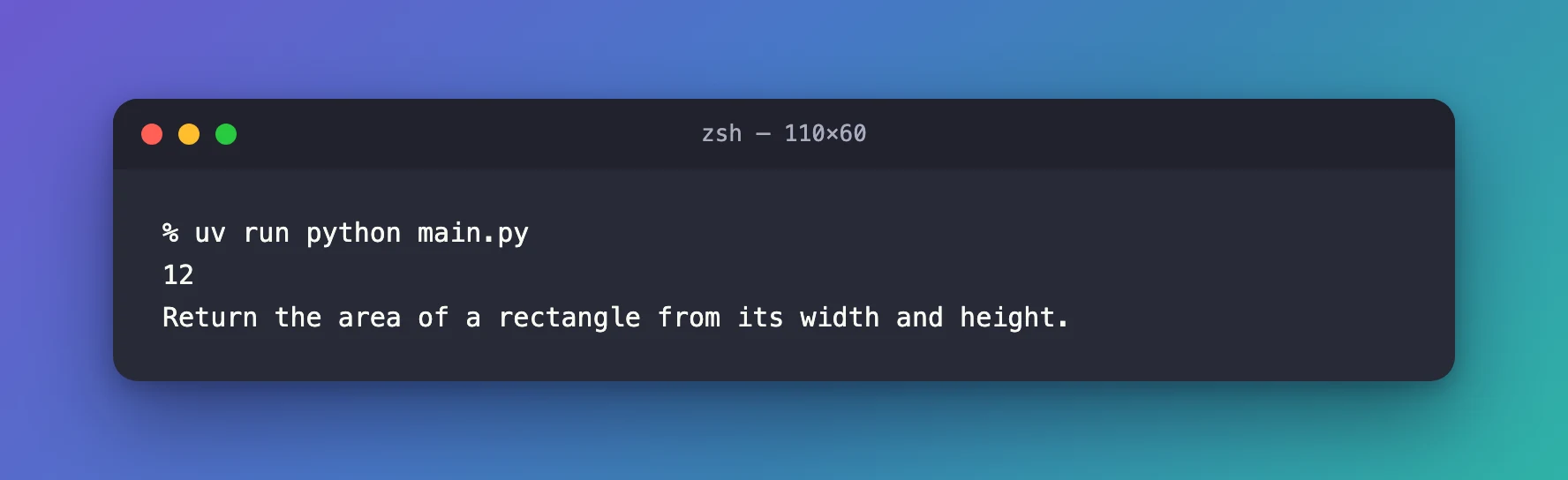
The docstring didn't change what the function does; it travelled with it. The command is the same in zsh, bash and PowerShell.
Reading It with help()
help(area) prints the function's signature and docstring. When I ran it with its output going to another program, so no pager opened, it printed:
Help on function area in module __main__:

area(width, height)
    Return the area of a rectangle from its width and height.
Common Mistakes
| Mistake | What happens | Do this instead |
|---|---|---|
| Putting the string below other code in the body | It's just an unused string, and __doc__ is None | Make the docstring the very first line |
Writing a # comment instead | Comments are thrown away, so help() can't show them | Use a triple-quoted string |
| Describing how instead of what | Callers still don't know what they get back | Start with what the function returns or does |
Troubleshooting
| Symptom | Likely cause | Fix |
|---|---|---|
print(func.__doc__) prints None | There's no string on the first line of the body | Move the docstring up |
help() opens a screen you can't leave | It shows long help in a pager | Press q to quit the pager |
FAQ
Single or triple quotes?
Either makes a docstring, but PEP 257, Python's docstring convention, asks for triple double quotes, """, even for one line.
Can modules and classes have docstrings too?
Yes. Put a string first in the file or first in the class body, as the glossary says.
Conclusion
Put a triple-quoted string on the first line of a function and it becomes the docstring: stored in __doc__, shown by help() and read by editors.
Additional Resources
- docstring, in the Python glossary.
- PEP 257: Docstring Conventions.
