How to Write a decimal Number with the m Suffix in C#

2.90m is a decimal, and 2.90 without the m is a double. For money, that one letter matters: a decimal holds 0.1 exactly, and a double can't.
The C# reference: The suffix on a real literal determines its type. Two of its rules: A literal without a suffix or with the d or D suffix is a double. And: A literal with the m or M suffix is a decimal.
Syntax
decimal <name> = <whole>.<fraction>m;
| Part | What it is |
|---|---|
decimal | The type of the variable |
<whole>.<fraction> | The number, with a full stop as the decimal point, such as 2.90 |
m | The suffix that makes the literal a decimal. M means the same |
Why money uses decimal, in the reference's words: The decimal type is appropriate when the required degree of precision is determined by the number of digits to the right of the decimal point. Such numbers are commonly used in financial applications, for currency amounts (for example, $1.00), interest rates (for example, 2.625%), and so forth.
The Example
A console app called DecimalSuffix adds up a coffee at 2.90 and a muffin at 3.45 as decimals, prints the same coffee price as a double, and adds 0.1 and 0.2 both ways.
Prerequisites
- The .NET 10 SDK.
dotnet --versionprints a version that starts with10.0.
Step 1: Create a Console App
dotnet new console -n DecimalSuffix
cd DecimalSuffix
The template "Console App" was created successfully.

Processing post-creation actions...
Restoring /Users/you/source/DecimalSuffix/DecimalSuffix.csproj:
  Determining projects to restore...
  Restored /Users/you/source/DecimalSuffix/DecimalSuffix.csproj (in 44 ms).
Restore succeeded.
dotnet new console -n DecimalSuffix creates a folder named DecimalSuffix with a project file and a Program.cs, and cd moves into it. Everything this example uses is part of .NET, so there's no package to add. Open the folder in VS Code, or DecimalSuffix.csproj in Visual Studio.
Step 2: Write the Code
Replace everything in Program.cs. First the culture and the decimals:
using System.Globalization;

// Print a full stop as the decimal separator on every computer.
CultureInfo.CurrentCulture = CultureInfo.InvariantCulture;

// The m suffix makes each number a decimal.
decimal coffee = 2.90m;
decimal muffin = 3.45m;
Console.WriteLine($"Coffee: {coffee}");
Console.WriteLine($"Total:  {coffee + muffin}");
CultureInfo.CurrentCulture = CultureInfo.InvariantCulture;makes the program print a full stop for the decimals on every computer. With the current culture set to German instead,2.90mprinted as2,90.2.90mand3.45mare decimal literals.coffee + muffinadds two decimals, and the result is a decimal too.
Then a double, and 0.1 plus 0.2 both ways:
// Without a suffix, a number with a decimal point is a double.
double coffeeAsDouble = 2.90;
Console.WriteLine($"Coffee as a double: {coffeeAsDouble}");

// Why money uses decimal: 0.1 + 0.2 as a double and as a decimal.
Console.WriteLine($"0.1 + 0.2 as double:  {0.1 + 0.2}");
Console.WriteLine($"0.1 + 0.2 as decimal: {0.1m + 0.2m}");
2.90has no suffix, so it's adouble, and it goes into adoublevariable.0.1 + 0.2adds two doubles, and0.1m + 0.2madds two decimals.
Step 3: Run It
Run it in VS Code's terminal, or press Ctrl+F5 in Visual Studio:
dotnet run
Coffee: 2.90
Total:  6.35
Coffee as a double: 2.9
0.1 + 0.2 as double:  0.30000000000000004
0.1 + 0.2 as decimal: 0.3
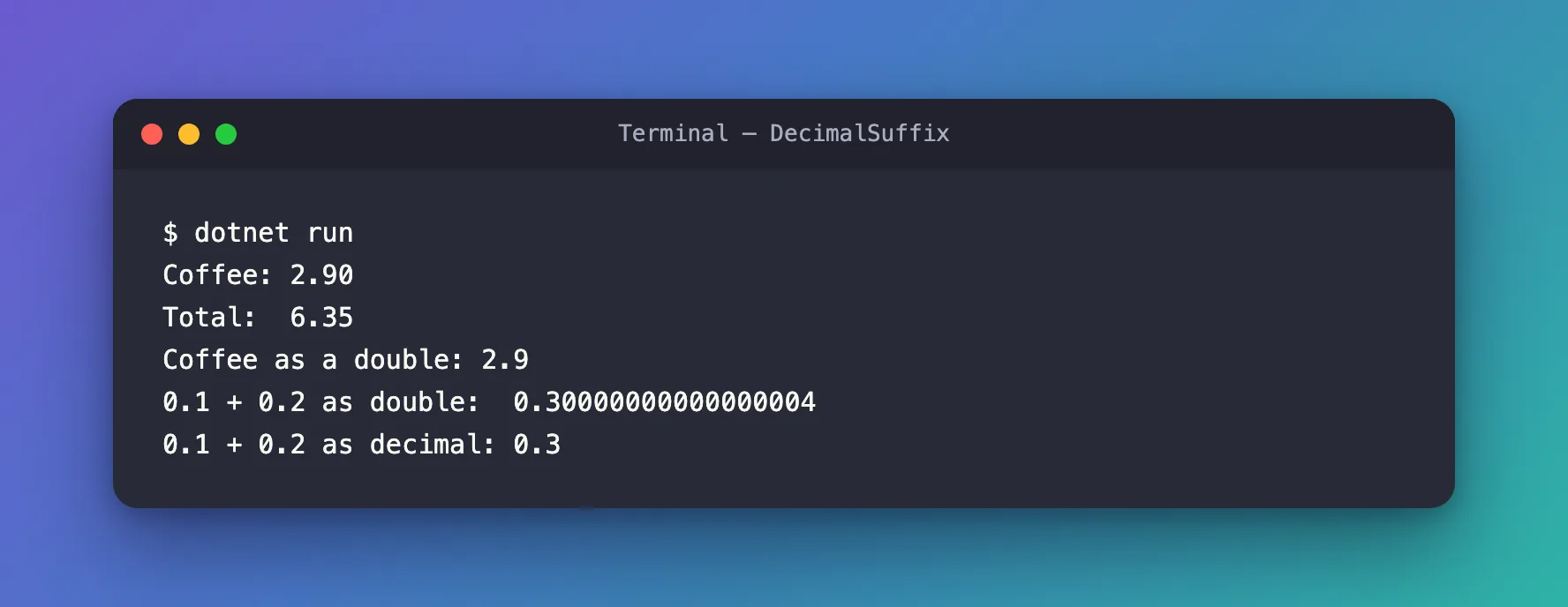
2.90mprinted as2.90, with the zero that the literal has. The .NET reference: The scaling factor also preserves any trailing zeros in a Decimal number. Trailing zeros do not affect the value of a Decimal number in arithmetic or comparison operations.2.90as a double printed as2.9.0.1 + 0.2gave0.30000000000000004as doubles and0.3as decimals. The reference explains: 0.1, for example, can be exactly represented by a decimal instance, while there's no double or float instance that exactly represents 0.1.
The Complete File
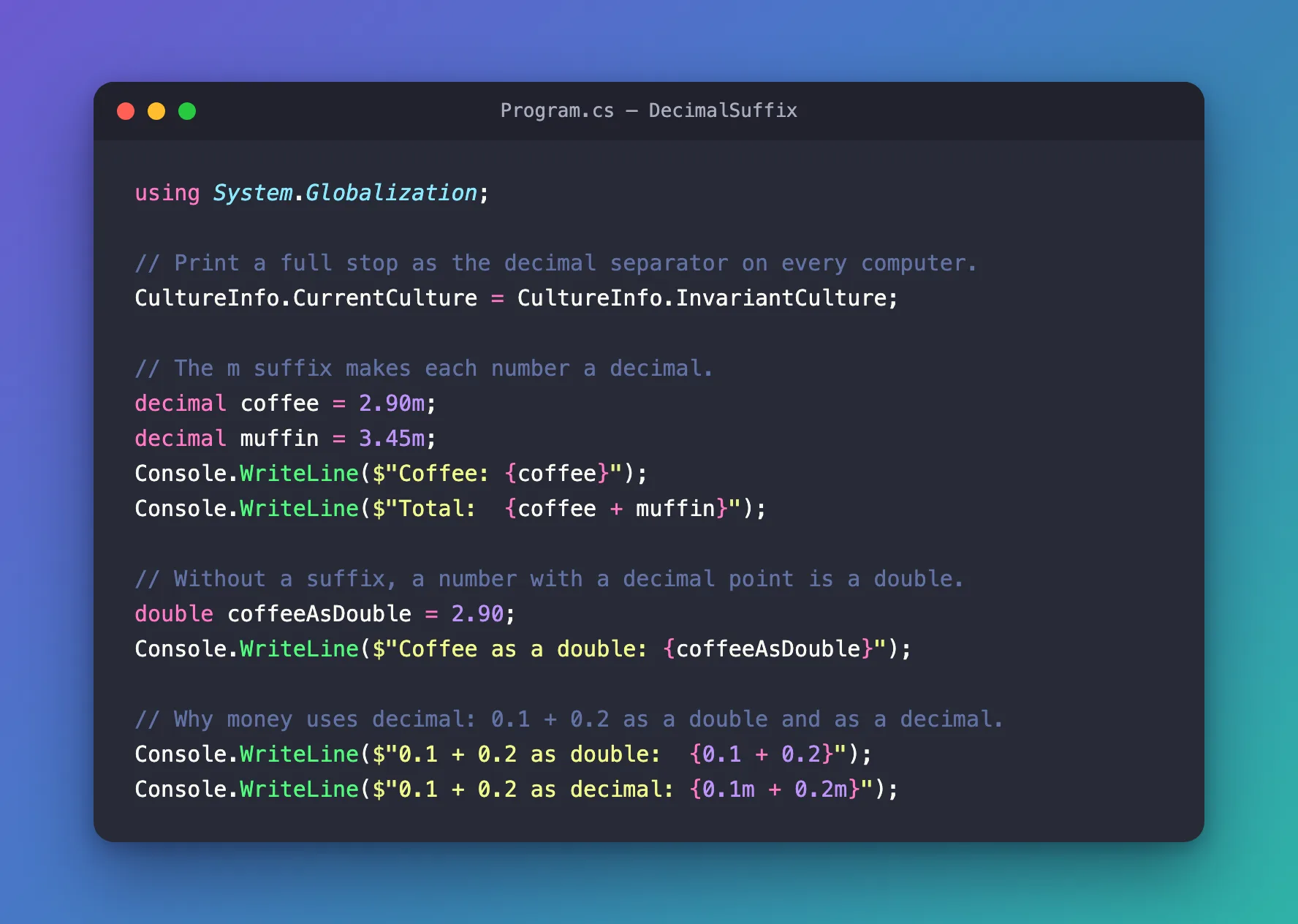
using System.Globalization;

// Print a full stop as the decimal separator on every computer.
CultureInfo.CurrentCulture = CultureInfo.InvariantCulture;

// The m suffix makes each number a decimal.
decimal coffee = 2.90m;
decimal muffin = 3.45m;
Console.WriteLine($"Coffee: {coffee}");
Console.WriteLine($"Total:  {coffee + muffin}");

// Without a suffix, a number with a decimal point is a double.
double coffeeAsDouble = 2.90;
Console.WriteLine($"Coffee as a double: {coffeeAsDouble}");

// Why money uses decimal: 0.1 + 0.2 as a double and as a decimal.
Console.WriteLine($"0.1 + 0.2 as double:  {0.1 + 0.2}");
Console.WriteLine($"0.1 + 0.2 as decimal: {0.1m + 0.2m}");
Common Mistakes
| Mistake | What happens | Do this instead |
|---|---|---|
Leaving out the m | decimal coffee = 2.90; doesn't build: error CS0664: Literal of type double cannot be implicitly converted to type 'decimal'; use an 'M' suffix to create a literal of this type | Write 2.90m |
Mixing a decimal and a double | coffee * 1.18 doesn't build: error CS0019: Operator '*' cannot be applied to operands of type 'decimal' and 'double'. The reference: You can't mix the decimal type with the float and double types in an expression. | Put the m on that literal too: coffee * 1.18m gave 3.4220 |
Keeping money in double and comparing it | 0.1 + 0.2 == 0.3 was False for doubles, and 0.1m + 0.2m == 0.3m was True | Keep money in decimal from the start |
FAQ
Does a whole number need the m?
No. Whole numbers turn into decimal by themselves. The reference: You can also mix integral types and the decimal type in an expression. In this case, integral types are implicitly converted to the decimal type and the expression evaluates to decimal. The code below also writes M in place of m:
using System.Globalization;

CultureInfo.CurrentCulture = CultureInfo.InvariantCulture;

// A whole number needs no m: an int converts to decimal by itself.
decimal tip = 2;
decimal coffee = 2.90M;
Console.WriteLine($"Tip: {tip}");
Console.WriteLine($"Coffee and tip: {coffee + tip}");
Tip: 2
Coffee and tip: 4.90
Conclusion
Keep money and other exact decimal amounts in decimal, and put an m after every literal with a decimal point: 2.90m. Without the m, the number is a double, which doesn't go into a decimal and can't hold 0.1 exactly.
Additional Resources
- Floating-point numeric types — decimal, double and float, and their literal suffixes.
- System.Decimal — the .NET type behind decimal.
