How to Write a Custom Validation Attribute in .NET C#

[Required] and [Range] cover a lot, but not everything. A price in a decimal(12,2) column must be 0 or more, must fit, and must have at most two decimal places, or MySQL rounds it without an error. A custom attribute puts that rule in one class, about ten lines long, that you can use anywhere.
Prerequisites
- A .NET project using data annotations. The examples use a .NET 10 minimal API with
AddValidation, as in How to Validate Minimal API Requests in .NET 10.
Step 1: Inherit ValidationAttribute
Create a class ending in Attribute, and say where it can go:
using System.ComponentModel.DataAnnotations;

namespace Dewiride.Inventory.Api.Common;

[AttributeUsage(AttributeTargets.Parameter | AttributeTargets.Property)]
public sealed class MoneyAttribute : ValidationAttribute
AttributeUsage lists Parameter for records and Property for classes, since a record's attribute goes on its constructor parameters.
Step 2: Set the Error Message
Pass the default message to the base constructor. {0} becomes the field's name:
public MoneyAttribute()
    : base("The field {0} must be an amount from 0 to 9999999999.99, with at most 2 decimal places.")
{
}
Whoever uses the attribute can still replace it with ErrorMessage = "…".
Step 3: Write the Rule
Override IsValid, which gets the value and answers true or false:
public override bool IsValid(object? value) =>
    value is null
    || (value is decimal amount
        && amount is >= 0 and <= Maximum
        && decimal.Round(amount, 2) == amount);
decimal.Round(amount, 2) == amount is true only when rounding changes nothing, which means there are at most two decimal places.
value is null counts as valid on purpose, and that's the convention for these attributes: "missing" is a separate question, answered by [Required]. It lets the same attribute work on an optional field.
The Complete File
using System.ComponentModel.DataAnnotations;

namespace Dewiride.Inventory.Api.Common;

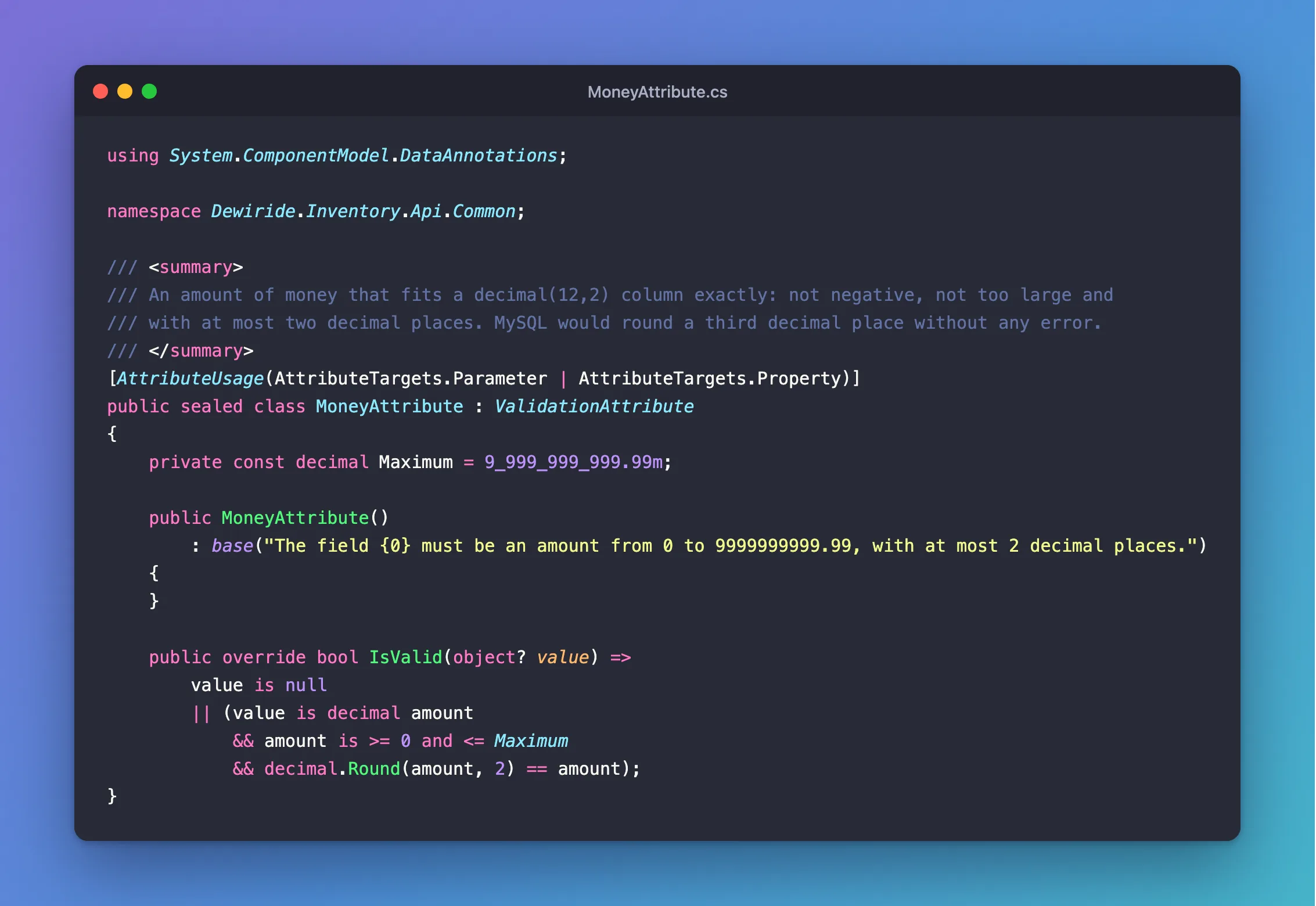
/// <summary>
/// An amount of money that fits a decimal(12,2) column exactly: not negative, not too large and
/// with at most two decimal places. MySQL would round a third decimal place without any error.
/// </summary>
[AttributeUsage(AttributeTargets.Parameter | AttributeTargets.Property)]
public sealed class MoneyAttribute : ValidationAttribute
{
    private const decimal Maximum = 9_999_999_999.99m;

    public MoneyAttribute()
        : base("The field {0} must be an amount from 0 to 9999999999.99, with at most 2 decimal places.")
    {
    }

    public override bool IsValid(object? value) =>
        value is null
        || (value is decimal amount
            && amount is >= 0 and <= Maximum
            && decimal.Round(amount, 2) == amount);
}
Step 4: Use It
Leave off Attribute in the name, like any other attribute:
public sealed record CreateProductRequest(
    [Required, StringLength(32)] string Sku,
    [Required, StringLength(200)] string Name,
    string? Description,
    [Range(1, int.MaxValue)] int CategoryId,
    [Required, Money] decimal? UnitPrice,
    [Range(0, int.MaxValue)] int ReorderLevel);
Step 5: See It Work
A negative price:
HTTP/1.1 400 Bad Request
Content-Type: application/problem+json

{
  "type": "https://tools.ietf.org/html/rfc9110#section-15.5.1",
  "title": "One or more validation errors occurred.",
  "status": 400,
  "errors": {
    "UnitPrice": [
      "The field UnitPrice must be an amount from 0 to 9999999999.99, with at most 2 decimal places."
    ]
  },
  "traceId": "00-fcc16368003f2b41ba100a0858f8a157-4ac9bf5b24d766fb-00"
}
Three decimal places, 9.999:
HTTP/1.1 400 Bad Request
Content-Type: application/problem+json

{
  "type": "https://tools.ietf.org/html/rfc9110#section-15.5.1",
  "title": "One or more validation errors occurred.",
  "status": 400,
  "errors": {
    "UnitPrice": [
      "The field UnitPrice must be an amount from 0 to 9999999999.99, with at most 2 decimal places."
    ]
  },
  "traceId": "00-640439fe84b3552b4c05ea5d300efa55-ac3bbd0c956f520f-00"
}
No price at all. That's [Required]'s message, because Money lets null through:
HTTP/1.1 400 Bad Request
Content-Type: application/problem+json

{
  "type": "https://tools.ietf.org/html/rfc9110#section-15.5.1",
  "title": "One or more validation errors occurred.",
  "status": 400,
  "errors": {
    "UnitPrice": [
      "The UnitPrice field is required."
    ]
  },
  "traceId": "00-3ef294d4f4809b6060ef90706edb6747-0c75ca43a6d85633-00"
}
Common Mistakes
| Mistake | What happens | Do this instead |
|---|---|---|
Using it on a decimal that isn't nullable | A missing price becomes 0 and passes | Use decimal? with [Required] |
Rejecting null in IsValid | Optional fields can't use it | Leave null to [Required] |
Forgetting AddValidation | IsValid is never called in a minimal API | Register it |
Checking the database in IsValid | It's a synchronous method with no good way to do that | Check in the handler |
A record with [AsParameters], with the attribute on the parameter | /openapi/v1.json fails | Write [property: Money] |
FAQ
Why not [Range] with a decimal?
[Range] checks the size, not the number of decimal places, so 9.999 would pass. That's the part that needed a rule of its own.
Can a rule compare two fields?
Not with this method, which sees one value. The minimal API validation section names the other option: "Implementing the IValidatableObject interface for complex validation logic."
Conclusion
Inherit ValidationAttribute, pass a message with {0} to the base constructor, override IsValid, and treat null as valid so [Required] stays separate. One small class keeps the rule in one place, and gives clients a clear message instead of a silently rounded number.
Additional Resources
- ValidationAttribute Class — the API reference.
- Validation support in Minimal APIs — how attributes are applied.
