How to Write a Comment in C#

// like this or /* like this */: a comment is a note for the people who read your code. The compiler skips it, so it never runs, which is also how you switch off a line of code without deleting it.
Microsoft's reference: C# supports two different forms of comments. Single line comments start with // and end at the end of that line of code. Multiline comments start with /* and end with */. The language specification calls the second kind a delimited comment.
Syntax
// <note>
<code> // <note>

/* <note>
   <more of the note> */
<code> /* <note> */ <more code>
| Part | What it is |
|---|---|
// | Starts a single-line comment. The rest of that line is skipped |
/* | Starts a delimited comment, which can cover several lines |
*/ | Ends a delimited comment. What follows it, even on the same line, is code again |
<note> | Any text, for the people who read the code |
The Example
A console app called CodeComments adds up apples and pears. It has comments of both kinds, one in the middle of a line of code and one that switches off a line.
Prerequisites
- The .NET 10 SDK.
dotnet --versionprints a version that starts with10.0.
Step 1: Create a Console App
dotnet new console -n CodeComments
cd CodeComments
The template "Console App" was created successfully.

Processing post-creation actions...
Restoring /Users/you/source/CodeComments/CodeComments.csproj:
  Determining projects to restore...
  Restored /Users/you/source/CodeComments/CodeComments.csproj (in 47 ms).
Restore succeeded.
dotnet new console -n CodeComments creates a folder named CodeComments with a project file and a Program.cs, and cd moves into it. Everything this example uses is part of .NET, so there's no package to add. Open the folder in VS Code, or CodeComments.csproj in Visual Studio.
Step 2: Write the Code
Replace everything in Program.cs. The first part explains the code:
// This program counts the fruit in a basket.
int apples = 3;
int pears = 4; // A comment can also follow code on the same line.

/* A delimited comment starts with a slash and a star
   and ends with a star and a slash. It can cover several lines. */
int total = apples + pears;
- The first line is a comment on a line of its own.
int pears = 4; // ...: the code before//runs, and the rest of the line is a comment. The reference: A single line comment can appear after executable code on the same line./* ... */covers two lines, and the code after it runs as usual.
The rest of the file prints the result:
// Console.WriteLine("This line is commented out, so it never runs.");
Console.WriteLine($"Fruit in the basket: {total}");
Console.WriteLine(/* even in the middle of a line */ "Done.");
// Console.WriteLine(...): putting//in front of a line of code turns the whole line into a comment, so it never runs. This is called commenting out./* even in the middle of a line */: a delimited comment ends at*/, so the string after it is still passed toConsole.WriteLine. The reference: Because these comments have an explicit closing character, you can include more executable code after the comment.
Step 3: Run It
Run it in VS Code's terminal, or press Ctrl+F5 in Visual Studio:
dotnet run
Fruit in the basket: 7
Done.
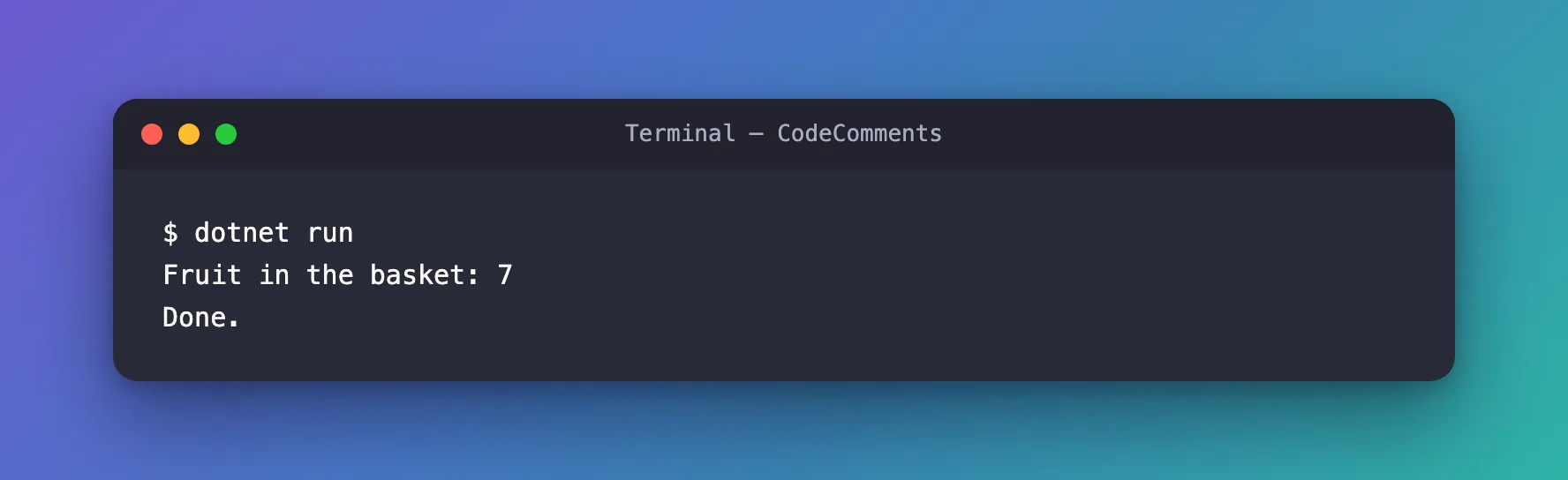
Two lines printed: Fruit in the basket: 7 and Done. The commented-out Console.WriteLine never ran, no comment text appears in the output, and 3 plus 4 came out as 7, as if the comments weren't there.
The Complete File
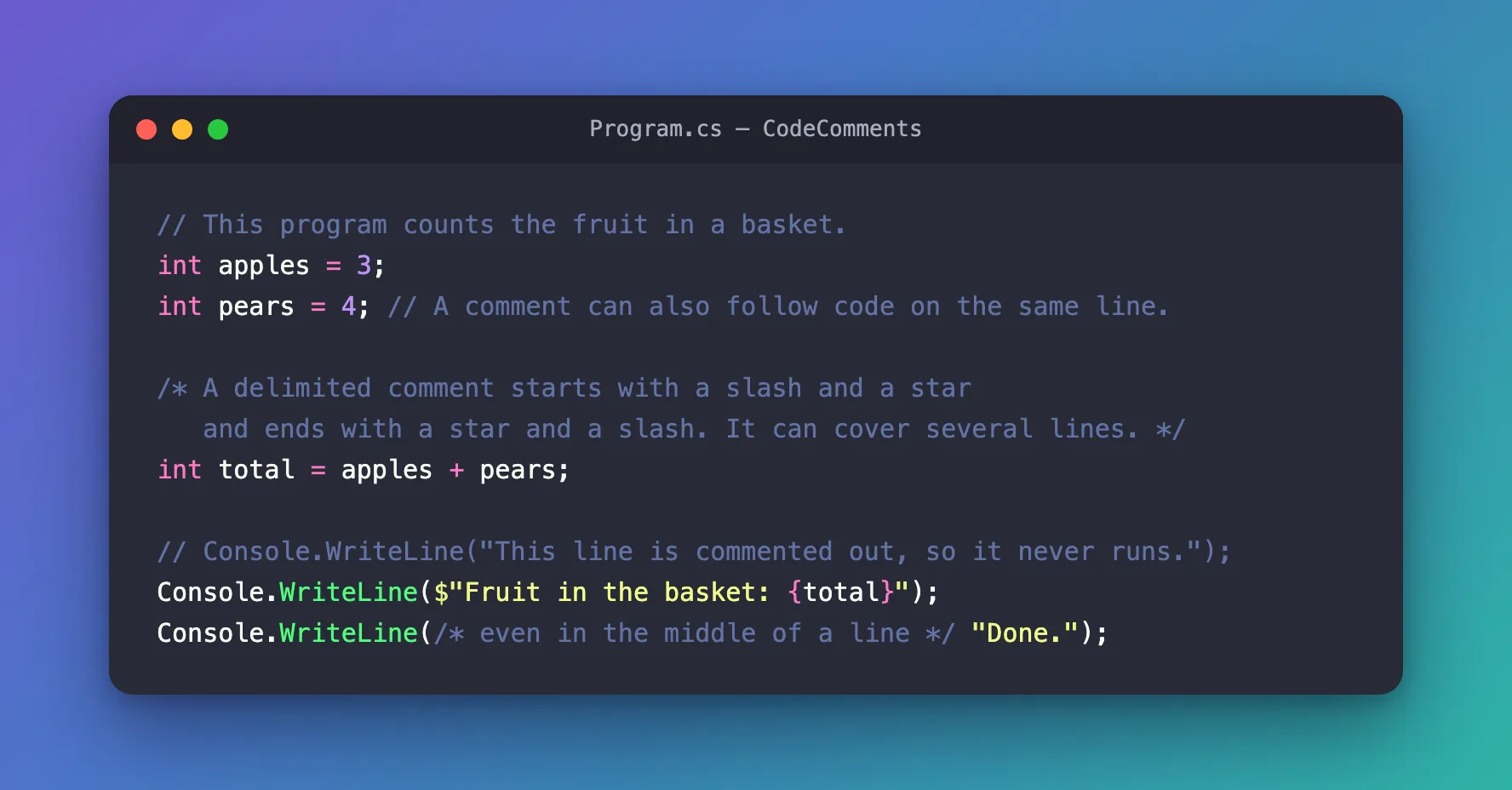
// This program counts the fruit in a basket.
int apples = 3;
int pears = 4; // A comment can also follow code on the same line.

/* A delimited comment starts with a slash and a star
   and ends with a star and a slash. It can cover several lines. */
int total = apples + pears;

// Console.WriteLine("This line is commented out, so it never runs.");
Console.WriteLine($"Fruit in the basket: {total}");
Console.WriteLine(/* even in the middle of a line */ "Done.");
Common Mistakes
| Mistake | What happens | Do this instead |
|---|---|---|
A /* */ comment inside another | The first */ ends both, and the rest of the outer comment becomes code: error CS1003: Syntax error, ',' expected | Comment out lines that hold a /* */ comment with // at the start of each line. The specification: Comments do not nest. |
A /* without its */ | Everything after /* counts as comment, to the end of the file: error CS1035: End-of-file found, '*/' expected | Close every /* with */ |
Expecting // inside a string to start a comment | Console.WriteLine("https://example.com // not a comment /* not this either */"); printed the whole text | Nothing to fix: the specification says Comments are not processed within character and string literals. |
FAQ
Where should a comment go?
Anywhere the syntax above allows, but Microsoft's C# code conventions, which its own samples follow, recommend: Place the comment on a separate line, not at the end of a line of code. Begin comment text with an uppercase letter. End comment text with a period. The conventions also say: You can take our conventions as-is, or modify them to suit your team's needs.
What does a comment with three slashes do?
It's a documentation comment. The reference: Some comments start with three slashes: ///. Triple-slash comments are XML documentation comments. The compiler reads these comments to produce human documentation.
Conclusion
Use // for a note on one line and /* */ for a longer note or a note inside a line. The compiler skips both, so a comment never changes what runs; to switch off lines of code, put // at the start of each one.
Additional Resources
- Code comments — both forms of comment.
- Lexical structure: comments — the specification's rules, including why comments don't nest.
- Common C# code conventions — Microsoft's comment style.
