How to Validate a JSON Request Body in a Next.js Route Handler with Zod

A route handler receives whatever a client sends: missing fields, wrong types, text that isn't JSON at all. A zod schema describes the body you accept and checks it in one call, so the rest of the handler works with data that is complete and typed. This guide builds a small POST endpoint and shows real answers for valid, invalid, malformed and padded bodies.
What Validation Gives You
In the App Router, a route handler is a route.ts file inside app, and a function named POST in it answers POST requests. request.json() turns the body into a JavaScript value, but it doesn't check anything: a field can be missing, a number can be text, and an extra field can sneak in.
zod lets you describe the shape once. safeParse then checks a value against it and returns either the data, typed, or a list of every problem.
Prerequisites
- A Next.js app with the App Router. The examples use Next.js 16.4.6.
- zod:
npm install zod@4.6.7. - curl, to send requests from a terminal. It comes with macOS, Windows 10 and later, and most Linux distributions.
Step 1: Describe the Body
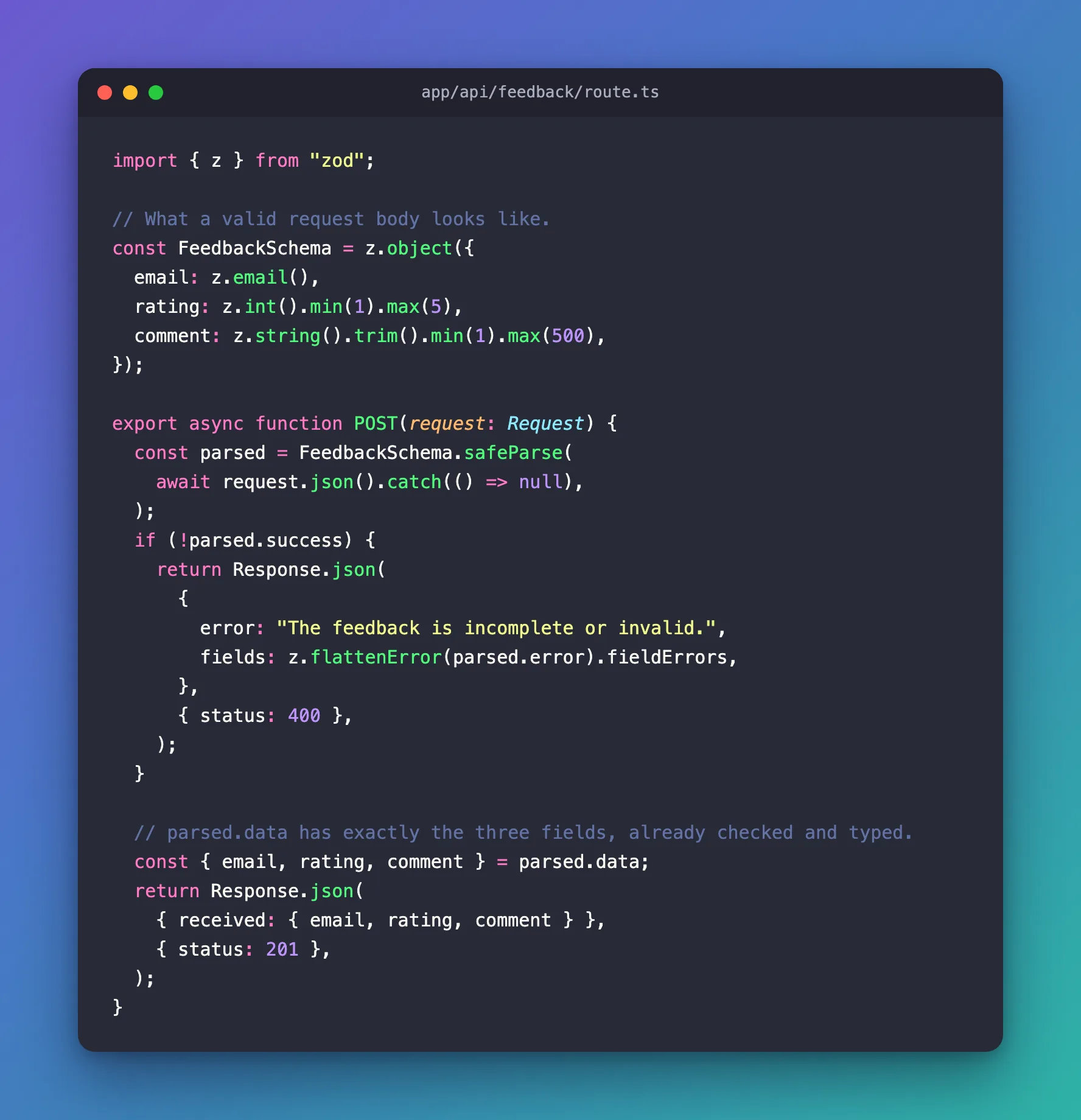
The endpoint takes feedback: an email address, a rating from 1 to 5, and a comment. Create app/api/feedback/route.ts:
import { z } from "zod";

// What a valid request body looks like.
const FeedbackSchema = z.object({
  email: z.email(),
  rating: z.int().min(1).max(5),
  comment: z.string().trim().min(1).max(500),
});
| Field | Rule |
|---|---|
email | A valid email address |
rating | A whole number from 1 to 5 |
comment | Text of 1 to 500 characters, after removing spaces at the ends |
Step 2: Check the Body in the Handler
export async function POST(request: Request) {
  const parsed = FeedbackSchema.safeParse(
    await request.json().catch(() => null),
  );
  if (!parsed.success) {
    return Response.json(
      {
        error: "The feedback is incomplete or invalid.",
        fields: z.flattenError(parsed.error).fieldErrors,
      },
      { status: 400 },
    );
  }

  // parsed.data has exactly the three fields, already checked and typed.
  const { email, rating, comment } = parsed.data;
  return Response.json(
    { received: { email, rating, comment } },
    { status: 201 },
  );
}
| Code | What it does |
|---|---|
request.json().catch(() => null) | Reads the body as JSON. If it isn't JSON, request.json() throws; .catch turns that into null, which the schema rejects like any other wrong body |
safeParse(…) | Checks the value without throwing: parsed.success says whether it passed |
z.flattenError(…).fieldErrors | Groups the problems by field name, ready to send back |
{ status: 400 } | Bad Request: the client sent something wrong |
parsed.data | The body after checking, with TypeScript types from the schema |
{ status: 201 } | Created: the feedback was accepted |
Step 3: Send a Valid Body
Start the app with npm run dev, and in a second terminal:
curl -i -X POST http://localhost:3000/api/feedback -H 'Content-Type: application/json' -d '{"email":"ana@example.com","rating":5,"comment":"Fast and friendly."}'
HTTP/1.1 201 Created
content-type: application/json

{"received":{"email":"ana@example.com","rating":5,"comment":"Fast and friendly."}}
-i prints the status line and headers before the body; I left out the general headers. In PowerShell, use curl.exe instead of curl, so you get the real curl rather than PowerShell's own command of that name.
Step 4: Send Invalid Bodies
Three problems at once — an incomplete address, a rating of 9, and a comment of only spaces:
curl -i -X POST http://localhost:3000/api/feedback -H 'Content-Type: application/json' -d '{"email":"ana@","rating":9,"comment":" "}'
HTTP/1.1 400 Bad Request
content-type: application/json

{"error":"The feedback is incomplete or invalid.","fields":{"email":["Invalid email address"],"rating":["Too big: expected number to be <=5"],"comment":["Too small: expected string to have >=1 characters"]}}
Every problem, each under its field. The comment failed after .trim() removed the spaces.
A body that isn't JSON at all:
curl -i -X POST http://localhost:3000/api/feedback -H 'Content-Type: application/json' -d 'rating=5'
HTTP/1.1 400 Bad Request
content-type: application/json

{"error":"The feedback is incomplete or invalid.","fields":{}}
fields is empty here: the problem isn't one field but the whole body. zod reports it as a form-level error, Invalid input: expected object, received null, which z.flattenError puts in formErrors.
Step 5: Extra Fields Are Dropped
A body with a field the schema doesn't know:
curl -i -X POST http://localhost:3000/api/feedback -H 'Content-Type: application/json' -d '{"email":"ana@example.com","rating":4,"comment":"Good.","isAdmin":true}'
HTTP/1.1 201 Created
content-type: application/json

{"received":{"email":"ana@example.com","rating":4,"comment":"Good."}}
Accepted, without isAdmin. z.object keeps only the fields it describes, so nothing the client adds can reach your code through parsed.data. To reject such a body instead, use z.strictObject; the same body then fails with Unrecognized key: "isAdmin".
How Much to Tell the Client
Field messages help people fix a form. For an endpoint that only your own code calls, or one that shouldn't reveal what it expects, send a short message without details and log the rest on the server — the trusted route in the Microsoft Agent Framework series answers Send a threadId, a runId and a message. and nothing more.
Common Mistakes
| Mistake | What happens | Do this instead |
|---|---|---|
await request.json() without .catch | A body that isn't JSON throws, and the client gets 500 | .catch(() => null) and let the schema reject it |
parse instead of safeParse | zod throws, and the client gets 500 | safeParse, then answer 400 |
Using the raw request.json() value after checking | Extra fields the client added come along | Use parsed.data |
Troubleshooting
| Symptom | Likely cause | Fix |
|---|---|---|
405 Method Not Allowed | The request used another method than POST | Send -X POST, or export a handler for that method |
400 with an empty fields | The body isn't JSON, or isn't an object | Check the body and the Content-Type header |
| A valid-looking body fails on a number | The number was sent as text, such as "5" | Send 5, or use z.coerce.number() if text must be accepted |
FAQ
Can I reuse the schema in the browser?
Yes. A zod schema is plain TypeScript: import it in a form to check input before sending. Keep the check on the server too — the server can't trust the browser.
Do I get TypeScript types for free?
Yes. parsed.data is typed from the schema, and z.infer<typeof FeedbackSchema> gives you the type by name.
Conclusion
Read the body with request.json().catch(() => null), check it with a zod schema's safeParse, answer 400 with the problems, and work only with parsed.data. Malformed JSON, wrong values and extra fields all stop at the door.
Additional Resources
- Next.js: Route handlers —
route.tsfiles and their methods. - Zod: Basic usage —
safeParseand errors. - Zod: Formatting errors —
z.flattenError.
