How to Use Top-Level Statements in C#

In a new console app, Program.cs starts straight with code: no namespace, no class Program, no static void Main. These top-level statements are the program, and the compiler wraps them in an entry point method for you.
Microsoft's guide: Use top-level statements for new apps. By using top-level statements, you can write executable code directly at the root of a file. Behind the scenes: The compiler generates a Program class with an entry point method, and places all your top-level statements in that method.
Syntax
<using directives>

<statements and functions>

<types and namespaces>
| Part | What it is |
|---|---|
<using directives> | First, when the file has any |
<statements and functions> | The program, run from top to bottom. args holds the command-line arguments |
<types and namespaces> | Classes, records and other types, after all the statements |
The guide on the order: A file with top-level statements can also contain namespaces and type definitions, but they must come after the top-level statements. And on args: The args variable is never null, but its Length is zero if no command-line arguments were provided.
The Example
A console app called TopLevel greets the name given on the command line, or world when there's none, and prints how many arguments it got.
Prerequisites
- The .NET 10 SDK.
dotnet --versionprints a version that starts with10.0.
Step 1: Create a Console App
dotnet new console -n TopLevel
cd TopLevel
The template "Console App" was created successfully.

Processing post-creation actions...
Restoring /Users/you/source/TopLevel/TopLevel.csproj:
  Determining projects to restore...
  Restored /Users/you/source/TopLevel/TopLevel.csproj (in 49 ms).
Restore succeeded.
dotnet new console -n TopLevel creates a folder named TopLevel with a project file and a Program.cs, and cd moves into it. Everything this example uses is part of .NET, so there's no package to add. Open the folder in VS Code, or TopLevel.csproj in Visual Studio.
Step 2: Write the Code
Replace everything in Program.cs. First the statements:
// Top-level statements: the program starts on the first line of this file.
string name = args.Length > 0 ? args[0] : "world";

Console.WriteLine(Greet(name));
Console.WriteLine($"Arguments: {args.Length}");
args is there without being declared: it's the array of command-line arguments.
Then a function and a type:
static string Greet(string who) => $"Hello, {who}!";

// Types come after the top-level statements.
record Visitor(string Name);
Greetis a function that the statements call. Microsoft's guide: You can even add functions. The compiler creates them as local functions nested inside the generated entry point method.record Visitoris a type, so it comes after every statement.
Step 3: Run It
Run it in VS Code's terminal, or press Ctrl+F5 in Visual Studio:
dotnet run
Hello, world!
Arguments: 0
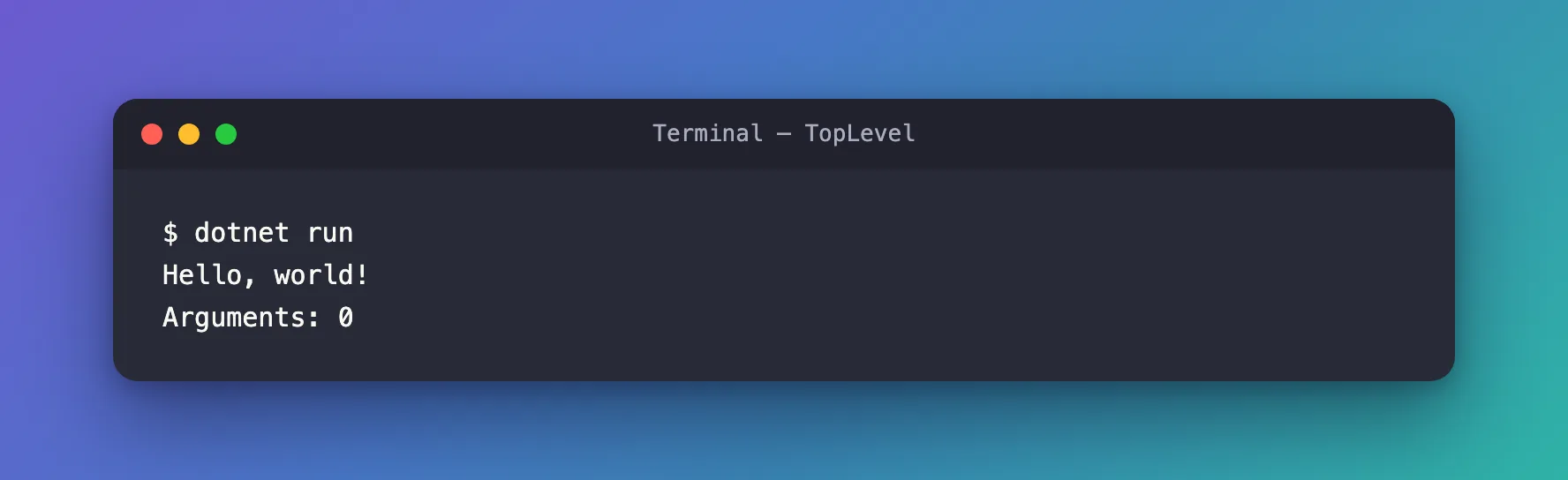
Without arguments, args.Length was 0, and the greeting used world.
The Complete File
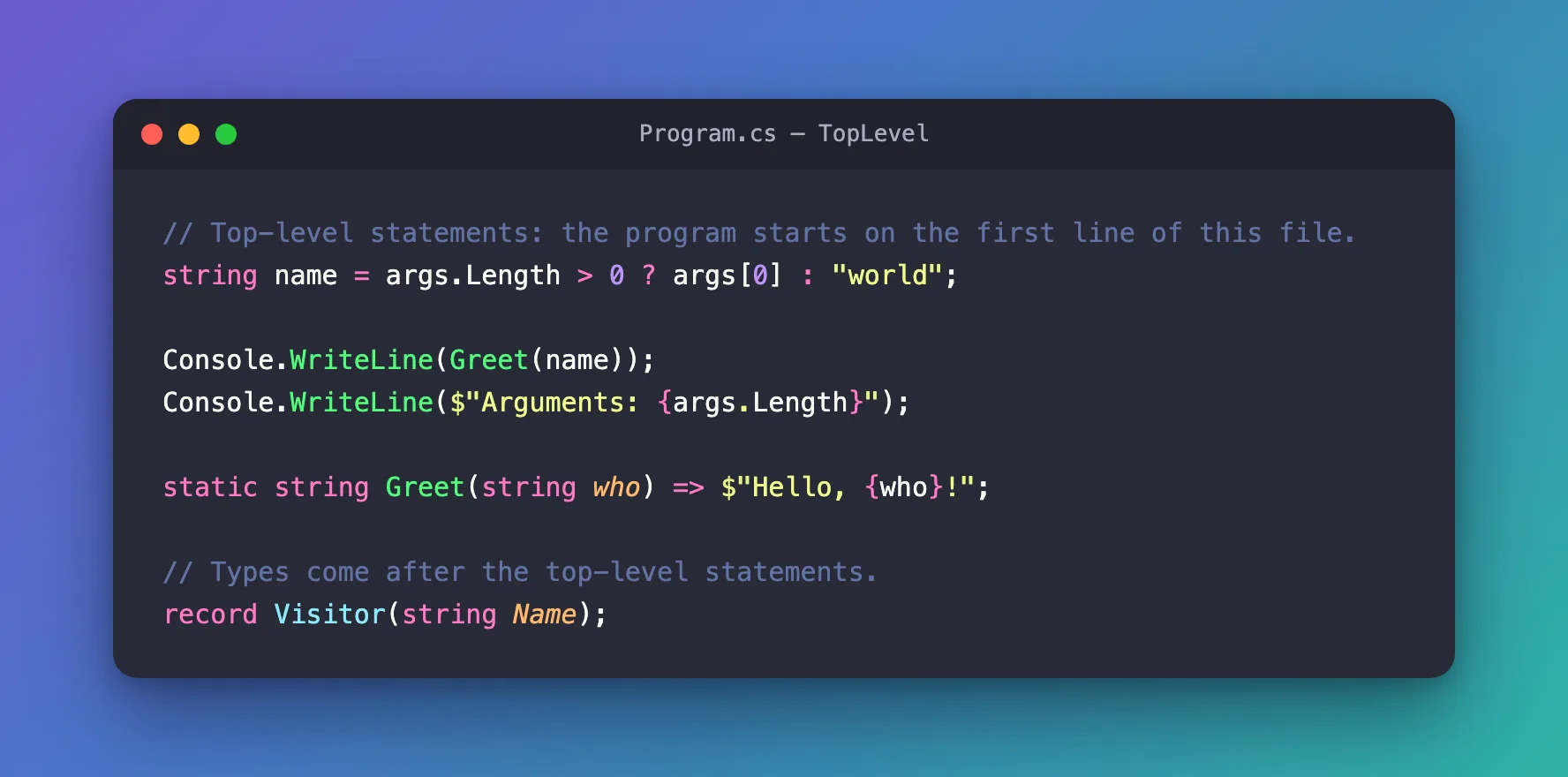
// Top-level statements: the program starts on the first line of this file.
string name = args.Length > 0 ? args[0] : "world";

Console.WriteLine(Greet(name));
Console.WriteLine($"Arguments: {args.Length}");

static string Greet(string who) => $"Hello, {who}!";

// Types come after the top-level statements.
record Visitor(string Name);
Run It with an Argument
Put the program's arguments after --:
dotnet run -- Asha
Hello, Asha!
Arguments: 1
The dotnet run reference on --: Delimits arguments to dotnet run from arguments for the application being run. All arguments after this delimiter are passed to the application run. Asha arrived as args[0].
Common Mistakes
| Mistake | What happens | Do this instead |
|---|---|---|
| A type above the statements | A record before the first statement doesn't build: error CS8803: Top-level statements must precede namespace and type declarations. | Move every type below the statements |
| Top-level statements in a second file | A Second.cs with a Console.WriteLine line broke the build: error CS8802: Only one compilation unit can have top-level statements. | Keep the statements in Program.cs, and put only types in other files. The guide: A project can have only one file with top-level statements, but it can have any number of source code files that don't have top-level statements. |
FAQ
Can I still write a Main method?
You can, but it doesn't run: a Main method in a class named Startup gave warning CS7022: The entry point of the program is global code; ignoring 'Startup.Main()' entry point. The guide: You can explicitly write a Main method, but it can't function as an entry point.
Can I add members to the Program class?
Yes, with partial class Program: a partial class Program with a Greet method worked, and Program.Greet("Asha") printed Hello, Asha!. A class Program without partial failed with error CS0260: Missing partial modifier on declaration of type 'Program'; another partial declaration of this type exists. The C# specification explains why: The class Program is a partial type declaration ... which is combined with any other partial class declarations for Program within the application.
Conclusion
With top-level statements, Program.cs is just your code, from the first line: using directives first, then statements and functions, then types. Only one file in a project can have them, and the compiler writes the entry point for you.
Additional Resources
- Top-level statements — the rules.
- The console app template's top-level statements — what the compiler generates.
- dotnet run — passing arguments to the program.
