How to Use Top-Level await in Node.js

await normally lives inside an async function. In an ES module it can also stand at the top level of the file, outside any function, so a short script can wait for a promise without wrapping everything in async function main().
Syntax
const <result> = await <promise>;
| Part | What it does |
|---|---|
await <promise> | Pauses the module until the promise settles, then gives you its value. |
<result> | Optional. A variable that keeps the value. |
The file must be an ES module. The Node.js documentation on top-level await says: "The await keyword may be used in the top level body of an ECMAScript module." The simplest way to make a file an ES module is to give it the .mjs extension.
The Example
The example prints a line, waits one second at the top level of the file, and prints another line.
Prerequisites
- Node.js. This guide uses Node.js 26.13.1.
Step 1: Write the Module
Create a file named main.mjs:
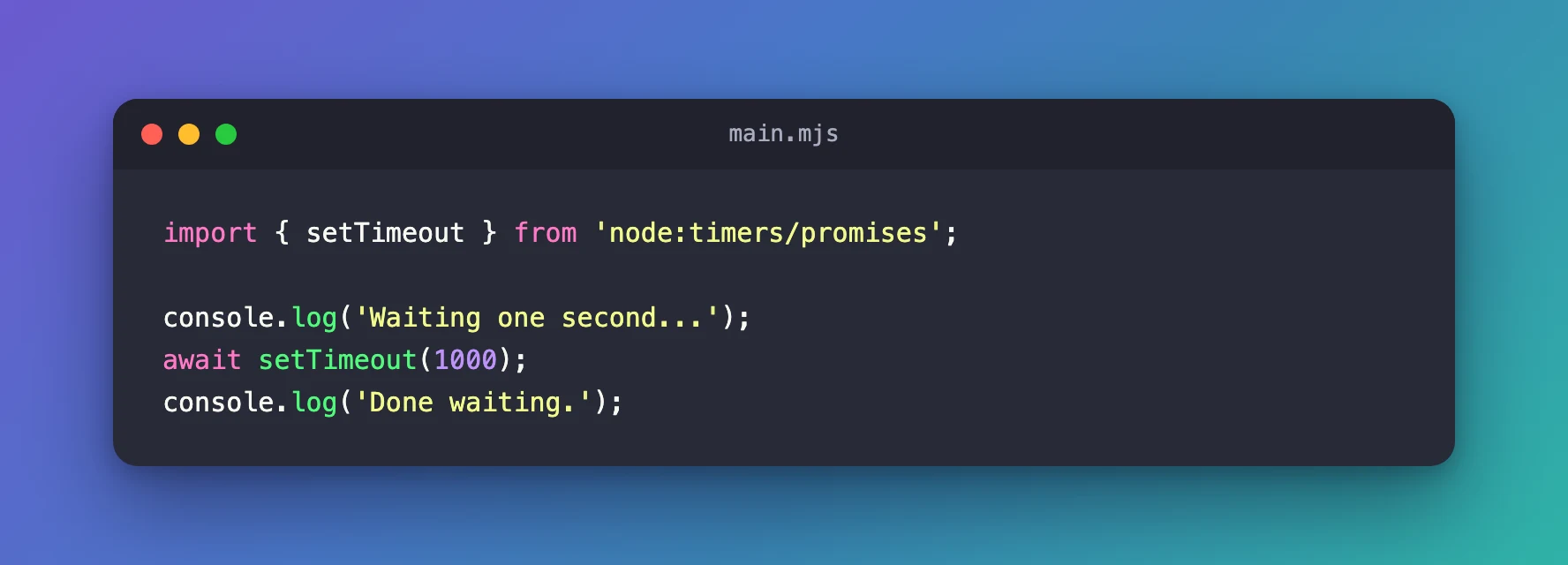
import { setTimeout } from 'node:timers/promises';

console.log('Waiting one second...');
await setTimeout(1000);
console.log('Done waiting.');
- The
.mjsextension tells Node.js this file is an ES module, soimportand top-levelawaitboth work. setTimeout(1000)fromnode:timers/promisesreturns a promise that settles after one second.await setTimeout(1000)sits directly in the file, not inside a function.
Step 2: Run It
node main.mjs
Waiting one second...
Done waiting.
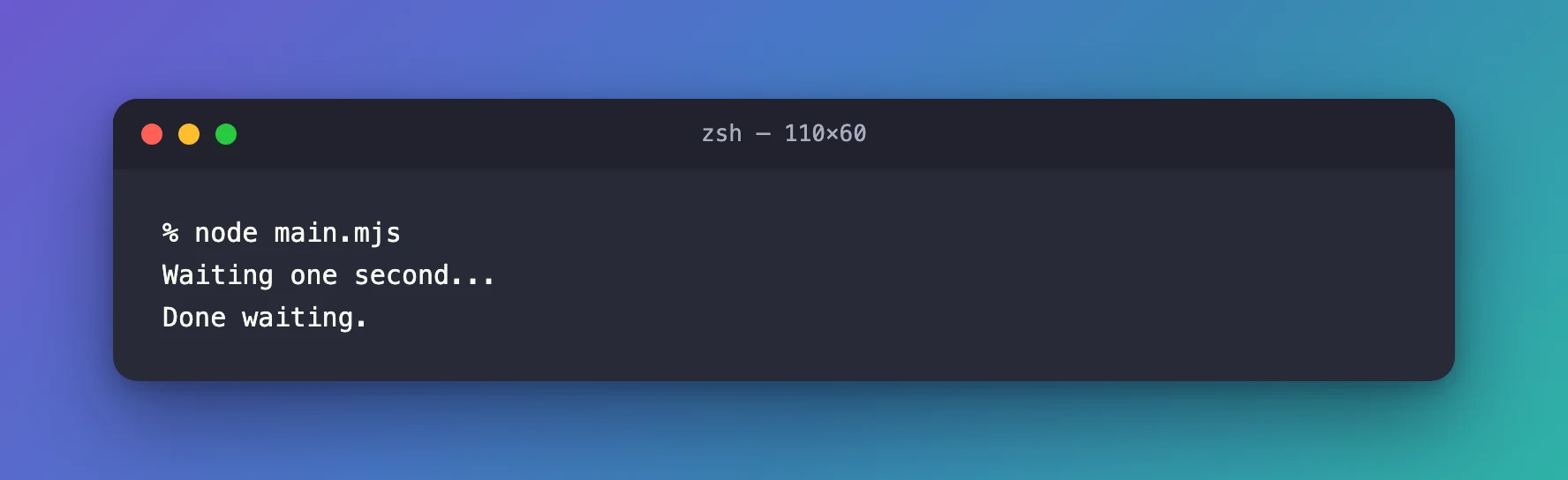
The second line comes a second after the first. The command is the same in zsh, bash and PowerShell.
What About a .js File?
A .js file is an ES module when the nearest package.json says "type": "module". Without that, Node.js 26 decides from the code itself, which the documentation calls syntax detection. I ran the same code as main.js in three folders:
| Folder holds | What Node.js 26 did |
|---|---|
No package.json | Ran it as an ES module, with no message |
A package.json without a type field | Ran it, after a [MODULE_TYPELESS_PACKAGE_JSON] Warning that suggests adding "type": "module" |
A package.json with "type": "commonjs" | Stopped with SyntaxError: await is only valid in async functions and the top level bodies of modules |
The documentation adds that relying on detection "incurs a performance cost, and therefore it is encouraged that authors be explicit wherever possible". Use .mjs, or set "type": "module", and you never depend on it.
Common Mistakes
| Mistake | What happens | Do this instead |
|---|---|---|
Top-level await in a .js file of a "type": "commonjs" package | SyntaxError: await is only valid in async functions and the top level bodies of modules | Rename the file to .mjs, or wrap the code in an async function |
Mixing require() with top-level await | ReferenceError: Cannot determine intended module format because both 'require' and top-level await are present. | Replace require() with import |
| Leaving the module type to detection | A warning on every run when a package.json has no type | Add "type": "module" or use .mjs |
Troubleshooting
| Symptom | Likely cause | Fix |
|---|---|---|
[MODULE_TYPELESS_PACKAGE_JSON] Warning: Module type of file:///… is not specified | The package.json has no type field | Add "type": "module" to it |
ERR_AMBIGUOUS_MODULE_SYNTAX | The file uses both require and top-level await | Use import, as the error message suggests |
FAQ
Does top-level await block other modules?
Only those that import this one: they wait until it finishes. Code that doesn't depend on it carries on.
Which Node.js versions support it?
ES modules have had top-level await since Node.js 14.8.0, so every supported version runs this example.
Conclusion
Save the script as .mjs and await works at the top level of the file. For a .js file, set "type": "module" in package.json rather than leaving Node.js to guess.
Additional Resources
- Top-level await, in the Node.js documentation.
- Syntax detection, on how Node.js decides between CommonJS and ES modules.
- await, on MDN.
