How to Use TimeProvider Instead of DateTime.UtcNow in .NET C#

DateTime.UtcNow is easy to call and hard to control. Code that checks "is this overdue?" gives a different answer every day, and you can't ask it about next month. TimeProvider, built into .NET 8 and later, is a clock you pass in. Your app uses the real one, and anything else can use a clock that says whatever you need.
Prerequisites
- The .NET SDK 10. The one-file program runs with
dotnet run clock.cs, which needs .NET 10.TimeProvideritself is in .NET 8 and later. Microsoft's page lists a package for older versions.
Step 1: Try It in One File
Create a file named clock.cs in an empty folder:
var clock = TimeProvider.System;

Console.WriteLine($"GetUtcNow():             {clock.GetUtcNow():O}");
Console.WriteLine($"GetUtcNow().UtcDateTime: {clock.GetUtcNow().UtcDateTime:O}");
Console.WriteLine($"Kind:                    {clock.GetUtcNow().UtcDateTime.Kind}");

var fixedClock = new FixedClock(new DateTimeOffset(2026, 1, 15, 9, 30, 0, TimeSpan.Zero));
Console.WriteLine($"Fixed clock:             {fixedClock.GetUtcNow().UtcDateTime:O}");

var dueDate = new DateTime(2026, 1, 1, 0, 0, 0, DateTimeKind.Utc);
Console.WriteLine($"Overdue on 15 January:   {IsOverdue(dueDate, fixedClock)}");

static bool IsOverdue(DateTime dueUtc, TimeProvider clock) =>
    clock.GetUtcNow().UtcDateTime > dueUtc;

sealed class FixedClock(DateTimeOffset now) : TimeProvider
{
    public override DateTimeOffset GetUtcNow() => now;
}
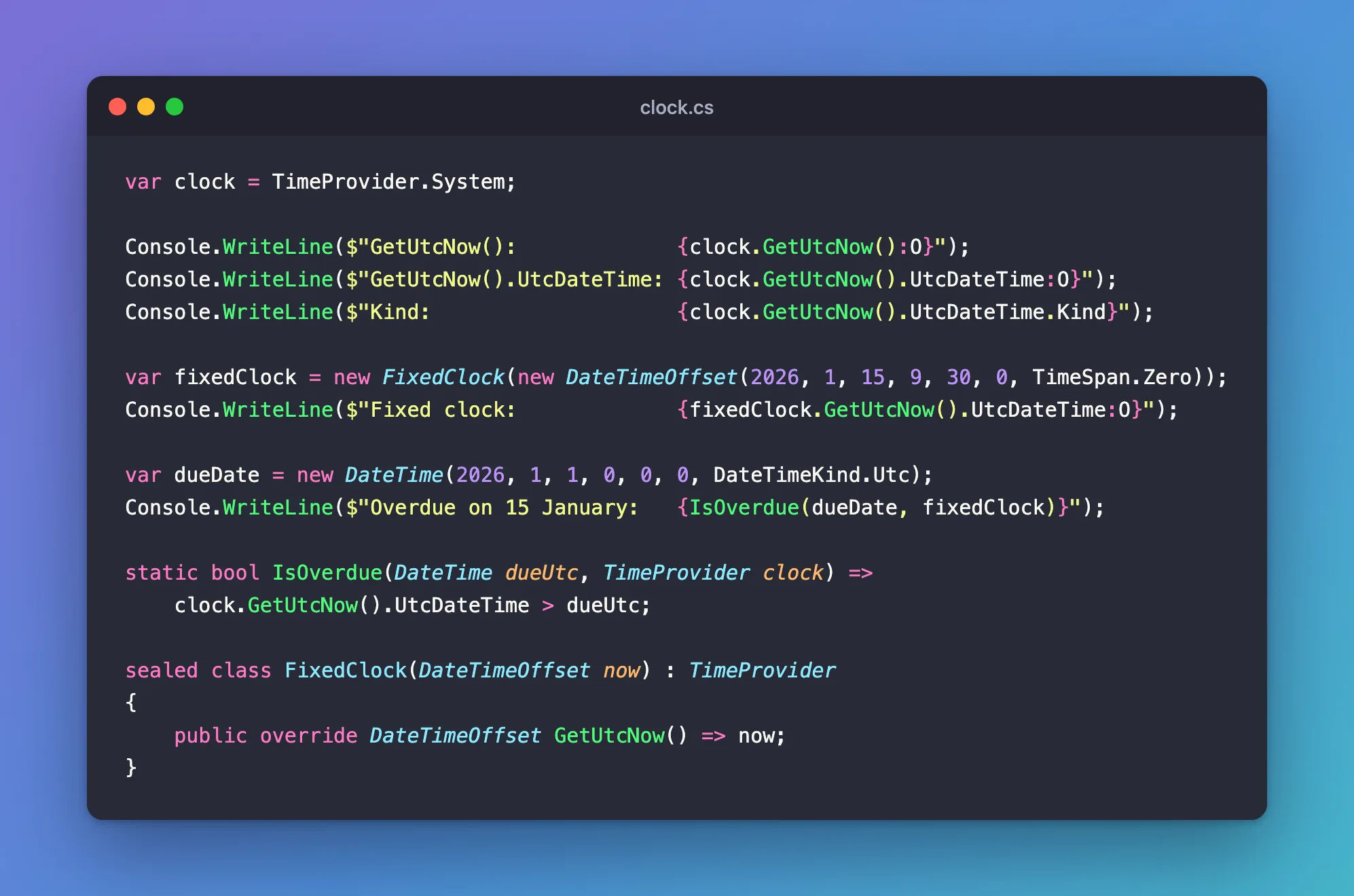
Run it:
dotnet run clock.cs
GetUtcNow():             2026-11-04T12:32:32.9153010+00:00
GetUtcNow().UtcDateTime: 2026-11-04T12:32:32.9210080Z
Kind:                    Utc
Fixed clock:             2026-01-15T09:30:00.0000000Z
Overdue on 15 January:   True
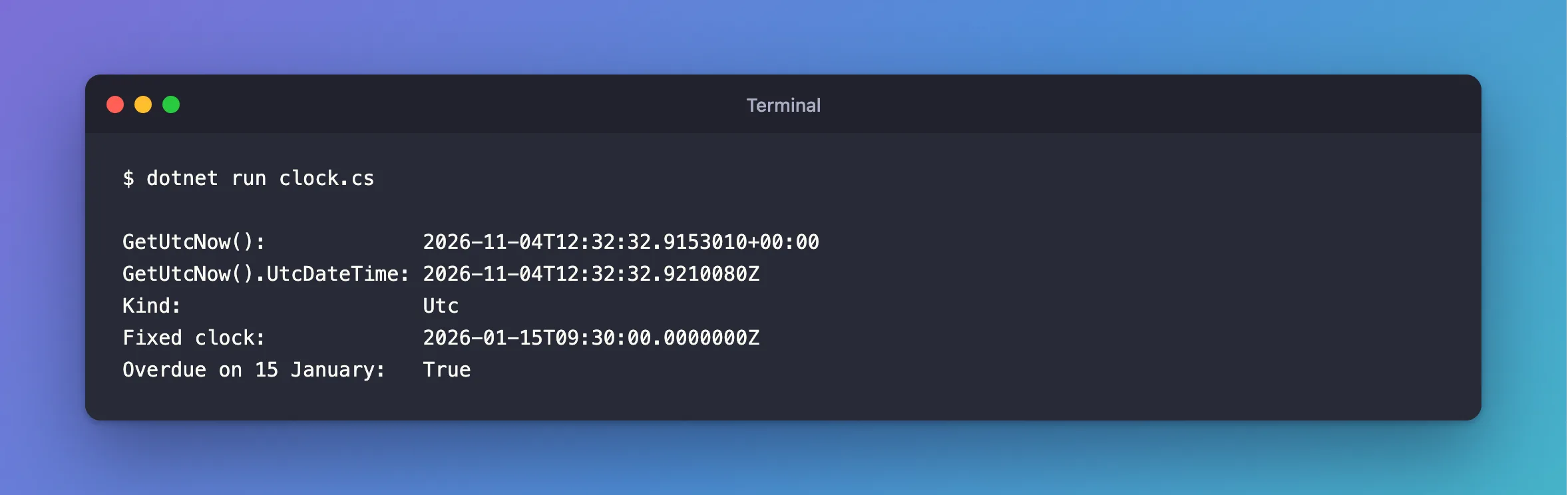
Three things to see here:
GetUtcNow()returns aDateTimeOffset, with its offset of+00:00..UtcDateTimegives aDateTimewithKindset toUtc. That's the type to store in aDateTimeproperty, andKindmatters when EF Core and MySQL handle it.IsOverduedoesn't know which clock it has. Given a fixed clock, its answer never changes. That's the benefit, in Microsoft's words: "By usingTimeProvider, you ensure that your code is testable and predictable."
Step 2: Register It in ASP.NET Core
Register the real clock as a singleton:
// The clock. Code asks for it instead of calling DateTime.UtcNow directly.
builder.Services.AddSingleton(TimeProvider.System);
TimeProvider.System is the implementation that ships with .NET, and the page says it calculates time "by using DateTimeOffset.UtcNow and TimeZoneInfo.Local".
Step 3: Ask for It Where You Need It
In a minimal API, add a parameter. It arrives the same way a DbContext does:
private static async Task<Results<Created<CategoryResponse>, ProblemHttpResult>> CreateAsync(
    CategoryRequest request,
    InventoryDbContext db,
    TimeProvider clock,
    CancellationToken cancellationToken)
{
    var category = new Category
    {
        Name = request.Name.Trim(),
        CreatedAtUtc = clock.GetUtcNow().UtcDateTime,
    };
If you forget Step 2, ASP.NET Core doesn't know what TimeProvider is, and you get Failure to infer one or more parameters.
The stored value comes back as UTC:
HTTP/1.1 201 Created
Content-Type: application/json; charset=utf-8
Location: /api/v1/categories/1

{
  "id": 1,
  "name": "Cables",
  "createdAtUtc": "2026-11-04T10:48:37.000261Z"
}
Step 4: Use a Fixed Clock Elsewhere
FixedClock in the program above is all you need for simple cases: inherit TimeProvider and override GetUtcNow. For anything with timers, Microsoft has a ready-made one: "The Microsoft.Extensions.TimeProvider.Testing NuGet package provides a controllable TimeProvider implementation designed for unit testing." It's called FakeTimeProvider.
Common Mistakes
| Mistake | What happens | Do this instead |
|---|---|---|
| Forgetting to register it | Failure to infer one or more parameters | AddSingleton(TimeProvider.System) |
Calling DateTime.UtcNow in some places | Those places ignore your fixed clock | Use one clock everywhere |
Using GetLocalNow() for stored times | The value depends on the server's time zone | Store UTC |
Calling GetUtcNow() twice for one change | The two values can differ by a moment | Read it once into a variable |
FAQ
Does this make my code slower?
The page says the system clock calculates the time "by using DateTimeOffset.UtcNow and TimeZoneInfo.Local", so it does the same work you'd have done yourself, plus a method call.
Do I have to change my whole project?
No. Start with code whose behaviour depends on the date. A constructor or parameter is all it takes.
Conclusion
Register TimeProvider.System, ask for TimeProvider where you need the time, and use clock.GetUtcNow().UtcDateTime for a UTC DateTime. Code that takes a clock can then run at any time you choose, which DateTime.UtcNow can't do.
Additional Resources
- What is the TimeProvider class — the implementations, and
FakeTimeProvider. - File-based apps —
dotnet run clock.cs.
