How to Use the outputs() Function in Power Automate

Every action in a flow produces something, and later actions read it with outputs(). You give it the action's name, and it returns that action's result while the flow runs. This guide builds a greeting from a name to show how.
Syntax
outputs('<actionName>')
<actionName>: the name of an earlier action, in single quotes, with an underscore for each space: an action called First name is'First_name'.
Microsoft's functions reference describes outputs() as: Return an action's outputs at runtime. What comes back depends on the action:
- A Compose action's output is the value it holds, so
outputs()returns that value. - An action that calls a service returns more. The reference's own example reads an action called Get user and gets an object with a
statusCode, the response'sheadersand itsbody.
The Example
A flow, Use outputs, has two Compose actions (How to Use the Compose Action in Power Automate):
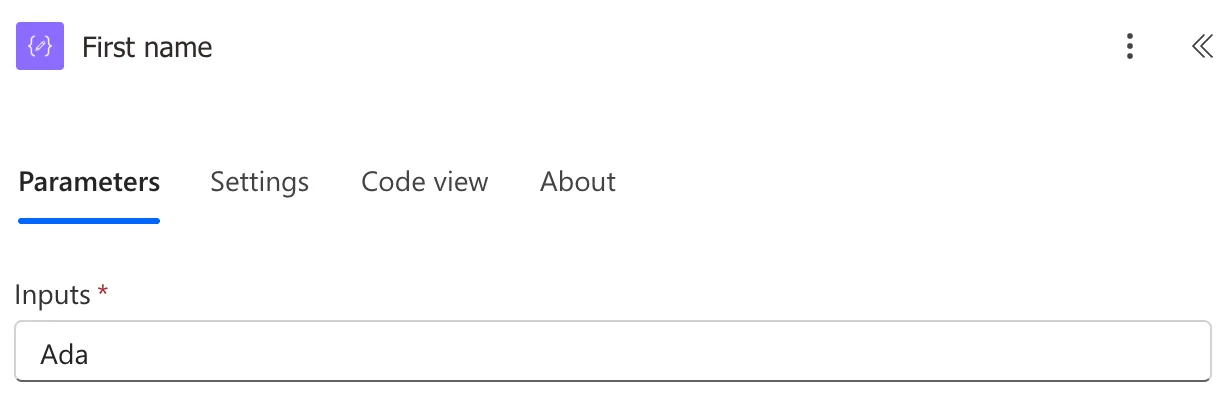
- First name holds the text Ada.
- Message reads it with
outputs('First_name')and puts Hello, in front of it.
The flow starts with Manually trigger a flow (How to Create an Instant Cloud Flow Inside a Solution in Power Automate).
Step 1: Add the First Action
Add a Compose action, rename it First name, and type Ada in Inputs:
Step 2: Read It in the Next Action
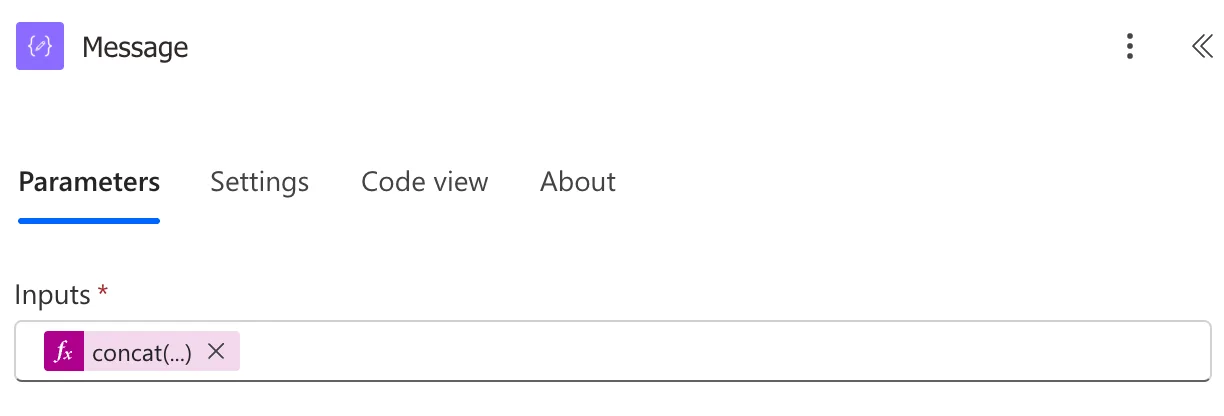
Add a second Compose action and rename it Message. In Inputs, add this expression (How to Add an Expression in Power Automate):
concat('Hello, ', outputs('First_name'))
outputs('First_name') is Ada, and concat() joins Hello, and a space in front of it. The designer shows the expression as a token named after its outer function:
Its Code view tab shows the expression as it's stored, with an @ in front:
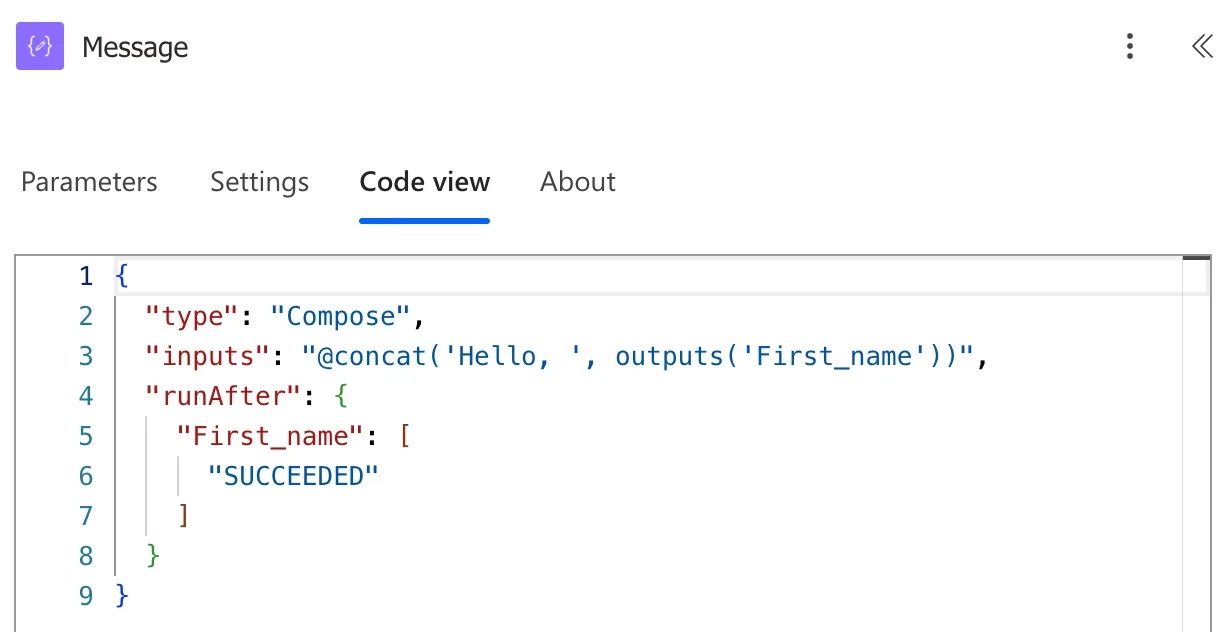
runAfter shows that Message waits for First_name to succeed, so its output is ready when Message reads it.
Step 3: Run the Flow
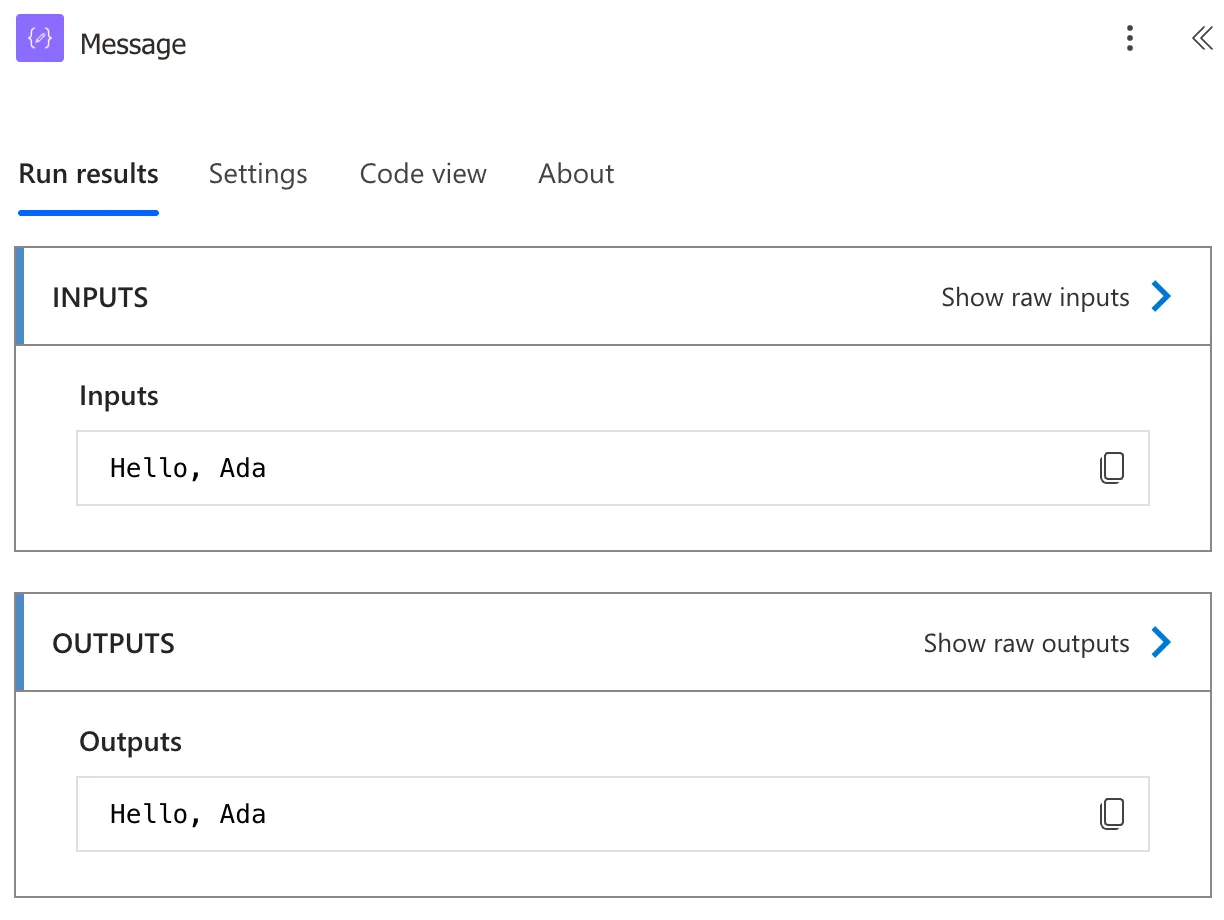
Save the flow and test it manually (How to Test a Cloud Flow Manually in Power Automate). In the run, select Message. Its Inputs and Outputs are both Hello, Ada:
Common Mistakes
| Mistake | What happens | Do this instead |
|---|---|---|
Spaces in the name, outputs('First name') | The expression names an action that doesn't exist | Use underscores: outputs('First_name') |
| Reading an action that runs later | Its output doesn't exist yet when the expression runs | Read only actions that run before this one |
Expecting a service's data from outputs() alone | It returns the status code and headers too | Read the part you need, such as its body |
Troubleshooting
| Symptom | Likely cause | Fix |
|---|---|---|
| The result has a status code and headers | The action called a service | Read the part you need from it |
| The value is from the wrong action | The expression names another action | Check the name inside outputs('…') |
FAQ
When should I use outputs() instead of picking from dynamic content?
Both read the same output. Dynamic content inserts a token for you. outputs() is what you type inside a longer expression, such as the concat() here.
Does renaming an action break outputs()?
The expression names the action, so after a rename it has to use the new name. Name actions before you write expressions that read them.
Conclusion
outputs('<actionName>') returns what an earlier action produced, with underscores for the spaces in its name. For a Compose action that's the value itself: concat('Hello, ', outputs('First_name')) gave Hello, Ada.
Additional Resources
- Reference guide to workflow expression functions:
outputs(). - Use expressions in conditions: expressions in Power Automate.
