How to Use the Increment Operator Before and After a Variable in C#

count++ adds 1 to count. Inside a bigger expression, the place of the ++ decides the value you get: a++ gives the value from before the addition, ++a the value after it.
Microsoft's reference: The unary increment operator ++ increments its operand by 1. The operand must be a variable, a property access, or an indexer access. For the two forms: The result of x++ is the value of x before the operation, and The result of ++x is the value of x after the operation.
Syntax
<variable>++;
++<variable>;

<type> <result> = <variable>++;
<type> <result> = ++<variable>;
| Part | What it is |
|---|---|
<variable>++ | Postfix: adds 1, and the expression's value is the old one |
++<variable> | Prefix: adds 1, and the expression's value is the new one |
| On a line of its own | Both forms just add 1 |
The Example
A console app called Increment uses a++ and ++c in assignments and prints the variables, then counts to 2 with count++.
Prerequisites
- The .NET 10 SDK.
dotnet --versionprints a version that starts with10.0.
Step 1: Create a Console App
dotnet new console -n Increment
cd Increment
The template "Console App" was created successfully.

Processing post-creation actions...
Restoring /Users/you/source/Increment/Increment.csproj:
  Determining projects to restore...
  Restored /Users/you/source/Increment/Increment.csproj (in 53 ms).
Restore succeeded.
dotnet new console -n Increment creates a folder named Increment with a project file and a Program.cs, and cd moves into it. Everything this example uses is part of .NET, so there's no package to add. Open the folder in VS Code, or Increment.csproj in Visual Studio.
Step 2: Write the Code
Replace everything in Program.cs. First the postfix form:
int a = 5;
int b = a++; // b gets the old value, then a goes up.
Console.WriteLine($"After b = a++: a = {a}, b = {b}");
Then the prefix form:
int c = 5;
int d = ++c; // c goes up first, then d gets the new value.
Console.WriteLine($"After d = ++c: c = {c}, d = {d}");
And ++ on a line of its own:
int count = 0;
count++;
count++;
Console.WriteLine($"After two count++: count = {count}");
Step 3: Run It
Run it in VS Code's terminal, or press Ctrl+F5 in Visual Studio:
dotnet run
After b = a++: a = 6, b = 5
After d = ++c: c = 6, d = 6
After two count++: count = 2
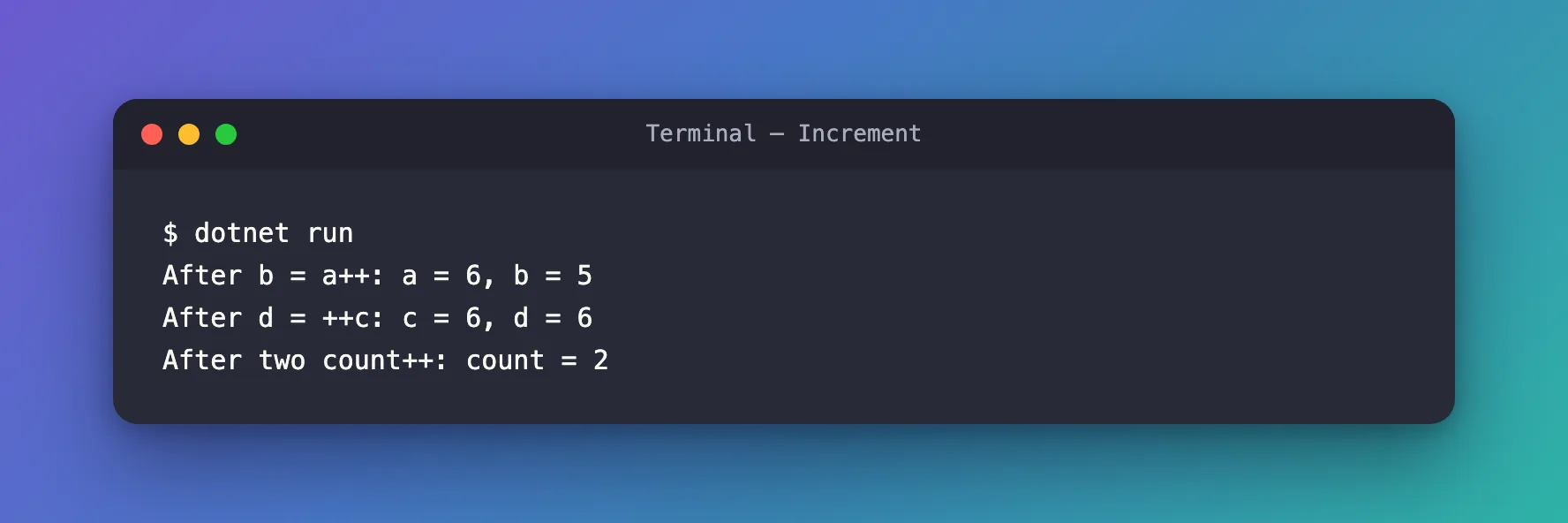
a and c both went from 5 to 6. b got 5, the value from before the addition, and d got 6, the value after it.
The Complete File
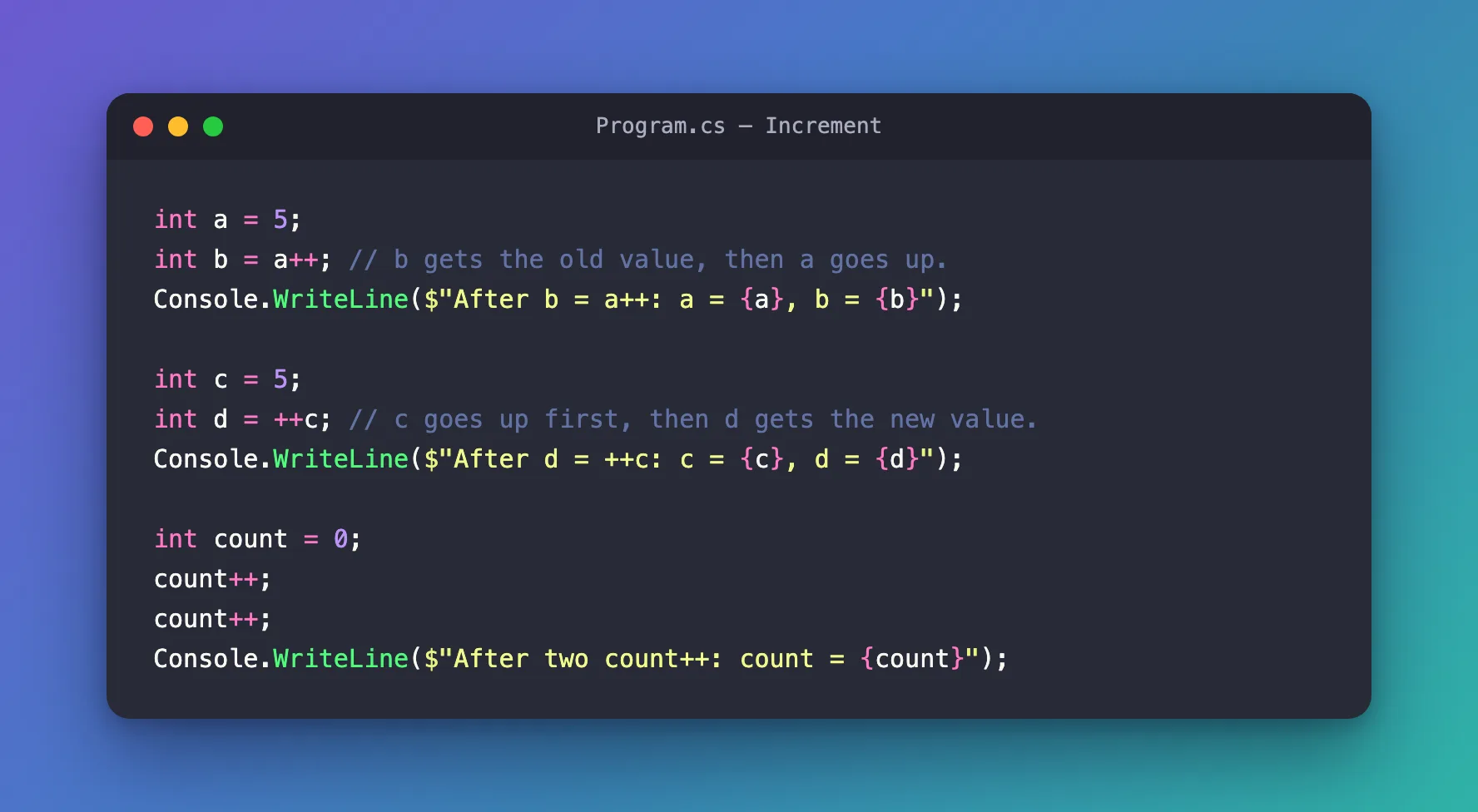
int a = 5;
int b = a++; // b gets the old value, then a goes up.
Console.WriteLine($"After b = a++: a = {a}, b = {b}");

int c = 5;
int d = ++c; // c goes up first, then d gets the new value.
Console.WriteLine($"After d = ++c: c = {c}, d = {d}");

int count = 0;
count++;
count++;
Console.WriteLine($"After two count++: count = {count}");
Common Mistakes
| Mistake | What happens | Do this instead |
|---|---|---|
++ on a number or other value | 5++ doesn't build: error CS1059: The operand of an increment or decrement operator must be a variable, property or indexer | Put the value in a variable first |
Assigning x++ back to x | x = x++; left x at 5: x++ adds 1, then the assignment puts back the old value it gave | Write just x++; |
FAQ
How do I subtract 1 instead?
Use --, which works the same way before or after a variable: y-- and then --y took y from 5 to 3.
Conclusion
++ adds 1 to a variable. On a line of its own, x++ and ++x do the same thing; inside an expression, x++ gives the old value and ++x the new one.
Additional Resources
- Arithmetic operators: the increment operator — ++ and its prefix and postfix forms.
