How to Use the greater() Function in Power Automate

A flow often needs a yes or no from a number: did a filter find anything, is a total over a limit. greater() compares two values and returns true when the first one is larger.
Syntax
greater(<value>, <compareTo>)
From Microsoft's functions reference:
<value>(required): the value to check, a whole number, a decimal number or a text.<compareTo>(required): the value to compare it with, of the same kind.- The result is
truewhen<value>is larger, andfalsewhen it's equal or smaller.
Microsoft's examples: greater(10, 5) is true, and greater('apple', 'banana') is false.
Three functions work the same way: greaterOrEquals() is also true when the two values are equal, and less() and lessOrEquals() check the other way round.
The example is Get Overtime Report, a flow of the Overtime Timesheet app. It needs to know whether the person running it is in the Overtime Payroll group. A Filter array named Caller in payroll keeps the group's members whose ID is the caller's: one member if they're in the group, none if they aren't (How to Check If a User Is in a Security Group in Power Automate).
Step 1: Write the Comparison
Add a Compose after the Filter array. I named it Is payroll. In Inputs, add this expression (How to Add an Expression in Power Automate):
greater(length(body('Caller_in_payroll')), 0)
length(body('Caller_in_payroll'))is the number of members the filter kept:1or0.greater(..., 0)istruewhen that number is more than0.
In the pane, the expression shows as a token, greater(...).
Step 2: Check the Saved Expression
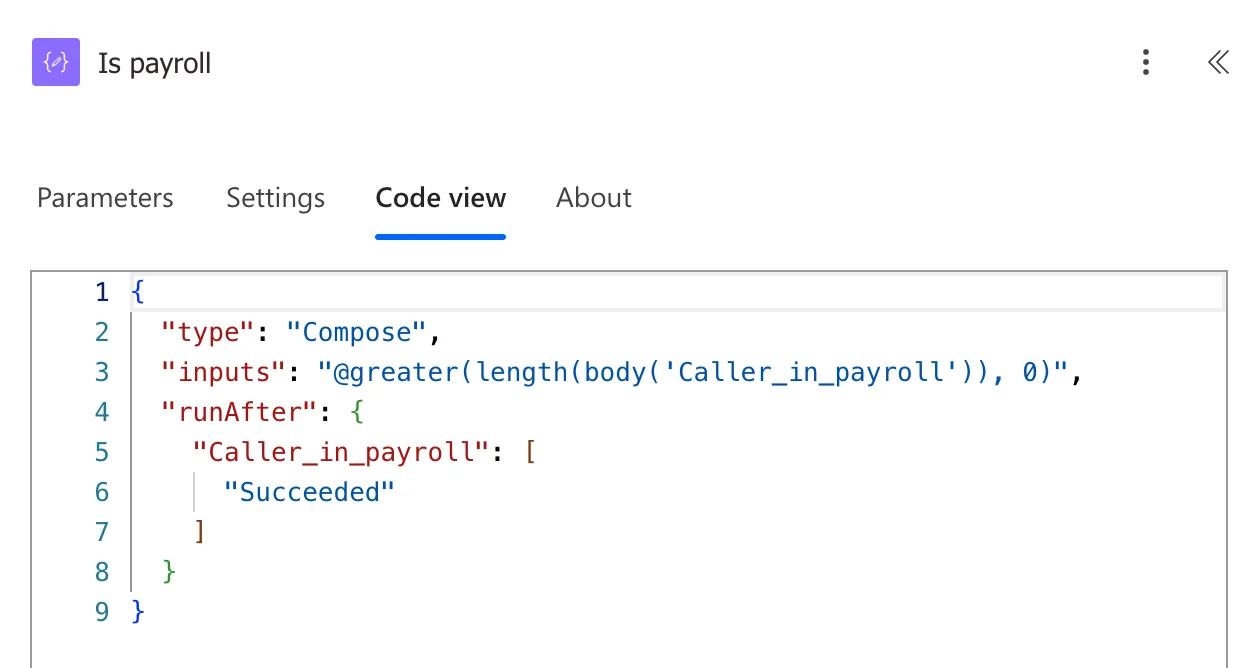
Open the action's Code view tab. It shows the expression as saved, starting with @, which marks it as an expression:
Step 3: Use the Result
Later actions read the result with outputs('Is_payroll'). In the example, the filter that picks the entries keeps every entry when it's true (How to Use the or() Function in Power Automate), and the answer to the app says All departments (How to Use the if() Function in Power Automate):
if(outputs('Is_payroll'), 'All departments', join(variables('MyDepartmentNames'), ', '))
The Result
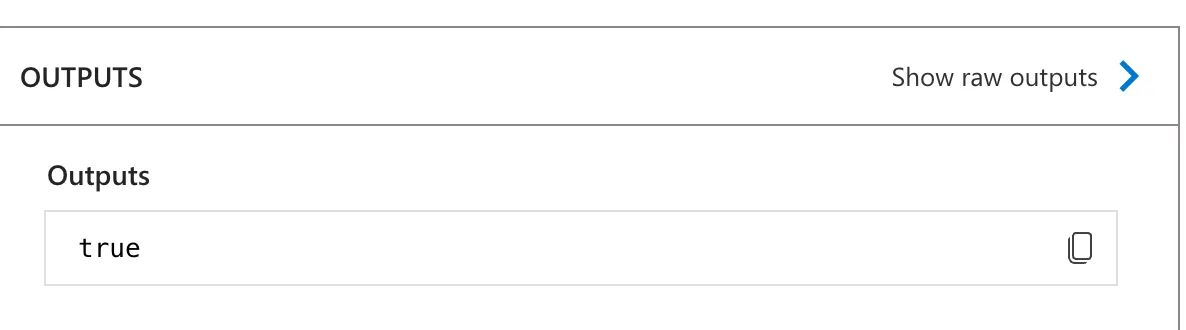
When Leo Martin, who is in Overtime Payroll, opened the app's Reports screen, Is payroll was true:
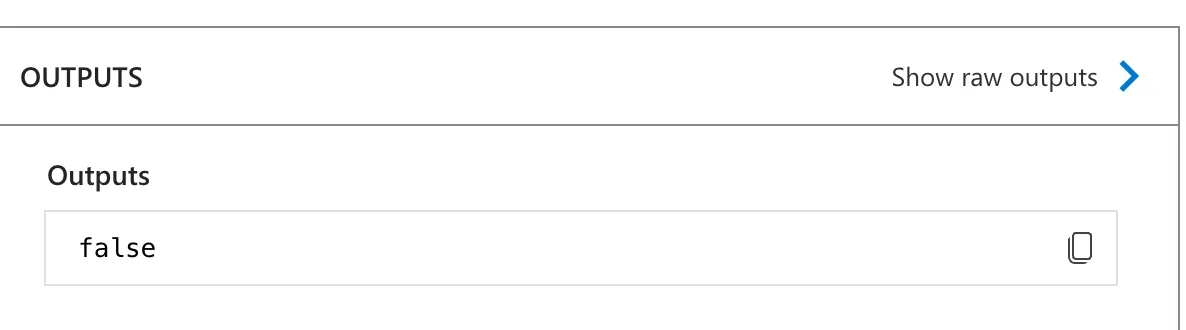
When Daniel Brooks, who isn't, opened it, it was false:
Common Mistakes
| Mistake | What happens | Do this instead |
|---|---|---|
greater() where equal should count too | Equal values give false | greaterOrEquals() |
| A number on one side and a text on the other | The reference expects the same kind of value on both sides | Convert first with int() or float() |
Expecting the number from greater() | It returns true or false, not the count | length() for the count |
Troubleshooting
| Symptom | Likely cause | Fix |
|---|---|---|
Always false | The first value is never larger, for example 0 against 0 | Check both values in a run; use greaterOrEquals() if equal counts |
Always true | The comparison value is too small | Check what <compareTo> holds |
| This expression has a problem when you add it | The designer showed it for correct expressions too | Select Add again (Fixed: "This expression has a problem" in Power Automate); Code view shows what was saved |
FAQ
Is there a "not greater" function?
lessOrEquals() is true when the first value isn't larger. Wrapping greater() in not() gives the same result.
Can greater() compare dates?
The reference lists whole numbers, decimal numbers and text. To compare two times as numbers, turn each into ticks first, as in How to Work Out the Hours Between Two Times in Power Automate.
Why a Compose and not a Condition?
A Condition runs one branch or another. Here the flow needs the true or false itself, to use in later expressions and in its answer, so a Compose keeps it.
Conclusion
greater(value, compareTo) is true when the first value is larger, and false when it's equal or smaller. With length(), it turns "did the filter keep anything?" into a true or false the rest of the flow can use.
Additional Resources
- Reference guide to functions in expressions: greater
- Logical comparison functions:
greaterOrEquals,less,lessOrEqualsand the others
