How to Use Shorthand Property Names in JavaScript

You often build an object from variables that already have the right names: a name variable becomes a name property. JavaScript lets you write that name once, so { name: name } shrinks to { name }.
Syntax
const <object> = { <variable>, <otherVariable> };
| Part | What it does |
|---|---|
<variable> | Creates a property with the variable's name and the variable's value. |
{ <variable> } | Means exactly the same as { <variable>: <variable> }. |
MDN's object initializer reference first builds an object as a: a, b: b, c: c, then says: "There is a shorter notation available to achieve the same", and writes const o = { a, b, c };.
The Example
The example builds the same user object twice, once with the long form and once with the shorthand, and prints both.
Prerequisites
- Node.js. This guide uses Node.js 26.13.1.
Step 1: Write Both Forms
Create a file named main.js:
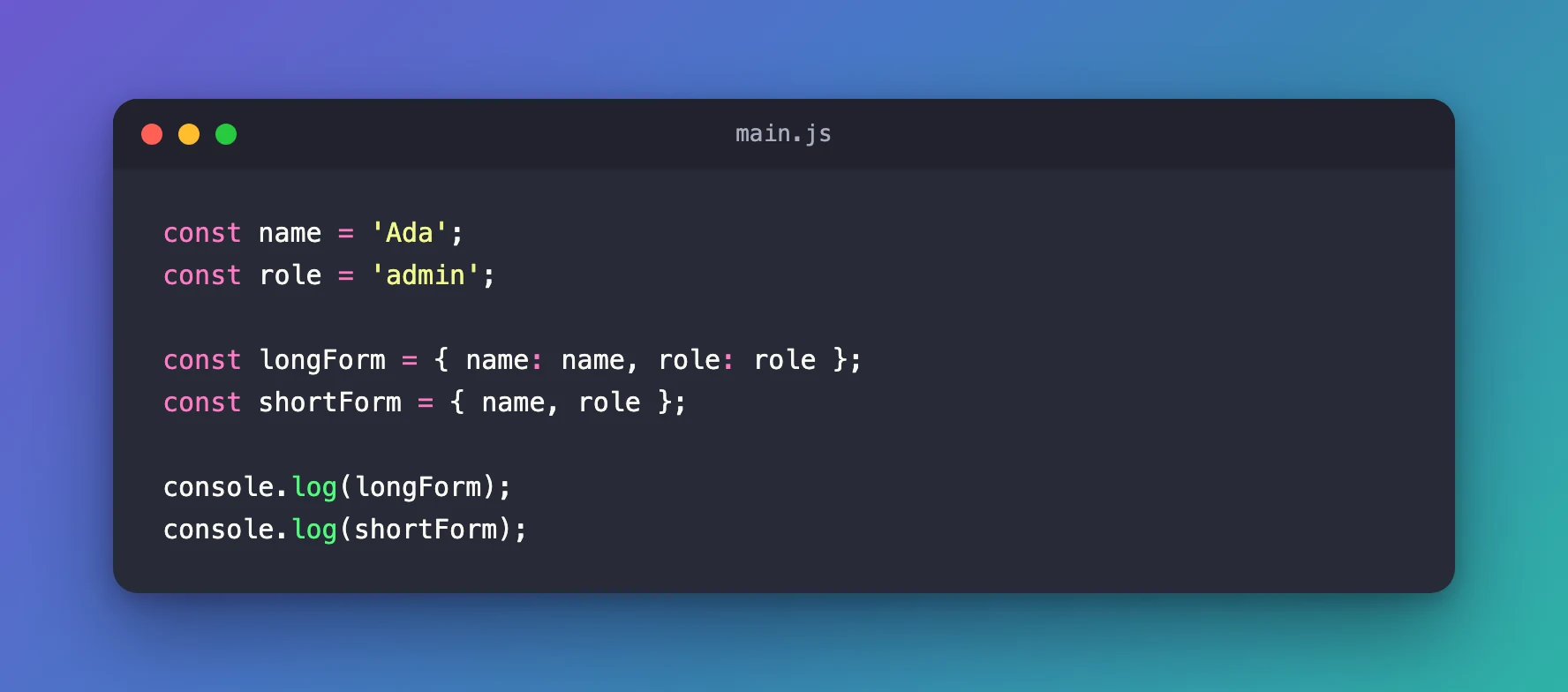
const name = 'Ada';
const role = 'admin';

const longForm = { name: name, role: role };
const shortForm = { name, role };

console.log(longForm);
console.log(shortForm);
In longForm, each property spells out its name and then the variable it takes its value from. In shortForm, each name does both jobs.
Step 2: Run It
node main.js
{ name: 'Ada', role: 'admin' }
{ name: 'Ada', role: 'admin' }
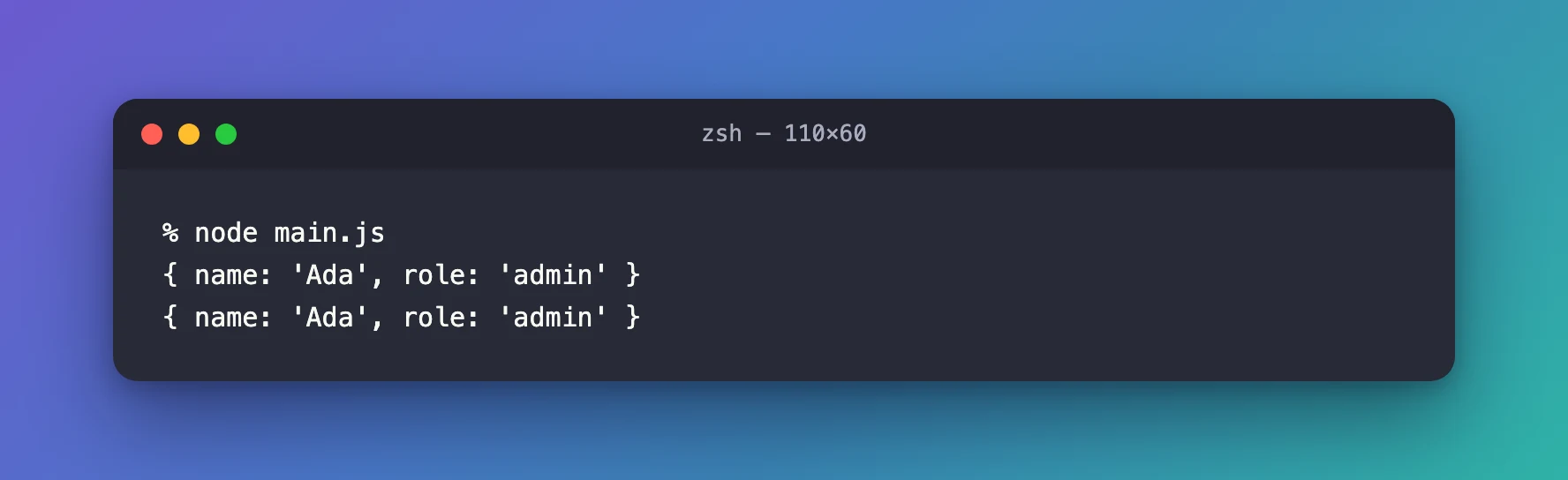
Both objects are identical. The command is the same in zsh, bash and PowerShell.
Mixing Both Forms
Shorthand and normal properties can sit in the same object, which helps when only some names match:
const user = { name, role, active: true };
Common Mistakes
| Mistake | What happens | Do this instead |
|---|---|---|
Using shorthand for a variable that doesn't exist, as in { nickname } | ReferenceError: nickname is not defined | Declare the variable first, or write nickname: value |
| Expecting shorthand to rename | { name } always makes a property called name | Write fullName: name when the property needs another name |
Troubleshooting
| Symptom | Likely cause | Fix |
|---|---|---|
ReferenceError: … is not defined at an object literal | A shorthand property points at a missing variable | Check the variable's spelling and that it's declared above |
| A property has an unexpected name | Shorthand used the variable's name | Use newName: variable for that property |
FAQ
Does shorthand copy the value or link to the variable?
It copies the value at the moment the object is created. Changing the variable afterwards doesn't change the property.
Is there a shorthand for methods too?
Yes, a method definition: { greet() { ... } } gives the object a greet method without writing greet: function () { ... }.
Conclusion
When a property and a variable share a name, write the name once: { name, role } builds the same object as { name: name, role: role }.
