How to Use Self and Parent in Power Apps

Formulas often need a property of the control they're on, or of the control that holds it. Self is the current control and Parent is its container, so you don't have to type control names, and the formula still works when you copy the control or rename it.
What They Are
Microsoft describes three ways to refer to a control: by its name, with Self for the current control, and with Parent for the control that hosts it, such as a screen, a container or a gallery (Self and Parent operators).
They're operators, not properties, so Parent.Parent, Self.Parent and Parent.Self aren't supported.
Example 1: Self in an Accessible Label
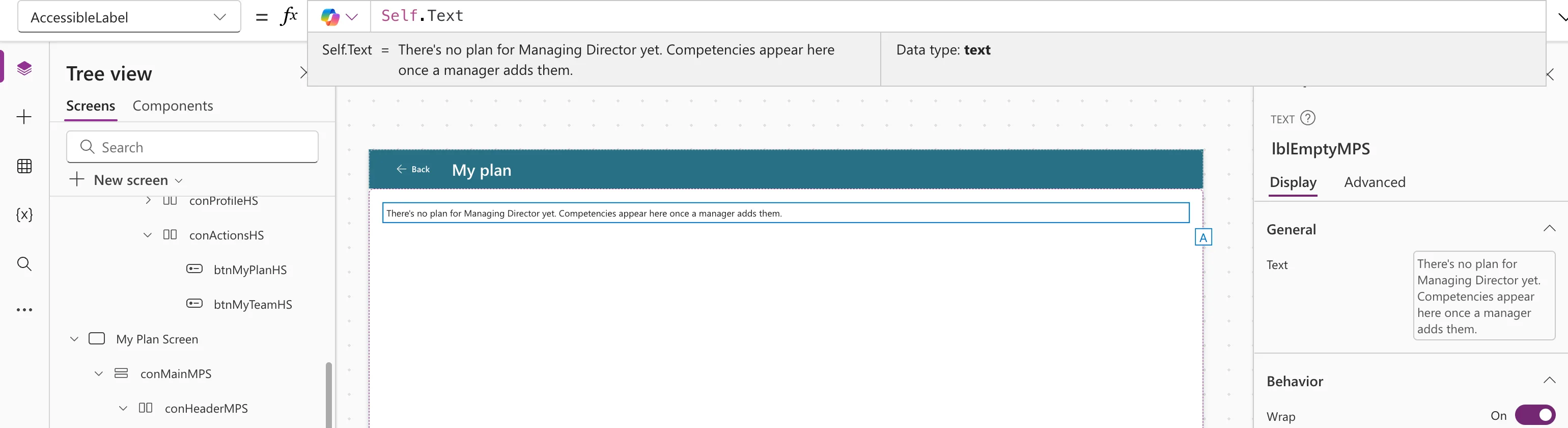
A Text control's accessible label can repeat its own text, and stays right when the text changes:
Self.Text
Example 2: Parent to Fill the Screen
A screen's main container takes the screen's size:
Parent.Width
Here Parent is the screen, 1366 wide at the default canvas size:
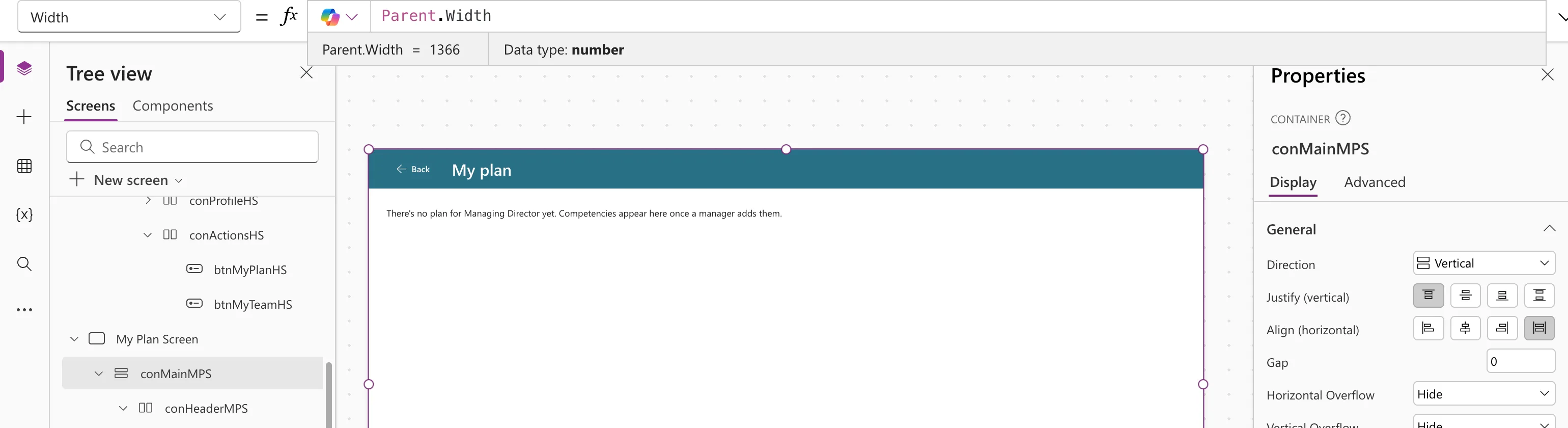
On a phone, the same formula gives the phone's width. That's what makes a container-based screen responsive (How to Add a Vertical Container in Power Apps).
Example 3: Parent in a Gallery's Template
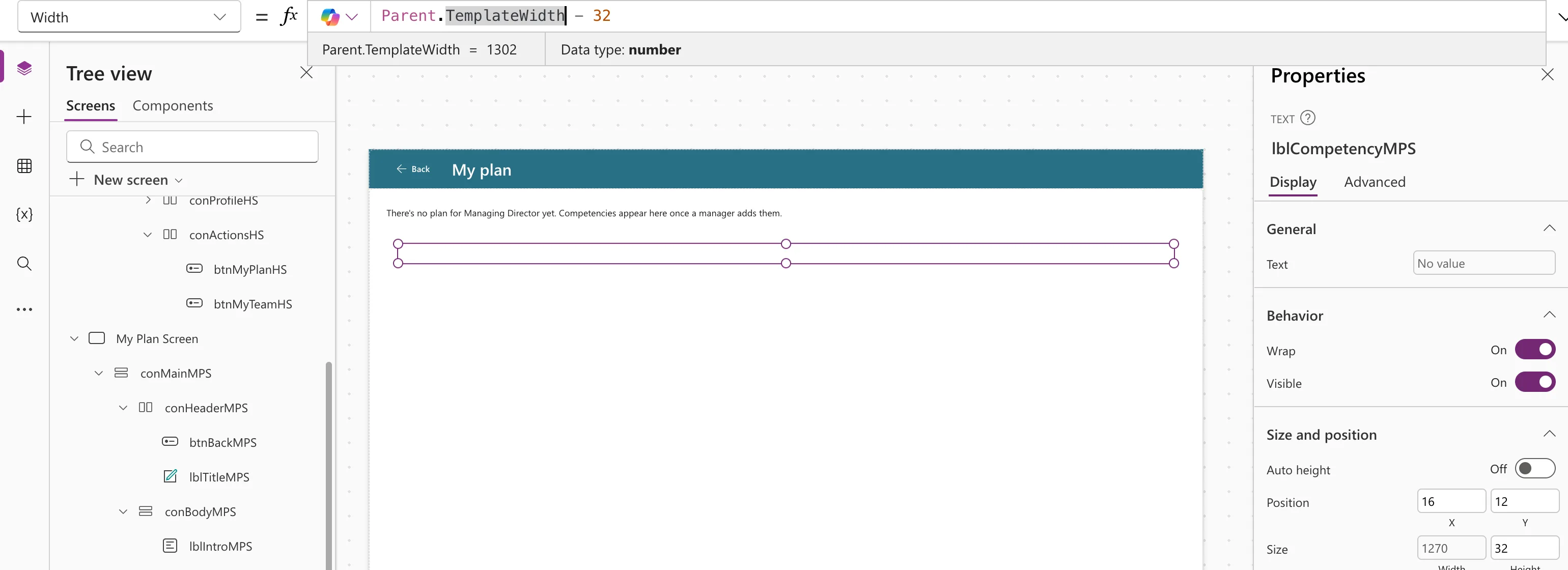
In a gallery's template, Parent is the gallery, and TemplateWidth is the width of one row:
Parent.TemplateWidth - 32
With the cursor on Parent.TemplateWidth, the preview strip showed 1302, so the text is 1270 wide, leaving 16 on each side:
A Limit: Not Every Property Can Be Read
Self reaches the properties a control lets other formulas read. The modern Badge didn't let its Content be read in the example: Self.Content gave Name isn't valid. 'Content' isn't recognized.
Common Mistakes
| Mistake | What happens | Do this instead |
|---|---|---|
| Typing the control's own name in its formulas | Breaks or misleads when the control is copied | Use Self |
Parent.Parent to reach two levels up | Not supported | Refer to that control by name |
| Expecting Parent in a gallery template to be the gallery's container | It's the gallery | Use TemplateWidth for the row's width |
Troubleshooting
| Symptom | Likely cause | Fix |
|---|---|---|
Name isn't valid after Self. | The control doesn't expose that property for reading | Use the value's source instead |
| A control doesn't resize on a phone | Its size is a fixed number | Base it on Parent |
FAQ
Is Self faster than a control's name?
Microsoft presents it as easier and more portable, not faster: the formula works on any control you copy it to.
What's Parent for a control directly on a screen?
The screen.
Conclusion
Self.Property is the current control's property and Parent.Property its container's. Use them for labels, sizes and anything else that should follow the control around.
