How to Use public, private and internal in C#

Every class and member in C# has an access level: public means any code can use it, private only code in its own class, and internal only code in the same project.
Microsoft's guide defines them: public: Code in any assembly can access this type or member, private: Only code declared in the same class or struct can access this member, and internal: Only code in the same assembly can access this type or member. An assembly is what a project builds, such as a .dll file.
Syntax
public class <Name>
{
    public <type> <Property> { get; private set; }

    public void <Method>() { }

    private void <Helper>() { }
}

internal class <Other> { }
| Part | What it is |
|---|---|
public | Any code, in any project |
private | Only code inside the same class |
internal | Only code in the same project |
{ get; private set; } | A property that any code can read, but only its own class can change |
The defaults, from the same guide: for a class in a namespace, If you don't specify an access modifier, the default is internal, and By default, class and struct members, including nested classes and structs, have private access.
The Example
A console app called AccessModifiers has an Account whose balance anyone can read, but only the account can change, through a public Deposit method that checks each amount with a private helper.
Prerequisites
- The .NET 10 SDK.
dotnet --versionprints a version that starts with10.0.
Step 1: Create a Console App
dotnet new console -n AccessModifiers
cd AccessModifiers
The template "Console App" was created successfully.

Processing post-creation actions...
Restoring /Users/you/source/AccessModifiers/AccessModifiers.csproj:
  Determining projects to restore...
  Restored /Users/you/source/AccessModifiers/AccessModifiers.csproj (in 44 ms).
Restore succeeded.
dotnet new console -n AccessModifiers creates a folder named AccessModifiers with a project file and a Program.cs, and cd moves into it. Everything this example uses is part of .NET, so there's no package to add. Open the folder in VS Code, or AccessModifiers.csproj in Visual Studio.
Step 2: Write the Code
Replace everything in Program.cs. First the code that uses the account:
Account account = new();
account.Deposit(100);
account.Deposit(-5);

Console.WriteLine($"Balance: {account.Balance}");
Console.WriteLine($"Limit: {Limits.MaxDeposit}");
Then the class:
public class Account
{
    // Anyone can read the balance, but only Account can change it.
    public decimal Balance { get; private set; }

    public void Deposit(decimal amount)
    {
        if (IsValid(amount))
        {
            Balance += amount;
        }
    }

    // A helper that only Account itself can call.
    private static bool IsValid(decimal amount) => amount > 0 && amount <= Limits.MaxDeposit;
}
public decimal Balance { get; private set; }can be read from anywhere, but onlyAccountcan set it.public void Depositis the way in for outside code.private static bool IsValidis a helper that onlyAccountcan call.
And the limit, at the end of the file:
// Visible anywhere in this project, but not in other projects.
internal static class Limits
{
    public const decimal MaxDeposit = 1000;
}
Step 3: Run It
Run it in VS Code's terminal, or press Ctrl+F5 in Visual Studio:
dotnet run
Balance: 100
Limit: 1000
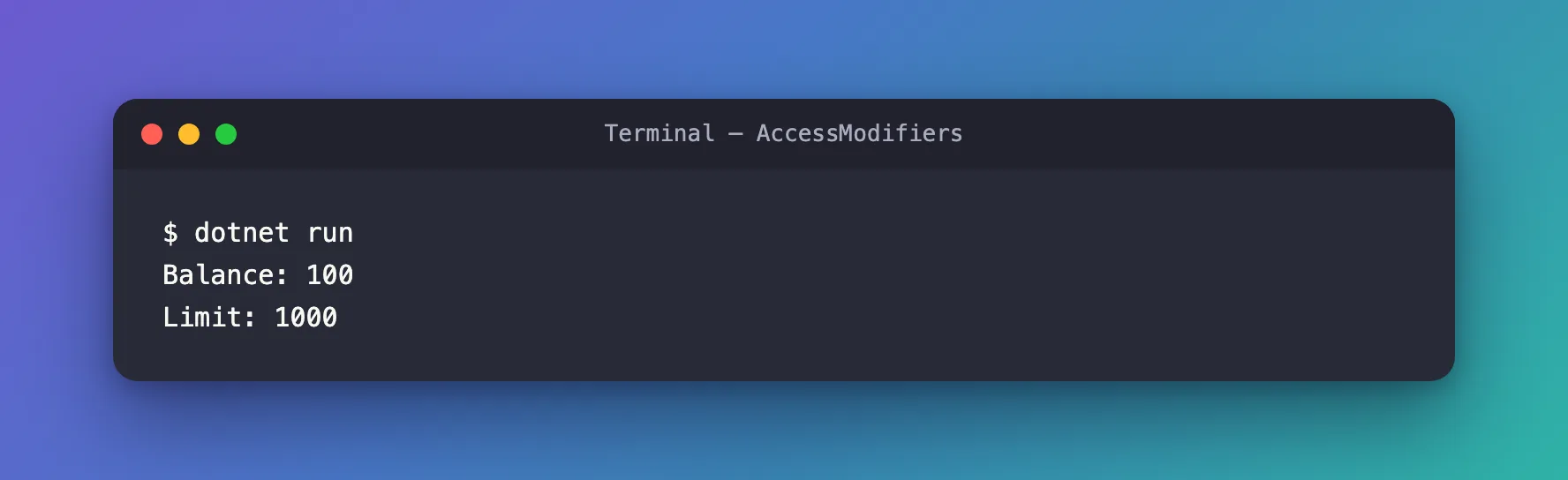
The deposit of 100 went through, and the deposit of -5 was refused by the private check, so the balance is 100. The top-level code read Limits.MaxDeposit because it's in the same project as the internal class.
The Complete File
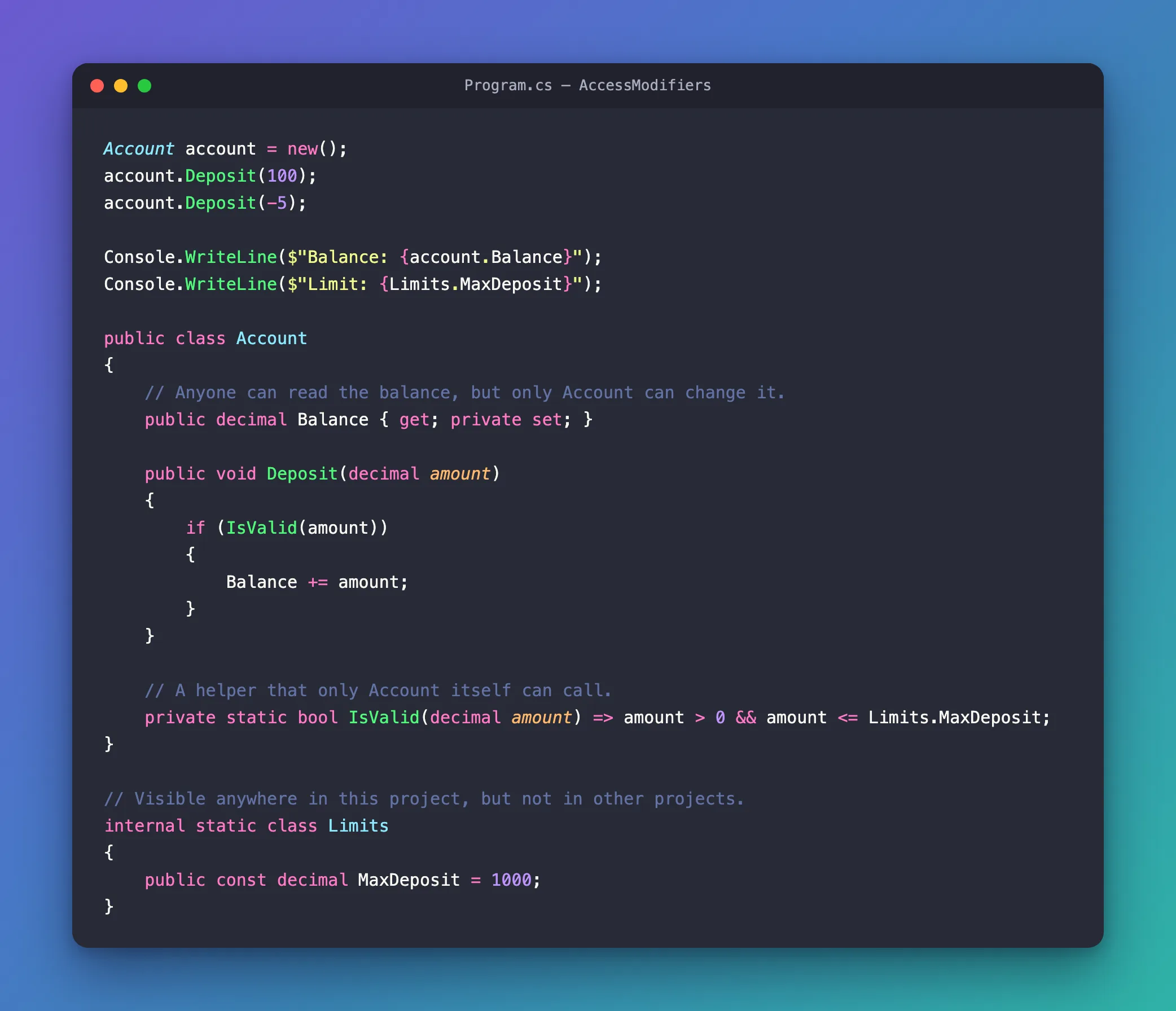
Account account = new();
account.Deposit(100);
account.Deposit(-5);

Console.WriteLine($"Balance: {account.Balance}");
Console.WriteLine($"Limit: {Limits.MaxDeposit}");

public class Account
{
    // Anyone can read the balance, but only Account can change it.
    public decimal Balance { get; private set; }

    public void Deposit(decimal amount)
    {
        if (IsValid(amount))
        {
            Balance += amount;
        }
    }

    // A helper that only Account itself can call.
    private static bool IsValid(decimal amount) => amount > 0 && amount <= Limits.MaxDeposit;
}

// Visible anywhere in this project, but not in other projects.
internal static class Limits
{
    public const decimal MaxDeposit = 1000;
}
Common Mistakes
| Mistake | What happens | Do this instead |
|---|---|---|
| Calling a private method from outside its class | error CS0122: 'Account.IsValid(decimal)' is inaccessible due to its protection level | Keep the call inside the class, or make the method public if outside code really needs it |
| Setting a property whose setter is private | error CS0272: The property or indexer 'Account.Balance' cannot be used in this context because the set accessor is inaccessible | Change it through a public method, such as Deposit |
Writing no modifier and expecting public | A member without one is private: calling Reset() gave error CS0122: 'Account.Reset()' is inaccessible due to its protection level | Write the modifier you mean |
FAQ
When does internal matter?
When other projects use yours, such as a class library: they can't see its internal types. Inside one console app, internal and public reach the same code.
Conclusion
Make members private unless other code needs them, give outside code public ways in, and use internal for what only your own project should see. A property with private set lets everyone read a value that only its class can change.
Additional Resources
- Access modifiers — every access level and the defaults.
