How to Use Nullable Reference Types in C#

NullReferenceException is one of the most common crashes in C#: code uses a variable that holds nothing. Nullable reference types let you say which variables may hold null, with a ? after the type, so the compiler can warn you before the crash happens.
Syntax
<Type> <name> = <value>;
<Type>? <name> = <valueOrNull>;
| Part | What it does |
|---|---|
<Type> <name> | A reference type such as string, without ?: the variable should never hold null. The compiler warns if you assign null to it. |
<Type>? <name> | The same type with ?: null is an expected value. The compiler warns if you use it without checking first. |
Microsoft's nullable reference types guide: "Nullable reference types are a group of features that minimize the chance your code throws System.NullReferenceException." And on the ?: "Every reference type variable is non-nullable by default. Append ? to declare a nullable reference type".
The Example
The example has a name, which always has a value, and a nickname, which may be missing. It prints the length of the name and checks whether the nickname is there.
Prerequisites
- The .NET 10 SDK or newer, which runs a single
.csfile withdotnet run. This guide uses .NET SDK 10.0.404.
Step 1: Write the Code
Create a file named main.cs in an empty folder:
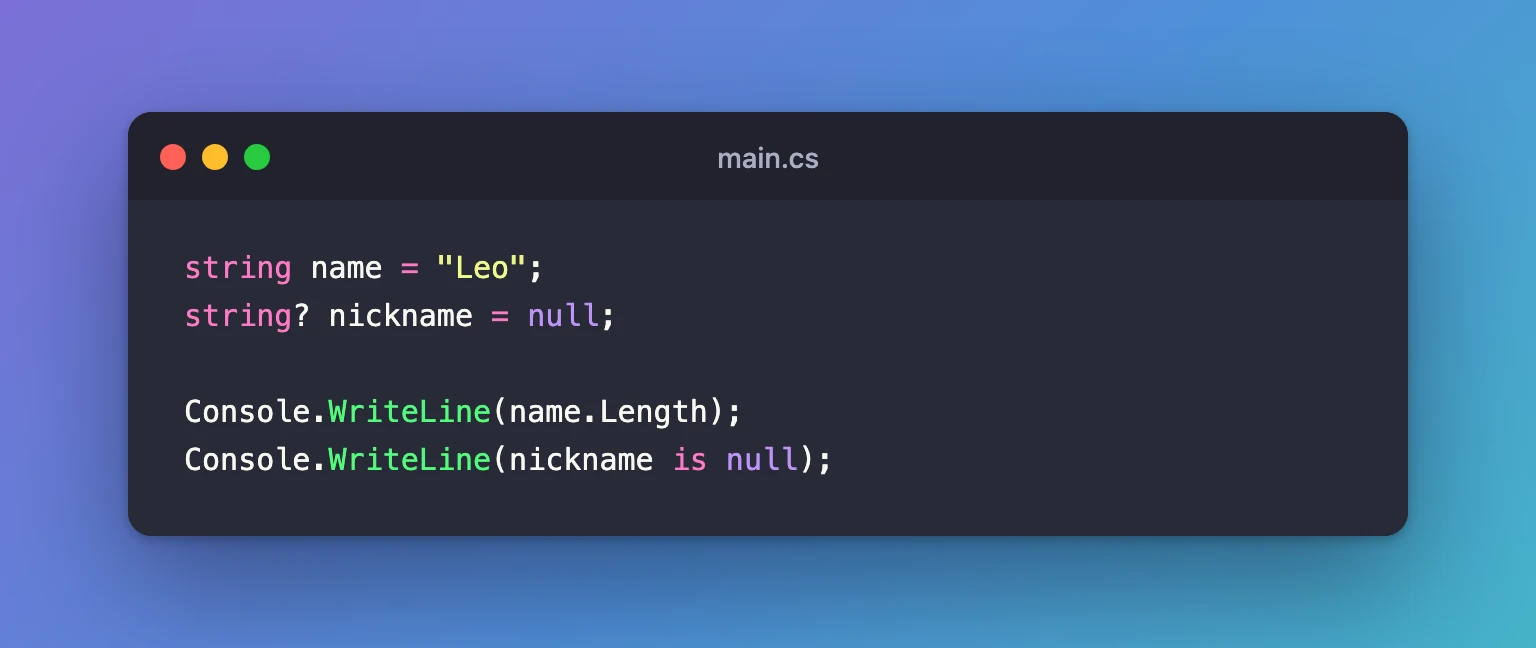
string name = "Leo";
string? nickname = null;

Console.WriteLine(name.Length);
Console.WriteLine(nickname is null);
name is a plain string, so it's safe to read name.Length. nickname is a string?, so the code checks it with is null instead of using it straight away.
Step 2: Run It
dotnet run main.cs
3
True

Leo has 3 letters, and the nickname is null. No warnings, because the code never uses the nickname without checking it. The command is the same in zsh, bash and PowerShell.
What the Warning Looks Like
Use the nickname's Length without a check:
string? nickname = null;
Console.WriteLine(nickname.Length);
/Users/you/demo/main.cs(2,19): warning CS8602: Dereference of a possibly null reference.
Unhandled exception. System.NullReferenceException: Object reference not set to an instance of an object.
   at Program.<Main>$(String[] args) in /Users/you/demo/main.cs:line 2
The compiler warned about line 2, column 19, while building. It's only a warning, so the program still ran, and it crashed exactly where the warning pointed. Microsoft's nullable warnings reference: "This set of warnings alerts you that you're dereferencing a variable whose null-state is maybe-null." To dereference means to use the value the variable refers to, as .Length does.
Common Mistakes
| Mistake | What happens | Do this instead |
|---|---|---|
Using a string? variable without a check | warning CS8602: Dereference of a possibly null reference., and a NullReferenceException when it really is null | Check it first, with if (nickname is not null) |
| Ignoring nullable warnings because the build succeeds | The crash they predict happens at run time | Treat each warning as a bug report |
Adding ? to every type to silence warnings | The compiler can no longer tell you which values are really optional | Use ? only where null is a normal value |
Troubleshooting
| Symptom | Likely cause | Fix |
|---|---|---|
CS8602 on a line that reads a member | The variable may be null at that point | Check for null before the line |
| No nullable warnings at all in a project | The nullable context is off | Add <Nullable>enable</Nullable> to the project file |
FAQ
Does string? change how the program runs?
No. The guide: "The runtime behavior of your program is unchanged. Nullable reference types are entirely a compile-time feature." That's why the example above still ran after the warning: the checks happen while the code is built, not while it runs.
How do I turn the warnings on in a project?
New projects already have them: a project created with dotnet new console on .NET 10 contains <Nullable>enable</Nullable> in its .csproj file, and a single-file app run with dotnet run main.cs reported CS8602 above as well. In an older project, add that line inside its <PropertyGroup>.
Conclusion
Write string? for values that may be missing and plain string for values that never are. The compiler then warns, with CS8602, wherever a possibly null value is used without a check, which is where a NullReferenceException would otherwise happen.
Additional Resources
- Nullable reference types, on Microsoft Learn.
- Resolve nullable warnings, on Microsoft Learn.
