How to Use Named Groups in a C# Regex

A regular expression can do more than say yes, it matches: it can hand back the parts of the text you care about. Give each part a name in the pattern, and read it back by that name instead of by its position.
Parentheses in a pattern make a group, and .NET keeps the text each group matched. Unnamed groups are numbered 1, 2, 3 from left to right, which breaks the moment you add a group in front. A named group is read by its name, so the code says what it reads, and it keeps working when the pattern grows.
Syntax
using System.Text.RegularExpressions;

Match <match> = Regex.Match(<input>, @"...(?<name>subexpression)...");

if (<match>.Success)
{
    string <value> = <match>.Groups["name"].Value;
}
| Part | What it is |
|---|---|
Regex.Match(<input>, <pattern>) | Finds the first match of <pattern> in <input> |
(?<name>subexpression) | A named group. subexpression is any pattern, and name is what you call the text it matches. In the pattern you write your own name in place of name |
<match>.Success | true when the pattern matched |
<match>.Groups["name"].Value | The text the named group matched |
Microsoft's quick reference describes the construct: Captures the matched subexpression into a named group. And the name has one rule: it must not contain any punctuation characters and cannot begin with a number.
The Example
A console app called NamedGroups reads the line Order 1042 shipped on 2026-11-26 and prints the order number and the date, each read from a named group.
Prerequisites
- The .NET 10 SDK.
dotnet --versionprints a version that starts with10.0.
Step 1: Create a Console App
dotnet new console -n NamedGroups
cd NamedGroups
The template "Console App" was created successfully.

Processing post-creation actions...
Restoring /Users/you/source/NamedGroups/NamedGroups.csproj:
  Determining projects to restore...
  Restored /Users/you/source/NamedGroups/NamedGroups.csproj (in 51 ms).
Restore succeeded.
dotnet new console -n NamedGroups creates a folder named NamedGroups with a project file and a Program.cs, and cd moves into it. Regular expressions are part of .NET, so there's no package to add.
Step 2: Write the Code
Replace everything in Program.cs. First the line and the match:
using System.Text.RegularExpressions;

string line = "Order 1042 shipped on 2026-11-26";
Match match = Regex.Match(line, @"Order (?<order>\d+) shipped on (?<date>\d{4}-\d{2}-\d{2})");
The pattern is the line itself, with its two changing parts replaced by named groups:
(?<order>\d+)is one or more digits, namedorder.(?<date>\d{4}-\d{2}-\d{2})is four digits, a hyphen, two digits, a hyphen and two digits, nameddate.Order,shipped onand the spaces are plain text that must be there as written.
Then read the groups by name:
if (match.Success)
{
    Console.WriteLine($"Order: {match.Groups["order"].Value}");
    Console.WriteLine($"Date: {match.Groups["date"].Value}");
}
match.Success is true only when the line matched. Inside, match.Groups["order"] is the group named order, and its Value is the text it matched.
Step 3: Run It
Run it in VS Code's terminal, or press Ctrl+F5 in Visual Studio:
dotnet run
Order: 1042
Date: 2026-11-26
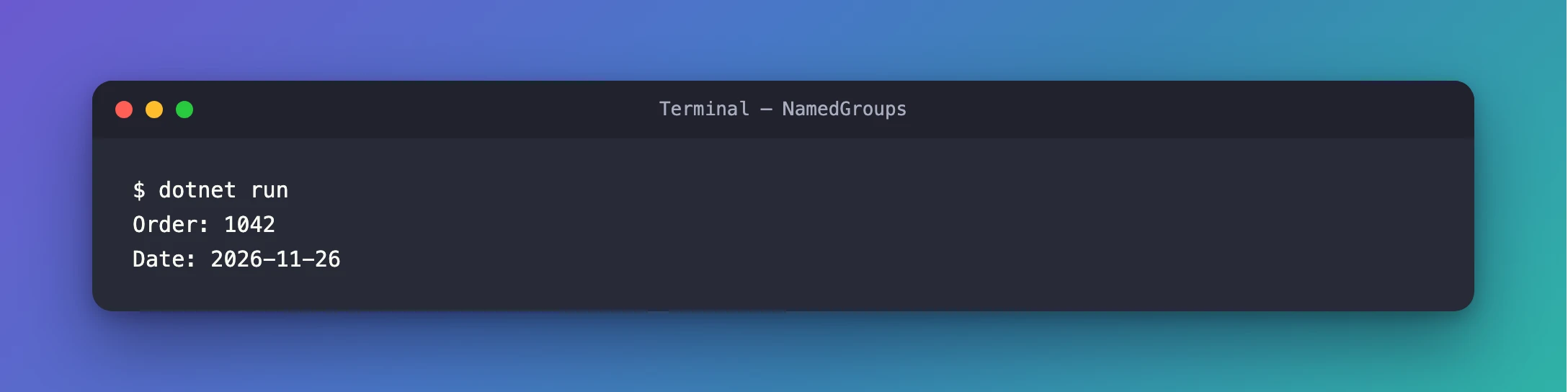
The order number and the date came out on their own, each read by its name.
The Complete File
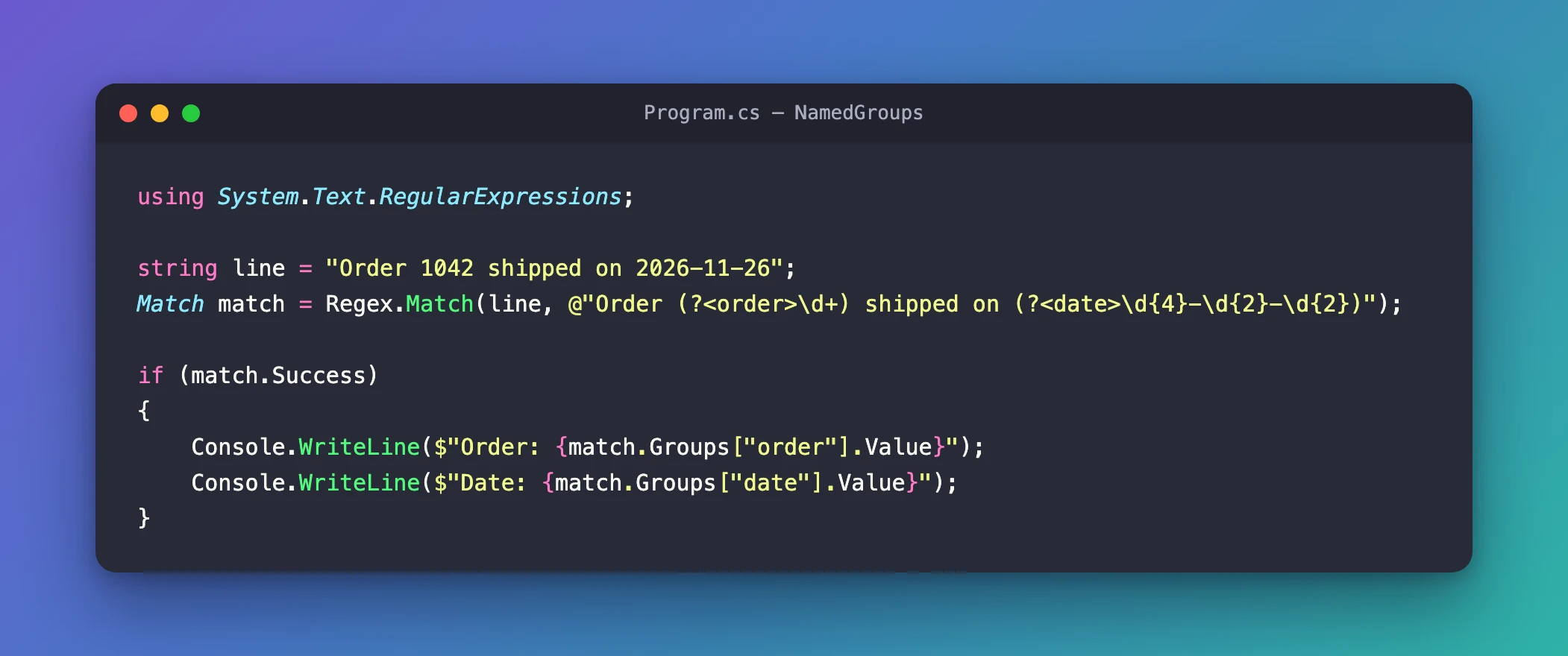
using System.Text.RegularExpressions;

string line = "Order 1042 shipped on 2026-11-26";
Match match = Regex.Match(line, @"Order (?<order>\d+) shipped on (?<date>\d{4}-\d{2}-\d{2})");

if (match.Success)
{
    Console.WriteLine($"Order: {match.Groups["order"].Value}");
    Console.WriteLine($"Date: {match.Groups["date"].Value}");
}
Common Mistakes
| Mistake | What happens | Do this instead |
|---|---|---|
Misspelling the name, such as match.Groups["ordr"] | No error: you get a group with Success False and an empty Value | Copy the name from the pattern |
Reading the groups without checking match.Success | On Order shipped yesterday, Success was False and Groups["order"].Value was empty, with no error | Check match.Success first |
FAQ
Can I use a named group in a replacement?
Yes, as ${name}. With the same pattern, Regex.Replace(line, pattern, "${date}: order #${order}") turned the line into:
2026-11-26: order #1042
Microsoft's guide lists ${name} among the ways to use a named group, in a Regex.Replace or Match.Result method call.
What number does a named group get?
Named groups are numbered after the unnamed ones. new Regex(pattern).GetGroupNames() listed 0, order, date: group 0 is always the whole match. Microsoft's guide: Named matched subexpressions are numbered consecutively from left to right after matched subexpressions.
How do I find every match, not only the first?
Use Regex.Matches(<input>, <pattern>). Microsoft's reference: it searches an input string for all occurrences of a regular expression and returns all the matches. Read the same named groups from each Match in a foreach loop.
Conclusion
Write (?<name>subexpression) in the pattern, check match.Success, and read match.Groups["name"].Value. Here the order number and the date came out of a line of text by name, and the code says which part it reads.
Additional Resources
- Grouping constructs in regular expressions — named groups and the other kinds of groups.
- Match.Groups — the groups of a match.
- Regular expression language quick reference — every pattern element on one page.
