How to Use Named Arguments in C#

FormatPrice(19.99m, currency: "EUR") says which value is which. A named argument passes a value by the parameter's name, so you can skip optional parameters and write the rest in any order.
Microsoft's guide: Named arguments enable you to specify an argument for a parameter by matching the argument with its name rather than with its position in the parameter list. They pair well with optional parameters, which have a default value and can be left out.
Syntax
<Method>(<value>, <parameterName>: <value>);

static <type> <Method>(<type> <first>, <type> <parameterName> = <defaultValue>)
| Part | What it is |
|---|---|
<parameterName>: <value> | Passes <value> to the parameter with that name |
= <defaultValue> | Makes a parameter optional: a caller can leave it out and get the default |
| The order | Named arguments can come in any order, after any positional ones |
The Example
A console app called NamedArguments has a FormatPrice method with an amount, an optional currency and an optional number of decimal places, and calls it three ways.
Prerequisites
- The .NET 10 SDK.
dotnet --versionprints a version that starts with10.0.
Step 1: Create a Console App
dotnet new console -n NamedArguments
cd NamedArguments
The template "Console App" was created successfully.

Processing post-creation actions...
Restoring /Users/you/source/NamedArguments/NamedArguments.csproj:
  Determining projects to restore...
  Restored /Users/you/source/NamedArguments/NamedArguments.csproj (in 50 ms).
Restore succeeded.
dotnet new console -n NamedArguments creates a folder named NamedArguments with a project file and a Program.cs, and cd moves into it. Everything this example uses is part of .NET, so there's no package to add. Open the folder in VS Code, or NamedArguments.csproj in Visual Studio.
Step 2: Write the Code
Replace everything in Program.cs. First the three calls:
Console.WriteLine(FormatPrice(19.99m, currency: "EUR", decimals: 1));
Console.WriteLine(FormatPrice(decimals: 0, amount: 19.99m));
Console.WriteLine(FormatPrice(19.99m));
FormatPrice(19.99m, currency: "EUR", decimals: 1)passes the amount by position and the other two by name.FormatPrice(decimals: 0, amount: 19.99m)names both, in a different order from the method, and leaves out the currency.FormatPrice(19.99m)uses both defaults.
Then the method:
static string FormatPrice(decimal amount, string currency = "USD", int decimals = 2) =>
    $"{amount.ToString($"F{decimals}")} {currency}";
currency = "USD" and decimals = 2 are the defaults. ToString($"F{decimals}") formats the amount with that many decimal places.
Step 3: Run It
Run it in VS Code's terminal, or press Ctrl+F5 in Visual Studio:
dotnet run
20.0 EUR
20 USD
19.99 USD
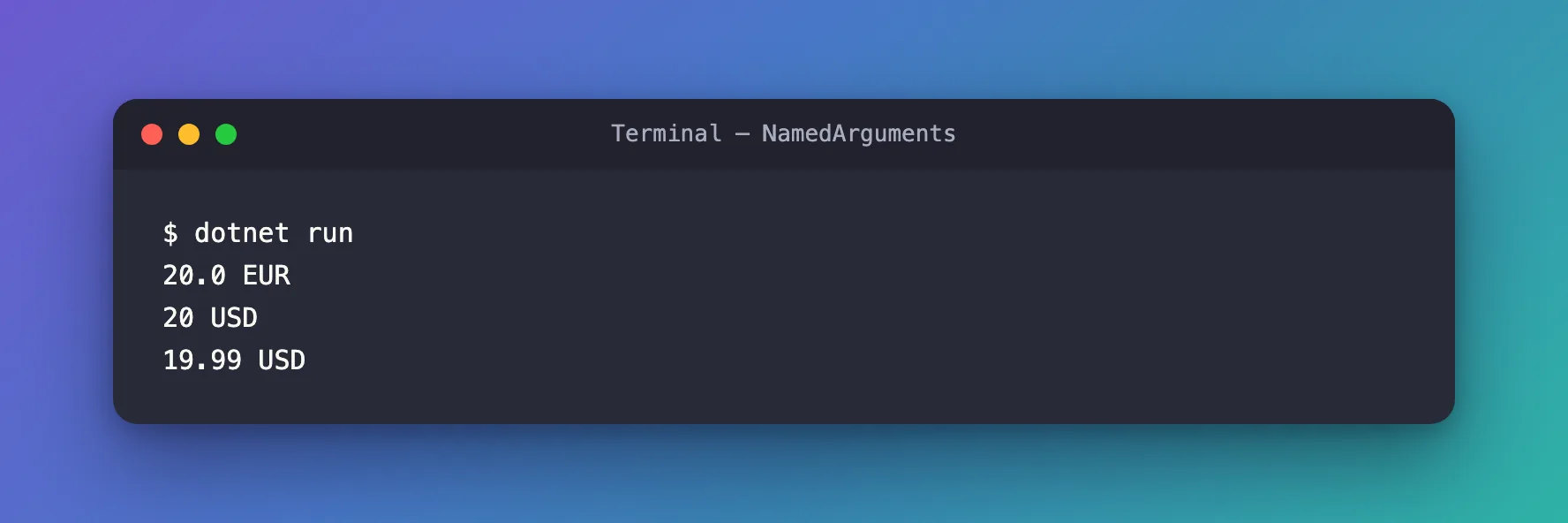
20.0 EUR: one decimal place, in euros.20 USD: no decimal places, and the default currency.19.99 USD: both defaults.
The Complete File
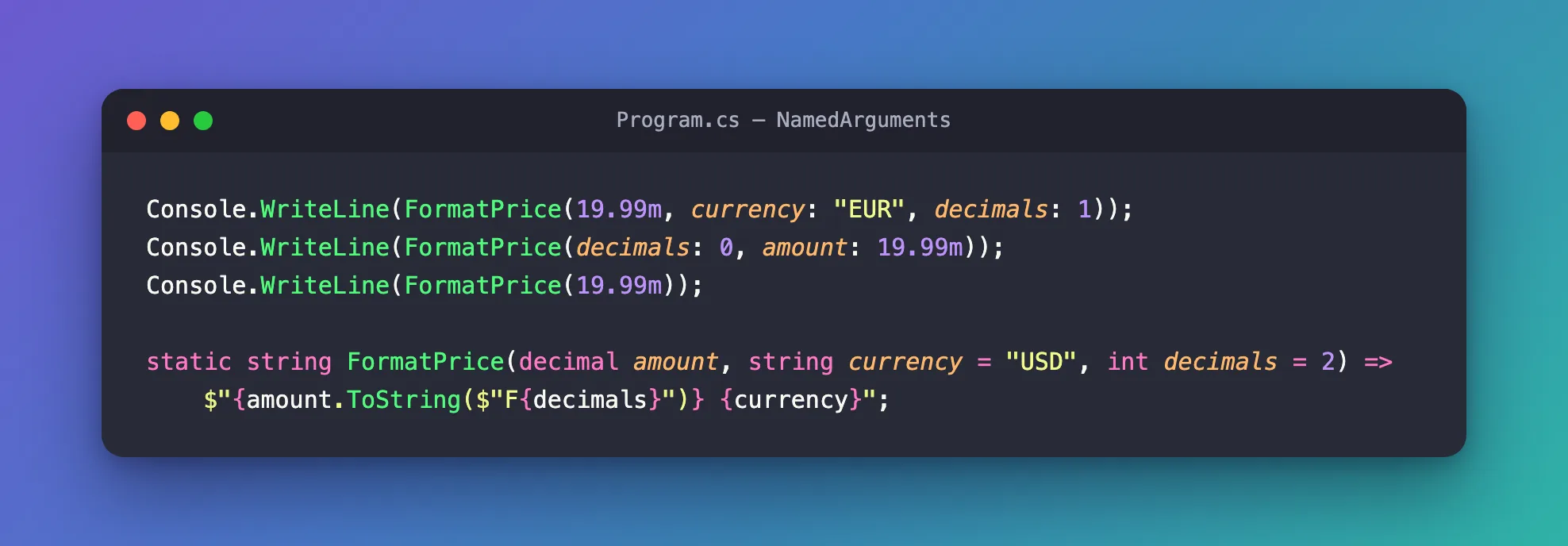
Console.WriteLine(FormatPrice(19.99m, currency: "EUR", decimals: 1));
Console.WriteLine(FormatPrice(decimals: 0, amount: 19.99m));
Console.WriteLine(FormatPrice(19.99m));

static string FormatPrice(decimal amount, string currency = "USD", int decimals = 2) =>
    $"{amount.ToString($"F{decimals}")} {currency}";
Common Mistakes
| Mistake | What happens | Do this instead |
|---|---|---|
| A misspelled parameter name | curency: "EUR" doesn't build: error CS1739: The best overload for 'FormatPrice' does not have a parameter named 'curency' | Use the parameter's exact name |
| A positional argument after a named one that isn't in its own place | FormatPrice(currency: "EUR", 19.99m) doesn't build: error CS8323: Named argument 'currency' is used out-of-position but is followed by an unnamed argument | Put the positional arguments first |
FAQ
Can I mix named and positional arguments?
Yes, as the first call does. Microsoft's guide: Named arguments, when used with positional arguments, are valid as long as they're not followed by any positional arguments, or they're used in the correct position.
Conclusion
Write name: value to pass an argument by its parameter's name. Combined with default values, it lets callers set only the parameters they care about, in any order, and makes calls with several values easier to read.
Additional Resources
- Named and optional arguments — both features and their rules.
