How to Use if __name__ == "__main__" in Python

A Python file can be a script you run and a module other files import. The line if __name__ == "__main__": separates the two: the code under it runs when you start the file, and stays quiet when another file imports the file for its functions.
Syntax
def main():
    <what the script does>


if __name__ == "__main__":
    main()
| Part | What it does |
|---|---|
__name__ | A variable Python sets in every file: "__main__" for the file you started, the module's name for an imported file. |
== "__main__" | True only when this file is the one you started. |
main() | Called only in that case. |
The __main__ documentation: "When a Python module or package is imported, __name__ is set to the module's name." And: "However, if the module is executed in the top-level code environment, its __name__ is set to the string '__main__'."
The Example
The example has two files. greetings.py defines a greet function and greets the world when you run it. app.py imports greet from it and greets Ada.
Prerequisites
- uv and Python. This guide uses uv 0.13.10 with Python 3.15.2.
Step 1: Write the Two Files
Create greetings.py:
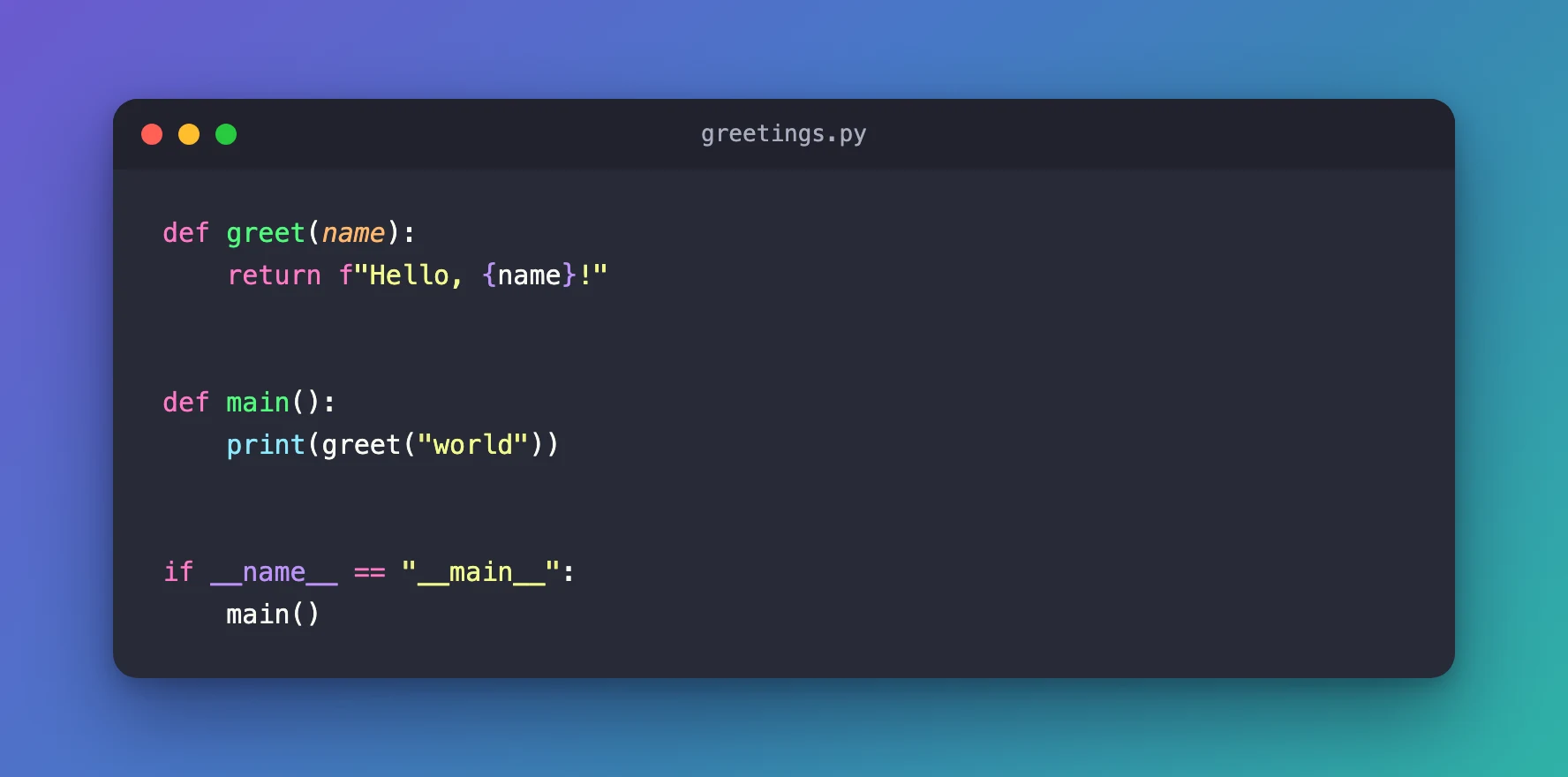
def greet(name):
    return f"Hello, {name}!"


def main():
    print(greet("world"))


if __name__ == "__main__":
    main()
In the same folder, create app.py:
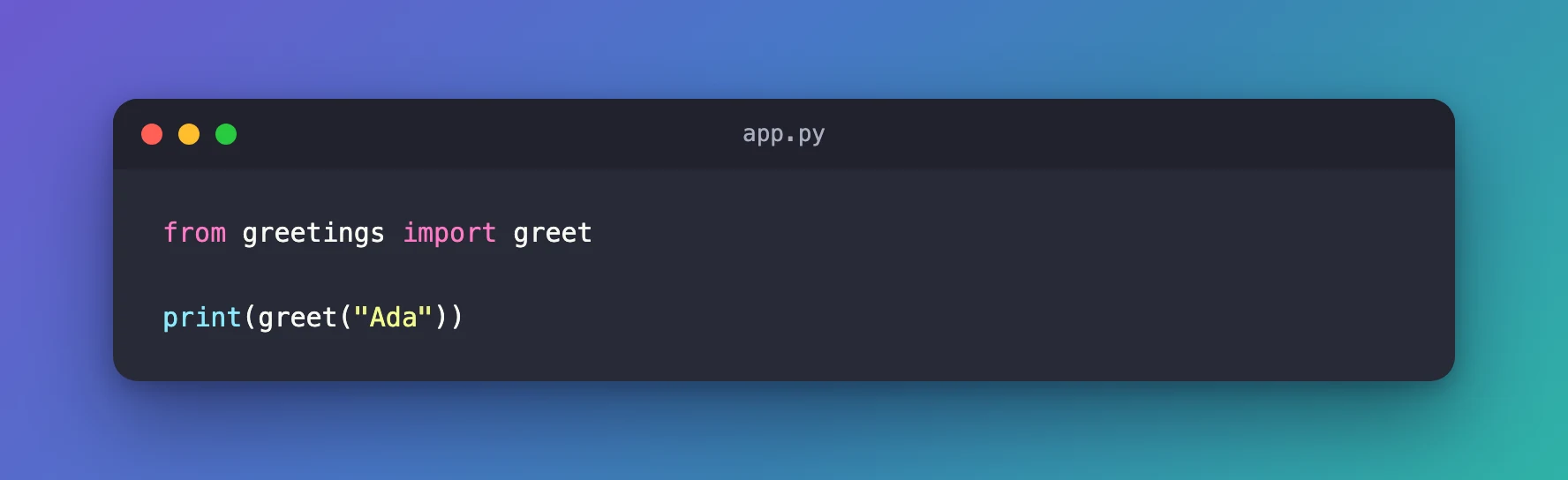
from greetings import greet

print(greet("Ada"))
Step 2: Run Both
uv run python greetings.py
uv run python app.py
Hello, world!
Hello, Ada!
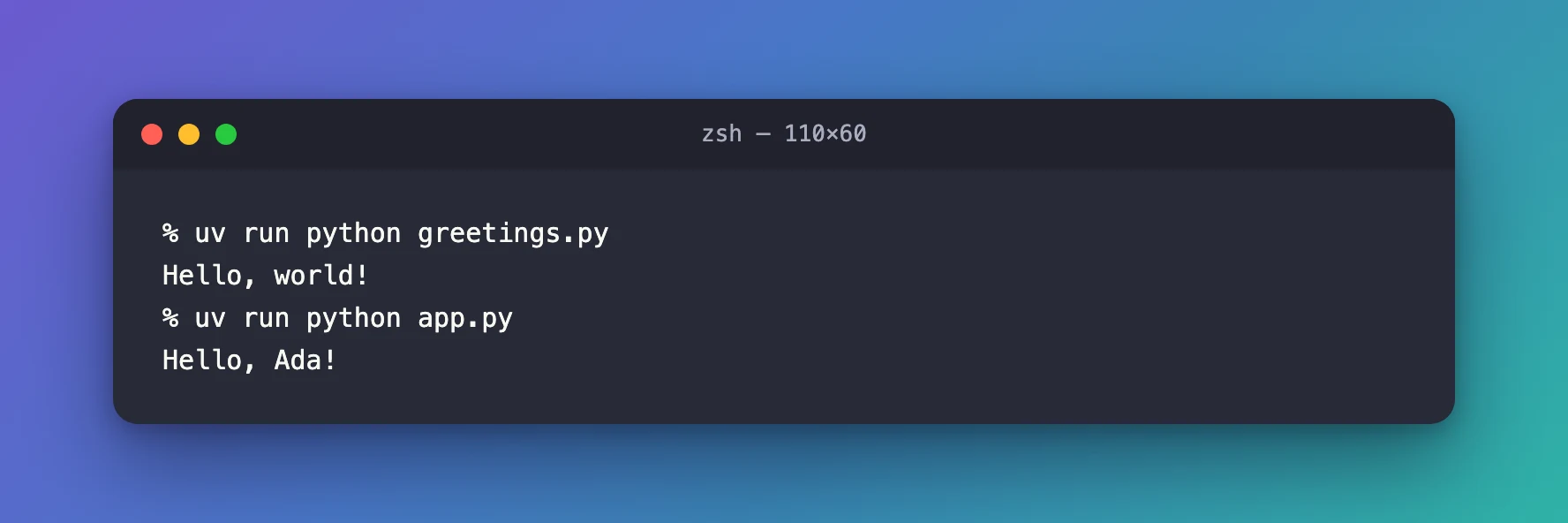
- Started directly,
greetings.pyhad__name__set to"__main__", somain()ran and printedHello, world!. - Imported by
app.py, the same file had__name__set to"greetings", somain()didn't run; onlyapp.py's own line printed.
The commands are the same in zsh, bash and PowerShell.
Seeing the Value Yourself
Put print(__name__) in a file: run the file and it prints __main__; import it from another file and it prints the file's name without .py.
Common Mistakes
| Mistake | What happens | Do this instead |
|---|---|---|
| Putting the script's work at the top level of a module | It runs every time another file imports the module | Move it into main() under the guard |
Writing if __name__ == "main": | The test is never true, so nothing runs | Use "__main__", with two underscores on each side |
| Putting the guard above the functions it calls | NameError: name 'main' is not defined when the guard runs | Keep the guard at the bottom of the file |
Troubleshooting
| Symptom | Likely cause | Fix |
|---|---|---|
| Importing a file prints output or does work | The file has code outside any function or guard | Move it under if __name__ == "__main__": |
| Running the file does nothing | A typo in "__main__" | Copy the line exactly |
FAQ
Do I need the guard in every file?
No, only in files that are both run and imported. A file that's only ever imported doesn't need one.
Why call main() instead of writing the code under the if?
Code inside main() keeps its variables to itself, and other files can call main() too.
Conclusion
if __name__ == "__main__": runs a file's main code only when you start that file. Imports skip it, so one file can be a script and a module at once.
Additional Resources
__main__— Top-level code environment, in the Python documentation.
