How to Use IAsyncEnumerable and await foreach in C#

Some data arrives a piece at a time: rows from a database, pages from a web API, words from a language model. Instead of waiting for all of it and returning a list, a C# method can hand out each value as soon as it has it, as an IAsyncEnumerable<T>, and the caller reads them with await foreach while they arrive.
Syntax
A method that produces values over time:
async IAsyncEnumerable<T> MethodName(parameters, [EnumeratorCancellation] CancellationToken cancellationToken = default)
{
    // await something that takes time...
    yield return value;
}
A loop that reads them:
await foreach (T item in MethodName(arguments).WithCancellation(token))
{
    // use item
}
| Part | What it is |
|---|---|
async | Lets the method await, like any async method |
IAsyncEnumerable<T> | The return type: a sequence of T values that arrive over time |
yield return value | Hands one value to the caller and pauses the method until the caller asks for the next |
await foreach (T item in ...) | Reads the values one at a time, waiting for each |
[EnumeratorCancellation] CancellationToken (optional) | Lets the caller stop the method. Needs using System.Runtime.CompilerServices; |
.WithCancellation(token) (optional) | How the caller passes that token |
Microsoft's C# reference describes the loop: Use the await foreach statement to consume an asynchronous stream of data, that is, a collection type that implements the IAsyncEnumerable<T> interface. Each iteration of the loop can suspend while the next element is retrieved asynchronously.
The Example
A countdown in a console app: a method that counts down from 5, one number a second, and a loop that prints each number with the time it arrived. The one-second Task.Delay stands in for anything slow that produces values. Every command below was run with the .NET 10 SDK.
Prerequisites
- The .NET SDK.
dotnet --versionshould print a version number; this page used10.0.404.
Step 1: Create a Console App
dotnet new console -o Countdown
cd Countdown
The template "Console App" was created successfully.

Processing post-creation actions...
Restoring /Users/you/source/Countdown/Countdown.csproj:
Restore succeeded.
Step 2: Write the Iterator and the Loop
Replace everything in Program.cs:
await foreach (int number in CountdownAsync(5))
{
    Console.WriteLine($"{DateTime.Now:HH:mm:ss}  {number}");
}

Console.WriteLine($"{DateTime.Now:HH:mm:ss}  Liftoff!");

static async IAsyncEnumerable<int> CountdownAsync(int from)
{
    for (int i = from; i > 0; i--)
    {
        await Task.Delay(TimeSpan.FromSeconds(1));
        yield return i;
    }
}
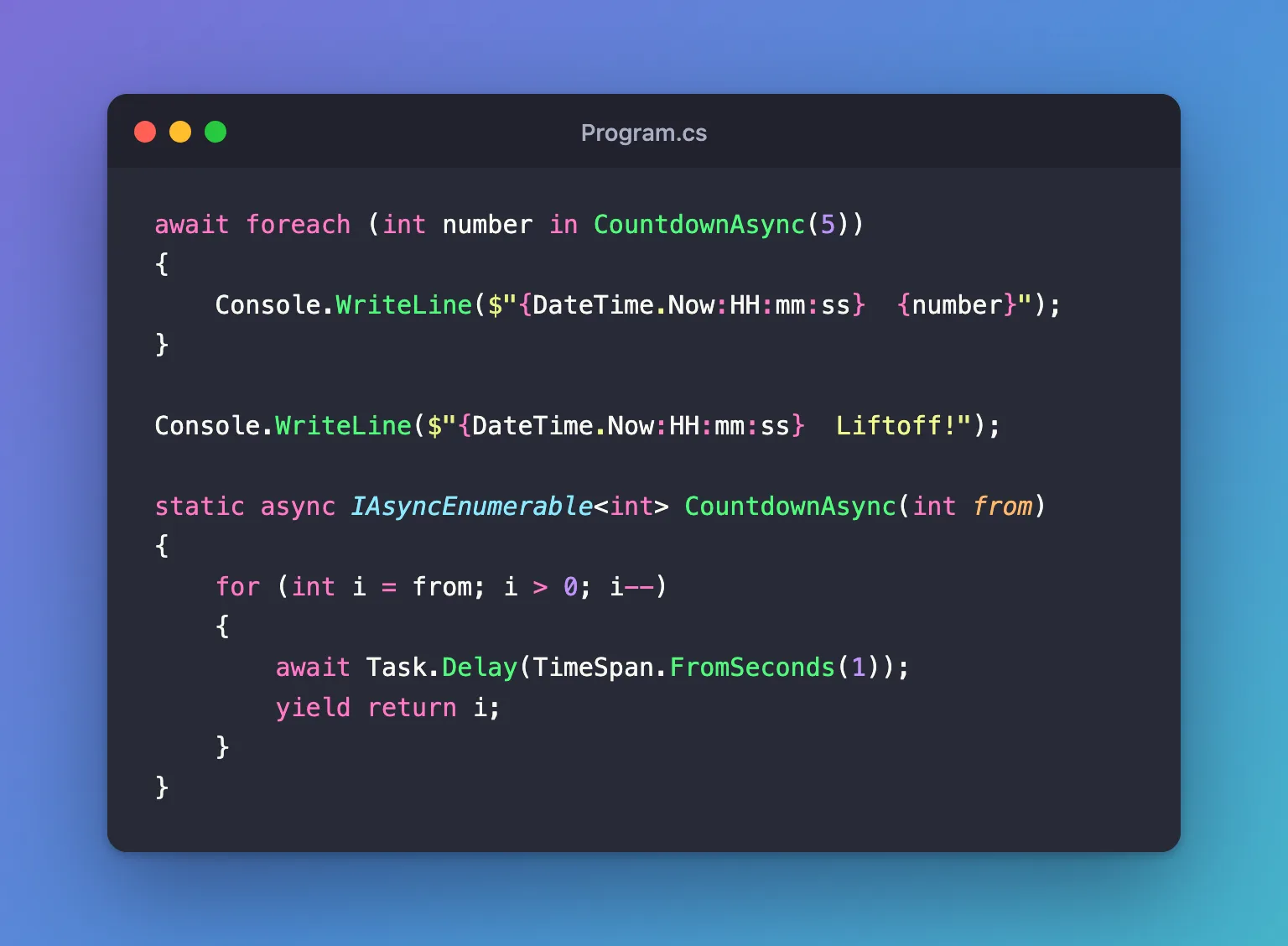
CountdownAsyncis an async iterator:async, returningIAsyncEnumerable<int>, withyield returninside. Each time round its loop it waits a second, then hands one number to the caller.await foreachasks for the next number, waits until the method yields it, runs the loop body, and asks again. When the method ends, so does the loop.- Nothing is collected first. There's no list of numbers anywhere: each one goes from
yield returnstraight into the loop.
Step 3: Run It
dotnet run
05:51:55  5
05:51:56  4
05:51:57  3
05:51:58  2
05:51:59  1
05:51:59  Liftoff!
One number a second: each line printed as soon as its number was ready. A method that built a list and returned it would have printed nothing until all five were ready.
Step 4: Let the Caller Stop It
A caller that doesn't want every value can cancel. Replace Program.cs with a version that cancels after 2.5 seconds:
using System.Runtime.CompilerServices;

using var cancellation = new CancellationTokenSource(TimeSpan.FromSeconds(2.5));

try
{
    await foreach (int number in CountdownAsync(5).WithCancellation(cancellation.Token))
    {
        Console.WriteLine($"{DateTime.Now:HH:mm:ss}  {number}");
    }

    Console.WriteLine($"{DateTime.Now:HH:mm:ss}  Liftoff!");
}
catch (OperationCanceledException)
{
    Console.WriteLine($"{DateTime.Now:HH:mm:ss}  Countdown stopped.");
}

static async IAsyncEnumerable<int> CountdownAsync(int from, [EnumeratorCancellation] CancellationToken cancellationToken = default)
{
    for (int i = from; i > 0; i--)
    {
        await Task.Delay(TimeSpan.FromSeconds(1), cancellationToken);
        yield return i;
    }
}
CancellationTokenSource(TimeSpan.FromSeconds(2.5))creates a token that cancels itself after 2.5 seconds..WithCancellation(cancellation.Token)passes the token to the stream.[EnumeratorCancellation]tells the compiler to deliver that token into the method'scancellationTokenparameter. Without it, the token fromWithCancellationnever reaches the method; the compiler warns CS8425, and cancelling does nothing, as Fixed: CS8425 Async-iterator has one or more parameters of type 'CancellationToken'... shows.Task.Delay(..., cancellationToken)throwsOperationCanceledExceptionwhen the token is cancelled, which ends the loop, and thecatchreports it.
Run it again:
05:52:41  5
05:52:42  4
05:52:43  Countdown stopped.
Two numbers, then the countdown stopped at the 2.5-second mark, in the middle of waiting for the third.
Common Mistakes
| Mistake | What happens | Do this instead |
|---|---|---|
foreach without await | The code doesn't compile: an IAsyncEnumerable needs await foreach | Write await foreach |
A CancellationToken parameter without [EnumeratorCancellation] | Warning CS8425, and WithCancellation doesn't cancel | Add the attribute |
| Collecting everything into a list inside the iterator | The caller waits for all of it again | yield return each value as soon as you have it |
Troubleshooting
| Symptom | Likely cause | Fix |
|---|---|---|
| Every value prints at the end | The method builds a list and returns it, instead of yielding | Use yield return inside the loop that produces the values |
| Cancelling does nothing | The token doesn't reach what the method awaits | Mark the parameter with [EnumeratorCancellation] and pass it on |
FAQ
When should I use IAsyncEnumerable instead of returning a list?
When the values arrive over time and the caller can use each one as it comes: showing progress, streaming text to a user, or processing records without holding them all in memory. If the caller needs the whole set before it can do anything, a list is simpler.
Does await foreach clean up the stream when it ends early?
Yes. Microsoft's tutorial notes that the enumerator is IAsyncDisposable, so the preceding loop will asynchronously dispose the stream when the loop finishes, including when you break out of it or an exception ends it.
Conclusion
To return values as they become available, write an async method that returns IAsyncEnumerable<T> and yield returns each value, and read it with await foreach. To let callers stop it, take a CancellationToken marked [EnumeratorCancellation] and pass it to whatever the method awaits.
Additional Resources
- Iteration statements: await foreach — the loop.
- Tutorial: Generate and consume async streams — async iterators, cancellation and
WithCancellation. - IAsyncEnumerable<T> interface — the API.
