How to Use EF Core Migrations When the DbContext Is in a Class Library

Keeping the DbContext and its entities in a class library, separate from the web API, is a clean way to structure a .NET C# solution. It also means dotnet ef needs to know about two projects, not one, and the tools' errors when it doesn't are some of the most searched in EF Core. This guide explains the two roles, shows all three errors live, and gives the command that works.
Two Projects, Two Roles
EF Core's tools reference defines them:
- The target project "is also known as the target project because it's where the commands add or remove files." That's the class library with the
DbContext: migrations are written there. - The startup project "is the one that the tools build and run. The tools have to execute application code at design time to get information about the project, such as the database connection string and the configuration of the model." That's the web API: its
Program.csregisters theDbContextwith the connection string.
Both default to the current folder, so with two projects, at least one has to be named:
| Option | Points to | Here |
|---|---|---|
--project | The target project | src/Dewiride.Inventory.Data |
--startup-project | The startup project | src/Dewiride.Inventory.Api |
Prerequisites
- A solution with a web API and a class library, as built in How to Create a .NET C# Web API Solution with a Class Library, with the
DbContextin the library and registered in the API. dotnet ef, and theMicrosoft.EntityFrameworkCore.Designpackage in the startup project: How to Install dotnet-ef as a Local Tool in a .NET C# Project.
Step 1: The Command That Works
From the solution's root folder:
dotnet ef migrations add CreateCatalogTables --project src/Dewiride.Inventory.Data --startup-project src/Dewiride.Inventory.Api
Build started...
Build succeeded.
Done. To undo this action, use 'ef migrations remove'
The migration files appear in src/Dewiride.Inventory.Data/Migrations/. Every other dotnet ef command takes the same two options: database update, migrations list, migrations script, migrations remove, dbcontext info.
Step 2: Know the Three Errors
Each wrong combination gives a different error, so the error tells you which option is missing.
No project option, from the solution folder:
dotnet ef migrations add CreateCatalogTables
No project was found. Change the current working directory or use the --project option.
The solution folder holds a .slnx file but no project file, and the tools look for a project in the current folder.
Only --project:
dotnet ef migrations add CreateCatalogTables --project src/Dewiride.Inventory.Data
Build started...
Build succeeded.
Your startup project 'Dewiride.Inventory.Data' doesn't reference Microsoft.EntityFrameworkCore.Design. This package is required for the Entity Framework Core Tools to work. Ensure your startup project is correct, install the package, and try again.
With no --startup-project, the library became the startup project too, and it doesn't have the Design package; nor should it, since it can't run.
From the API's folder, with no options:
dotnet ef migrations add CreateCatalogTables
Build started...
Build succeeded.
Your target project 'Dewiride.Inventory.Api' doesn't match your migrations assembly 'Dewiride.Inventory.Data'. Either change your target project or change your migrations assembly.
Change your migrations assembly by using DbContextOptionsBuilder. E.g. options.UseSqlServer(connection, b => b.MigrationsAssembly("Dewiride.Inventory.Api")). By default, the migrations assembly is the assembly containing the DbContext.
Change your target project to the migrations project by using the Package Manager Console's Default project drop-down list, or by executing "dotnet ef" from the directory containing the migrations project.
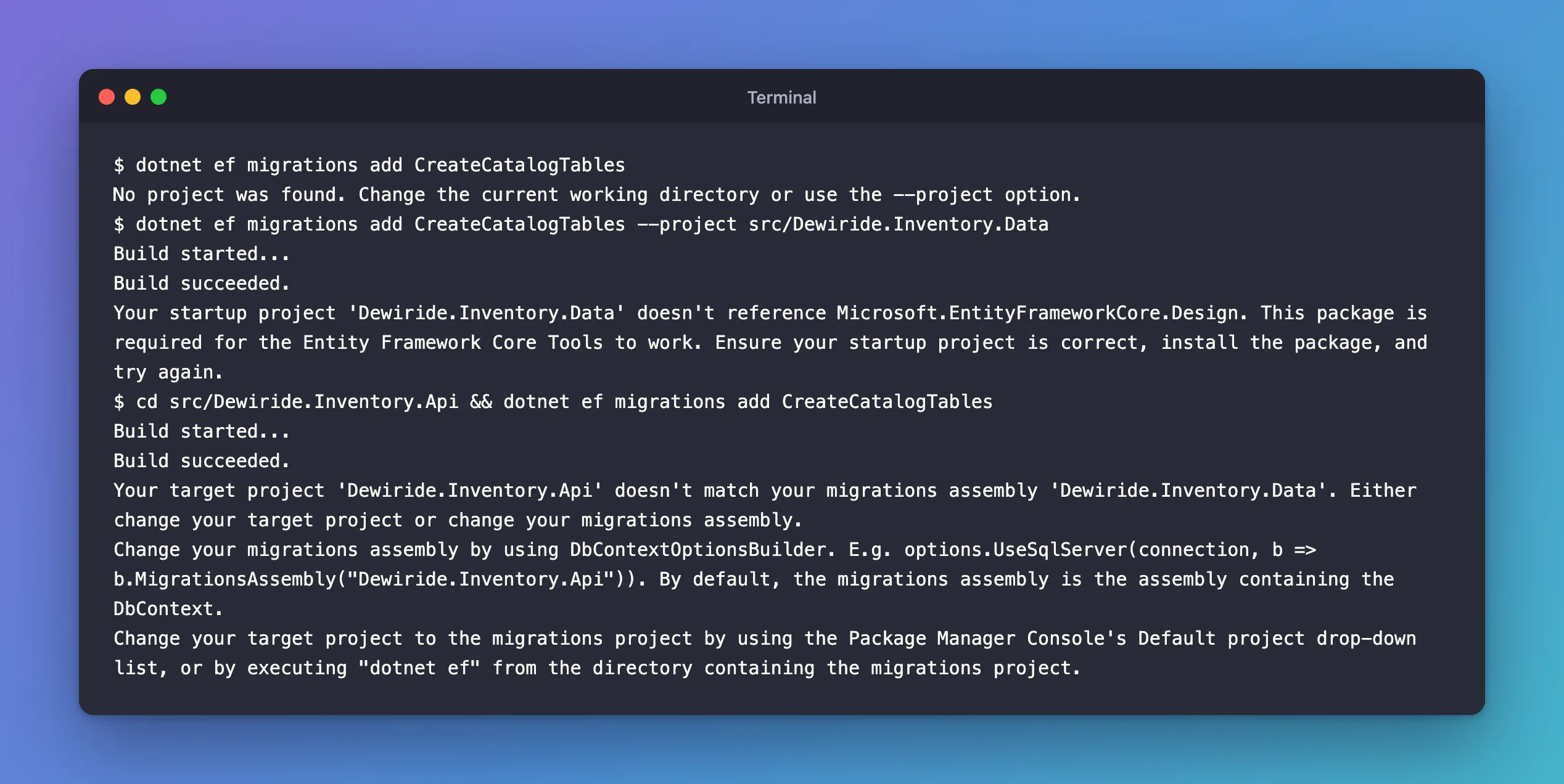
Here the API is both target and startup project. The startup role is right, but migrations belong in the assembly that contains the DbContext, the library. The message suggests changing the migrations assembly; the simpler fix is the one in Step 1: name the library with --project.
Each error has its own fixes post, linked under Related.
Step 3: Make It Easy to Type
The full command is long. Three ways to live with it:
- Copy it from a README in the repository, where the whole team finds it.
- Shell history: after the first time, search for it with Ctrl+R.
- Run from the library's folder with only
--startup-project:dotnet ef migrations add X --startup-project ../Dewiride.Inventory.Api. The target then defaults to the current folder.
Don't solve it by adding the Design package to the class library and running everything from there: the library can't read the app's configuration, such as user-secrets, so the tools wouldn't find the connection string.
Why Not Put the Migrations in the API?
You can, by calling MigrationsAssembly("Dewiride.Inventory.Api") in UseMySQL, as the third error suggests. But then the data layer's history lives in the web project, and any other app that uses the library, such as a worker service, can't use its migrations. Keeping migrations next to the DbContext keeps the data layer complete in one project.
Common Mistakes
| Mistake | What happens | Do this instead |
|---|---|---|
Running dotnet ef from the solution folder with no options | No project was found. | Pass both options |
Only --project | The Design package error | Add --startup-project |
| Only from the API folder | The migrations assembly error | Add --project for the library |
| Design package in the library instead of the API | The tools can't run the app's startup code | Add it to the startup project |
Troubleshooting
| Symptom | Likely cause | Fix |
|---|---|---|
Unable to create a 'DbContext' of type … | The startup project can't build the DbContext, often a missing connection string | Check the startup project's configuration |
| The connection string isn't found | The tools run the startup project in the Development environment, and its secrets aren't set | Set them with user-secrets in the startup project |
| Migrations appear in the wrong project | --project points to the API | Point it to the library |
The second row follows EF Core's applying migrations page: "EF Core design-time tooling uses the Development environment when neither ASPNETCORE_ENVIRONMENT nor DOTNET_ENVIRONMENT is set."
FAQ
Can I use paths to .csproj files instead of folders?
Yes. Both options accept the project folder or the project file.
Does Visual Studio's Package Manager Console work differently?
Its commands, such as Add-Migration, use a "Default project" drop-down as the target and the solution's startup project as the startup project. The roles are the same.
Conclusion
With the DbContext in a class library, every dotnet ef command needs --project for the library, where migrations are written, and --startup-project for the web API, which the tools run to read the model and the connection string. The three common errors, "No project was found", "doesn't reference Microsoft.EntityFrameworkCore.Design" and "doesn't match your migrations assembly", each point to the option that's missing.
Additional Resources
- EF Core tools reference (.NET CLI) — the target and startup projects, and every command.
- Using a Separate Migrations Project — when migrations live elsewhere.
Related
- Fixed: "No project was found. Change the current working directory or use the --project option."
- Fixed: "Your startup project doesn't reference Microsoft.EntityFrameworkCore.Design"
- Fixed: "Your target project doesn't match your migrations assembly"
- How to Install dotnet-ef as a Local Tool in a .NET C# Project
