How to Use ConfigureConventions in EF Core to Configure Every Property of a Type

Some rules apply to every property of a type: all money is decimal(12,2), every DateTime is UTC, every enum is stored by name. Writing those rules property by property is repetitive, and the next property someone adds will miss them. EF Core's ConfigureConventions sets each rule once for the whole model. This guide writes three such rules, proves each one leaves the model unchanged when it replaces per-property code, and shows how a single property can still be different.
What ConfigureConventions Does
EF Core's bulk configuration page explains: "EF Core allows the mapping configuration to be specified once for a given CLR type; that configuration is then applied to all properties of that type in the model as they are discovered." And where it goes: "Such configuration is applied by overriding ConfigureConventions on the type derived from DbContext."
Prerequisites
- A .NET C# project using EF Core. The examples use EF Core 10 with MySQL 9.7, from How to Connect a .NET C# Web API to a MySQL Database — Part 1.
- The EF Core tools: How to Install dotnet-ef as a Local Tool in a .NET C# Project.
Step 1: The Three Rules
All three in the DbContext:
protected override void ConfigureConventions(ModelConfigurationBuilder configurationBuilder)
{
    ArgumentNullException.ThrowIfNull(configurationBuilder);

    // Every amount of money: up to 10 digits before the decimal point and 2 after.
    configurationBuilder.Properties<decimal>()
        .HavePrecision(12, 2);

    // Every date and time is stored as UTC and read back as UTC.
    configurationBuilder.Properties<DateTime>()
        .HaveConversion<UtcDateTimeConverter>();

    // Every enum is stored as its name, such as 'Receipt', not as a number, so the
    // tables still make sense to someone reading them without the C# code.
    configurationBuilder.Properties<Enum>()
        .HaveConversion<string>()
        .HaveMaxLength(32);
}
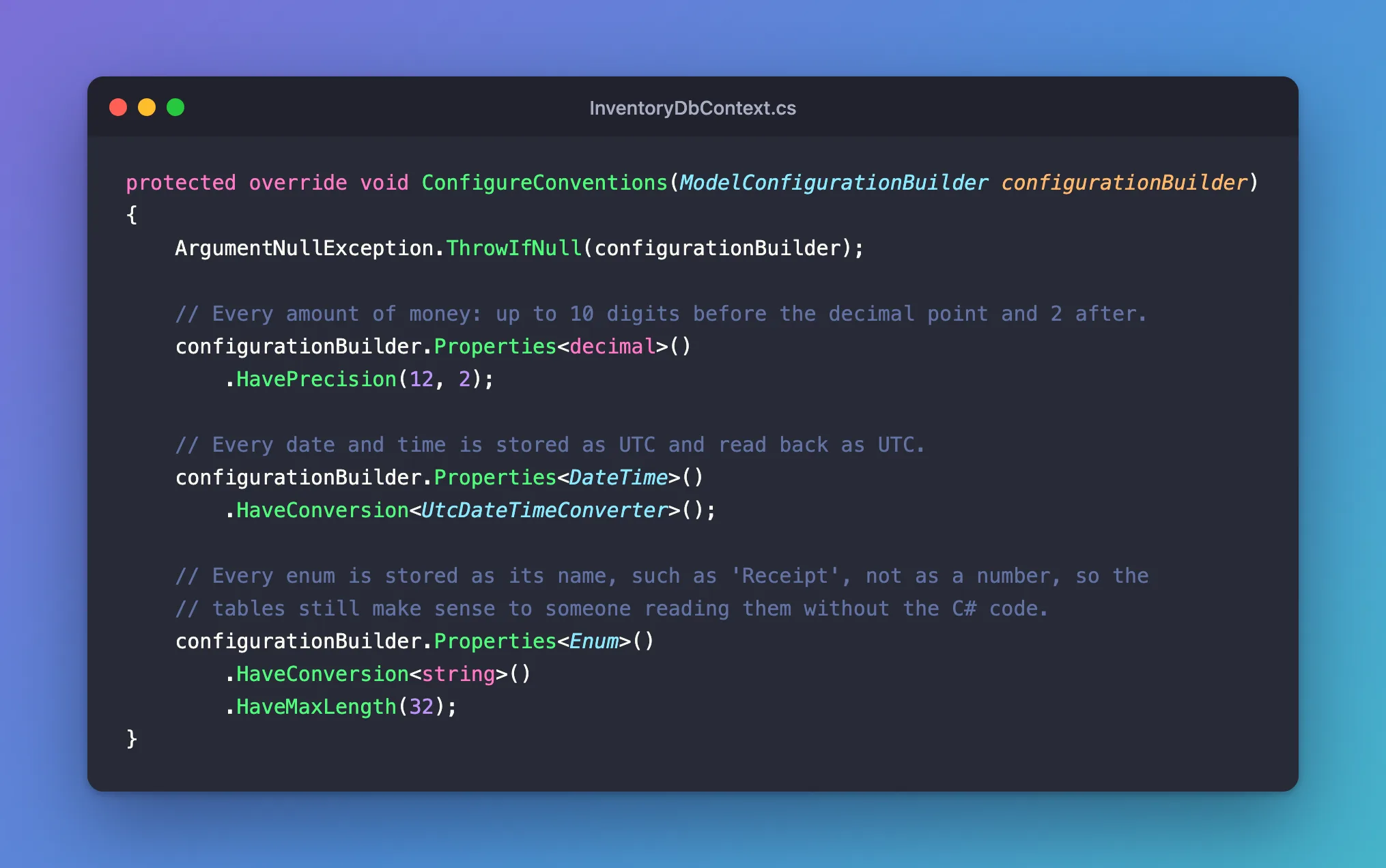
Properties<decimal>().HavePrecision(12, 2)gives everydecimalthe same column type,decimal(12,2).Properties<DateTime>().HaveConversion<UtcDateTimeConverter>()runs a value converter on everyDateTime. How to Save and Read DateTime as UTC with EF Core and MySQL explains the converter.Properties<Enum>()…matches every enum, because the type can be a base type: "The type specified in a call fromConfigureConventionscan be a base type, an interface or a generic type definition." Every enum derives fromSystem.Enum.
Step 2: Replace Per-Property Code, and Prove Nothing Changed
Each rule here replaced configuration that used to be written on one property: HasPrecision(12, 2) on the product's price, HasConversion<string>().HasMaxLength(32) on the stock movement's type. After each replacement, EF Core can confirm the model is the same:
dotnet ef migrations has-pending-model-changes --project src/Dewiride.Inventory.Data --startup-project src/Dewiride.Inventory.Api
Build started...
Build succeeded.
No changes have been made to the model since the last migration.
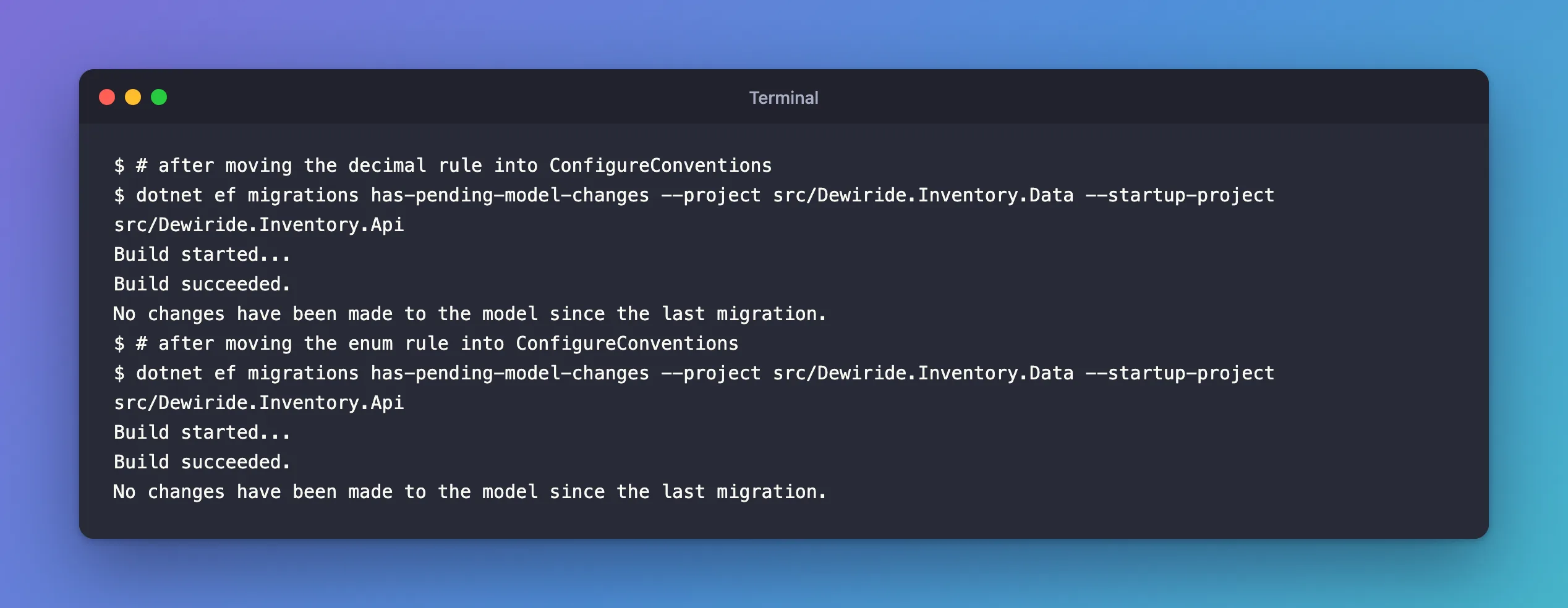
"No changes" means the conventions produce exactly the columns the per-property code did. Adding the DateTime converter didn't change the model either: a converter from DateTime to DateTime keeps the column type, so there's nothing for a migration to do.
Step 3: Make One Property Different
Conventions set the default, not a law. A property can still be configured on its own, and that setting wins. To check, I gave the price a different precision on top of the convention:
builder.Property(p => p.UnitPrice)
    .HasPrecision(10, 2);
Changes have been made to the model since the last migration. Add a new migration.
The migration it produced changes only that one column:
migrationBuilder.AlterColumn<decimal>(
    name: "UnitPrice",
    table: "products",
    type: "decimal(10,2)",
    precision: 10,
    scale: 2,
    nullable: false,
    oldClrType: typeof(decimal),
    oldType: "decimal(12,2)",
    oldPrecision: 12,
    oldScale: 2);
The per-property setting overrode the convention for UnitPrice, and every other decimal kept decimal(12,2). I removed that migration and the override afterwards, with dotnet ef migrations remove; this was only a test.
How the Layers Fit Together
| Layer | Where | Wins over |
|---|---|---|
| EF Core's built-in conventions | Nothing to write | Nothing |
Data annotations, such as [MaxLength] | On the entity's properties | Conventions |
| Pre-convention configuration | ConfigureConventions | Conventions and data annotations |
| Fluent API for one property | OnModelCreating or an IEntityTypeConfiguration class | Everything above, as Step 3 showed |
The third row comes from EF Core's docs: "Pre-convention configuration is equivalent to explicit configuration that is applied as soon as a matching object is added to the model. It will override all conventions and Data Annotations." So a [MaxLength(50)] attribute on a string doesn't beat a Properties<string>().HaveMaxLength(…) rule; a fluent HasMaxLength(50) does.
Common Mistakes
| Mistake | What happens | Do this instead |
|---|---|---|
| Putting type-wide rules in an entity's configuration class | Other entities don't get them | Use ConfigureConventions |
| Expecting an attribute to override a convention | The convention wins | Use the fluent API for exceptions |
| A convention that changes existing columns without a migration | The model and database disagree | Run has-pending-model-changes, and add a migration when it reports changes |
FAQ
Do conventions apply to properties added later?
Yes. They apply to every matching property "as they are discovered", including ones added long after the convention was written. That's their main benefit.
Can I write my own convention classes?
Yes, EF Core supports model-building conventions as classes too. For rules like these three, ConfigureConventions is enough.
Conclusion
ConfigureConventions sets a rule once for every property of a type: Properties<decimal>().HavePrecision(12, 2), Properties<DateTime>().HaveConversion<…>(), Properties<Enum>().HaveConversion<string>(). Replacing per-property code with a convention should leave the model unchanged, which dotnet ef migrations has-pending-model-changes confirms, and a fluent setting on a single property still overrides the convention when one property must be different.
Additional Resources
- Model Bulk Configuration —
ConfigureConventionsand its order of matching. - Creating and Configuring a Model — how conventions, annotations and the fluent API combine.
