How to Use ChangeTracker.Clear in EF Core

A DbContext remembers every entity it has loaded or been told about, until you say otherwise. ChangeTracker.Clear() makes it forget all of them, including changes you haven't saved. That's the fix for one nasty retry bug, and useful in a couple of other places.
Prerequisites
- A .NET C# project using EF Core. I used EF Core 10.0.14.
Step 1: See It Forget
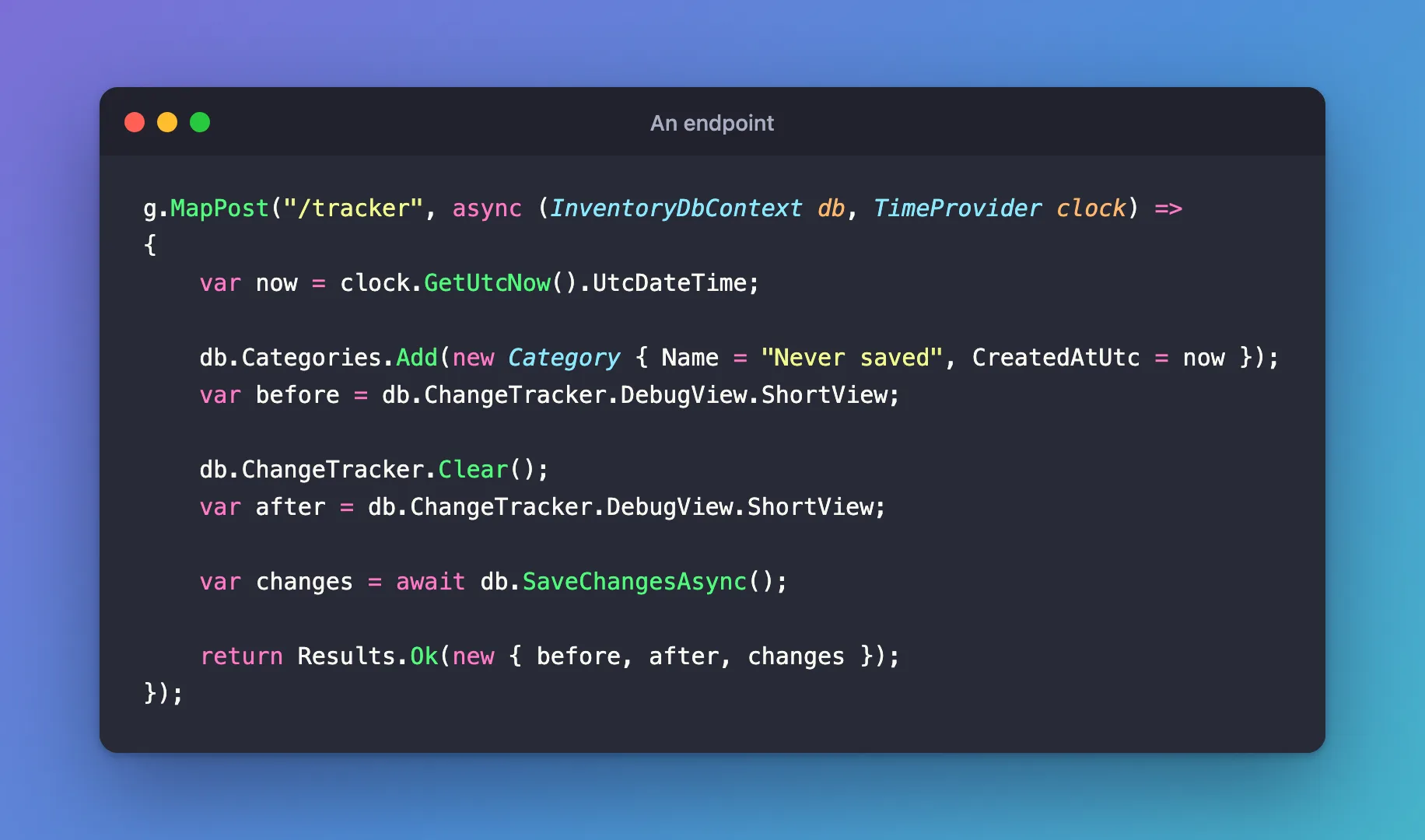
DebugView.ShortView shows what the tracker holds:
g.MapPost("/tracker", async (InventoryDbContext db, TimeProvider clock) =>
{
    var now = clock.GetUtcNow().UtcDateTime;

    db.Categories.Add(new Category { Name = "Never saved", CreatedAtUtc = now });
    var before = db.ChangeTracker.DebugView.ShortView;

    db.ChangeTracker.Clear();
    var after = db.ChangeTracker.DebugView.ShortView;

    var changes = await db.SaveChangesAsync();

    return Results.Ok(new { before, after, changes });
});
{
  "before": "Category {Id: -2147482642} Added\n",
  "after": "",
  "changes": 0
}
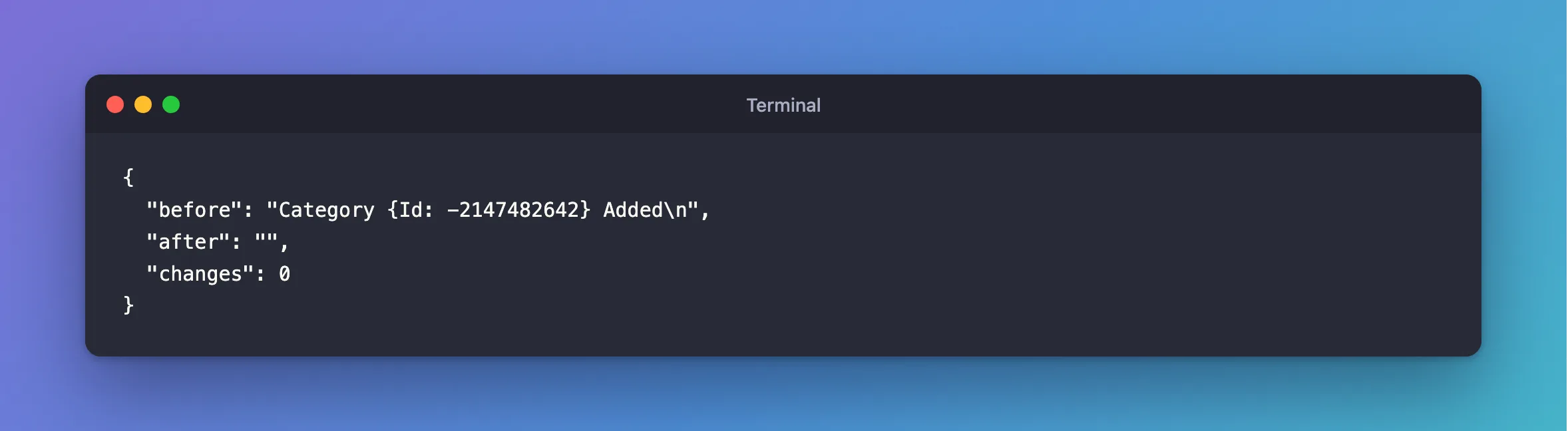
Before: one Category, marked Added, with a temporary ID. After: nothing. SaveChangesAsync then had nothing to do, and returned 0, so the category was never saved.
Step 2: Use It in a Retry
An execution strategy can run your delegate twice on the same DbContext, and the first attempt's entities are still there. Without Clear:
{"attempts":2,"saved":["Retry 275b98d6","Retry 28d05299"]}
With it, at the start of each attempt:
await strategy.ExecuteAsync(
    async ct =>
    {
        db.ChangeTracker.Clear();

        await using var transaction = await db.Database.BeginTransactionAsync(ct);

        // ...
{"attempts":2,"saved":["Retry df418ebd"]}
Fixed: A Retried EF Core Transaction Saves the Row Twice has the whole story.
Step 3: Use It After a Failed Save
When SaveChangesAsync fails, the entities stay as they were, so the next save tries them again. In a savepoint's catch, or anywhere you carry on after a failure, clear them. Don't do this if the tracker also holds changes you still want.
Step 4: Know What It Doesn't Do
- It doesn't touch the database, or roll anything back. It only changes what the context remembers.
- It detaches everything. Objects you still hold keep their values, but saving won't include them.
- It's quicker than detaching one by one. The EF Core docs say that "if you do need to detach entities, then calling ChangeTracker.Clear is more efficient than detaching entities one-by-one."
The same page recommends a short-lived DbContext above all, and a web request's scoped context is that already, so you don't need this in everyday code.
Common Mistakes
| Mistake | What happens | Do this instead |
|---|---|---|
| Clearing before saving wanted changes | They're lost, with no error | Save first |
Using an entity loaded before Clear | Changes to it aren't saved | Load it again |
| Clearing to fix stale values | It works, and hides the cause | Know why they're stale |
Conclusion
ChangeTracker.Clear() empties the context's memory, and changes nothing in the database. Use it at the start of each retry attempt, and after a failure you're carrying on from.
Additional Resources
- Change Tracking in EF Core — entity states.
