How to Use await in C# Top-Level Statements

In a C# program written with top-level statements, you can await straight away, at the top of the file. You don't write async Task Main yourself: the compiler sees the await and generates an asynchronous entry point for you.
Syntax
await <task>;
var <result> = await <task that returns a value>;
| Part | What it does |
|---|---|
await <task> | Waits for the task to finish without blocking the thread. |
<result> | The task's value, when it has one. |
| Generated entry point | async Task Main, or async Task<int> Main when the file also returns a value. |
Microsoft's top-level statements article: "When your top-level code contains await, the compiler generates an entry point that returns a Task. The runtime monitors that Task for completion, keeping the process alive until all asynchronous work finishes."
The Example
The example prints a line, waits one second with await Task.Delay(1000), and prints another line.
Prerequisites
- The .NET 10 SDK or newer, which runs a single
.csfile withdotnet run. This guide uses .NET SDK 10.0.404.
Step 1: Write the Code
Create a file named main.cs in an empty folder:
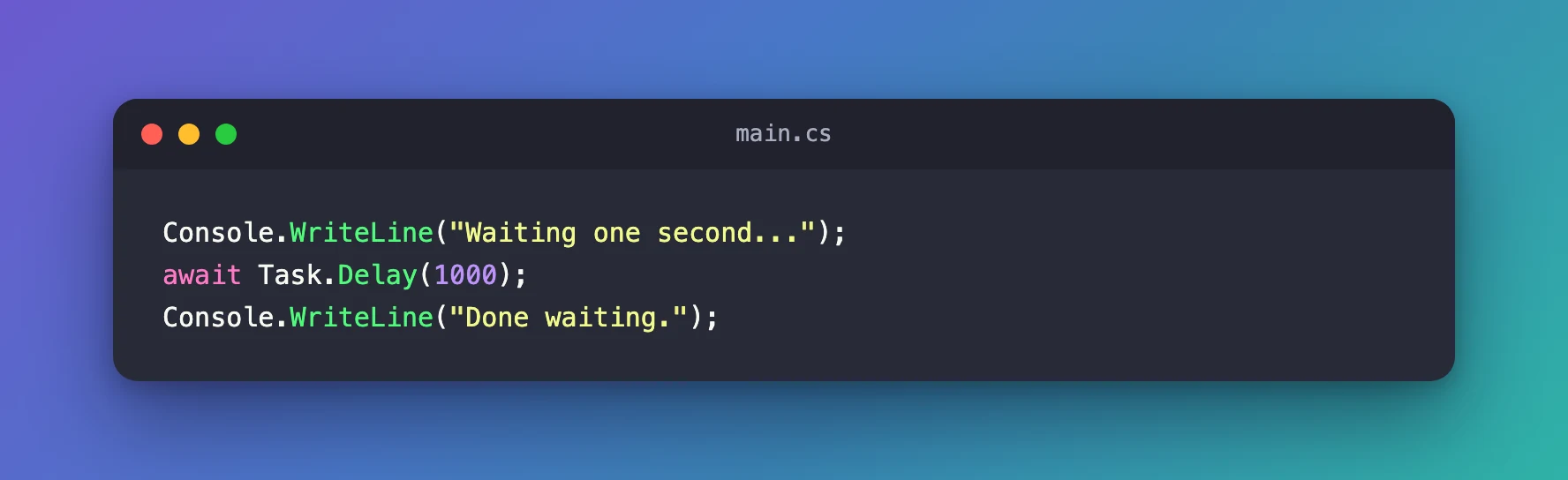
Console.WriteLine("Waiting one second...");
await Task.Delay(1000);
Console.WriteLine("Done waiting.");
Task.Delay(1000) returns a task that finishes after 1,000 milliseconds, and await waits for it. There's no Main, no async and no class anywhere in the file.
Step 2: Run It
dotnet run main.cs
Waiting one second...
Done waiting.
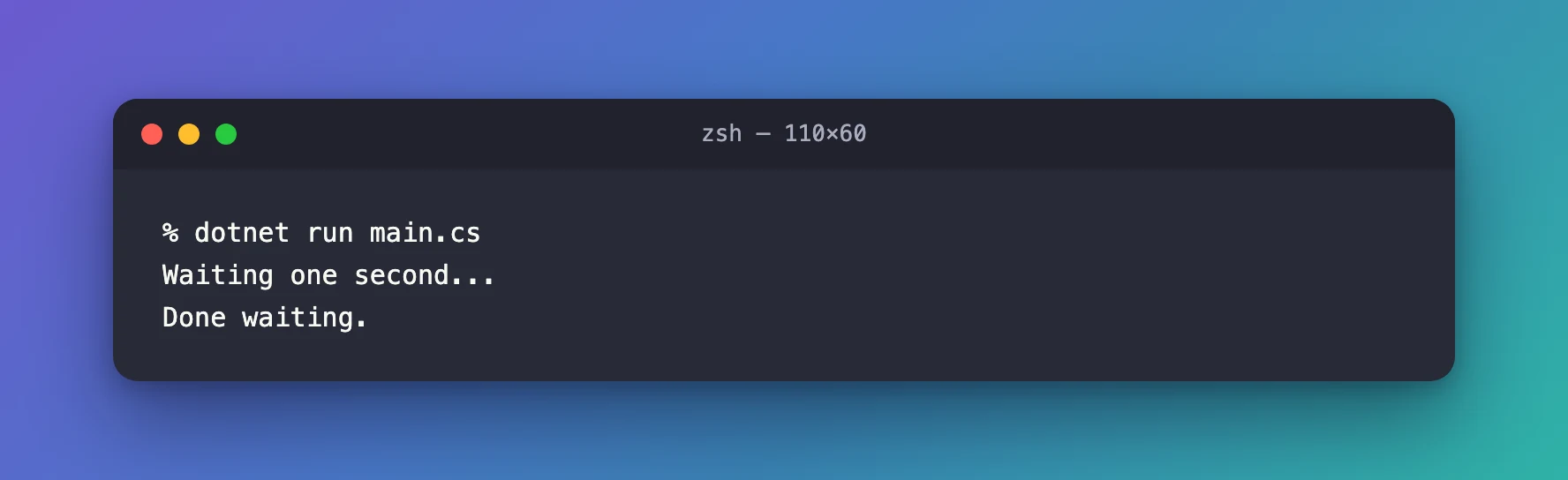
The second line came a second after the first. The command is the same in zsh, bash and PowerShell.
What the Compiler Generates
The article lists the entry point the compiler writes for each case:
| Top-level code contains | Generated entry point |
|---|---|
await and return | static async Task<int> Main(string[] args) |
await | static async Task Main(string[] args) |
So await and an exit code work together: await something, then return 1;, and the program ends with code 1.
Common Mistakes
| Mistake | What happens | Do this instead |
|---|---|---|
Calling Task.Delay(1000); without await | warning CS4014: Because this call is not awaited, execution of the current method continues before the call is completed. The program doesn't wait | Put await in front |
Blocking with .Result or .Wait() | The thread sits blocked instead of waiting asynchronously | Use await |
Writing your own async Task Main in a class next to top-level statements | warning CS7022: The entry point of the program is global code; ignoring 'P.Main()' entry point., and your Main never runs | Choose one style per program |
Troubleshooting
| Symptom | Likely cause | Fix |
|---|---|---|
warning CS4014 at a method call | A task-returning call isn't awaited | Add await |
| The program ends before the work finishes | The task was started but not awaited | await it at the top level |
FAQ
Can I await inside a method in the same file?
Yes, if that method is marked async and returns Task or Task<T>. Top-level await only covers the top-level code itself.
Do I need using System.Threading.Tasks?
No. .NET adds it as an implicit global using, so Task is available in every file.
Conclusion
Write await directly in top-level statements and the compiler generates an async Task Main for you, or async Task<int> Main when you also return an exit code.
Additional Resources
- Top-level statements: await and exit code, on Microsoft Learn.
- Task.Delay, on Microsoft Learn.
