How to Use AsNoTracking in EF Core

By default, EF Core remembers every entity a query returns, in case you change it. AsNoTracking turns that off for one query, which saves work when you only want to read. This guide shows what it changes and what it doesn't, measures the difference on 5,000 rows, and explains the cases where you don't need it at all.
Prerequisites
- A .NET C# project with EF Core. The examples use EF Core 10, Oracle's
MySql.EntityFrameworkCore, MySQL 9.7, and aproductstable. SQL logging is on, as in How to See the SQL That EF Core Sends.
Step 1: Add It to a Query
It goes on the query, before the method that runs it:
var products = await db.Products.AsNoTracking().ToListAsync();
To see the effect, these two endpoints count what the context is tracking after the query:
// Tracking, the default
var products = await db.Products.ToListAsync();
return Results.Ok(new { rows = products.Count, tracked = db.ChangeTracker.Entries().Count() });

// No tracking
var products = await db.Products.AsNoTracking().ToListAsync();
return Results.Ok(new { rows = products.Count, tracked = db.ChangeTracker.Entries().Count() });
HTTP/1.1 200 OK
Content-Type: application/json; charset=utf-8

{
  "rows": 8,
  "tracked": 8
}
HTTP/1.1 200 OK
Content-Type: application/json; charset=utf-8

{
  "rows": 8,
  "tracked": 0
}
And the SQL is the same in both cases:
info: Microsoft.EntityFrameworkCore.Database.Command[20101]
      Executed DbCommand (1ms) [Parameters=[], CommandType='Text', CommandTimeout='30']
      SELECT `p`.`Id`, `p`.`ArchivedAtUtc`, `p`.`CategoryId`, `p`.`CreatedAtUtc`, `p`.`Description`, `p`.`IsArchived`, `p`.`Name`, `p`.`QuantityOnHand`, `p`.`ReorderLevel`, `p`.`Sku`, `p`.`UnitPrice`, `p`.`UpdatedAtUtc`, `p`.`Version`
      FROM `products` AS `p`
So MySQL does the same work. The saving is all in your app: no entries in the change tracker.
Step 2: Measure It
I read 5,000 rows, five times each way, on a new context each time, after two warm-up rounds:
var query = tracking ? context.Products : context.Products.AsNoTracking();
var watch = Stopwatch.StartNew();
var rows = await query.Where(p => p.Sku.StartsWith("BULK-")).ToListAsync();
watch.Stop();
[
  {
    "run": 1,
    "rows": 5000,
    "trackedMs": 33,
    "noTrackingMs": 27
  },
  {
    "run": 2,
    "rows": 5000,
    "trackedMs": 37,
    "noTrackingMs": 27
  },
  {
    "run": 3,
    "rows": 5000,
    "trackedMs": 32,
    "noTrackingMs": 26
  },
  {
    "run": 4,
    "rows": 5000,
    "trackedMs": 51,
    "noTrackingMs": 18
  },
  {
    "run": 5,
    "rows": 5000,
    "trackedMs": 22,
    "noTrackingMs": 18
  }
]
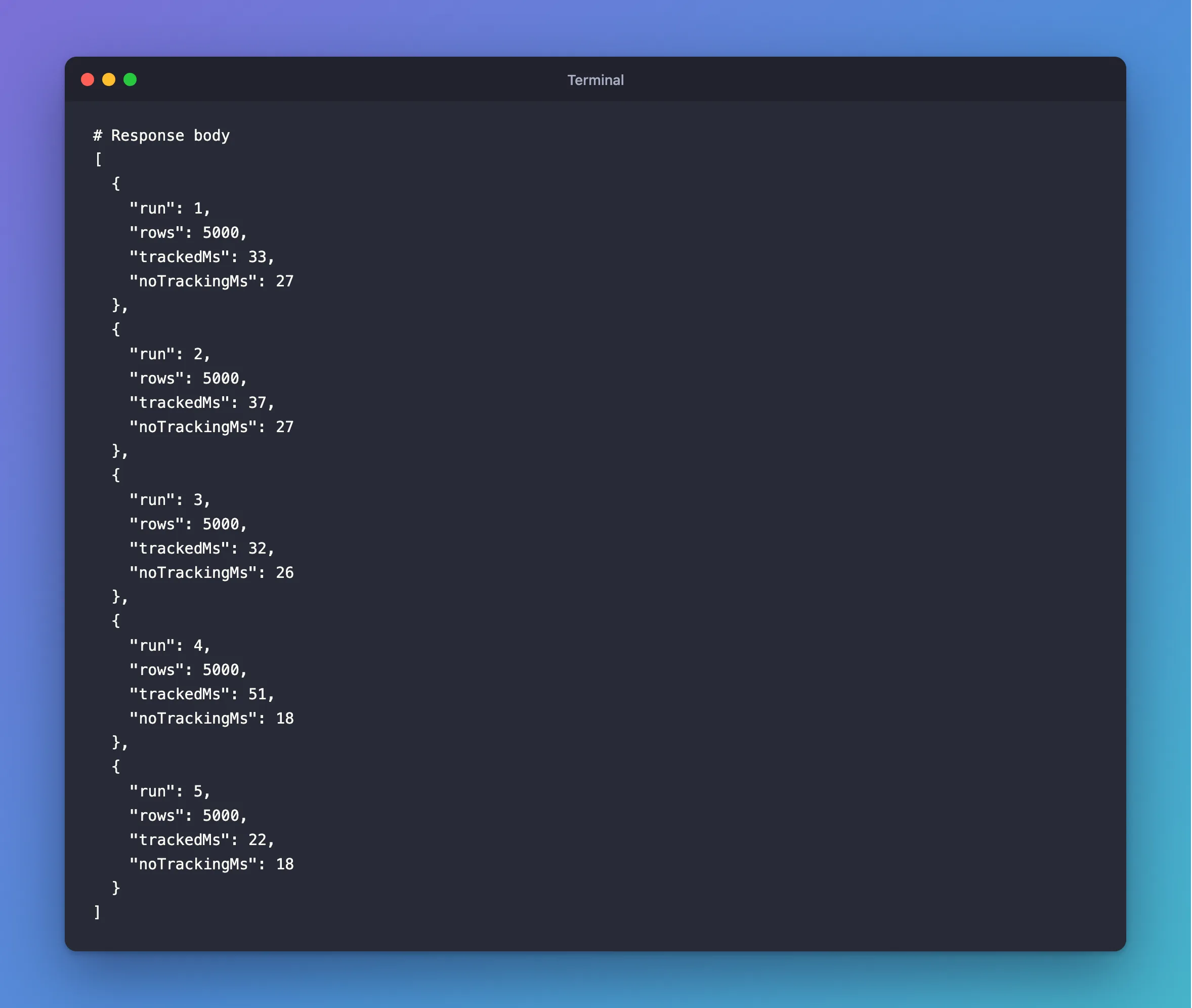
No tracking won all five. A handful of milliseconds on 5,000 rows isn't dramatic, and your numbers will vary, but it adds up on a busy API. It matches EF Core's tracking page: no-tracking queries are "generally quicker to execute because there's no need to set up the change tracking information."
When to Use It
| Situation | Use AsNoTracking? | Why |
|---|---|---|
| Loading entities only to read them | Yes | There's no tracking to pay for |
Select to a record or anonymous type | Not needed | Nothing is tracked anyway |
| Loading an entity to change and save it | No | SaveChangesAsync wouldn't see your change |
| Reading a row you've just changed in this context | No | No-tracking results come from the database |
The second row surprises people. The page says: "If the result set doesn't contain any entity types, then no tracking is done." I checked:
HTTP/1.1 200 OK
Content-Type: application/json; charset=utf-8

{
  "rows": 8,
  "tracked": 0,
  "products": [
    {
      "sku": "CBL-USBC-2M",
      "name": "USB-C cable, 2 m"
    },
    {
      "sku": "CBL-USBC-1M",
      "name": "USB-C cable, 1 m"
    },
    {
      "sku": "CBL-HDMI-2M",
      "name": "HDMI cable, 2 m"
    },
    {
      "sku": "CBL-LTNG-1M",
      "name": "Lightning cable, 1 m"
    },
    {
      "sku": "CHG-USBC-20W",
      "name": "USB-C charger, 20 W"
    },
    {
      "sku": "CHG-USBC-65W",
      "name": "USB-C charger, 65 W"
    },
    {
      "sku": "ADP-HDMI-VGA",
      "name": "HDMI to VGA adapter"
    },
    {
      "sku": "ADP-USBC-USBA",
      "name": "USB-C to USB-A adapter"
    }
  ]
}
tracked is 0, with no AsNoTracking. So an API that always uses Select, like the one in Part 3 of the MySQL series, rarely needs this call.
Common Mistakes
| Mistake | What happens | Do this instead |
|---|---|---|
Changing an AsNoTracking entity and saving | Nothing is saved, and no error appears | Load it with tracking |
Adding AsNoTracking to every Select | It does nothing | Leave it out |
| Turning tracking off for the whole context | Updates silently stop working unless you opt back in | Use it per query |
Using Update on a no-tracking entity without thinking | It writes every column | Load with tracking, and change the property |
FAQ
Can I make no-tracking the default?
Yes, with UseQueryTrackingBehavior(QueryTrackingBehavior.NoTracking) in the context's options. Then use AsTracking on the queries that update. It's reasonable for a mostly read-only app.
What about the same row appearing twice?
A tracking query returns one object per row. A no-tracking query can return separate objects for the same row, for example with Include. AsNoTrackingWithIdentityResolution is for that case.
Conclusion
AsNoTracking() tells EF Core not to remember the entities a query returns. The SQL stays the same, the change tracker stays empty, and reads get a bit faster: five out of five runs here. Use it when you load entities only to read them, skip it on projections, where nothing is tracked, and never use it on something you're about to save.
Additional Resources
- Tracking vs. No-Tracking Queries — the behaviour and the options.
