How to Use Anonymous Types in C#

new { Title = "Learning C#", Pages = 320 } creates an object with two properties, without writing a class first. It's the quick way to bundle a few values together, especially inside a LINQ Select.
Microsoft's guide: Anonymous types provide a convenient way to encapsulate a set of read-only properties into a single object without defining a named type first. The compiler generates a type name at compile time that you can't access in your source code.
Syntax
var <value> = new { <Property1> = <value1>, <Property2> = <value2> };
| Part | What it is |
|---|---|
new { ... } | Creates an object with the properties you list |
<Property> = <value> | A read-only property and its value |
A variable or property on its own, such as title.Length | Becomes a property with the same name, here Length |
var | Needed, because the type has no name you can write |
The guide on var: Because the compiler generates the type name and you can't access it in source code, you must use var to declare the local variable.
The Example
A console app called AnonymousTypes creates two book objects with the same values, prints and compares them, and then uses an anonymous type in a LINQ Select.
Prerequisites
- The .NET 10 SDK.
dotnet --versionprints a version that starts with10.0.
Step 1: Create a Console App
dotnet new console -n AnonymousTypes
cd AnonymousTypes
The template "Console App" was created successfully.

Processing post-creation actions...
Restoring /Users/you/source/AnonymousTypes/AnonymousTypes.csproj:
  Determining projects to restore...
  Restored /Users/you/source/AnonymousTypes/AnonymousTypes.csproj (in 46 ms).
Restore succeeded.
dotnet new console -n AnonymousTypes creates a folder named AnonymousTypes with a project file and a Program.cs, and cd moves into it. Everything this example uses is part of .NET, so there's no package to add. Open the folder in VS Code, or AnonymousTypes.csproj in Visual Studio.
Step 2: Write the Code
Replace everything in Program.cs. First the two objects:
var book = new { Title = "Learning C#", Pages = 320 };
var same = new { Title = "Learning C#", Pages = 320 };
Then print one and compare them:
Console.WriteLine(book);
Console.WriteLine(book.Title);
Console.WriteLine(book.Equals(same));
And use one in a Select:
string[] titles = ["Learning C#", "Hello, LINQ"];
foreach (var item in titles.Select(title => new { Title = title, title.Length }))
{
    Console.WriteLine($"{item.Title}: {item.Length} characters");
}
new { Title = title, title.Length } makes two properties: Title, named in the code, and Length, which takes its name from title.Length.
Step 3: Run It
Run it in VS Code's terminal, or press Ctrl+F5 in Visual Studio:
dotnet run
{ Title = Learning C#, Pages = 320 }
Learning C#
True
Learning C#: 11 characters
Hello, LINQ: 11 characters
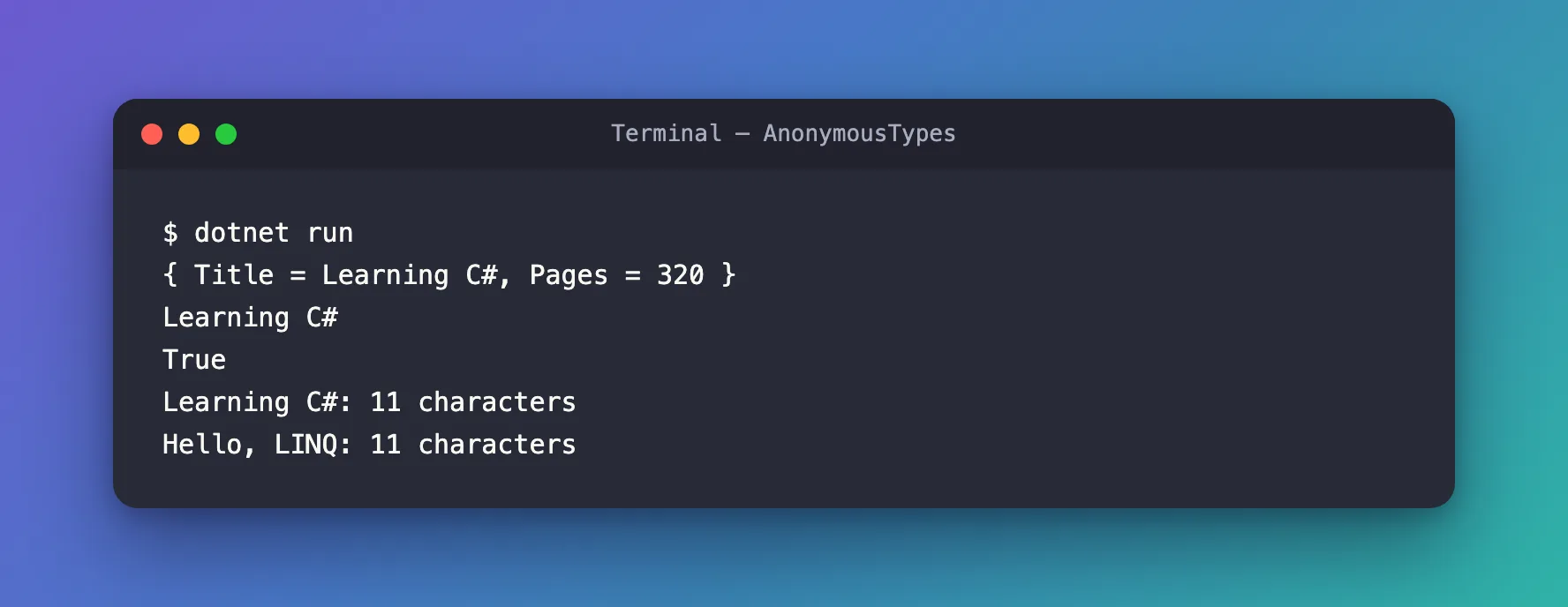
The object printed its properties, book.Title read one of them, and Equals found the two objects equal because their values match. The Select made one object per title, and the loop read their Title and Length.
The Complete File
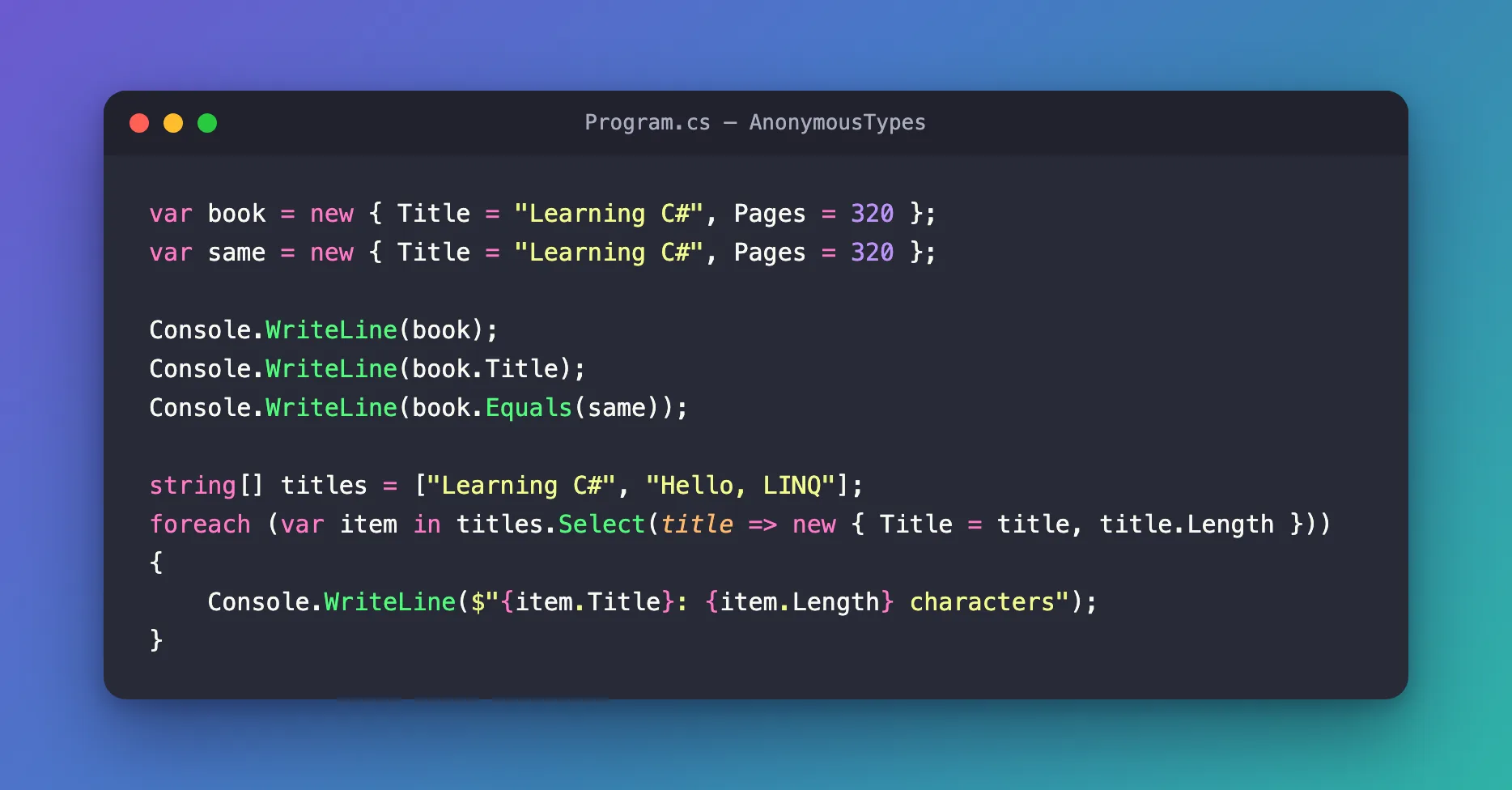
var book = new { Title = "Learning C#", Pages = 320 };
var same = new { Title = "Learning C#", Pages = 320 };

Console.WriteLine(book);
Console.WriteLine(book.Title);
Console.WriteLine(book.Equals(same));

string[] titles = ["Learning C#", "Hello, LINQ"];
foreach (var item in titles.Select(title => new { Title = title, title.Length }))
{
    Console.WriteLine($"{item.Title}: {item.Length} characters");
}
Common Mistakes
| Mistake | What happens | Do this instead |
|---|---|---|
| Changing a property | book.Pages = 321; doesn't build: error CS0200: Property or indexer '<anonymous type: string Title, int Pages>.Pages' cannot be assigned to -- it is read only | Create a new object with the new value |
Comparing with == | book == same returned False, though book.Equals(same) returned True: == checks whether it's the same object | Use Equals. The guide: The compiler overrides Equals and GetHashCode so that equality compares property values rather than reference identity |
FAQ
Can I turn an anonymous object into JSON?
Yes: JsonSerializer.Serialize(book) returned {"Title":"Learning C#","Pages":320}.
Conclusion
new { Name = value, ... } gives you an object with read-only properties and no class to write, held in a var. Compare two of them with Equals, not ==, and write a record or class as soon as the type travels further than one method.
Additional Resources
- Anonymous types — how they're created, named and compared.
