How to Use an if Statement in Python

Programs make decisions: warn when it's hot, skip a step when a file is missing. Python's if runs its indented block only when its condition is true, and elif and else handle the other cases.
Syntax
if <condition>:
    <runs when the condition is true>
elif <other condition>:
    <runs when the first is false and this one is true>
else:
    <runs when none were true>
| Part | What it does |
|---|---|
if <condition>: | Tests the condition. When it's true, its block runs and the rest is skipped. |
elif <other condition>: | Optional, and you can have several. Tested only when everything above was false. |
else: | Optional. Runs when no condition was true. |
| Indentation | Marks which lines belong to each branch. Four spaces is the convention. |
The Python language reference: "The if statement is used for conditional execution". It runs the block of the first condition that's true; if none is, it runs the else block, when there is one.
The Example
The example describes the weather from a temperature: hot above 30, warm above 20, cool otherwise. The temperature is 24.
Prerequisites
- uv and Python. This guide uses uv 0.13.10 with Python 3.15.2.
Step 1: Write the Code
Create a file named main.py:
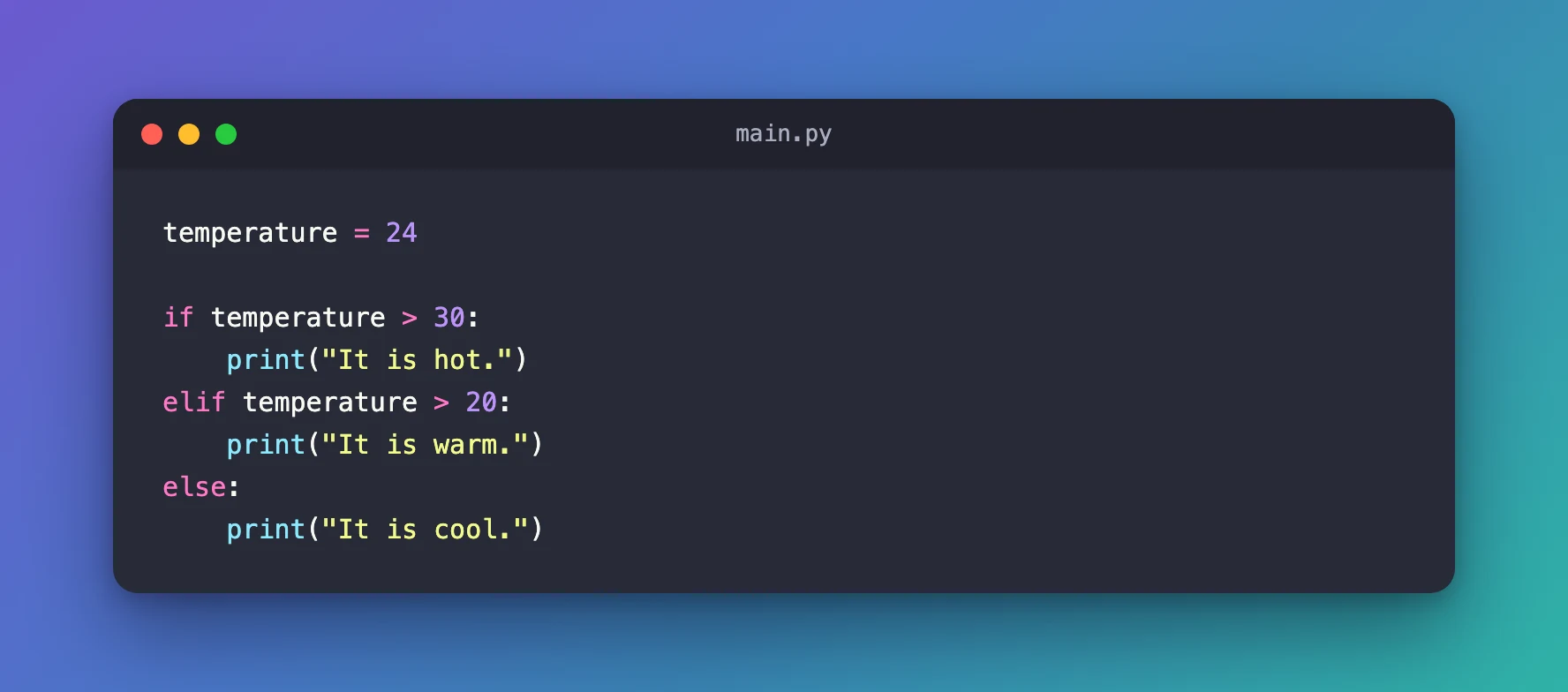
temperature = 24

if temperature > 30:
    print("It is hot.")
elif temperature > 20:
    print("It is warm.")
else:
    print("It is cool.")
Step 2: Run It
uv run python main.py
It is warm.
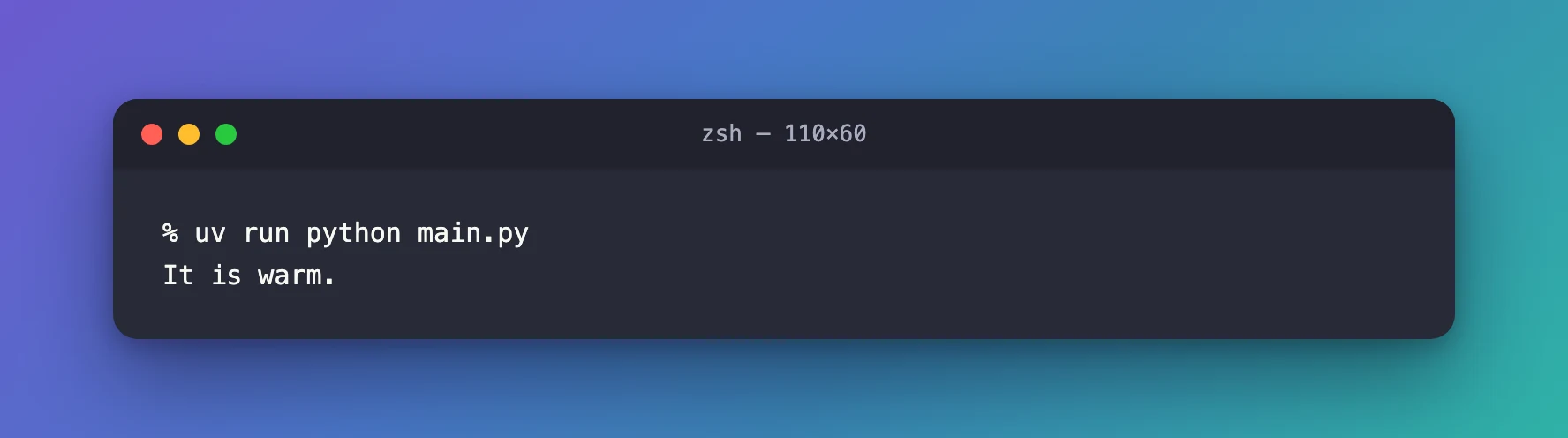
24 > 30 was false, so Python moved on; 24 > 20 was true, so it printed It is warm. and skipped the else. The command is the same in zsh, bash and PowerShell.
Comparing Values
| Operator | Means | Example that's True |
|---|---|---|
== | Equal | 5 == 5 |
!= | Not equal | 5 != 6 |
> and < | Greater than, less than | 24 > 20 |
>= and <= | Greater or equal, less or equal | 20 >= 20 |
Combine conditions with and and or, and turn one around with not.
Common Mistakes
| Mistake | What happens | Do this instead |
|---|---|---|
Leaving out the colon, as in if t > 30 | SyntaxError: expected ':' | End the if, elif and else lines with : |
| Not indenting the block | IndentationError: expected an indented block after 'if' statement on line 2 | Indent the block by four spaces |
Writing = instead of ==, as in if t = 30: | SyntaxError: invalid syntax. Maybe you meant '==' or ':=' instead of '='? | Use == to compare |
Troubleshooting
| Symptom | Likely cause | Fix |
|---|---|---|
| A branch you expected never runs | A condition above it already matched | Put the narrowest condition first |
TabError: inconsistent use of tabs and spaces in indentation | Tabs and spaces are mixed in one block | Indent with spaces only |
FAQ
Can the condition be something other than a comparison?
Yes. Any value works: empty strings, 0, None and empty lists count as false, and almost everything else as true.
Is there a switch statement?
Python has match, which compares one value against several patterns. For a few conditions, if and elif are simpler.
Conclusion
if runs its block when the condition is true, elif tries the next condition, and else catches the rest. End each line with a colon and indent the block.
Additional Resources
- The if statement, in the Python language reference.
- if Statements, in the Python tutorial.
