How to Use an if Statement in JavaScript

Programs make decisions: show a warning when it's hot, skip a step when a file is missing. In JavaScript the if statement does that: it runs a block of code only when its condition is true, and else if and else cover the other cases.
Syntax
if (<condition>) {
  <runs when the condition is true>
} else if (<otherCondition>) {
  <runs when the first is false and this one is true>
} else {
  <runs when none of them were true>
}
| Part | What it does |
|---|---|
if (<condition>) | Tests the condition. When it's true, its block runs and the rest is skipped. |
else if (<otherCondition>) | Optional, and you can have several. Each is tested only when everything above it was false. |
else | Optional. Runs when no condition was true. |
MDN's if...else reference: "The if...else statement executes a statement if a specified condition is truthy. If the condition is falsy, another statement in the optional else clause will be executed."
The Example
The example describes the weather from a temperature: hot above 30, warm above 20, cool otherwise. The temperature is 24.
Prerequisites
- Node.js. This guide uses Node.js 26.13.1.
Step 1: Write the Code
Create a file named main.js:
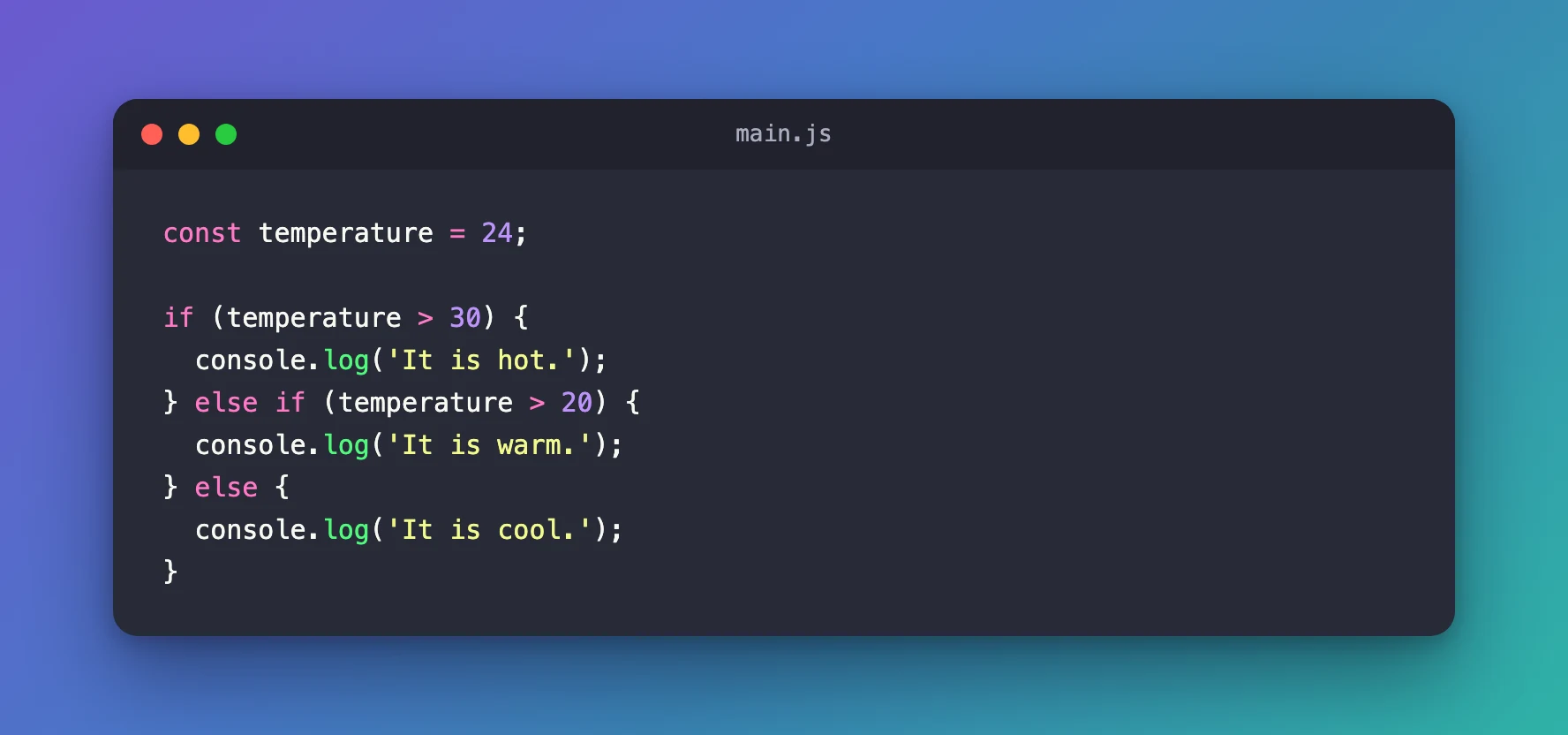
const temperature = 24;

if (temperature > 30) {
  console.log('It is hot.');
} else if (temperature > 20) {
  console.log('It is warm.');
} else {
  console.log('It is cool.');
}
Step 2: Run It
node main.js
It is warm.
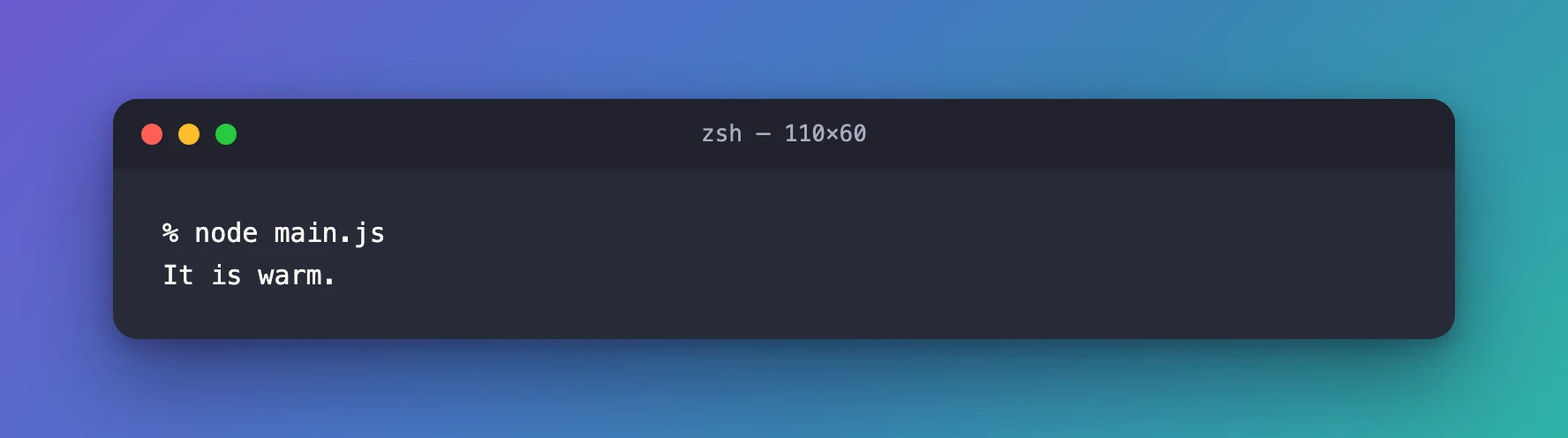
24 > 30 was false, so JavaScript moved on; 24 > 20 was true, so it printed It is warm. and skipped the else. The command is the same in zsh, bash and PowerShell.
Comparing Values
| Operator | Means | Example that's true |
|---|---|---|
=== | Equal, and the same type | 5 === 5 |
!== | Not equal | 5 !== 6 |
> and < | Greater than, less than | 24 > 20 |
>= and <= | Greater or equal, less or equal | 20 >= 20 |
Prefer === to ==: '5' == 5 is true because == converts the string first, while '5' === 5 is false.
Common Mistakes
| Mistake | What happens | Do this instead |
|---|---|---|
Writing = instead of ===, as in if (t = 30) | It assigns 30 to t, and the condition is always true | Use === to compare |
Using == | '5' == 5 is true, which hides type mix-ups | Use === |
Ordering conditions from small to large, such as > 20 before > 30 | > 20 catches 35 first, so hot is never printed | Put the narrowest condition first |
Troubleshooting
| Symptom | Likely cause | Fix |
|---|---|---|
| The same branch runs whatever the value | An = in the condition | Change it to === |
| A branch you expected never runs | A condition above it already matched | Reorder the conditions |
FAQ
Can the condition be something other than a comparison?
Yes. Any value works: JavaScript treats truthy values, such as non-empty strings and non-zero numbers, as true. Even the string 'false' is truthy.
Can I leave out the curly braces?
For a single statement, yes, but keeping them avoids mistakes when you later add a second line.
Conclusion
if runs a block when its condition is true, else if tries the next condition, and else catches the rest. Compare with === and put the narrowest condition first.
Additional Resources
- if...else, on MDN.
- Equality comparisons and sameness, on MDN.
