How to Use an if Statement in Java

Programs make decisions: warn when it's hot, stop when an order isn't paid. Java's if runs a block of code only when its condition is true, and else if and else handle the other cases.
Syntax
if (<condition>) {
    <runs when the condition is true>
} else if (<otherCondition>) {
    <runs when the first is false and this one is true>
} else {
    <runs when none were true>
}
| Part | What it does |
|---|---|
if (<condition>) | Tests a boolean condition. When it's true, its block runs and the rest is skipped. |
else if (<otherCondition>) | Optional, and you can have several. Tested only when everything above was false. |
else | Optional. Runs when no condition was true. |
The Java Language Specification, section 14.9: "The if statement allows conditional execution of a statement or a conditional choice of two statements, executing one or the other but not both."
The Example
The example describes the weather from a temperature: hot above 30, warm above 20, cool otherwise. The temperature is 24.
Prerequisites
- A JDK, the Java Development Kit.
java Main.javaruns a single file without compiling it first. This guide uses OpenJDK 25.0.5.1.
Step 1: Write the Code
Create a file named Main.java:
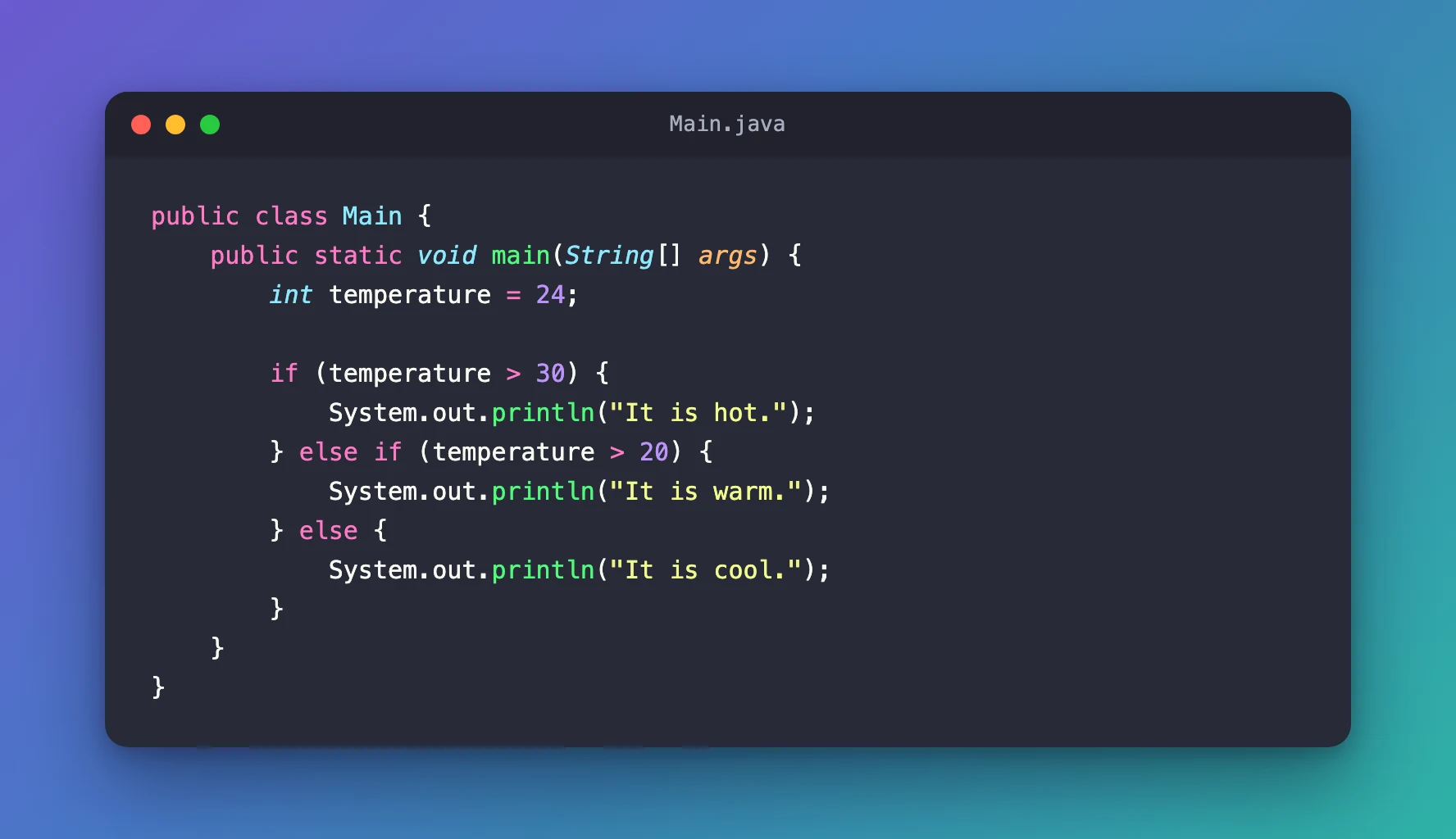
public class Main {
    public static void main(String[] args) {
        int temperature = 24;

        if (temperature > 30) {
            System.out.println("It is hot.");
        } else if (temperature > 20) {
            System.out.println("It is warm.");
        } else {
            System.out.println("It is cool.");
        }
    }
}
Step 2: Run It
java Main.java
It is warm.
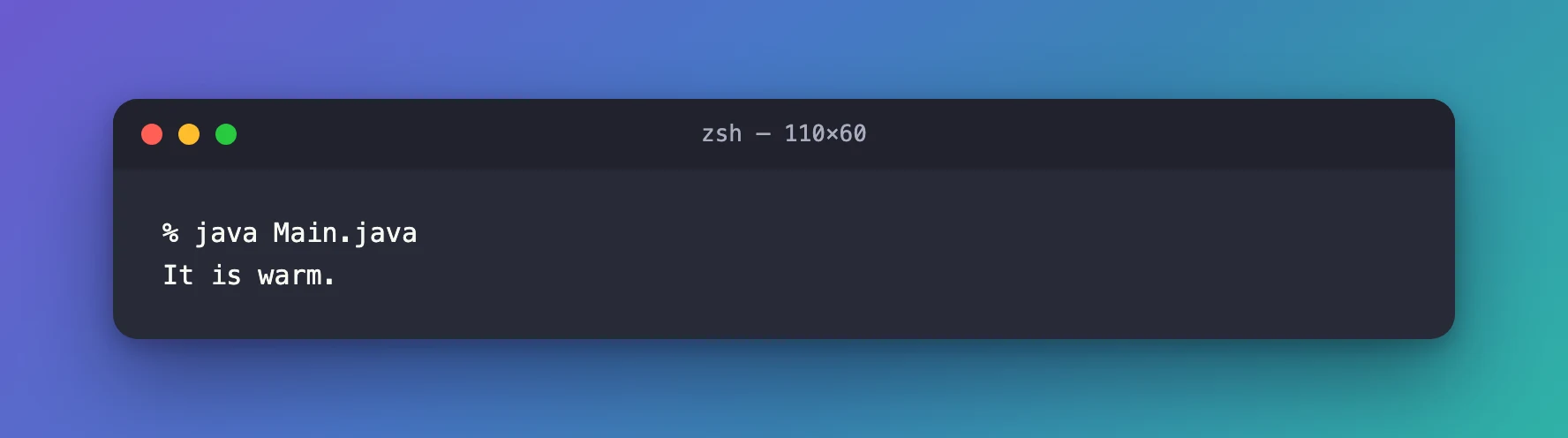
24 > 30 was false, so Java moved on; 24 > 20 was true, so it printed It is warm. and skipped the else. The command is the same in zsh, bash and PowerShell.
Comparing Strings
== on strings compares whether they're the same object, not whether they hold the same text. In a check, new String("hi") == "hi" was false, while new String("hi").equals("hi") was true. Compare text with equals.
Common Mistakes
| Mistake | What happens | Do this instead |
|---|---|---|
Writing = instead of ==, as in if (t = 30) | error: incompatible types: int cannot be converted to boolean | Use == to compare |
Comparing strings with == | It can be false even when the text matches | Use .equals(...) |
Ordering conditions from small to large, such as > 20 before > 30 | > 20 catches 35 first, so hot is never printed | Put the narrowest condition first |
Troubleshooting
| Symptom | Likely cause | Fix |
|---|---|---|
incompatible types: int cannot be converted to boolean | An assignment in the condition | Change = to == |
| A string check never matches | == compared objects | Use equals |
FAQ
Can the condition be a number, like in C?
No. Java requires a boolean, which is why if (t = 30) doesn't compile.
Is there a switch statement?
Yes. switch compares one value against several cases, which can be tidier than a long else if chain.
Conclusion
if runs a block when its boolean condition is true, else if tries the next condition, and else catches the rest. Compare numbers with == and strings with equals.
Additional Resources
- JLS 14.9: The if Statement, in the Java Language Specification.
