How to Use an if Statement in C#

Programs make decisions: warn when it's hot, stop when an order isn't paid. In C#, if runs a block of code only when its condition is true, and else if and else cover the other cases.
Syntax
if (<condition>)
{
    <runs when the condition is true>
}
else if (<otherCondition>)
{
    <runs when the first is false and this one is true>
}
else
{
    <runs when none were true>
}
| Part | What it does |
|---|---|
if (<condition>) | Tests a bool condition. When it's true, its block runs and the rest is skipped. |
else if (<otherCondition>) | Optional, and you can have several. Tested only when everything above was false. |
else | Optional. Runs when no condition was true. |
Microsoft's selection statements reference: "The if statement executes a statement only if a provided Boolean expression evaluates to true."
The Example
The example describes the weather from a temperature: hot above 30, warm above 20, cool otherwise. The temperature is 24.
Prerequisites
- The .NET 10 SDK or newer, which runs a single
.csfile withdotnet run. This guide uses .NET SDK 10.0.404.
Step 1: Write the Code
Create a file named main.cs in an empty folder:
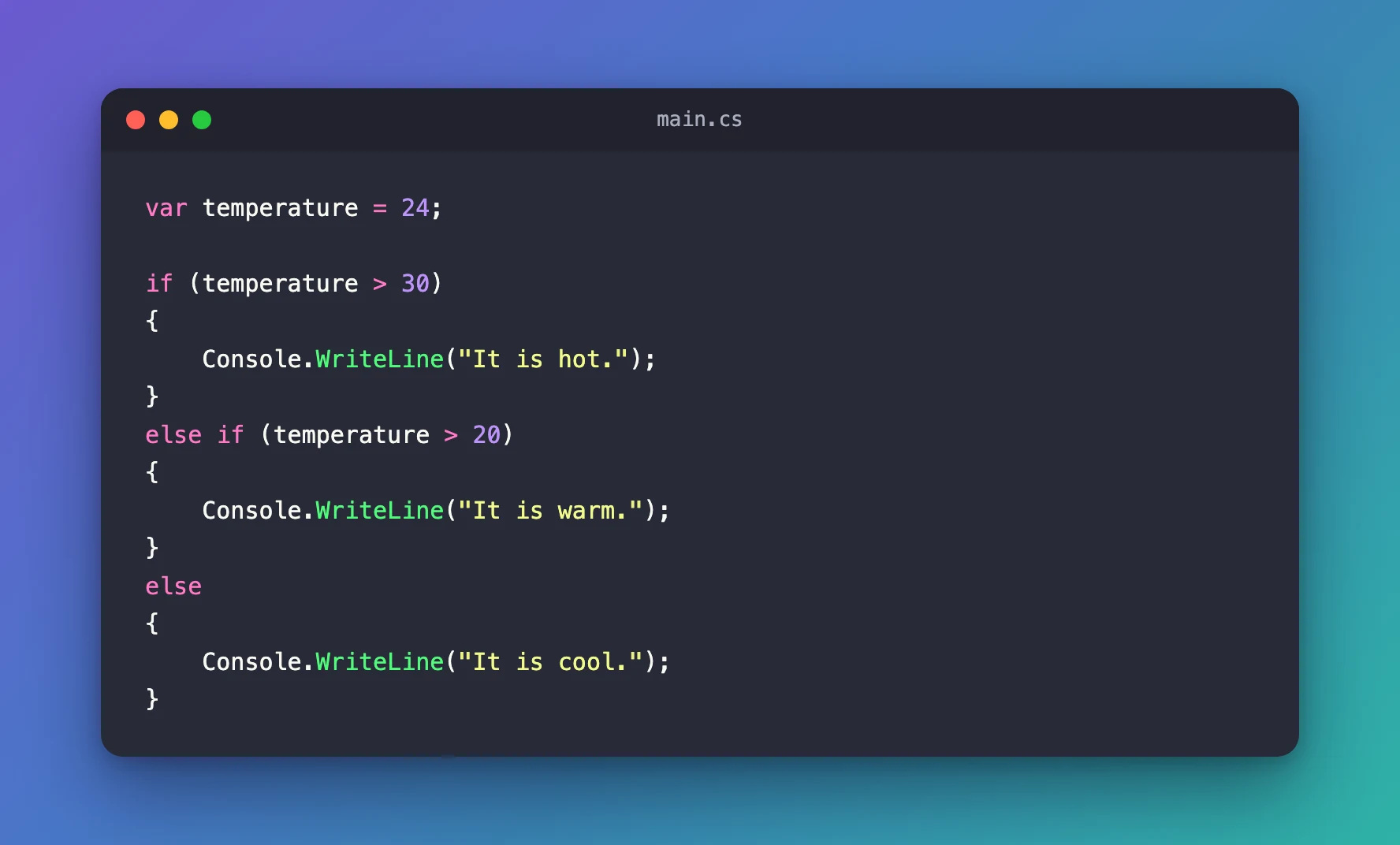
var temperature = 24;

if (temperature > 30)
{
    Console.WriteLine("It is hot.");
}
else if (temperature > 20)
{
    Console.WriteLine("It is warm.");
}
else
{
    Console.WriteLine("It is cool.");
}
Step 2: Run It
dotnet run main.cs
It is warm.
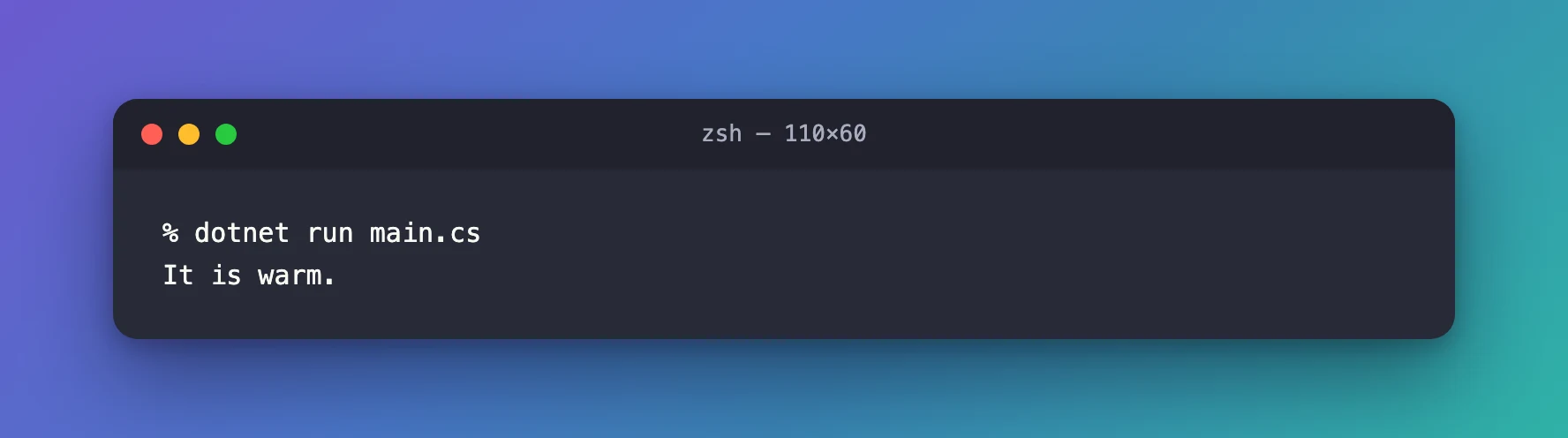
24 > 30 was false, so C# moved on; 24 > 20 was true, so it printed It is warm. and skipped the else. The command is the same in zsh, bash and PowerShell.
Comparing and Negating
| Operator | Means | Example that's true |
|---|---|---|
== | Equal | 5 == 5 |
!= | Not equal | 5 != 6 |
> and < | Greater than, less than | 24 > 20 |
>= and <= | Greater or equal, less or equal | 20 >= 20 |
! | Not: turns true into false | !false |
! reads naturally in conditions such as if (!allPaid), "if not all paid".
Common Mistakes
| Mistake | What happens | Do this instead |
|---|---|---|
Writing = instead of ==, as in if (t = 30) | error CS0029: Cannot implicitly convert type 'int' to 'bool' | Use == to compare |
Ordering conditions from small to large, such as > 20 before > 30 | > 20 catches 35 first, so hot is never printed | Put the narrowest condition first |
| Leaving out the braces and adding a second line later | Only the first line belongs to the if | Always use braces |
Troubleshooting
| Symptom | Likely cause | Fix |
|---|---|---|
CS0029 on an if line | An assignment in the condition | Change = to == |
| A branch you expected never runs | A condition above it already matched | Reorder the conditions |
FAQ
Does C# treat numbers or strings as true or false?
No. The condition must be a bool. That's why if (t = 30) doesn't compile in C#, while some other languages accept it.
Is there a switch statement?
Yes. switch compares one value against several cases, which can be tidier than a long else if chain.
Conclusion
if runs a block when its bool condition is true, else if tries the next condition, and else catches the rest. Compare with ==, negate with ! and put the narrowest condition first.
Additional Resources
- The if statement, on Microsoft Learn.
